manuals.online logo
Brands
  1. Home
  2. •
  3. Brands
  4. •
  5. DAHON
  6. •
  7. Bicycle Accessories
  8. •
  9. DAHON BIOLOGIC REECHARGE - 2010 User manual

DAHON BIOLOGIC REECHARGE - 2010 User manual

This manual suits for next models

1

Other DAHON Bicycle Accessories manuals

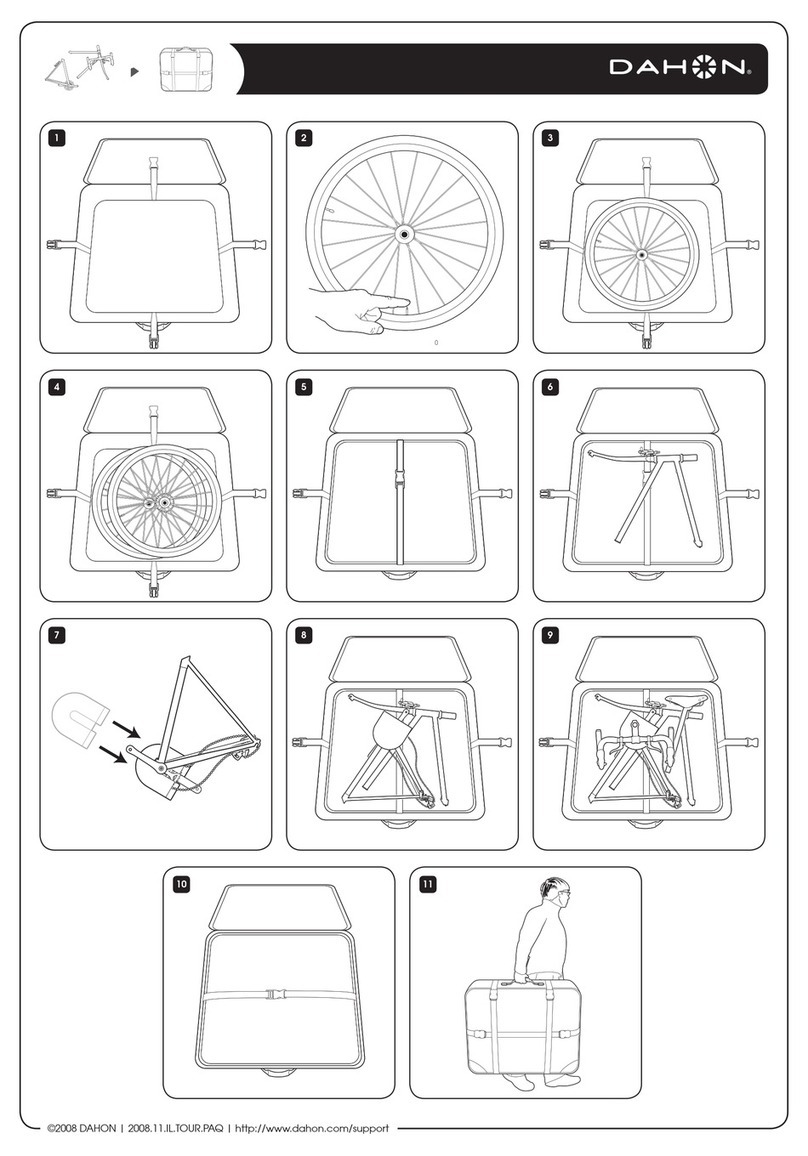
DAHON TOURNADO PACKING - 2009 User manual

DAHON

DAHON TOURNADO PACKING - 2009 User manual

DAHON BIOLOGIC User manual

DAHON

DAHON BIOLOGIC User manual

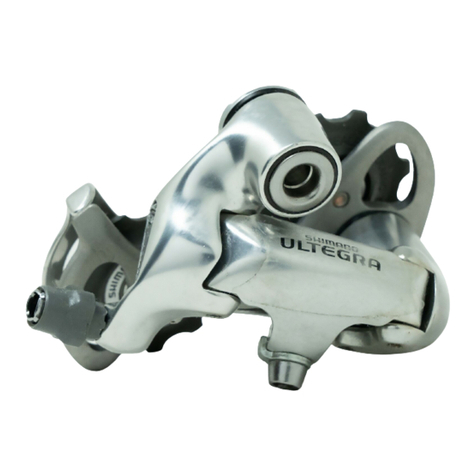
DAHON ULTEGRA RD-6500 - TECHNICAL Operating instructions

DAHON

DAHON ULTEGRA RD-6500 - TECHNICAL Operating instructions

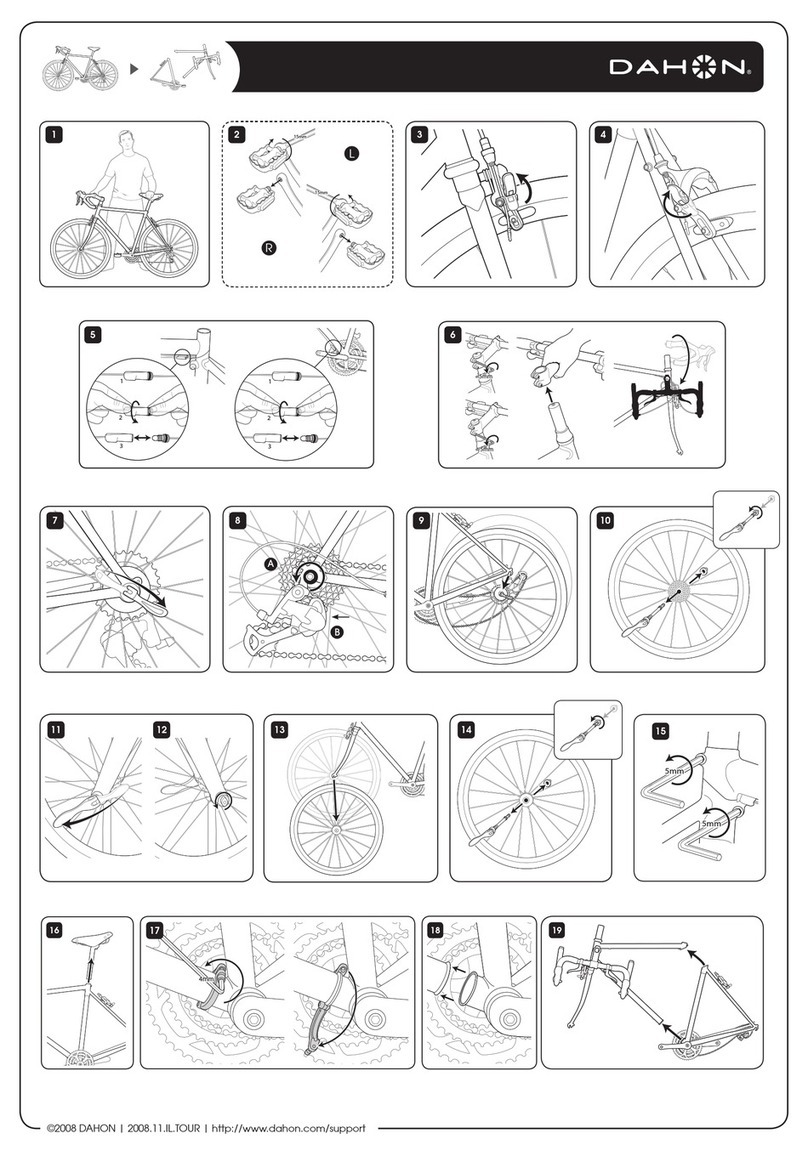
DAHON TOURNADO - 2008 User manual

DAHON

DAHON TOURNADO - 2008 User manual

DAHON X-FUSION User manual

DAHON

DAHON X-FUSION User manual

DAHON TOURNADO - 2009 User manual

DAHON

DAHON TOURNADO - 2009 User manual

DAHON TOURNADO PACKING - 2008 User manual

DAHON

DAHON TOURNADO PACKING - 2008 User manual

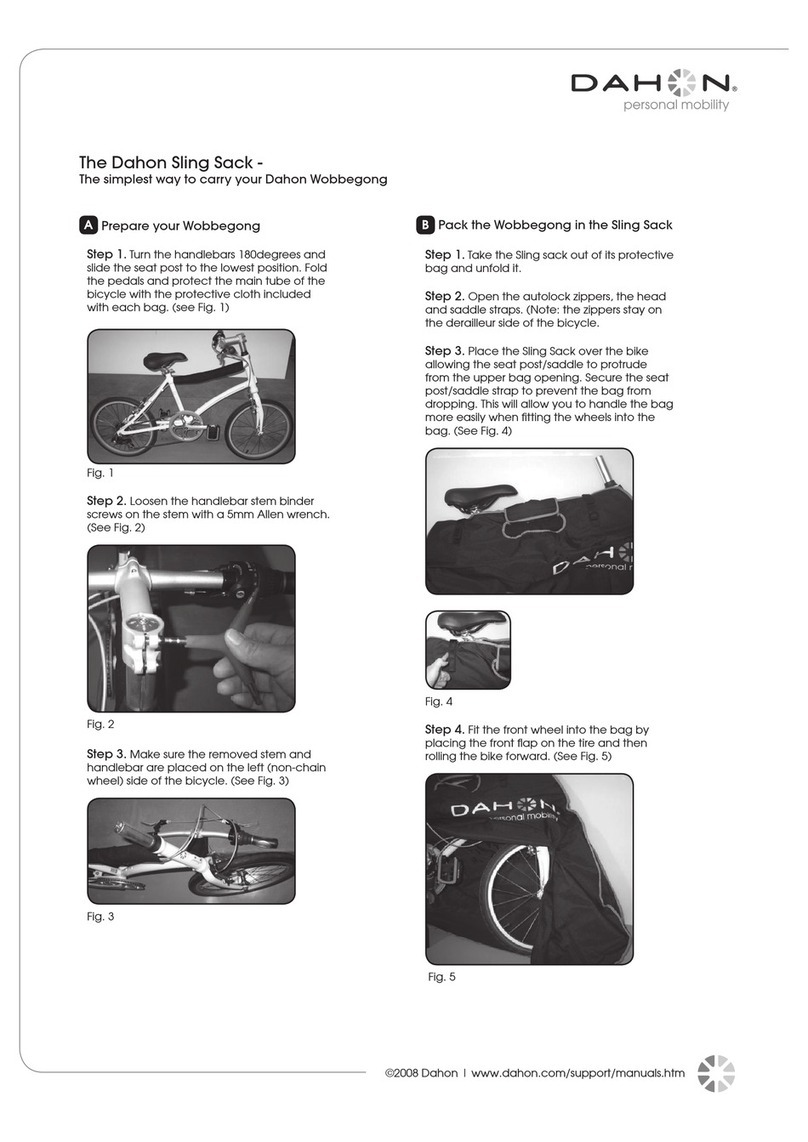
DAHON WOBBEGONG SLING SACK - 2008 User manual

DAHON

DAHON WOBBEGONG SLING SACK - 2008 User manual

Popular Bicycle Accessories manuals by other brands

Galeo Galeo user guide

Galeo

Galeo Galeo user guide

Shimano DURA-ACE FC-R9100 Dealer's manual

Shimano

Shimano DURA-ACE FC-R9100 Dealer's manual

BAFANG BT C01.340.UART Customer's manual

BAFANG

BAFANG BT C01.340.UART Customer's manual

Minshine T154 Series manual

Minshine

Minshine T154 Series manual

Cateye TRIPLE SHOT PRO HL-EL830RC instruction manual

Cateye

Cateye TRIPLE SHOT PRO HL-EL830RC instruction manual

Navad Trail 200 Quick manual guide

Navad

Navad Trail 200 Quick manual guide

Specialized Elite CylcoComputer user manual

Specialized

Specialized Elite CylcoComputer user manual

Sigma BC 16.16 manual

Sigma

Sigma BC 16.16 manual

Playcore Dero Setbacks installation instructions

Playcore

Playcore Dero Setbacks installation instructions

VDO Cyclecomputing x3dw instruction manual

VDO Cyclecomputing

VDO Cyclecomputing x3dw instruction manual

Cateye RAPID X2 manual

Cateye

Cateye RAPID X2 manual

buratti meccanica Clorofilla Trail Use and maintenance manual

buratti meccanica

buratti meccanica Clorofilla Trail Use and maintenance manual

Shimano SG-8R20 Service instructions

Shimano

Shimano SG-8R20 Service instructions

BOB YAK owner's manual

BOB

BOB YAK owner's manual

APLIC 303303/20190717TW012 user manual

APLIC

APLIC 303303/20190717TW012 user manual

Polini HI-SPEED E-BIKE quick start guide

Polini

Polini HI-SPEED E-BIKE quick start guide

SRAM AXS BlipBox user manual

SRAM

SRAM AXS BlipBox user manual

Shimano FD-RX810 Dealer's manual

Shimano

Shimano FD-RX810 Dealer's manual

manuals.online logo
manuals.online logoBrands
  • About & Mission
  • Contact us
  • Privacy Policy
  • Terms and Conditions

Copyright 2025 Manuals.Online. All Rights Reserved.

Biologic™ReeCharge
Owner’s Manual
CAUTION
Carrying the ReeCharge
The ReeCharge contains delicate components.
Do not bend, drop, or crush ReeCharge units.
Using connector ports
Never force a connector into a port. Make sure
that the connector matches the port and that
you have positioned the connector correctly in
relation to the port.
Keep the ReeCharge within acceptable
temperatures
Battery life might be affected by extreme
temperature conditions. Always keep the
ReeCharge between -20°C and 45°C. Avoid re
and high heat conditions.
Charging the ReeCharge
Connect the ReeCharge to the bicycle dynamo
hub using only a compatible cable with a power
regulator. Do not connect the ReeCharge
with a regular wire to the dynamo hub.
Standard 6V/ 2.4W or 6V/ 3.0W dynamo hubs
can be connected via a power regulator cable
to the ReeCharge.
Biologic™ReeCharge
The ReeCharge can be charged using a USB
port.
When charging the ReeCharge with alternative
power sources, use only 5V DC output
charging devices rated at less than 1A. The
ReeCharge and its adaptor may become warm
during normal use. Always allow adequate
ventilation around the ReeCharge.
Please read the safety instructions for all
products and accessories before using them
with the ReeCharge. MINIWIZ and Dahon are
not responsible for the operation of third party
accessories or their compliance with safety and
regulatory standards.
Avoid submerging in water
Do not submerge the ReeCharge in water.
The ReeCharge is weatherproof, but not water
resistant. Do not attempt to dry the ReeCharge
device with an external heat source such as a
hair dryer, radiator, or oven.
Charge safely while cycling
Do not attempt to operate the buttons or
connectors of the ReeCharge while cycling.
Do not charge the ReeCharge when using a
light that is connected to the same dynamo
hub. When using the light and charging the
ReeCharge simultaneously, the power from the
dynamo hub is split between the two devices,
which lowers the brightness of the light, which
can compromise safety at night.

Choking hazard
The ReeCharge contains small parts, which
may present a choking hazard to small children.
Keep the ReeCharge and its accessories away
from small children.
Do not throw in trash
The built-in lithium-ion battery can be recycled.
Please dispose of the battery at the nearest
recycling location in your area.
Notice
Dahon and MINIWIZ are not responsible for any
failures the ReeCharge might cause to devices
charged with the unit.
FEATURES
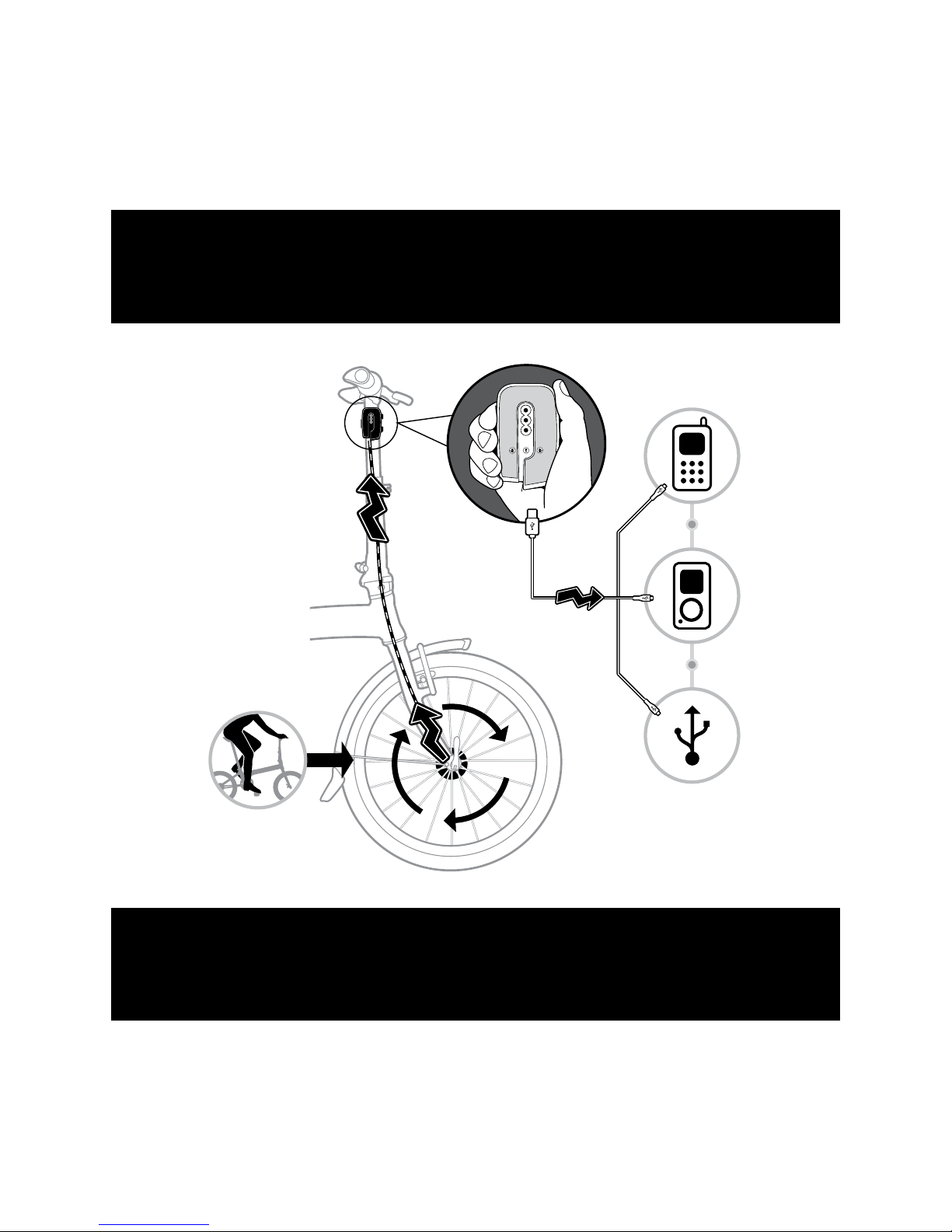
1. The ReeCharge enables the charging of a
mobile device from a bicycle dynamo hub.
3. The ReeCharge can be securely fastened
onto a bicycle handlepost, stem or handlebar,
so that it can be charged while cycling.
4. Electronic devices can be charged through
the ReeCharge while cycling or they can
be charged from the charged battery of the
ReeCharge when not cycling.
5. The ReeCharge has universal adaptors
and a USB cable, which allow charging of a
large selection of different devices, including,
but not limited to iPhone®, iPod®, Nokia®,
Sony®, Samsung®, BlackBerry®, Mini-USB
port, PDA, GPS, MP3 player, and other 5V
handheld devices.
6. An included wall charger allows the
ReeCharge to be used as a universal charger
for most 5V handheld wireless devices.
7. The ReeCharge can be used as an extra
power source for a wide variety of electronic
devices. Its built-in 1600 mAh lithium ion
polymer rechargeable battery gives you extra
battery capacity when you need it.
8. No additional software is required.
1. Charge In Button
Push this button to start or stop charging the•
ReeCharge.
The ReeCharge is being charged when the•
green light on the side of the device is lit.
NOTE• : The green light on the side is on only
when the ReeCharge is receiving enough
electricity to charge its internal battery.
2. Battery Status Button
Push this button to turn the Battery Status/•
Safety Light on or off.
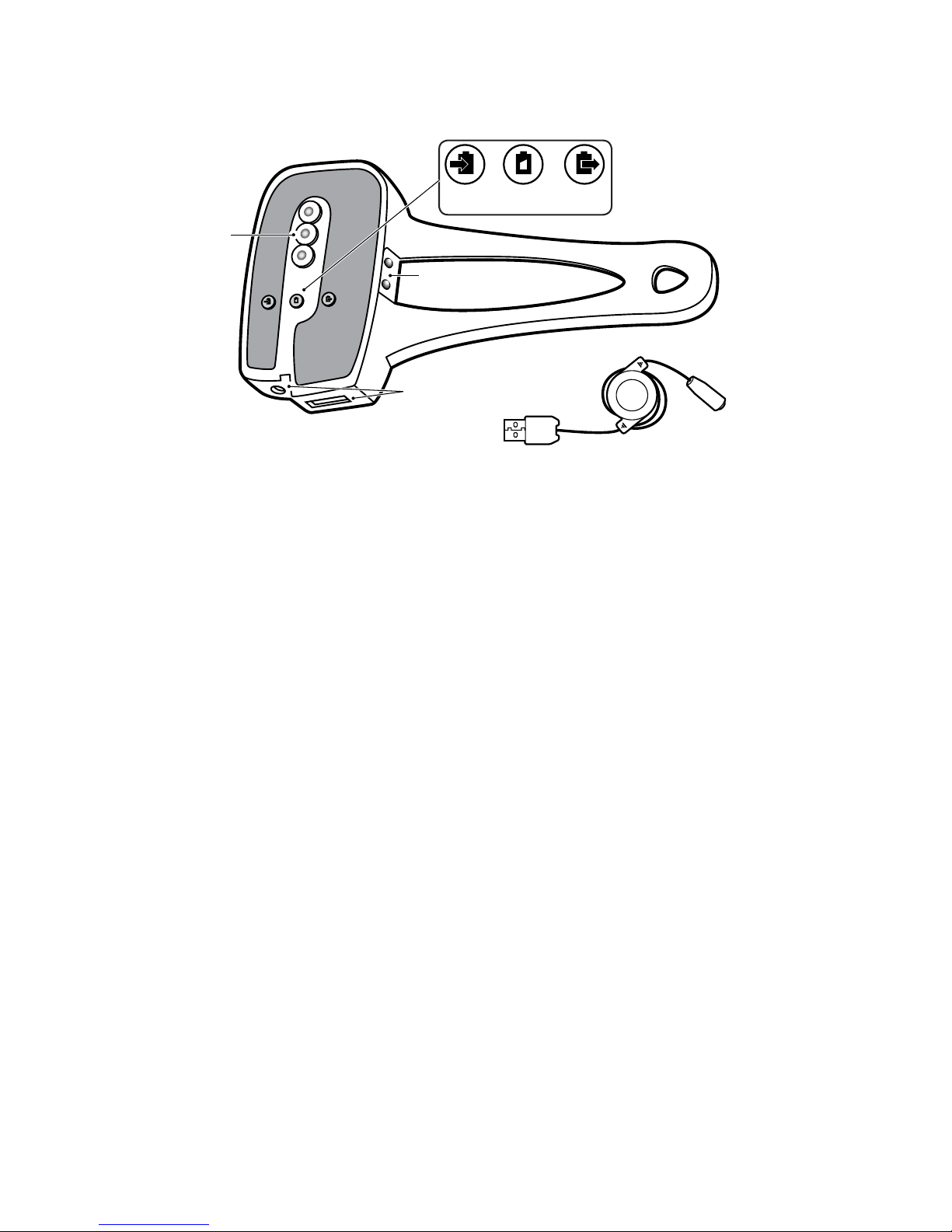
1. Charge In Button
2. Battery Status Button
3. Charge Out Button
4. Charging Indicator Lights
5. Charging Socket
6. Charge Out USB Socket
7. Battery Status/ Safety Light
8. Self Opening Sealing Flaps
9. USB charging cable (included).
1 2 3
5
4
6
7
89
ReeCharge Overview
3. Charge Out Button
Push this button to start or stop charging•
external devices through the ReeCharge.
The ReeCharge is charging any attached•
device when the red light on the side of the
ReeCharge is lit.
NOTE• : When the red light on the side of the
ReeCharge is lit the ReeCharge is releasing
its charge no matter if a device is connected
or not.
Make sure that the red light is off if you do not•
intend to charge other devices or do not want
the ReeCharge to discard completely.
4. Charging Indicator Lights
Green light On indicates that ReeCharge is•
charging. Notice the light is on only when the
ReeCharge is receiving enough electricity to
charge its internal battery.
Red light On indicates that ReeCharge is•
ready to charge external devices. NOTE:
When the red light is on the ReeCharge is
releasing its charge no matter if a device is
connected or not.
5. Charging Socket
The cable for charging the ReeCharge is•
inserted here.
6. Charge Out USB Socket
USB cables for charging other devices from•
the ReeCharge are connected here.
7. Battery Status/ Safety Light
Shows the ReeCharger’s battery status•
3 lights lit: Fully charged (over 80%)-
2 lights lit: Half full-
1 light lit: Almost empty-
No lights lit: Empty-
The lights also serve as a safety light at night.•
8. Self Opening Sealing Flaps
The ReeCharge has water sealing aps in •
front of the cable connecting ports. These
aps open inwards when pushing the cable
into the socket.
Just push the plugs into the ports and the•
aps will open.
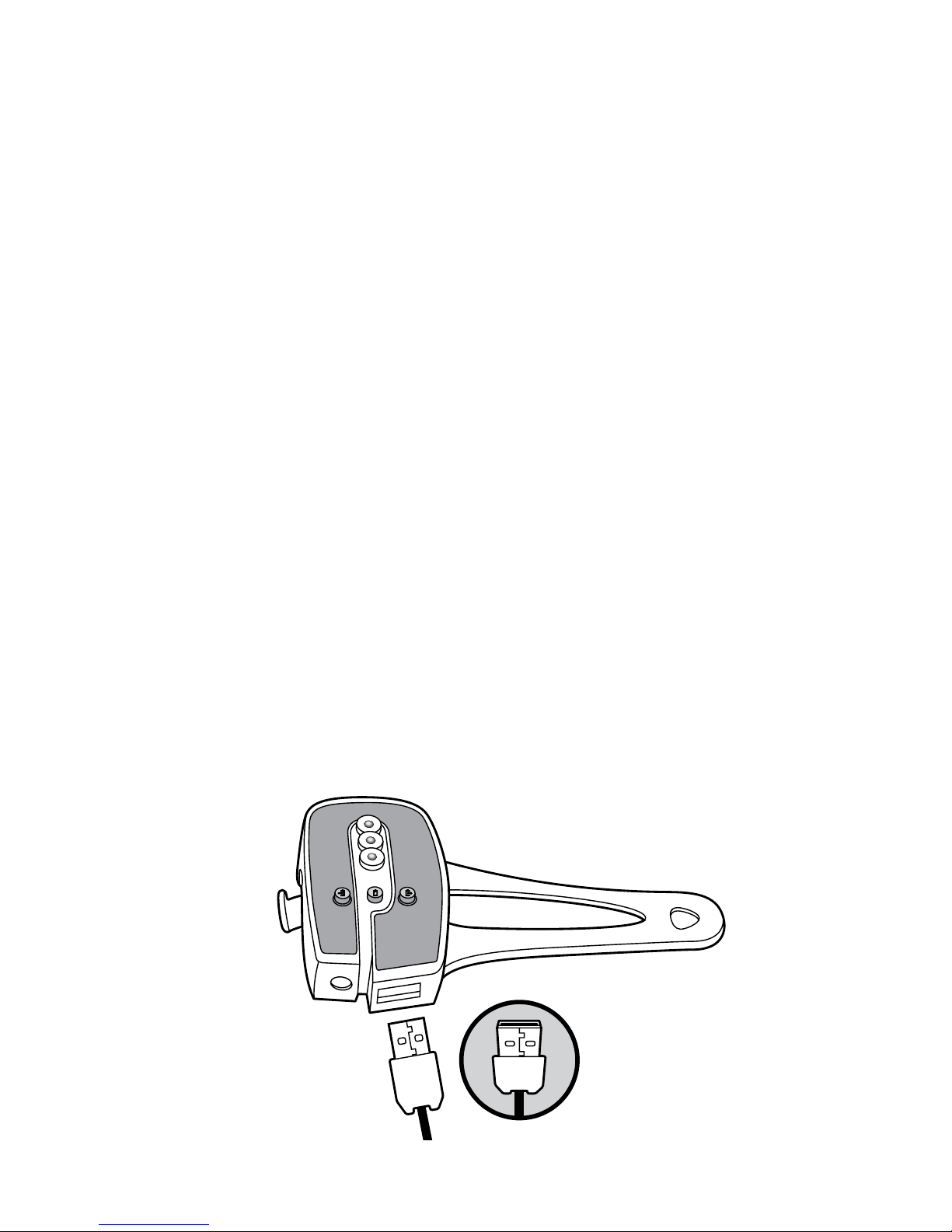
9. Retractable USB charging cable
This cable connects other devices to•
ReeCharge and also ReeCharge to PC.
NOTE: The USB plug has to be upside down
when inserting into the ReeCharge.
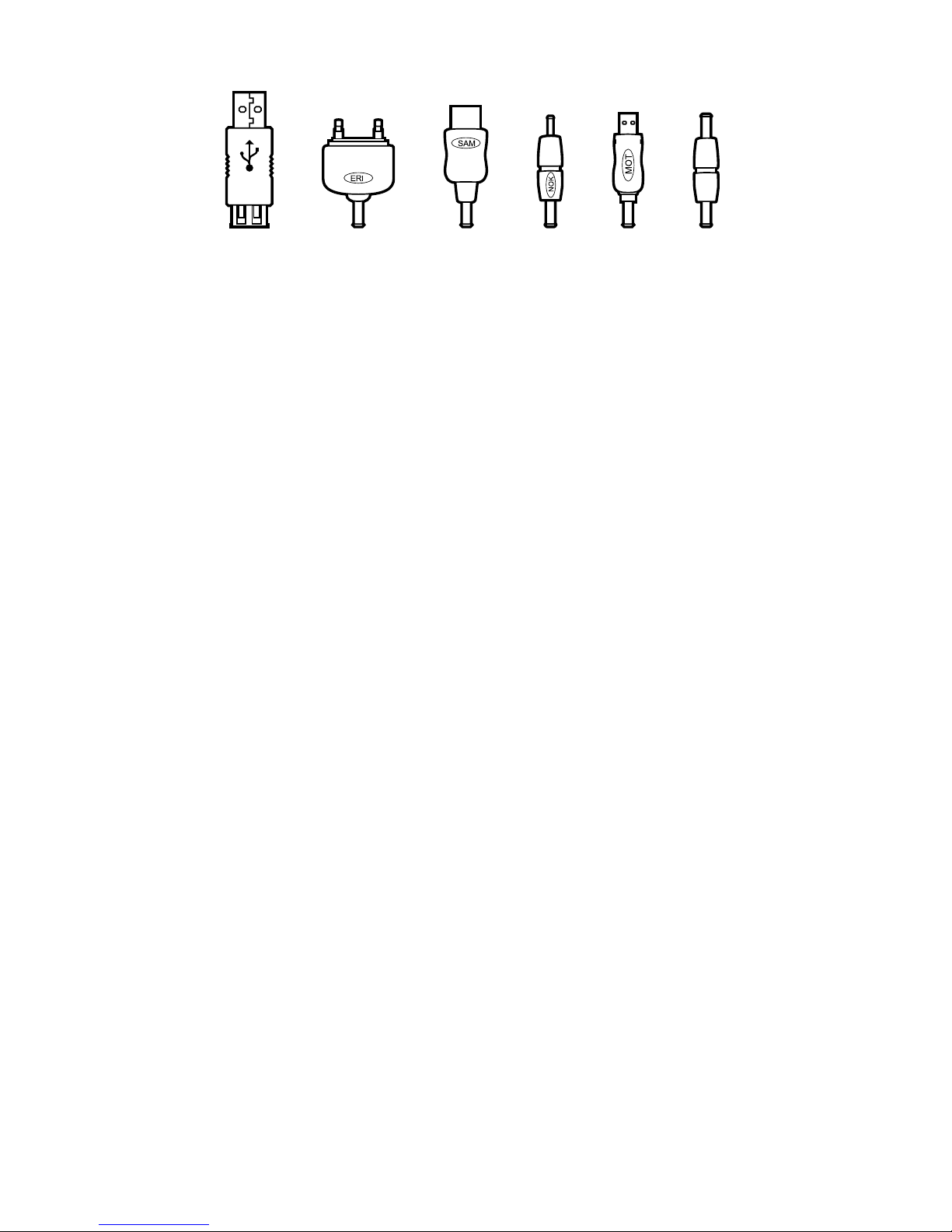
Included set of connector adapters
Apple Connector1.
Sony Ericsson2.
Samsung3.
Later-model Nokia4.
Motorola/ Mini USB5.
USB Charging Cable Connector Adapter6.
NOTE: Though this connector will t early
model Nokia phones, it will NOT allow the
ReeCharge to charge them.
NOTE: To charge Apple products with the
ReeCharge, you need to use the Apple
Connecting with the USB cable that was
included with the Apple device.
NOTE: The USB charging cable connector
adapter, which allows the ReeCharge to be
charged from the USB port of a PC, ts early-
model Nokia phones but it will NOT charge
such phones. Newer Nokia phones with a
small charger plug can be charged with the
ReeCharge.
1 2 3 4 5 6
Charging the ReeCharge
The ReeCharge can be charged in three
different ways:
From a bicycle dynamo hubA.
From a PC / laptop USB 2.0 portB.
From a conventional 100~240V AC wallC.
adaptor (Not included with OEM package.
Only included in aftermarket package)
A. Charging from a bicycle dynamo hub
Fasten the ReeCharge to the bike (see1.
Mounting the ReeCharge).
Connect the ReeCharge to the dynamo2.
hub with the power regulator cable (see
Connecting the ReeCharge to the Dynamo
Hub).
Press the Charge In Button to enable3.
charging.
The ReeCharge is charging when the green4.
light on the side of the ReeCharge is lit.
NOTE• : The green light is only on when the
wheel rotates fast enough to provide the
ReeCharge with a current for charging.
NOTE• : To cycle without the slight added
rolling resistance coming from the dynamo
hub charging the ReeCharge, turn off the
charging function by pressing the Charge In
Button. Charging is disabled when the green
light on the side of the ReeCharge does not
light up when the bike is in motion.