manuals.online logo
Brands
  1. Home
  2. •
  3. Brands
  4. •
  5. Daintree
  6. •
  7. Lantern
  8. •
  9. Daintree GE Albeo AHH2 User manual

Daintree GE Albeo AHH2 User manual

Other Daintree Lantern manuals

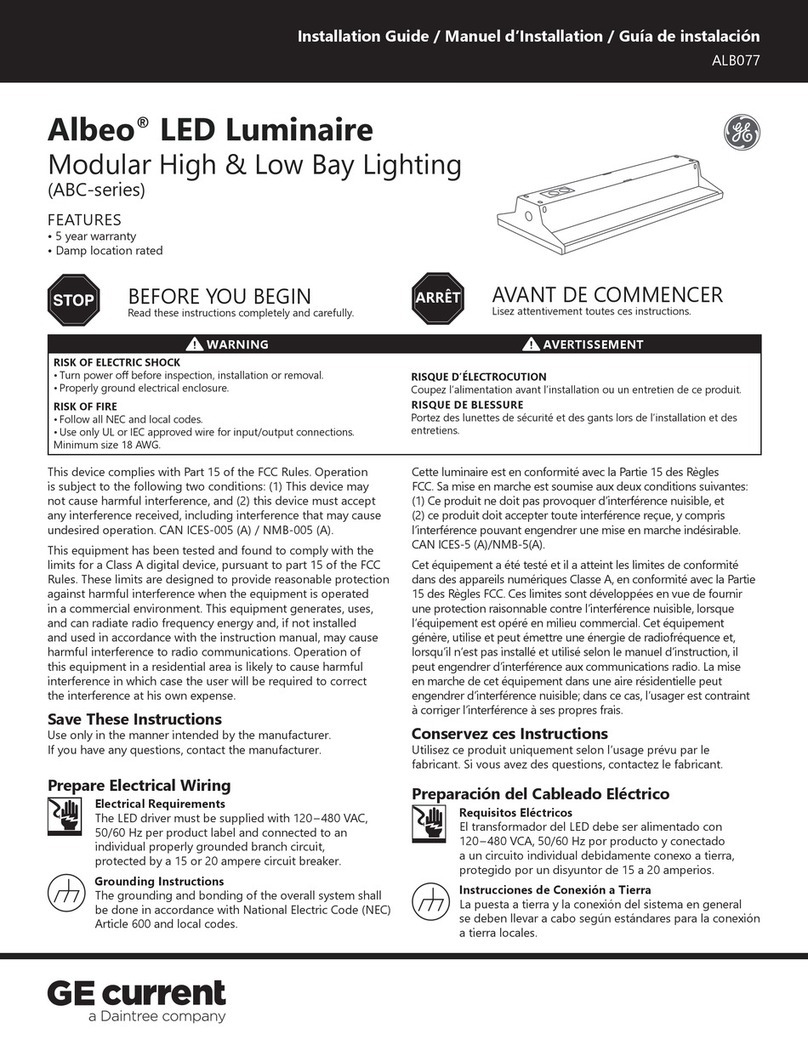
Daintree GE current Albeo ABC Series User manual

Daintree

Daintree GE current Albeo ABC Series User manual

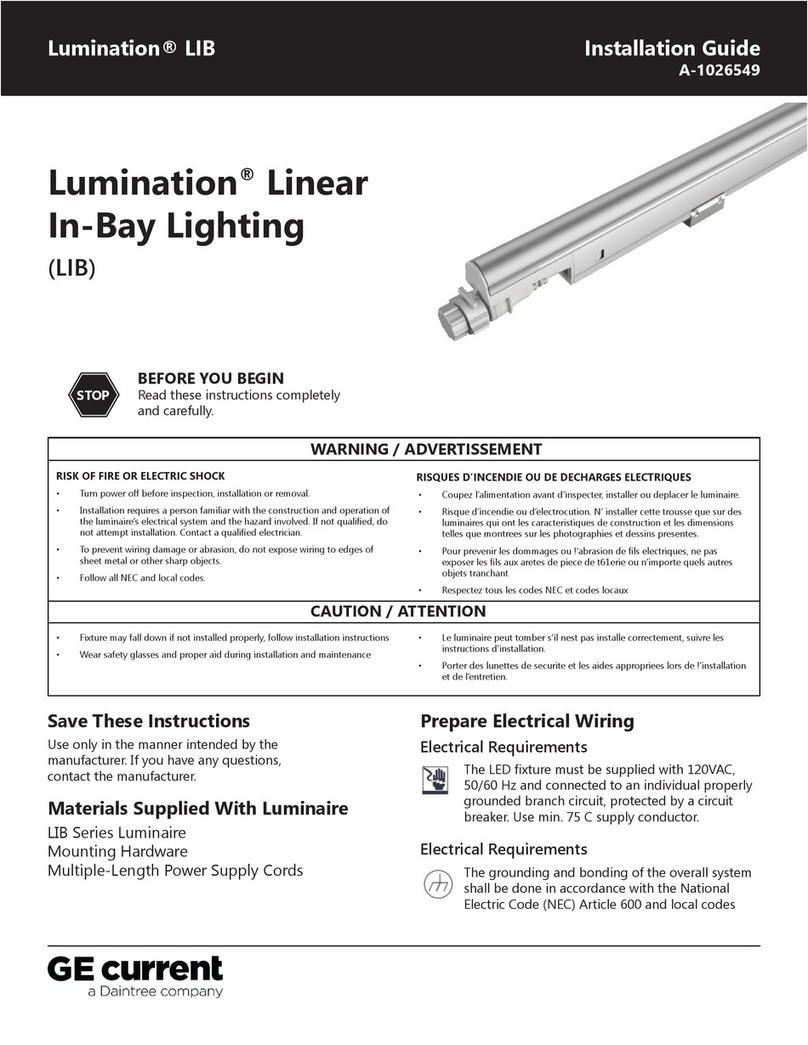
Daintree GE current Lumination LIB User manual

Daintree

Daintree GE current Lumination LIB User manual

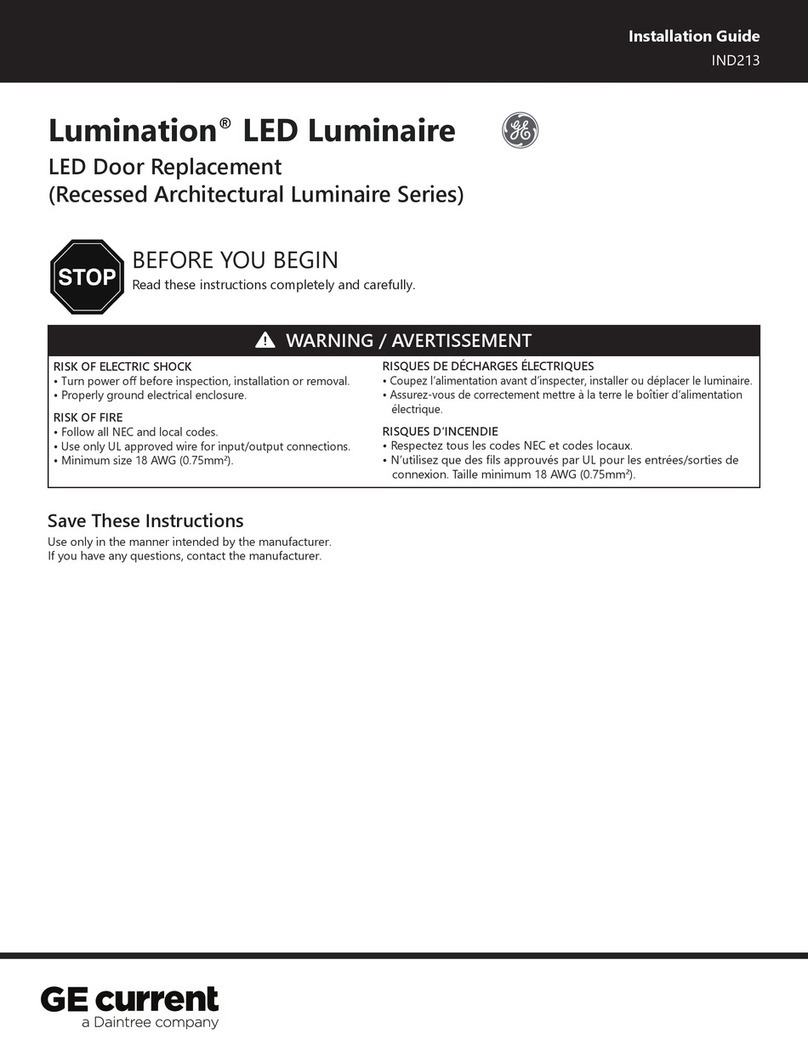
Daintree GE current Lumination Recessed Architectural... User manual

Daintree

Daintree GE current Lumination Recessed Architectural... User manual

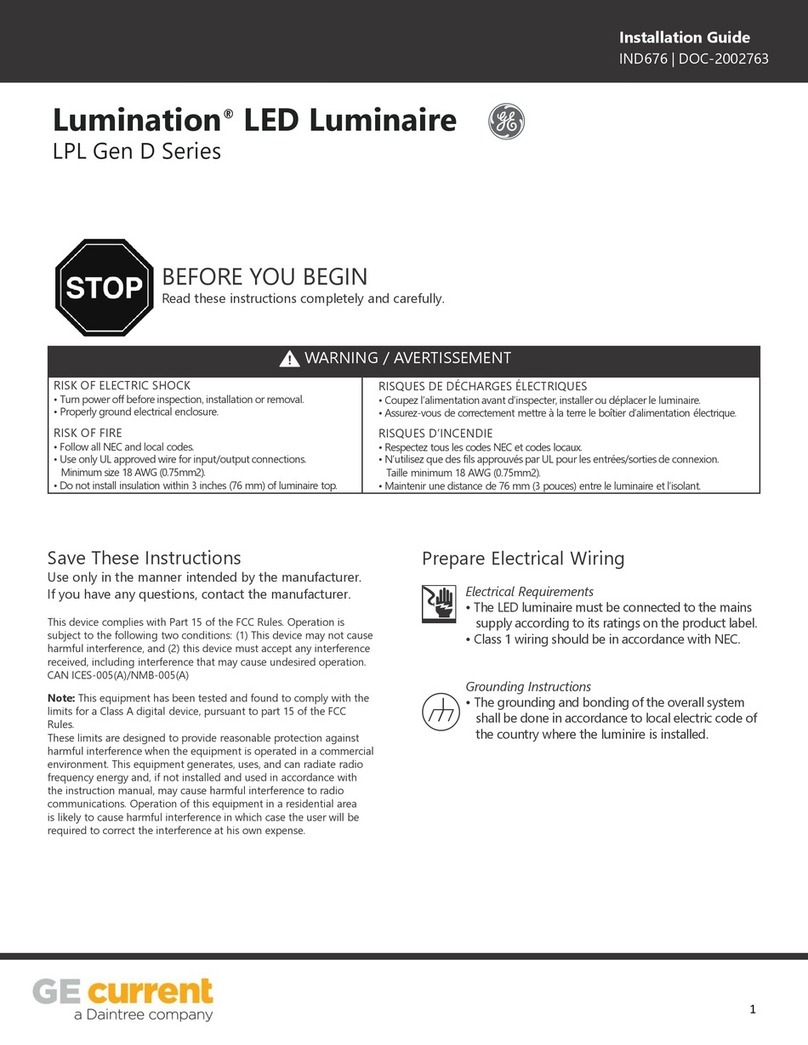
Daintree GE current Lumination LPL Gen D Series User manual

Daintree

Daintree GE current Lumination LPL Gen D Series User manual

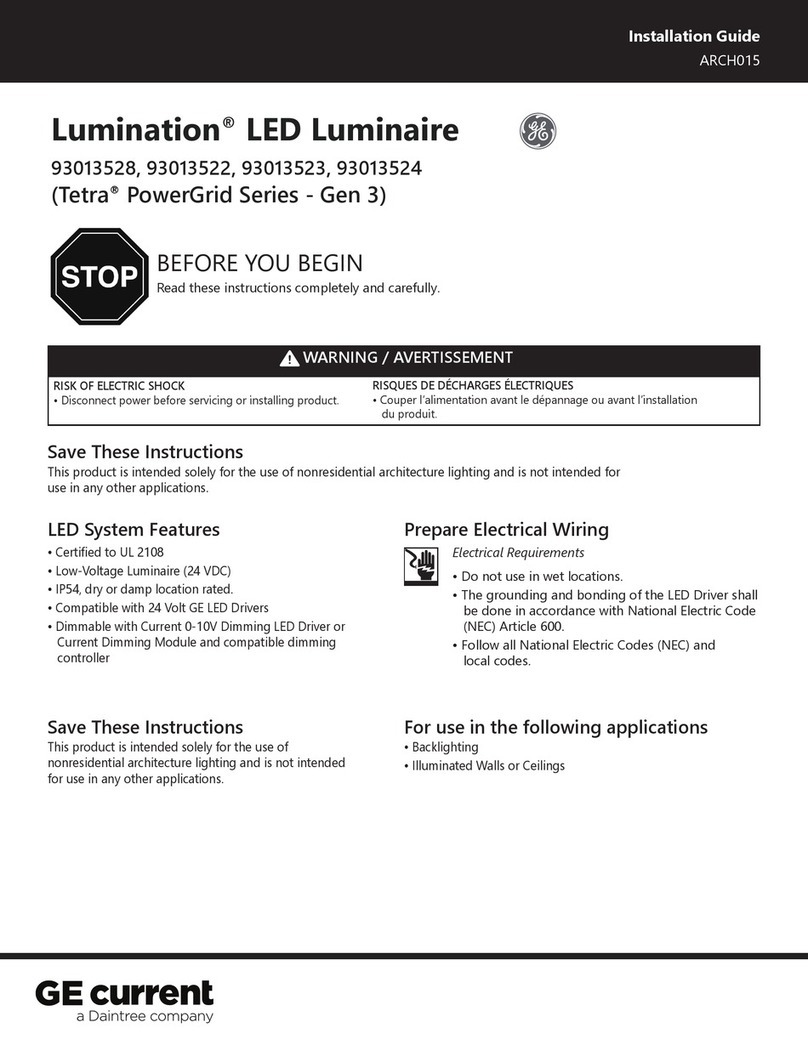
Daintree GE current Lumination Tetra PowerGrid Series User manual

Daintree

Daintree GE current Lumination Tetra PowerGrid Series User manual

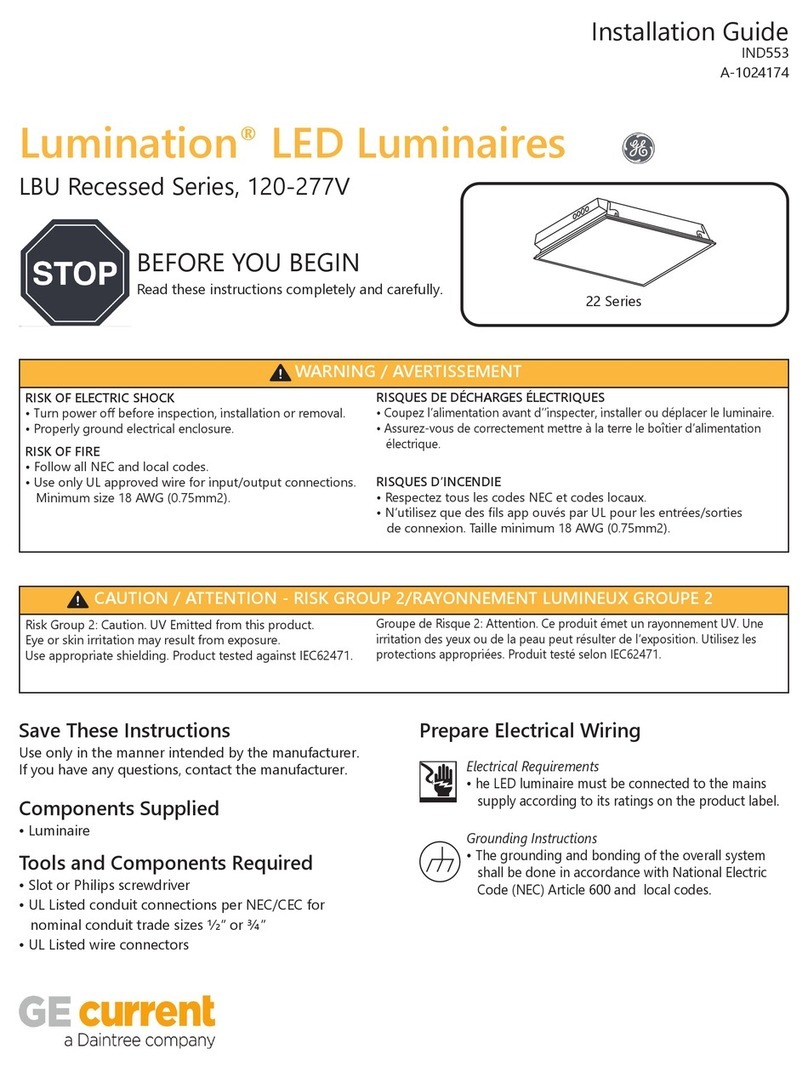
Daintree GE Current Lumination LBU Recessed Series User manual

Daintree

Daintree GE Current Lumination LBU Recessed Series User manual

Popular Lantern manuals by other brands

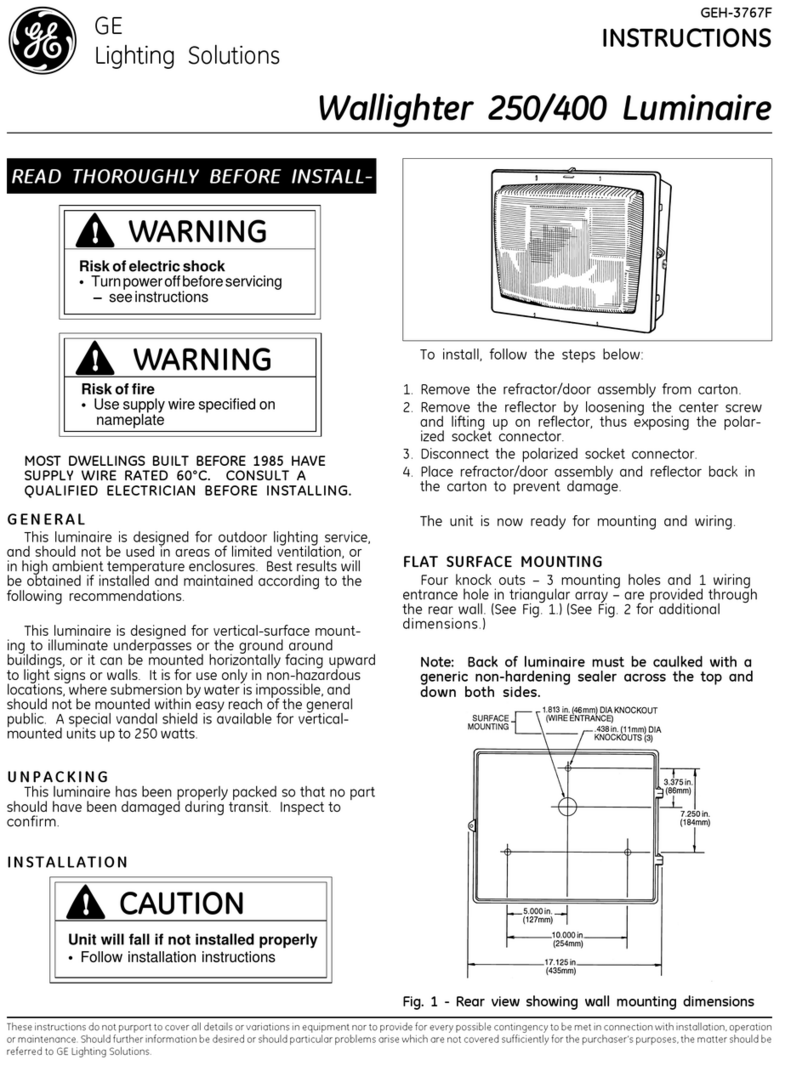
DS Produkte TRF18P0752-1 instructions

DS Produkte

DS Produkte TRF18P0752-1 instructions

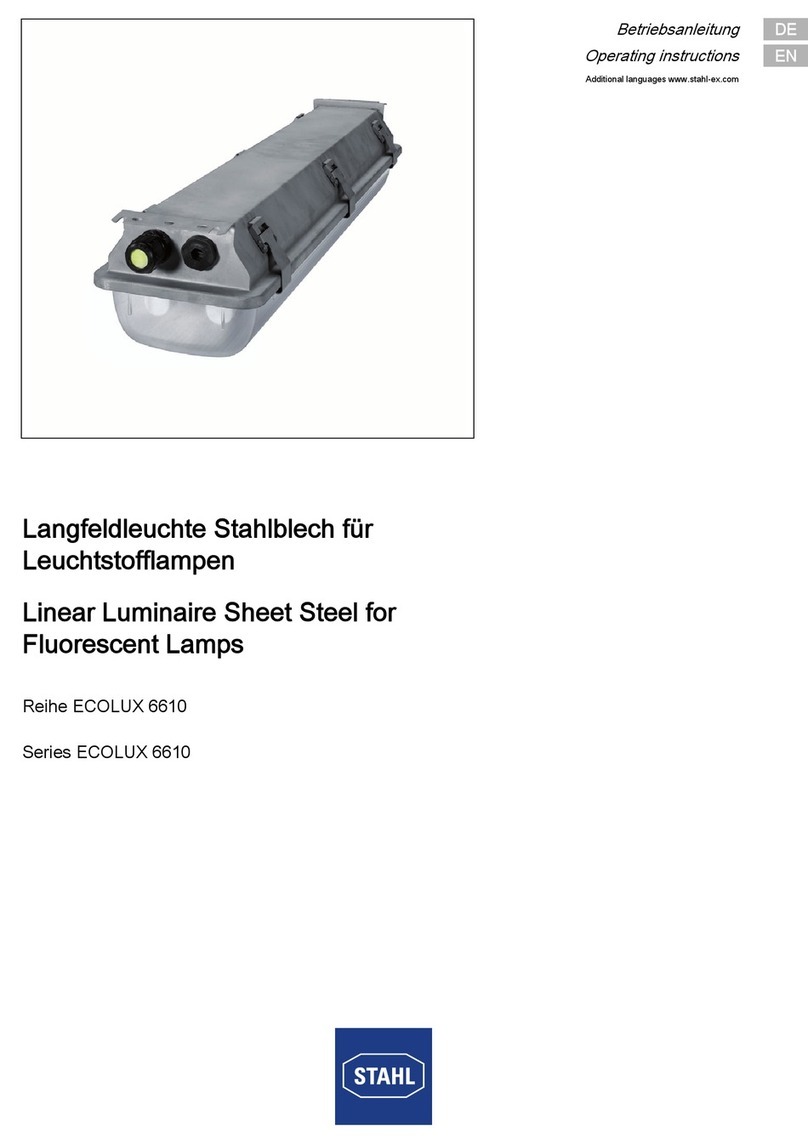
Stahl ECOLUX 6610 Series operating instructions

Stahl

Stahl ECOLUX 6610 Series operating instructions

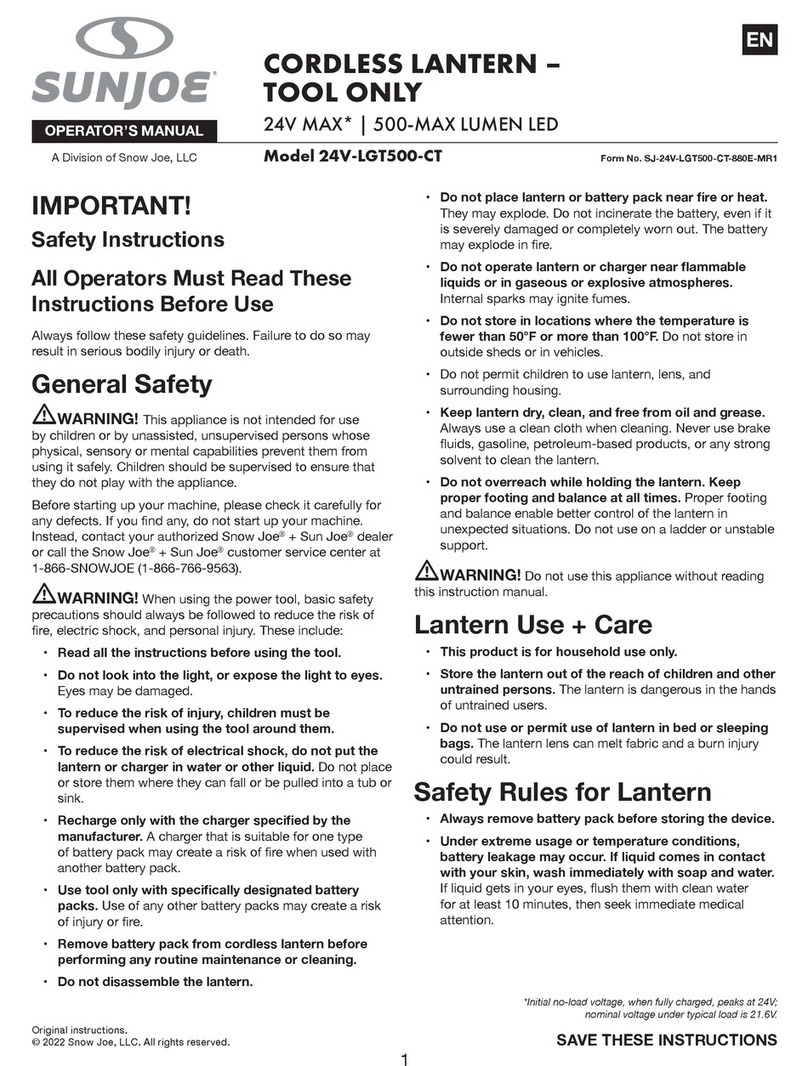
SNOWJOE SUNJOE 24V-LGT500-CT Operator's manual

SNOWJOE

SNOWJOE SUNJOE 24V-LGT500-CT Operator's manual

PRG VARI LITE VL5 Service manual

PRG

PRG VARI LITE VL5 Service manual

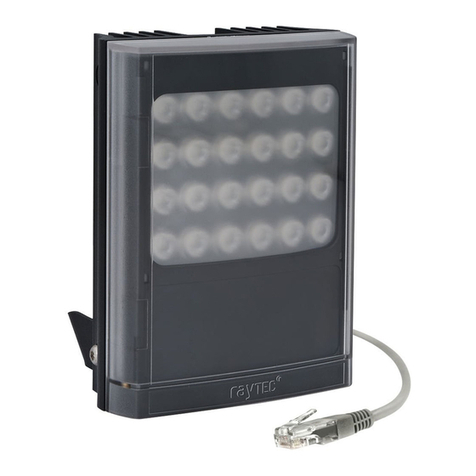
Raytec VARIO2 series installation guide

Raytec

Raytec VARIO2 series installation guide

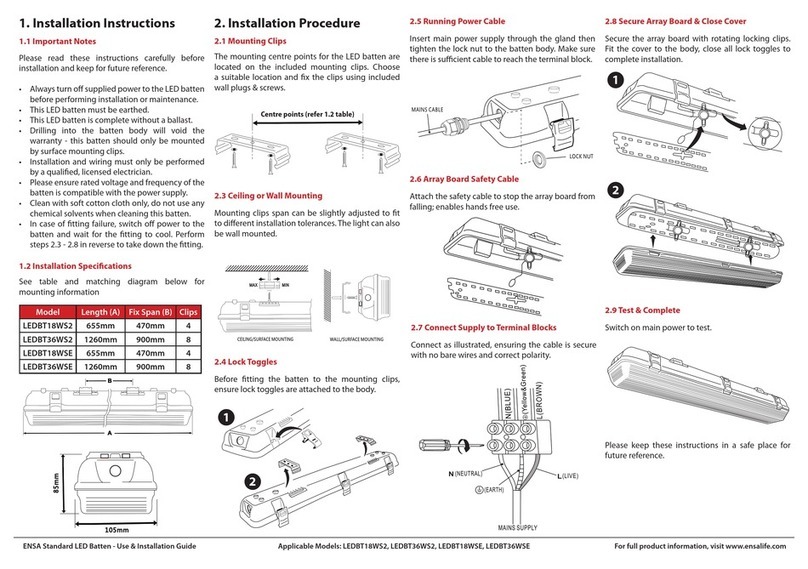
ENSA LEDBT18WS2 installation instructions

ENSA

ENSA LEDBT18WS2 installation instructions

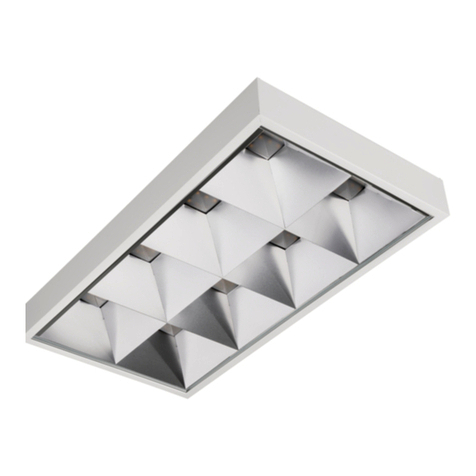
LUG OFFICE LB LED N/T Installation instruction

LUG

LUG OFFICE LB LED N/T Installation instruction

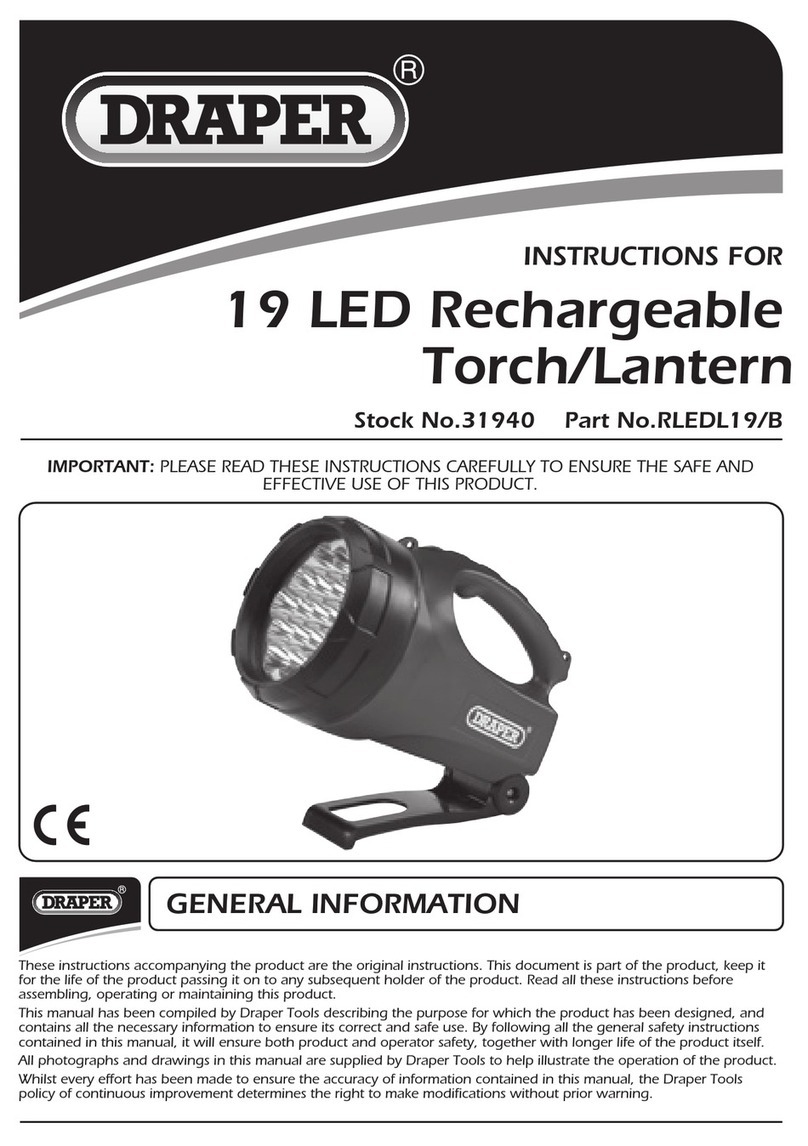
Draper RLEDL19/B instructions

Draper

Draper RLEDL19/B instructions

Green Lighting TRI-SENSOR GL4612LU Assembly & fitting instructions

Green Lighting

Green Lighting TRI-SENSOR GL4612LU Assembly & fitting instructions

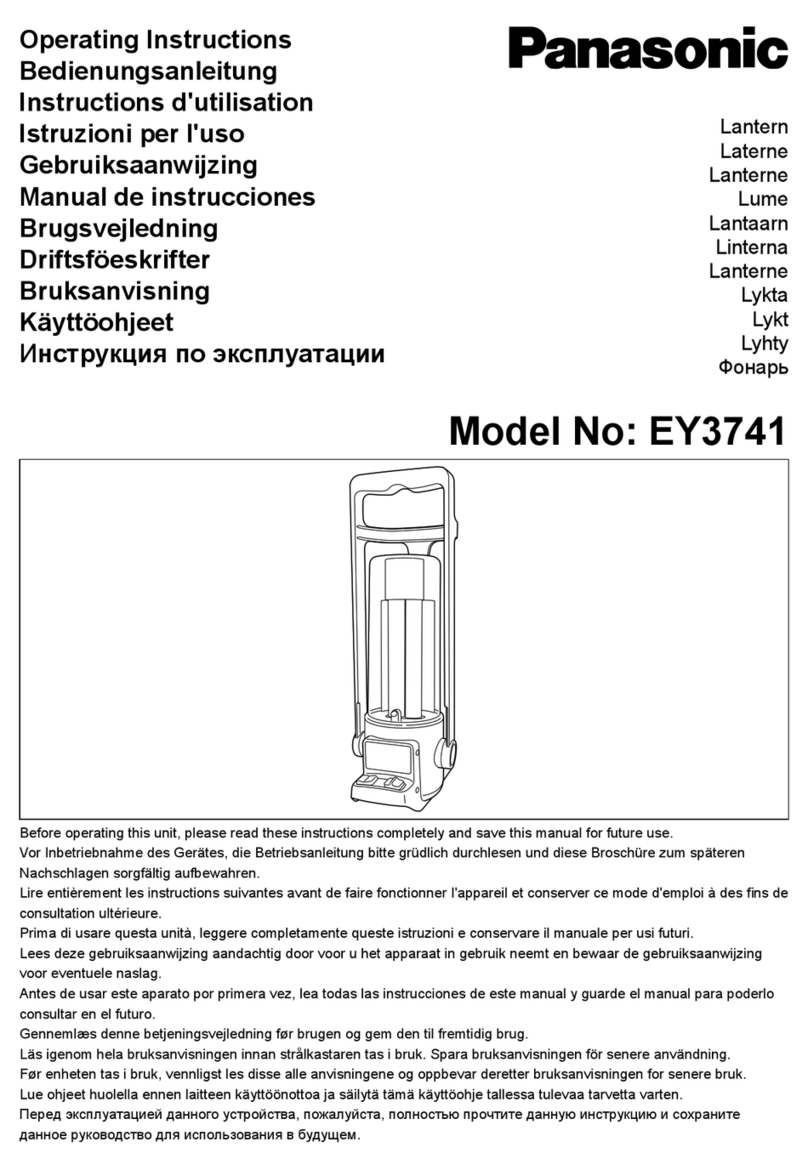
Panasonic EY3741B57 operating instructions

Panasonic

Panasonic EY3741B57 operating instructions

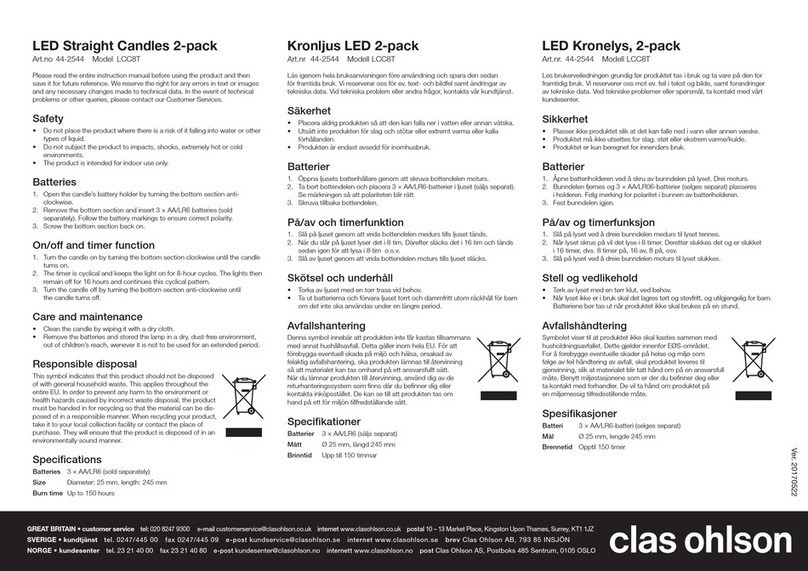
Clas Ohlson LCC8T instruction manual

Clas Ohlson

Clas Ohlson LCC8T instruction manual

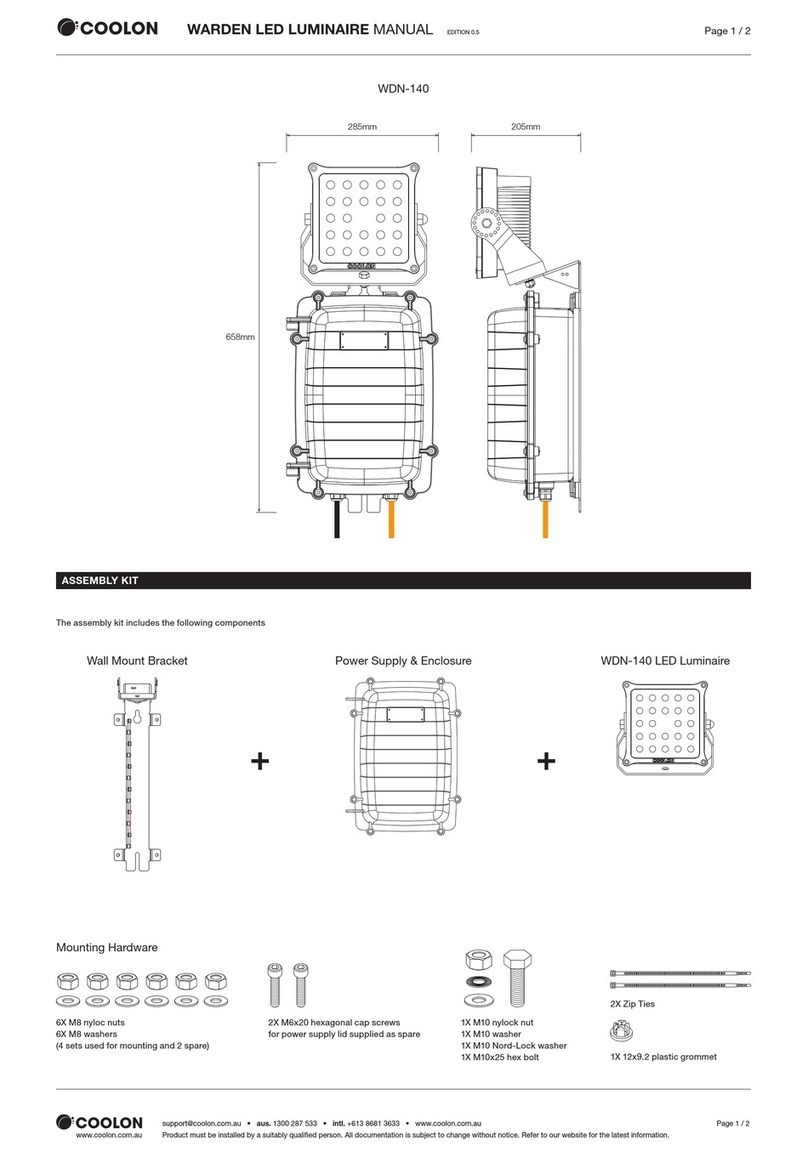
Coolon WDN-140 manual

Coolon

Coolon WDN-140 manual

shada 1000436 instruction manual

shada

shada 1000436 instruction manual

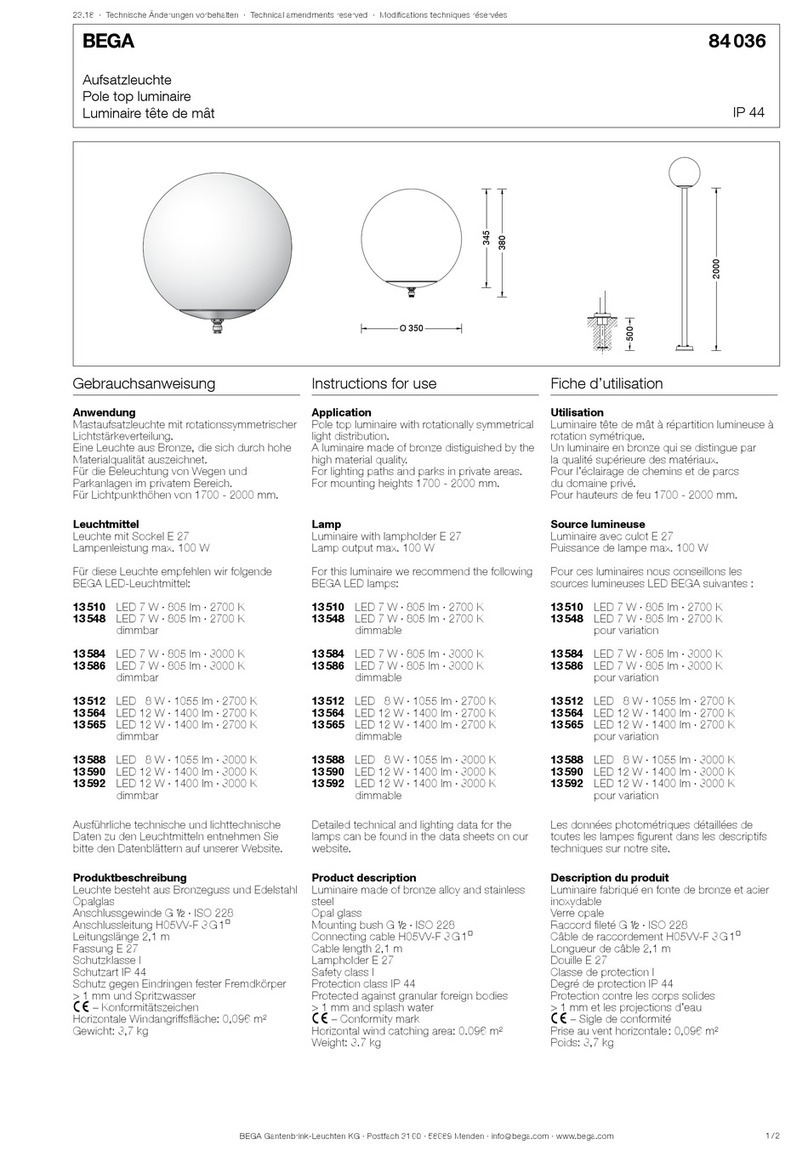
BEGA 84 036 Instructions for use

BEGA

BEGA 84 036 Instructions for use

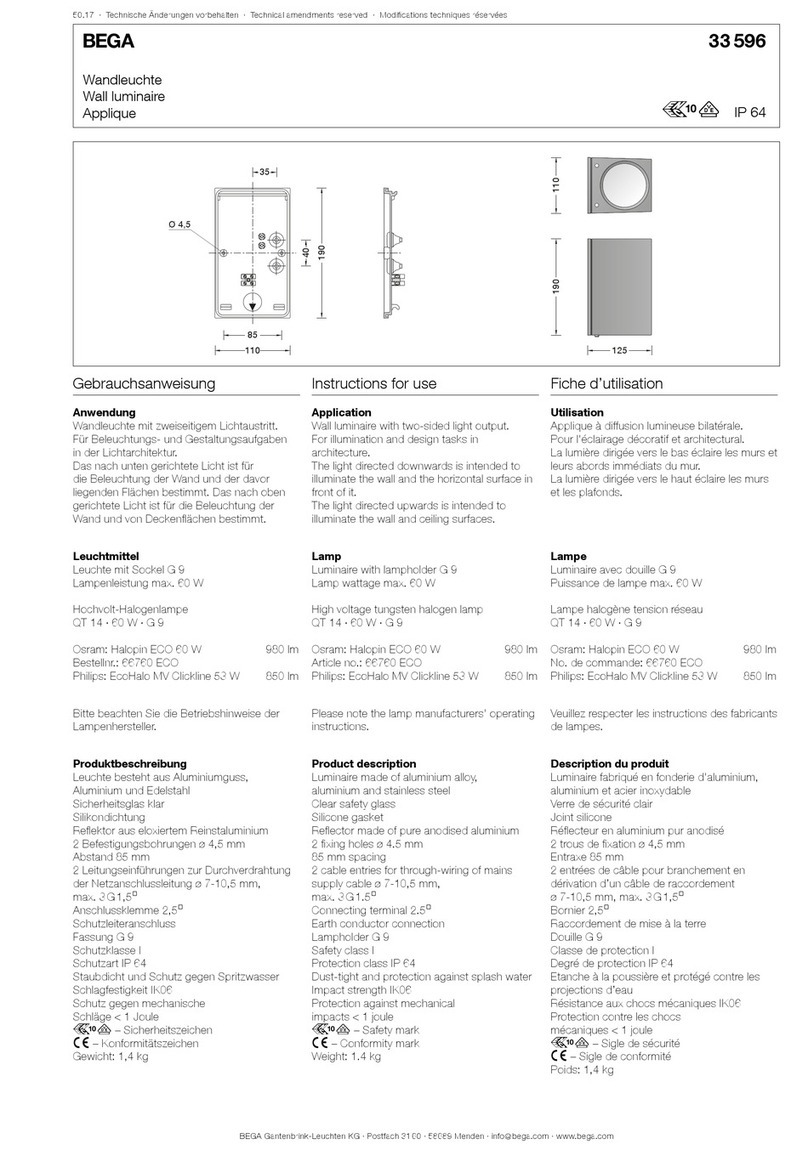
BEGA 33 596 Instructions for use

BEGA

BEGA 33 596 Instructions for use

Dale Tiffany GT701162 Assembly instructions

Dale Tiffany

Dale Tiffany GT701162 Assembly instructions

Wagan Brite Nite Pop-Up USB Lantern user manual

Wagan

Wagan Brite Nite Pop-Up USB Lantern user manual

Eaton Crouse-Hinds Pauluhn DLLA M2 Series Installation & maintenance information

Eaton

Eaton Crouse-Hinds Pauluhn DLLA M2 Series Installation & maintenance information

manuals.online logo
manuals.online logoBrands
  • About & Mission
  • Contact us
  • Privacy Policy
  • Terms and Conditions

Copyright 2025 Manuals.Online. All Rights Reserved.

Albeo®AHH2 LED Luminaire
Heavy Industrial High Bay Lighting
BEFORE YOU BEGIN
WARNING/AVERTISSEMENT/ADVERTENCIA
Save These Instructions
Use only in the manner intended by the manufacturer.
If you have any questions, contact the manufacturer.
Prepare Electrical Wiring
Grounding Instructions
The grounding and bonding of the overall system shall be done
in accordance with National Electric Code (NEC) Article 600 and
local codes.
ALB082
Read these instructions completely and carefully.
Save these instructions for future use.
Risk of electrical shock. Turn power off before inspection, installation or
removal. Properly ground electrical enclosure.
Risk of re. Follow all NEC and local codes for the required wiring
systems for the specific Hazardous Locations involved.
Risques de décharges électriques.
Coupez l’alimentation avant d’inspecter,
installer ou déplacer le luminaire. Assurez-vous de correctement mettre à
la terre le boîtier d’alimentation électrique.
Risque d’incendie. Respectez tous les codes NEC et codes locaux.
This device complies with Part 15 of the FCC Rules, not part of UL Certification. Operation is subject to the following two conditions: (1) This device may not
cause harmful interference, and (2) this device must accept any interference received, including interference that may cause undesired operation. CAN
ICES-005 (A) / NMB-005 (A)
Note: This equipment has been tested and found to comply with the limits for a Class A digital device, pursuant to part 15 of the FCC Rules, not part of UL
Certification. These limits are designed to provide reasonable protection against harmful interference when the equipment is operated in a commercial
environment. This equipment generates, uses, and can radiate radio frequency energy and, if not installed and used in accordance with the instruction
manual, may cause harmful interference to radio communications. Operation of this equipment in a residential area is likely to cause harmful interference
in which case the user will be required to correct the interference at his own expense.
Electrical Requirements
The LED luminaire must be supplied with 120-277 VAC or
347/480 VAC, 50/60 Hz per electrical ratings on product label
and connected to an individual properly grounded branch
circuit.
Installation Guide
ALB082

Installation Guide
Albeo®AHH2 LED Luminaire
Provide at least 12” of clearance from the top of the xture to any ceiling or surface above.
A
Section 1: Unit Installation
-10V (+)
Gray 0-10V (–)
Fixture Weight
ABR1-Series Max. Weight (lbs.)
Attach to
structural
member
Fasten
with nuts
Single Fixture
See Note See Note
Dual Fixture
Dual FixtureSingle Fixture
Attach to
structural
member
Attach to
structural
member
2
Section 2: Pendant Mounting
ABC
Tighten
screwBlack To AC Main
White
Green
Purple (+)
Gray (-)
Line
Neutral
Ground
0-10V(+)
0-10V(-)
To 0-10V
Dimmer
LED Driver
DE
BC
Carefully unpack unit and properly inspect
for defects before installing. Wear work
gloves to prevent dirt and oil from being
transferred to the luminaire.
Choose a mounting method: chain or cable,
rod mount, or pendant mount.
NOTE: For applications requiring the “R” corrosion resistant finish, use mounting hardware appropriate for the environment
AC power cord
pendant mount cover
Attach pendant mount cover to¾” NPT
conduit with at least 3 full threads of
engagement. Determine rotation of
luminaire
and lock orientation in place
withprovided set screw.
Lift luminaire up and hang on pendant
mount cover using hinge piece.
Feed the AC power lead wire through
the conduit and into the junction box.
Swing luminaire closed and secure with the
slide clip. Lock slide clip in place with screw.
Connect the green (ground), black (line)
and white (neutral) wires of the AC line to
the similarly colored wires of the luminaire's
lead wire using UL listed wire connectors.
Close junction box.
For dimming options, connect purple
and gray leads to dimming control that
is certified and suitable for the
hazardous locations involved, rated
0-10V min. A 10V signal corresponds
to 100% lumen output. A 0V signal
corresponds to ~10% lumen output.
Cap purple and gray leads separately
when not used.
Installation Guide
Albeo®AHH2 LED Luminaire
AC power cord
Tighten
screw
Black To AC Main
White
Green
Purple (+)
Gray (-)
Line
Neutral
Ground
0-10V(+)
0-10V(-)
To 0-10V
Dimmer
LED Driver
AC power cord
Black To AC Main
White
Green
Purple (+)
Gray (-)
Line
Neutral
Ground
0-10V(+)
0-10V(-)
To 0-10V
Dimmer
LED Driver
AC power cord
Tighten
screw
Black To AC Main
White
Green
Purple (+)
Gray (-)
Line
Neutral
Ground
0-10V(+)
0-10V(-)
To 0-10V
Dimmer
LED Driver
AC power cord
Tighten
screw
Black To AC Main
White
Green
Purple (+)
Gray (-)
Line
Neutral
Ground
0-10V(+)
0-10V(-)
To 0-10V
Dimmer
LED Driver
AC power cord
Tighten
screw
Tighten
screw
Black To AC Main
White
Green
Purple (+)
Gray (-)
Line
Neutral
Ground
0-10V(+)
0-10V(-)
To 0-10V
Dimmer
LED Driver
Single FixtureDual Fixture
See
Note
See
Note
Captive screws Captive screws
3”
12”
1/2” bolts
Safety chain
F
Questions:
Web: products.gecurrent.com
Phone: 1-866-855-8629
Section 3: Troubleshooting
Section 4: Maintenance
Symptom Solution
Luminaire will not
turn on.
•Check that the color of the supply side wires match the color of the wires they are connected to.
•Check that all wire connectors are properly connected.
•Verify that your input voltage is within specs.
•If you are using any additional controls (i.e. dimming wires, motion sensors), please also verify that those are
working properly and that the unit is setup to interface with the controllers.
•
Product should not be disassembled during installation process and/or while installed.
•
Lens should be cleaned periodically for maximum lumen output.
•
Inspect and clear any build-up on cooling ns periodically for maximum performance.
These instructions do not purport to cover all details or variations in equipment nor to provide for every possible contingency to be met in connection with installation,
operation or maintenance. Should further information be desired or should particular problems arise which are not covered sufciently for the purchaser’s purposes, the
matter should be referred to GE current.
Ces instructions ne prétendent pas couvrir tous les détails ou variantes de l’équipement ni couvrir toutes les conditions possibles à satisfaire en rapport avec l’installation,
l’opération ou l’entretien. Si des informations supplémentaires sont souhaitées sur des aspects qui ne sont pas sufsamment couverts pour satisfaire les besoins du client, ou si
des problèmes particuliers se présentent, veuillez addresser ces questions à GE current.
Estas instrucciones no pretenden cubrir todos los detalles o variaciones en el equipo ni para prever cualquier contingencia que debe cumplir en relación con la instalación,
la operación o el mantenimiento. De ser deseada más información o se surgieran problemas particulares que no están cubiertos sucientemente para los propósitos del
comprador, favor de remitirse a GE current.
Secure pendant mount cover to luminaire by fully tightening the captive screws on the sides of the pendant mount box to the xture.
NOTE: Safety chains (installer provided) can be used in mounting slots at end of xture.
www.gecurrent.com
© 2020 Current Lighting Solutions, LLC. All rights reserved. GE and the GE monogram are trademarks of the
General Electric Company and are used under license. Information provided is subject to change without notice.
All values are design or typical values when measured under laboratory conditions.
ALB082 (Rev. 07/13/2020)