manuals.online logo
Brands
  1. Home
  2. •
  3. Brands
  4. •
  5. Dakota Alert
  6. •
  7. Receiver
  8. •
  9. Dakota Alert PR-1000 User manual

Dakota Alert PR-1000 User manual

Other Dakota Alert Receiver manuals

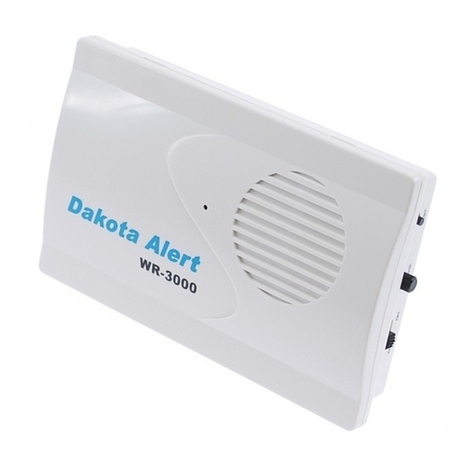
Dakota Alert WR-3000 User manual

Dakota Alert

Dakota Alert WR-3000 User manual

Dakota Alert DCR-4000 User manual

Dakota Alert

Dakota Alert DCR-4000 User manual

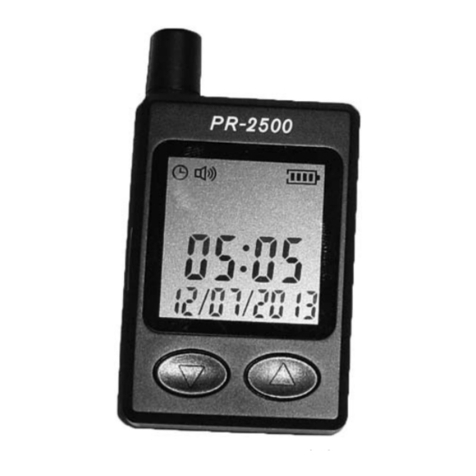
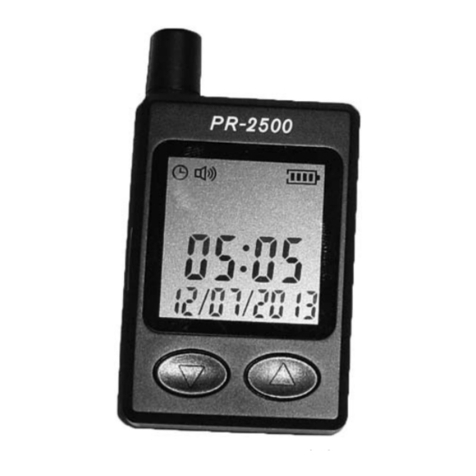
Dakota Alert PR-2500 User manual

Dakota Alert

Dakota Alert PR-2500 User manual

Dakota Alert DCR-4000-ANZ User manual

Dakota Alert

Dakota Alert DCR-4000-ANZ User manual

Dakota Alert DCR-2500 User manual

Dakota Alert

Dakota Alert DCR-2500 User manual

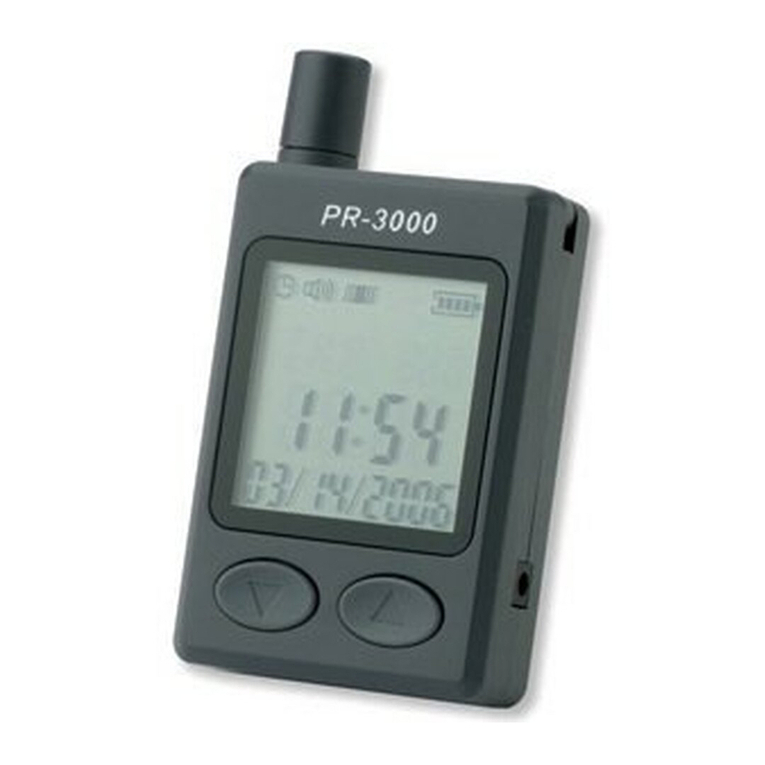
Dakota Alert PR-3000 User manual

Dakota Alert

Dakota Alert PR-3000 User manual

Dakota Alert PR-4000 User manual

Dakota Alert

Dakota Alert PR-4000 User manual

Dakota Alert DCR-2500 User manual

Dakota Alert

Dakota Alert DCR-2500 User manual

Dakota Alert PR-2500 User manual

Dakota Alert

Dakota Alert PR-2500 User manual

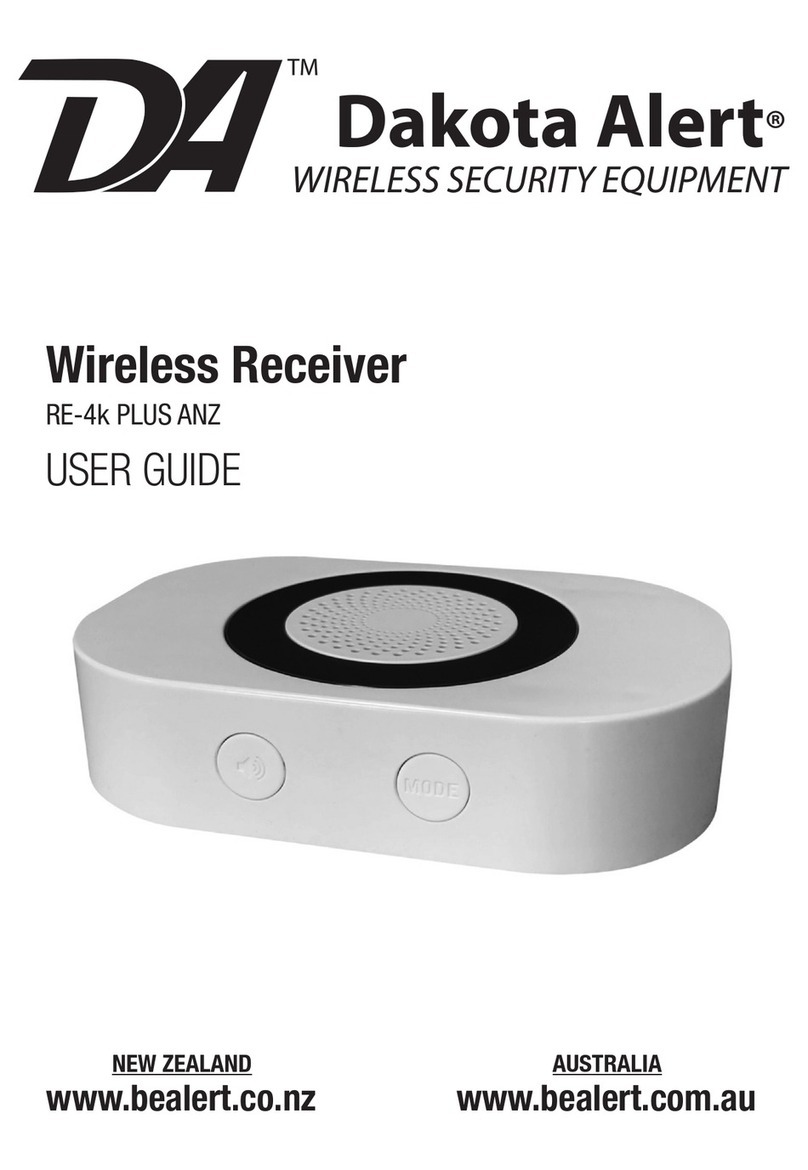
Dakota Alert RE-4k Plus User manual

Dakota Alert

Dakota Alert RE-4k Plus User manual

Dakota Alert RE-4k Plus User manual

Dakota Alert

Dakota Alert RE-4k Plus User manual

Popular Receiver manuals by other brands

Televes ZAS HD SAT user manual

Televes

Televes ZAS HD SAT user manual

Realistic DX-75 Operating and service instructions

Realistic

Realistic DX-75 Operating and service instructions

Saris 4620 Assembly instructions

Saris

Saris 4620 Assembly instructions

Mini DTR 206C PVR user manual

Mini

Mini DTR 206C PVR user manual

RF Elements TwistPort manual

RF Elements

RF Elements TwistPort manual

Denon DN-200WS user guide

Denon

Denon DN-200WS user guide

Yamaha RX-V467 owner's manual

Yamaha

Yamaha RX-V467 owner's manual

Russound SaphIR 858 instruction manual

Russound

Russound SaphIR 858 instruction manual

Quasonix RDMS Firmware update procedure

Quasonix

Quasonix RDMS Firmware update procedure

Pioneer XV-HTD1 Service manual

Pioneer

Pioneer XV-HTD1 Service manual

ATZ HDMI-V2-44HE150 manual

ATZ

ATZ HDMI-V2-44HE150 manual

Sony XNV-770BT MyTomTom Specifications

Sony

Sony XNV-770BT MyTomTom Specifications

Grundig STR 7122 TWIN Service manual

Grundig

Grundig STR 7122 TWIN Service manual

Creative Blaster Modem user guide

Creative

Creative Blaster Modem user guide

Panduit ATLONA AT-OME-RX11 installation guide

Panduit

Panduit ATLONA AT-OME-RX11 installation guide

VOLTCRAFT UTPS-40 operating instructions

VOLTCRAFT

VOLTCRAFT UTPS-40 operating instructions

JVC KW-ADV794 instructions

JVC

JVC KW-ADV794 instructions

Litelink VT-1001 operating instructions

Litelink

Litelink VT-1001 operating instructions

manuals.online logo
manuals.online logoBrands
  • About & Mission
  • Contact us
  • Privacy Policy
  • Terms and Conditions

Copyright 2025 Manuals.Online. All Rights Reserved.

CODE MATCHING & TONE SELECTION
Entering learning mode
Press and hold the ‘Learning’
button for 3 seconds. The LED
#1 will ash indicating that zone
1 is ready to be programmed.
To program zones 2-4, press the
‘Learning’ button again to cycle
through each zone. Press the
‘Melody’ button to select one of
18 melodies/tones. Activate the
transmitter to learn the new code.
After selecting the zone and melody, activate the transmitter once. If the
coding is successful, the chime will generate a short tone.
If another LED lights up, this remote button is already programmed on
the zone that lights up.
The Siren sound is intended for use as a panic button and will sound for
one minute.
Delete the transmitter on the chime memory
Enter the learning mode by pressing and holding the ‘Learning’ button
for 3 seconds. Press the ‘Learning’ button to select the zone you want to
delete. Press and hold both the ‘Leaning’ button and the ‘Melody’ but-
tons 3 seconds. The chime will generate a tone to indicate the remote on
this zone has been deleted.
Change the melody/tone on desired zone
Enter the learning mode by pressing and holding the ‘Learning’ button
for 3 seconds. Press the ‘Learning’ button to select the zone you want to
change. Press the ‘Melody’ button to select the new melody/tone and
then activate the transmitter for the selected zone. You will hear a tone
to indicate the melody has been changed.
Reset button
Pressing the ‘Reset’ button will stop the chime and light after the unit has
been activated.
PR1000 PORTABLE RECEIVER INSTRUCTIONS
Contact Dakota Alert:
32556 E Main St.
Elk Point, SD 57025
ph: 605.356.2772
www.DakotaAlert.com
PARTS & FUNCTION
WARNING: This device complies with Part 15 of the FCC rules, Operation of this device is subject to the following conditions: 1.This device may not cause
harmful interference. 2.This device must accept any interference, including interference that may cause undesired operation.
MOUNTING
Hang on wall or clip on belt.
POWER
1. Slide to open the battery
cover.
2. Insert 2 AA batteries.
3. Close the battery cover.
Learning
button
Melody
selector

PORTABLE RECEIVER.indd 1 10/17/2013 9:01:53 AM
PORTABLE RECEIVER.indd 2 10/17/2013 9:01:53 AM