4
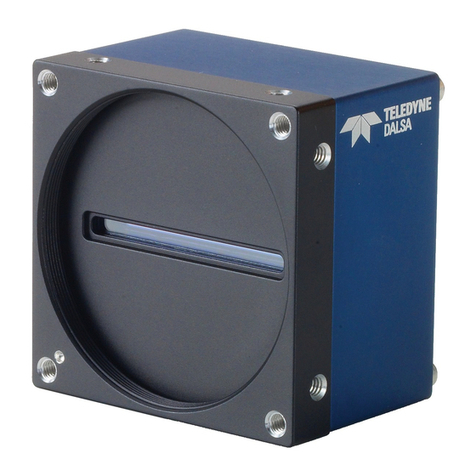
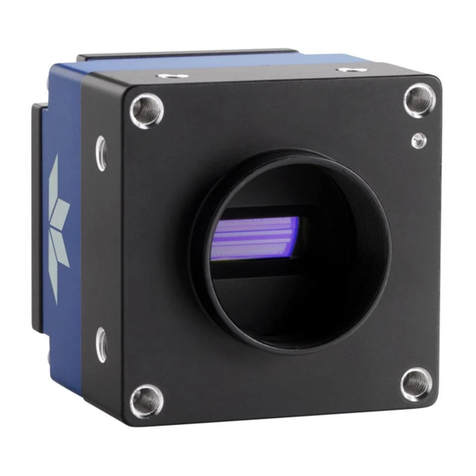
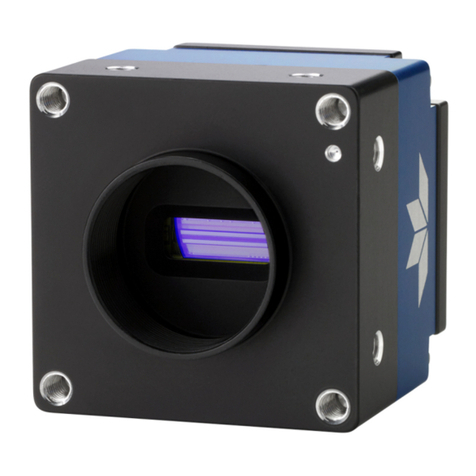
Linea HS Multifield Camera
Internal Trigger Mode 34
ESTABLISHING THE DESIRED RESPONSE 35
Exposure Control by Light Source Strobe 35
Image Response Uniformity & Flat Field Calibration 38
Saving & Loading a PRNU Set Only 39
Setting Custom Flat Field Coefficients 39
Flat Field Calibration Filter 40
Flat Field Calibration Regions of Interest 40
IMAGE FILTERS 41
Kernels 41
Image Filter Contrast Ratio 41
BINNING 42
Using Area of Interest (AOIs) 42
Steps to Setup Area of Interest 43
The Rules for Setting Areas of Interest 43
CUSTOMIZED LINEARITY RESPONSE (LUT) 44
How to Generate LUT with CamExpert 44
ADJUSTING RESPONSIVITY AND CONTRAST ENHANCEMENT 46
CHANGING OUTPUT CONFIGURATION 47
Pixel Format 47
SAVING &RESTORING CAMERA SETUP CONFIGURATIONS 48
Active Settings for Current Operation 49
User Setting 49
Factory Settings 50
Default Setting 50
APPENDIX A: GENICAM COMMANDS 51
CAMERA INFORMATION CATEGORY 52
Camera Information Feature Descriptions 52
Built-In Self-Test Codes (BIST) 56
Camera Power-Up Configuration Selection Dialog 56
Camera Power-up Configuration 56
User Set Configuration Management 56
CAMERA CONTROL CATEGORY 57
Camera Control Feature Descriptions 57
Digital I / O Control Feature Descriptions 59
FLAT FIELD CATEGORY 62
Flat Field Control Feature Description 63
IMAGE FORMAT CONTROL CATEGORY 65
Image Format Control Feature Description 66
TRANSPORT LAYER CONTROL CATEGORY 69
Transport Layer Feature Descriptions 70
ACQUISITION AND TRANSFER CONTROL CATEGORY 71
Acquisition and Transfer Control Feature Descriptions 71
FILE ACCESS CONTROL CATEGORY 72
File Access Control Feature Descriptions 73
File Access via the CamExpert Tool 74
CLHS File Transfer Protocol 75
Download a List of Camera Parameters 76
APPENDIX B: TROUBLE SHOOTING GUIDE 77
DIAGNOSTIC TOOLS 77
RESOLVING CAMERA ISSUES 79