manuals.online logo
Brands
  1. Home
  2. •
  3. Brands
  4. •
  5. Danfoss
  6. •
  7. Inverter
  8. •
  9. Danfoss Type 12 BD150 105N0912 User manual

Danfoss Type 12 BD150 105N0912 User manual

This manual suits for next models

1

Other Danfoss Inverter manuals

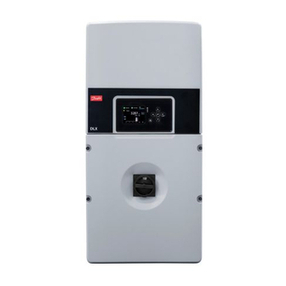
Danfoss DLX 3.8 UL User manual

Danfoss

Danfoss DLX 3.8 UL User manual

Danfoss CLX Home User manual

Danfoss

Danfoss CLX Home User manual

Danfoss VLT AutomationDrive FC 300 Guide

Danfoss

Danfoss VLT AutomationDrive FC 300 Guide

Danfoss 4K User manual

Danfoss

Danfoss 4K User manual

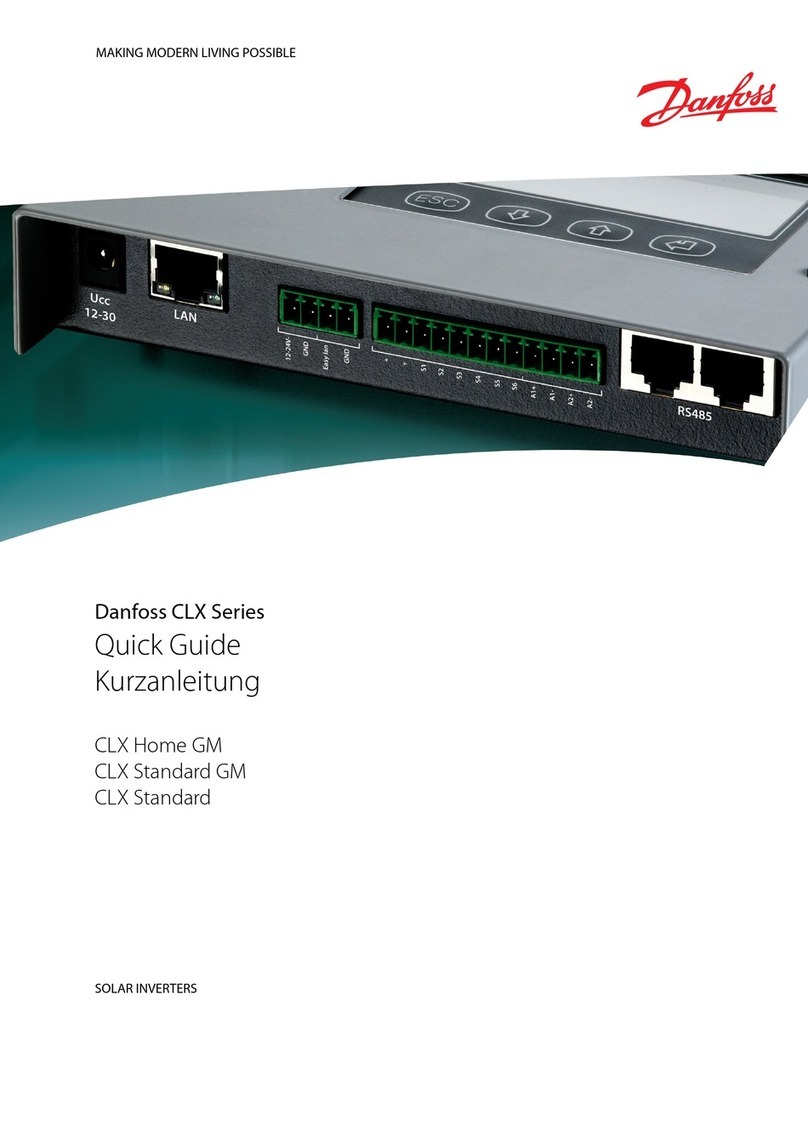
Danfoss CLX Series User manual

Danfoss

Danfoss CLX Series User manual

Danfoss VLT 2822 User manual

Danfoss

Danfoss VLT 2822 User manual

Danfoss TripleLynx User manual

Danfoss

Danfoss TripleLynx User manual

Danfoss DLX 3.8 UL User manual

Danfoss

Danfoss DLX 3.8 UL User manual

Danfoss Optyma Plus Instruction Manual

Danfoss

Danfoss Optyma Plus Instruction Manual

Danfoss EM-PME375 Series User manual

Danfoss

Danfoss EM-PME375 Series User manual

Danfoss VLT 2010 User manual

Danfoss

Danfoss VLT 2010 User manual

Danfoss TripleLynx CN User manual

Danfoss

Danfoss TripleLynx CN User manual

Danfoss CLX Series User manual

Danfoss

Danfoss CLX Series User manual

Danfoss VLT 2800 Series User manual

Danfoss

Danfoss VLT 2800 Series User manual

Danfoss VLT Micro Drive FC 51 Series User manual

Danfoss

Danfoss VLT Micro Drive FC 51 Series User manual

Danfoss VLT AutomationDrive FC 360 User manual

Danfoss

Danfoss VLT AutomationDrive FC 360 User manual

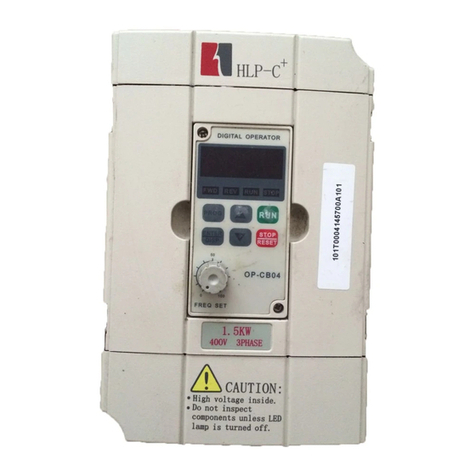
Danfoss Holip HLP-C+ Series User manual

Danfoss

Danfoss Holip HLP-C+ Series User manual

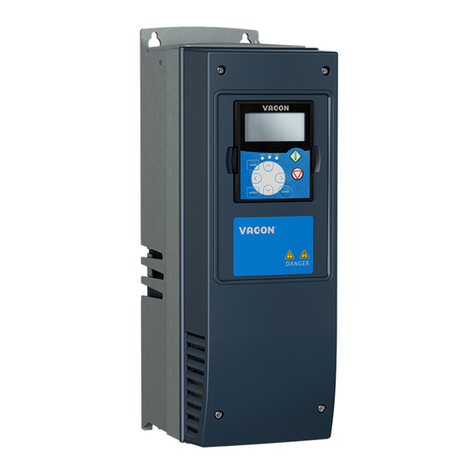
Danfoss VACON NX FI6 User manual

Danfoss

Danfoss VACON NX FI6 User manual

Danfoss VACON NXP FI9 User manual

Danfoss

Danfoss VACON NXP FI9 User manual

Danfoss DLX 3.8 User manual

Danfoss

Danfoss DLX 3.8 User manual

Danfoss EM-PMI375 User manual

Danfoss

Danfoss EM-PMI375 User manual

Danfoss TLX+ User manual

Danfoss

Danfoss TLX+ User manual

Danfoss VLT AutomationDrive FC 300 User manual

Danfoss

Danfoss VLT AutomationDrive FC 300 User manual

Danfoss FLX 17 Pro User manual

Danfoss

Danfoss FLX 17 Pro User manual

Popular Inverter manuals by other brands

Omnik New Energy Omniksol-1.5k-TL user manual

Omnik New Energy

Omnik New Energy Omniksol-1.5k-TL user manual

Agilent Technologies 33250A user guide

Agilent Technologies

Agilent Technologies 33250A user guide

4-noks ZR-SWITCH-RC instruction manual

4-noks

4-noks ZR-SWITCH-RC instruction manual

V&T V5 Series user manual

V&T

V&T V5 Series user manual

Hon Turing HT-T-S1000-12 introduction

Hon Turing

Hon Turing HT-T-S1000-12 introduction

Metabo E 140 SP Plus Original operating instructions

Metabo

Metabo E 140 SP Plus Original operating instructions

BARRON EXITRONIX Tucson Micro Series installation instructions

BARRON

BARRON EXITRONIX Tucson Micro Series installation instructions

Baumer HUBNER TDP 0,2 Series Mounting and operating instructions

Baumer

Baumer HUBNER TDP 0,2 Series Mounting and operating instructions

electroil ITTPD11W-RS-BC Operation and Maintenance Handbook

electroil

electroil ITTPD11W-RS-BC Operation and Maintenance Handbook

Silicon Solar TPS555-1230 instruction manual

Silicon Solar

Silicon Solar TPS555-1230 instruction manual

Mission Critical Xantrex Freedom SW-RVC owner's guide

Mission Critical

Mission Critical Xantrex Freedom SW-RVC owner's guide

HP 3312A Operating and service manual

HP

HP 3312A Operating and service manual

Hoymiles HM-500T user manual

Hoymiles

Hoymiles HM-500T user manual

Nitecore SPM10 user manual

Nitecore

Nitecore SPM10 user manual

AEG Protect PV installation manual

AEG

AEG Protect PV installation manual

On Board TruePower Plus 1200MS owner's manual

On Board

On Board TruePower Plus 1200MS owner's manual

Plugreen PGM-200P-230 Installation and operation manual

Plugreen

Plugreen PGM-200P-230 Installation and operation manual

Fourgroup Easy use and Programming Handbook

Fourgroup

Fourgroup Easy use and Programming Handbook

manuals.online logo
manuals.online logoBrands
  • About & Mission
  • Contact us
  • Privacy Policy
  • Terms and Conditions

Copyright 2025 Manuals.Online. All Rights Reserved.

CI.46.F1.02 10-2003
INSTRUCTIONS
Inverter for BD150F Compressors
Type 12 – BD150 code no 105N0912
Type 24 – BD150 code no 105N0924
12/24V DC - 230V AC
8238-16
System conguration
Identication
The identication of the code no is shown on the photo below.
• 12V DC units: 105N0912
• 24V DC units: 105N0924
Technical data
8527-2
230V AC
or
300V DC
BD150F
COMPRESSOR INVERTER xxV
Type xx – BD 150
Pure sine wave
Code no 105N09xx
Power
Low battery
xxVDC
+
-
Remote
12 / 24V DC
+
–
Battery
Electrical specications
Input voltage 12V DC version 12V DC nominal, range 10-15V DC
Input voltage 24V DC version 24V DC nominal, range 20-30V DC
Output voltage 230 V AC ±3%
Frequency 50 Hz
Output wave form Pure sine-wave
Continuous output power 300 W
Standby consumption 5 mW
No load power consumption 12V DC version 8.5 W
No load power consumption 24V DC version 12 W
Efciency at full load > 90 %
Environmental specications
Ambient temperature during operation –20°C to + 55°C
Cooling Static air cooling
2
3
Technical data (continued)
Dimensions
Mechanical specications
Housing Anodized extruded aluminum
Weight 4.5 kg ~ 10 lbs
AC outlet 3-pole female IEC socket
Housing dimensions in mm (L x W X H) 250 x 205 x 98)
Mounting Horizontal or vertical
Alarm indication Overload/High temp./Short circuit/Low battery
Enclosure IP 21
Standards
CE marking EMC directive 89/336/EEC
Automotive directive 95/54/EC
Emission EN 50081-1
Immunity EN 50082-2
Safety IEC 950
98 mm (3.86")
8526
COMPRESSOR INVERTER 12V
Type 12 – BD 150
Pure sine wave
Code no 105N0912
Power
Low battery
205 mm (8.07")
250 mm (9.04")
190 mm (7.48")
215 mm (8.46")
Ø")
5 mm (0.2
12VDC
+
-
Remote
2
3
Cables
The cables between the battery and the inverter must be sized
according to the table below.
The wiring of the cables is inuencing the EMC behavior of the
system, in which the inverter is a component. This is due to the
fact that the cables are receiver and transmitter antennas of
radio frequency electromagnetic interference.
Good EMC properties are obtained in the following way:
Place the cables in a metal rail. The metal offers resistance
against interference currents. The battery cables should be
placed close to each other to reduce looping area. Cables from
different groups should not be twisted but be placed parallel
with each other.
Mounting of the cables
• Check that the battery voltage matches the inverter DC input
voltage.
• Check that the inverter is switched off.
• Connect the cables to the inverter.
• Check that the cables are well tightened.
• Make sure that the battery poles are clean, and that there is a
good electrical contact.
• Connect the selected cables to the battery.

Note!
Do not interchange the battery cables. It will result in instanta-
neous damage of the inverter.
Size Max. length between battery Max. length between battery
and inverter. 12V operation and inverter. 24V operation
AWG Gauge Cross section Foot Meter Foot Meter
mm2
6 16 8 2.5 16 5
4 25 13 4 26 8
230V AC
Ensure that the inverter is switched off before connecting an AC
cable to the inverter.
Mount a 3-pole male connector into the 230V AC socket on the
inverter.
The inverter is protected against overload and short circuit. It is
not necessary to mount a fuse at the output of the inverter.
Installation
It is recommended to install the inverter in a dry and dust free environment.
Place the inverter as close as possible to the battery, in order to keep the lengths of the cables between battery and inverter as short
as possible.
Never use the inverter in environments with presence of dust or explosive gases.
The inverter can be mounted on a wall or at mounted.
Optimum cooling is obtained in a vertical position.
Remote input
The remote input is used to turn the inverter ON/OFF remotely
e.g. through a cars ignition system.
The power consumption of BD150F is usually so big that a
standard battery car would be drained very fast if the engine is
not running.
Note!
The remote switch is positive. Do not touch the housing of the
inverter, with the remote switch terminal, it will damage the
switch.
Monitoring
The inverter is equipped with two LED.
The power LED
Constant light: The inverter is in operation mode.
1 ash: Overload. The inverter is overloaded.
2 ashes: High temperature. The inverter is too hot inside,
and will enter standby mode. When the inverter
has cooled down it will restart automatically.
3 ashes: Short circuit. Switch of the inverter and load.
Check all equipment and nd out what caused
the short circuit, before the inverter is restarted.
4 ashes: Battery can not handle high peak power.
Wrong or defect battery.
The low battery LED
Constant light: The voltage is below 10V DC on a 12V DC
version or below 20V DC on a 24 V DC version.

Check the condition of the battery, check if there
are loose connections.
Eventually charge the battery.