3B Timer
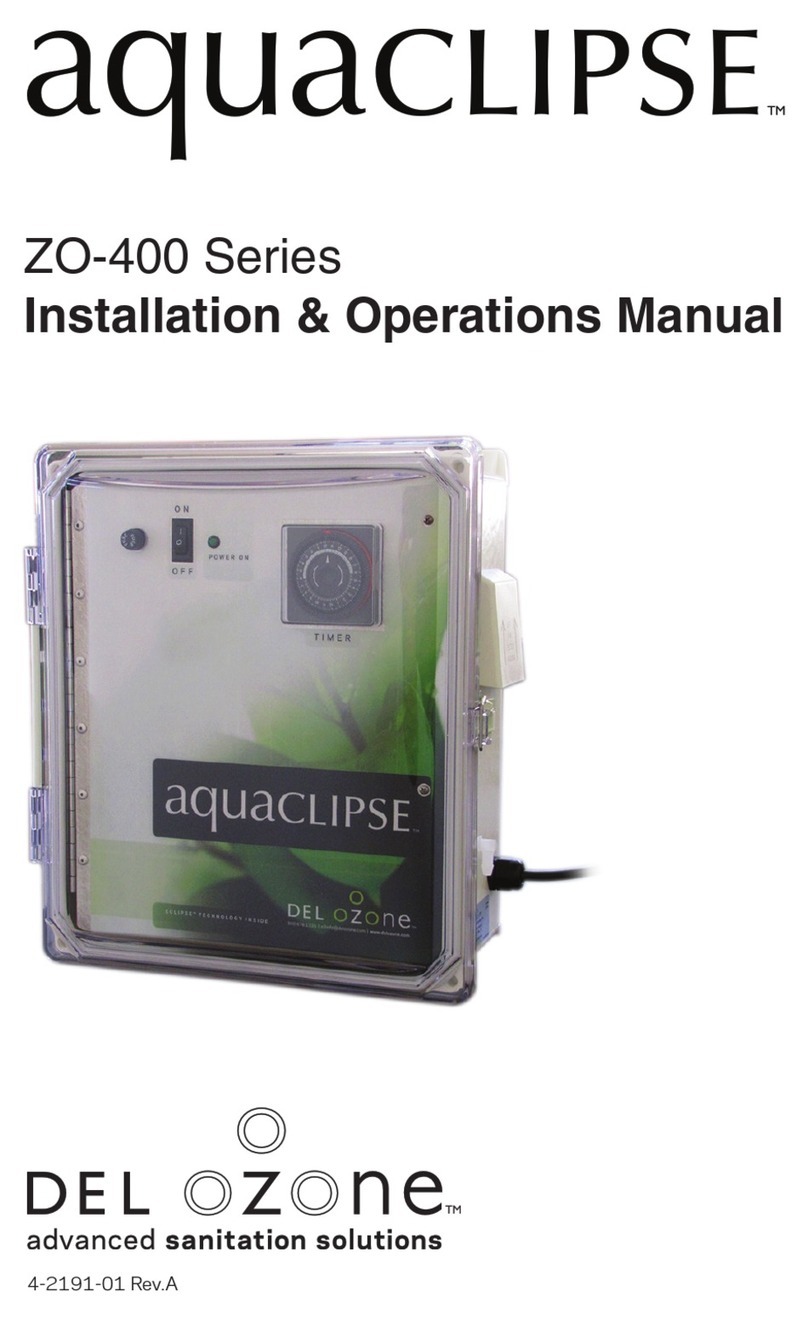
The DEL Ozone Aquaclipse has a digital timer on the front panel for timed
operation control. When the timer is set to power the system, the 4
indicator lights on the front panel below the timer will light green when
the ozone cells are functioning properly. If one of the cells goes out, the
corresponding light will turn red.
To set the current time and day, slide the “Run” switch to the clock symbol.
To program on and off times, slide the “Run” switch to P.
To run the programmed times, slide the “Run” switch to “Run,” and slide
the “Auto” switch to “Auto.”
To bypass the timer and make the system always on, slide the “Auto”
switch to “I.”
For more detailed clock programming instructions, see Appendix A.
SECTION 4 Water Treatment
The ZO-400 Aquaclipse can purify water in atmospheric tanks, emergency
storage, spas, bathtubs, fountains, and wading pools up to 20 feet deep.
It is specifically designed to purify drinking water from well sources or city
water supplies, removing undesirable tastes, odors and colors caused
by iron, copper, manganese, chlorine and organics. The Aquaclipse is
especially good at removing the sulfur smell from well water.
Do not use water from a source that is questionable such as stagnant
pool water, creeks, ponds, streams, urinary tracts or the like.
To treat water, place the dispersion stone into the water container as
shown in Figure 2 and set the timer to make the unit run for the amount of
time desired (recommended 24 hr/day operation). Running the unit less
than 24 hours per day may work for your set-up, but running the unit for
longer will not hurt the water or the system.
Aquaclipse™Installation & Operation Manual 4