manuals.online logo
Brands
  1. Home
  2. •
  3. Brands
  4. •
  5. Denso
  6. •
  7. Barcode Reader
  8. •
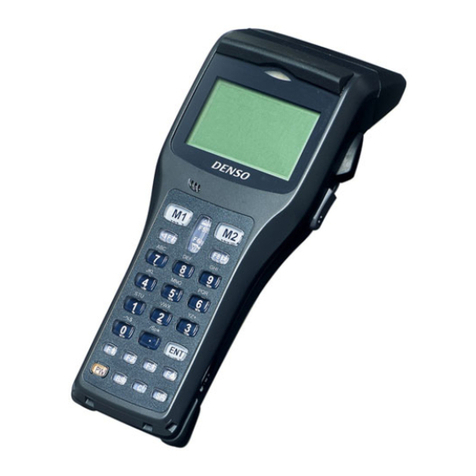
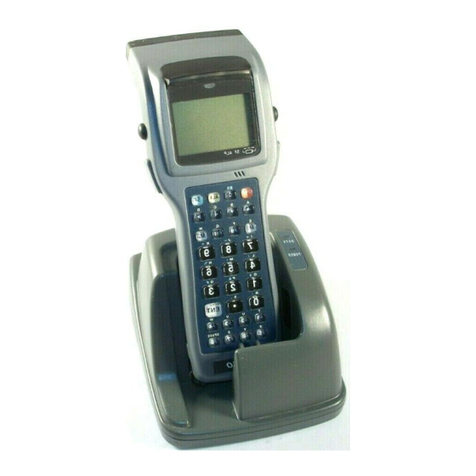
  9. Denso BHT-302B User manual

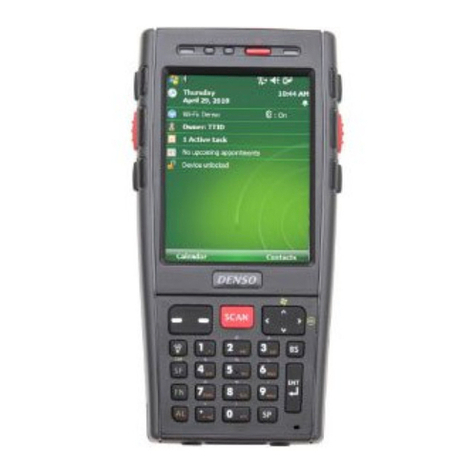
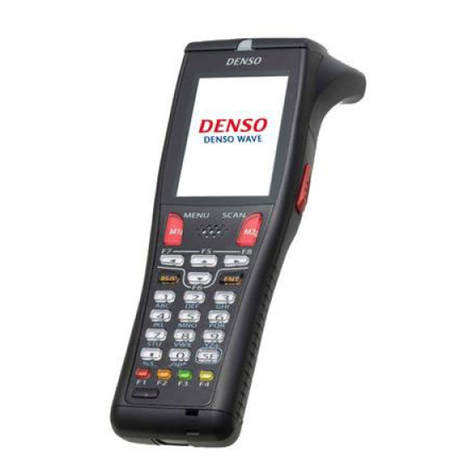
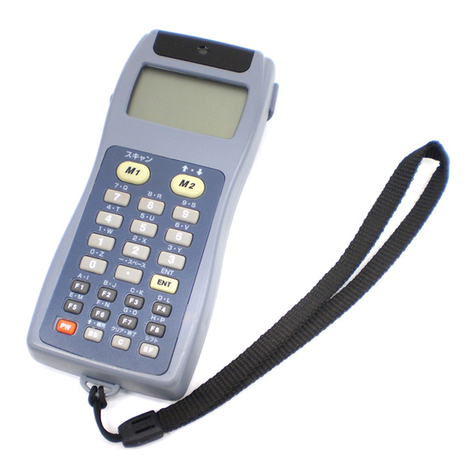
Denso BHT-302B User manual

This manual suits for next models

6

Other Denso Barcode Reader manuals

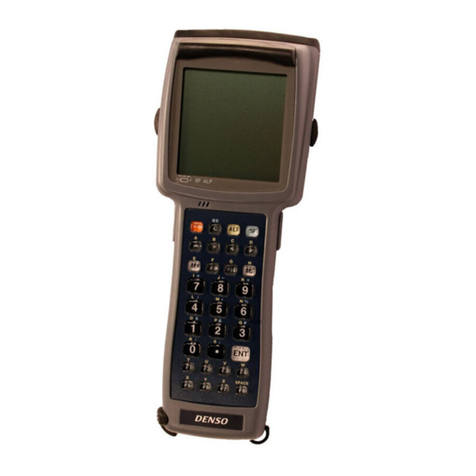
Denso BHT-604B User manual

Denso

Denso BHT-604B User manual

Denso BHT-8000 User manual

Denso

Denso BHT-8000 User manual

Denso BHT-8000 Installation manual

Denso

Denso BHT-8000 Installation manual

Denso QS20P-A User manual

Denso

Denso QS20P-A User manual

Denso BTH-300BW User manual

Denso

Denso BTH-300BW User manual

Denso BHT-500B User manual

Denso

Denso BHT-500B User manual

Denso BHT-100B User manual

Denso

Denso BHT-100B User manual

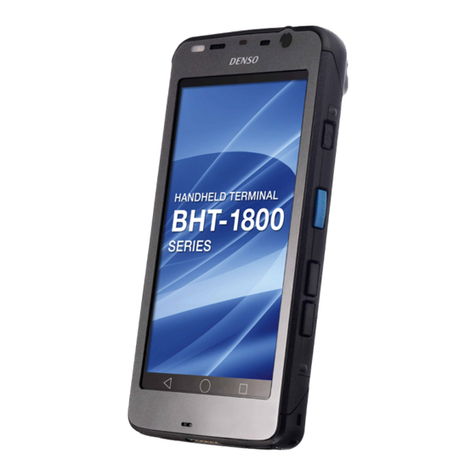
Denso BHT-1700BWB Instructions for use

Denso

Denso BHT-1700BWB Instructions for use

Denso GT10Q-SR User manual

Denso

Denso GT10Q-SR User manual

Denso GT10B-SU User manual

Denso

Denso GT10B-SU User manual

Denso BHT-1505B User manual

Denso

Denso BHT-1505B User manual

Denso BHT-1400QWB-CE User manual

Denso

Denso BHT-1400QWB-CE User manual

Denso BHT-400-CE User manual

Denso

Denso BHT-400-CE User manual

Denso Power Net Terminal BHT-103 User manual

Denso

Denso Power Net Terminal BHT-103 User manual

Denso BHT-7500S User manual

Denso

Denso BHT-7500S User manual

Denso BHT-700-CE User manual

Denso

Denso BHT-700-CE User manual

Denso BHT-4000 User manual

Denso

Denso BHT-4000 User manual

Denso BHT-1600 User manual

Denso

Denso BHT-1600 User manual

Denso BHT-300BWB Manual

Denso

Denso BHT-300BWB Manual

Denso GT10B-SM User manual

Denso

Denso GT10B-SM User manual

Denso GT10B-SM User manual

Denso

Denso GT10B-SM User manual

Denso BHT-904B User manual

Denso

Denso BHT-904B User manual

Denso GT10Q-SR User manual

Denso

Denso GT10Q-SR User manual

Denso AT27Q-SB User manual

Denso

Denso AT27Q-SB User manual

Popular Barcode Reader manuals by other brands

Microscan HS-2D user manual

Microscan

Microscan HS-2D user manual

SICK CLV62x Online help

SICK

SICK CLV62x Online help

Datalogic Gryphon GBT4200 Quick reference guide

Datalogic

Datalogic Gryphon GBT4200 Quick reference guide

WaveMark SmartWand SW1500 manual

WaveMark

WaveMark SmartWand SW1500 manual

Zebex Z-3191BT Quick connection guide

Zebex

Zebex Z-3191BT Quick connection guide

RTscan RT211 Integration guide

RTscan

RTscan RT211 Integration guide

Motorola SYMBOL DS6707 Product reference guide

Motorola

Motorola SYMBOL DS6707 Product reference guide

Godex BP300 user manual

Godex

Godex BP300 user manual

Godex RT800i Series user manual

Godex

Godex RT800i Series user manual

Generalscan X Series quick start guide

Generalscan

Generalscan X Series quick start guide

POSMicro Datalogic PowerScan D7100 manual

POSMicro

POSMicro Datalogic PowerScan D7100 manual

NCR RealPOS user guide

NCR

NCR RealPOS user guide

Motorola SE3300 Integration guide

Motorola

Motorola SE3300 Integration guide

Nordson CBC 5100 manual

Nordson

Nordson CBC 5100 manual

Motorola Symbol LS3008 Product reference guide

Motorola

Motorola Symbol LS3008 Product reference guide

Meec tools OBD-II / VAG operating instructions

Meec tools

Meec tools OBD-II / VAG operating instructions

SICK CLP 100 operating instructions

SICK

SICK CLP 100 operating instructions

Royal Tag SA I-Read user manual

Royal Tag SA

Royal Tag SA I-Read user manual

manuals.online logo
manuals.online logoBrands
  • About & Mission
  • Contact us
  • Privacy Policy
  • Terms and Conditions

Copyright 2025 Manuals.Online. All Rights Reserved.

Bar Code Handy Terminal
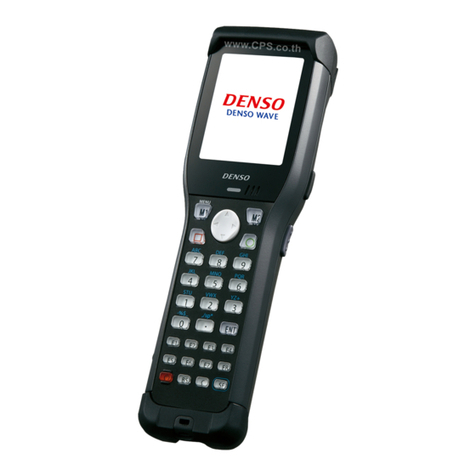
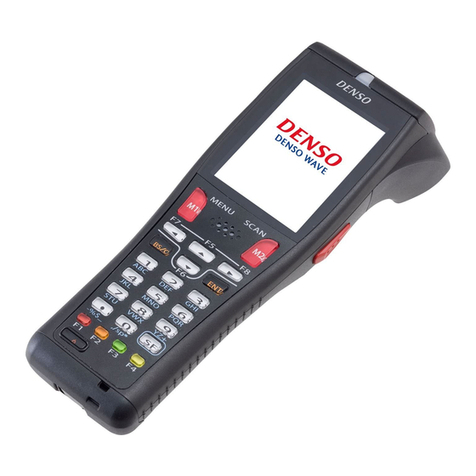
BHT-300 Series
The New Standard in BHT Scanners
BHT-300 Series:
robust, flexible and with numerous features.
Whether you use wireless LAN, Bluetooth™,
infrared or radio frequency for data transfer,
Denso’s new BHT-300 series is ideal for fast
and simple inventory and stocktaking.
Nor does it matter if you work with one or
two-dimensional barcodes – the BHT-300
series has the right device for all your
requirements.
Reading
High reading performance
• Scanning at ranges up to 450 mm (with
narrow 1.2 mm bar width)
• Improved scanning of broader labels and
badly printed or damaged bar codes
Viewing
Largest screen in its class
• Choose between a large, easy-to-read
font size or a display of up to 9 lines with
22 characters each (12 point font)
• Alphanumerical characters, Kana and
Kanji
• Compatibility mode with an 8-character,
4-line display for applications from
earlier models (BHT-7000/-5000/-8000)
• The characters can be enlarged horizon-
tally, vertically and simultaneously
horizontally/
vertically
Reading
3 Communication
Built-in wireless communication interface
for connection to an existing LAN
• The BHT-300BW/BWB models are
compatible with the global standard
IEEE802.11b enabling wireless
communication with up to 11 Mbps
• The BHT-300BB/BWB models are fitted
with Bluetooth™ – enabling wireless
connection to portable printers
Performance and Quality
• Industry-leading impact resistance and
superior operating environment features
(the BHT-300 withstands being dropped
onto concrete from a height of 1.20 m
30 times)
• Water and dust-resistance meet the IEC
requirements of the International
Standards Protection Class IP54
(equivalent to JIS splash proof)
• Power-saving design achieves longer
operating time
• A lithium-ion battery and power-saving
design extends continuous operating
time and reduces costs by eliminating
the need for replacement batteries as
well as the inconvenience of managing
battery recharging: 135 hours when
reading two bar codes twice in 10
seconds and not using the wireless inter-
face. 24 hours assuming a reading to
wireless communication to display to
standby mode ratio of 1:1:1:20
(BHT-300BW/BWB)
• CCD (Charged Coupled Device) techno-
logy: No moving parts, very robust
Extended scope of function
User-friendly Design
The angled scanner head and lightweight
body improve user productivity – ideal for
retail, logistics and warehousing applica-
tions.
Easy-to-use, highly durable key pad
Magic keys to which you can assign any
Technical Data
Extended scope of function
Viewing
Performance and Quality
(1): Maximum range and speed may vary according to operating condition
(2): when reading two bar codes at 10-second intervals and not using the
Communication
Memory 5 MB
Display Resolution
Display device
Character type
Alphanumeric Kana
Kanji characters
(standard)
Kanji characters
(standard)
Scanner Scanning system
Scanning area
Readable Codes
Resolution
Reading confirmation
Keyboard Number of keys
Communications Optical Interface Communication
system
Communication
speed
Max. distance
Wireless Interface Certificate
Frequency
Range(1)
Modulation
Communication
speed
Cable interface
Power supply Main power
Operating hours
Backup power
Auxiliary functions
Environmental Operating temperature
Requirements Water/dust proof
Shock resistant 1.50
Weight Appr

functions you wish. Cursor key enhances

menu selection convenience.
Resin-coated keys enhance durability.
Extension Pack
The BHT-300 series is compatible with
BHT-BASIC 4.0, which is now equipped with
easy to use functions – it is compatible with
earlier models and enables uncomplicated
transfer of applications.
Vibrator
The vibrator reliably informs the user when
the reading process has been completed
and if any errors have occurred – even in
noisy working environments.
Remote Wakeup Function
Makes it possible for it to be controlled from
a PC and enables remote maintenance of
master files, applications and operating
systems.
(3): Reserve power calculation assuming a reading to wireless communication to display to standby mode ration of 1:1:1:20.
(4): Test value, not guaranteed.
s.
wireless interface.
BHT Extension Pack
BHT pack for creating applications
High performance development software for
the whole process, from development to
implementation. Easy installation, can be
implemented immediately.
BHT Extension Pack
Bluetooth is the registered trademark of Bluetooth SIG
Inc. and is used under licence by Denso Wave.
BHT-302B BHT-303B BHT-303BB BHT-303BW (303BWB) BHT-304Q BHT-304QW
B (User area approx.: 2.2 MB) 9 MB (User area approx.: 5.8 MB) 9 MB 9 MB (User area approx.: 5.25 MB) 18 MB (User area approx.: 12.5 MB) 18 MB (User area approx.: 12 MB)
132 x 72 dots
Liquid crystal dot matrix display (Monochrome)
22 char x 9 lines
8 char x 4 lines
11 char x 6 lines
Advanced Scanning (CCD) 1D Advanced Scanning (CCD) 2D
420 mm max (with a distance of 400 mm from label)
EAN-13/-8 (JAN-13/-8), UPC-A/-E, UPC/EAN with add-on codes, QR Code, Micro QR Code, PDF417, Maxi Code, DataMatrix, EAN,
Interleaved 2 of 5, CODABAR (NW-7), CODE39, CODE93, UCC Composite
CODE128 (EAN-128), Standard 2 of 5
0.125 mm
2-color LED (red & green), buzzer, vibrator
26 keys (Incl. power switch) + 2 trigger keys
Infrared interface (IrDA-SIR Ver. 1.2[Low Power] compliant)
Approx. 115.2 Kbps max
Approx. 15 cm
Bluetooth™ IEEE802.11b (Bluetooth™) IEEE802.11b
2.4 GHz 2.4 GHz
Indoors: approx. 75 m Indoors: approx. 75 m
Outdoors: approx. 200 m Outdoors: approx. 200 m
DSSS DSSS
11/5.5/2.1 Mbps 11/5.5/2.1 Mbps
(with auto fallback) (with auto fallback)
RS-232C (115.2 Kbps max)
Lithium-ion battery cartridge
Approx. 135 hours(2)
Approx. 24 hours(3)
Clock, beeper, vibrator, low battery indication, remote wakeup functions
–5 °C ~ 50 °C
IP54 (JIS splash Proof)
m (30 times onto concrete floor) 1.20 m (30 times onto concrete floor)(4)
rox. 230 g Approx. 240 g Approx. 250 g (260 g) Approx. 260 g
Dimensions (in mm)
Hinweise
Carefully read the user manual before using the device. Specifications are subject to change without notice. Information current as of
June 2004.
Note
DH 003-gb-01/05-6000-2
11492
140
48
70
55
27
182
Optional Accessories (not supplied)
• Communication units:
CU-301 (RS-232C)
CU-321 (USB)
CU-311 (LAN) (available shortly)
• Battery charger for the main power
supply battery (CH-351)
• Soft case and belt case (available
shortly)
(1): Connection may not be possible depending on the type of PC or USB hub being used. First check if they are compatible. The AC/DC
adapter (not included in the scope of delivery) is required for recharging or discharging the battery if no power supply is available via
the connected device, such as when this is switched off or is in standby mode.
(2): Charge time may vary according to the power supplied by the connected device. Charge time with the AC/DC adapter is 4 hours.
Technical Data CU 300
Accessories
• Hand strap
• Lithium-ion battery BT-20L
• Operating manual
Accessories
www.denso-id.de Toyota Tsusho Europe S.A. · Denso ID Systems Department
Carl-Schurz-Straße 2, 41460 Neuss, Germany
Phone +49 2131-3691-0 · Fax +49 2131-3691-502 · [email protected]
Company Stamp
BHT-300 Series
CU-300 Series
Optional Accessories (not supplied)
CU-301 CU-321(1)
Communication BHT <– –> CU Communication IrDA-SIR Ver. 1.2 (Low Power) compliant
(Communication unit)system
Communication 115.2 Kbps max
speed
CU <– –> Host Communication RS-232C USB 1.1 Full Speed
system compliant
Display LEDs Power, communication
Battery charger Charge time 4 hours 9 hours(2)
Power source AC/DC adapter From connected device