www.d.com
3
Chapter 1 Introduction
Table of Contents
Copyright ....................................................................................... 2
Trademarks .................................................................................... 2
FCC and DOC Statement on Class A.................................... 2
About this Manual ...................................................................... 4
Warranty ........................................................................................ 4
Static Electricity Precautions................................................... 4
Safety Measures........................................................................... 4
Safety Precautions ...................................................................... 5
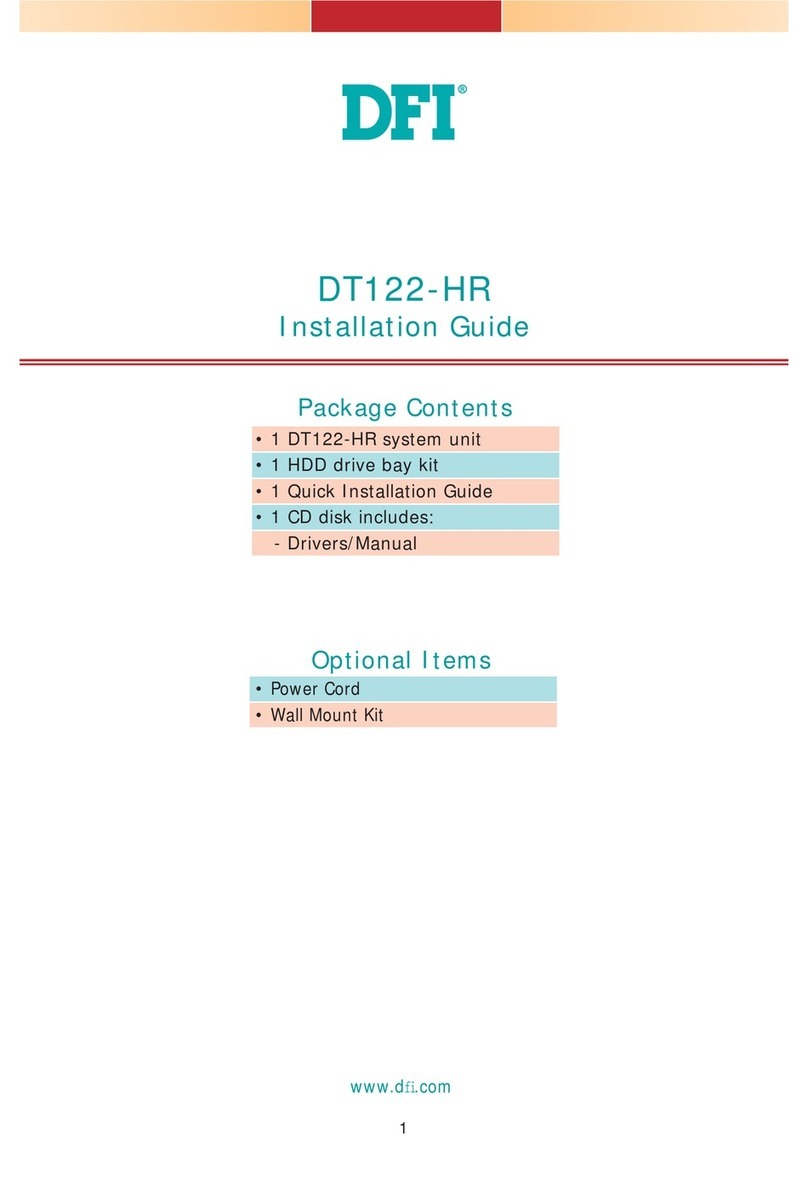
About the Package..................................................................... 5
Chapter 1 - Introduction .......................................................... 6
Overview....................................................................................................................... 6
Key Features ................................................................................................................ 6
Specifications.............................................................................................................. 7
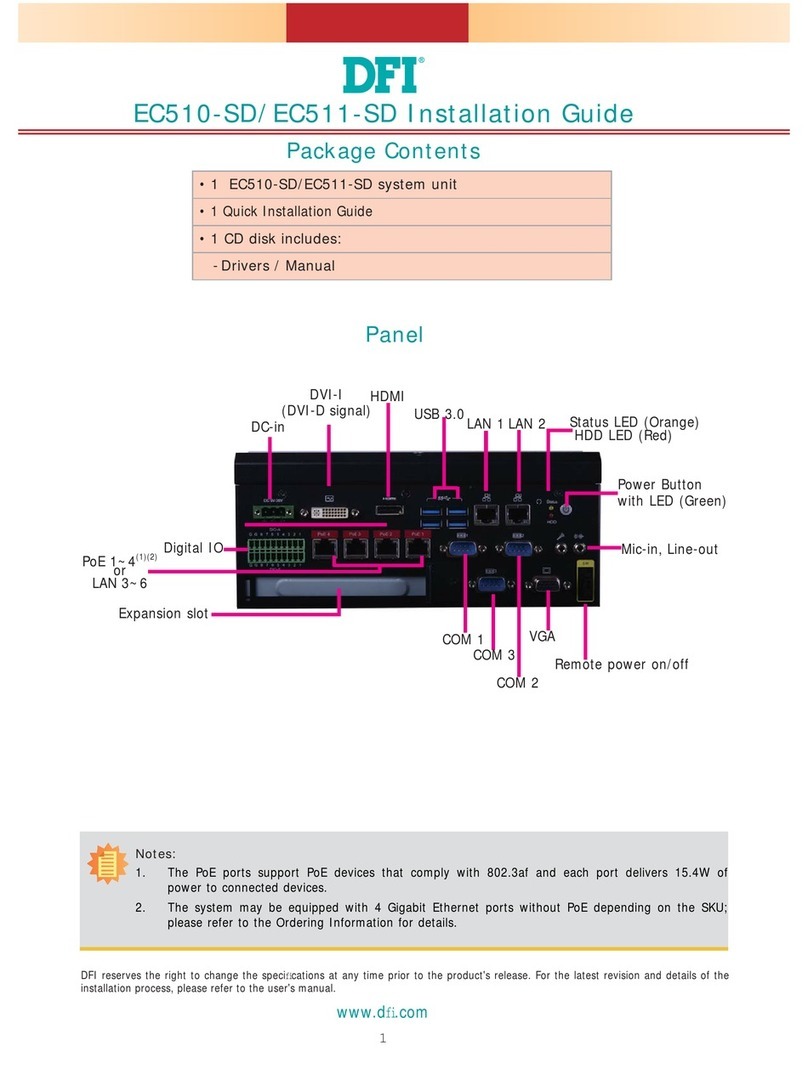
Getting to Know the EC70B-SU .......................................................................... 8
Mechanical Dimensions.......................................................................................... 9
Chapter 2 - Getting Started..................................................... 10
Chapter 3 - Installing the Devices......................................... 11
Removing the Chassis Cover...............................................................................11
Installing an M.2 card.............................................................................................11
Installing a Mini PCIe Card...................................................................................12
Chapter 4 - Jumper Settings................................................... 13
Clear CMOS Data .....................................................................................................13
Auto Power-on Select............................................................................................13
Mini PCIe/SATA Signal Select ..............................................................................14
COM4/DIO Select.....................................................................................................14
Chapter 5 - Ports and Connectors ........................................ 15
Display Interfaces .................................................................................................................................. 15
USB Ports .................................................................................................................................................. 16
COM (Serial) Ports.................................................................................................................................. 17
RJ45 LAN Ports ....................................................................................................................................... 18
Audio ......................................................................................................................................................... 18
I/O Connectors .........................................................................................................19
Serial ATA Connector & Serial ATA Power Connector .............................................................. 19
Expansion Slots ...................................................................................................................................... 19
Front Panel Connector......................................................................................................................... 20
Standby Power LED .............................................................................................................................. 21
Battery........................................................................................................................................................ 21
COM (Serial) Ports (expansion board)............................................................................................ 22
LAN Ports (expansion board)............................................................................................................ 22
Digital I/O Connector (expansion board)..................................................................................... 23
Expansion Slots (expansion board) ................................................................................................ 23
Display Interfaces (expansion board) ............................................................................................ 24
15~36V DC-in/DC-out (expansion board).................................................................................... 24
USB Ports (expansion board) ............................................................................................................ 25
Chapter 6 - Mounting Options .............................................. 26
Chapter 7 - BIOS Setup ............................................................. 29
Main............................................................................................................................................................ 30
Advanced ................................................................................................................................................. 30
Security...................................................................................................................................................... 40
Boot ............................................................................................................................................................ 42
Exit............................................................................................................................................................... 43
Chapter 8 - Supported Software........................................... 45
Chapter 9 - Intel AMT Settings ............................................. 53