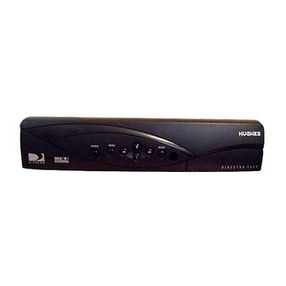
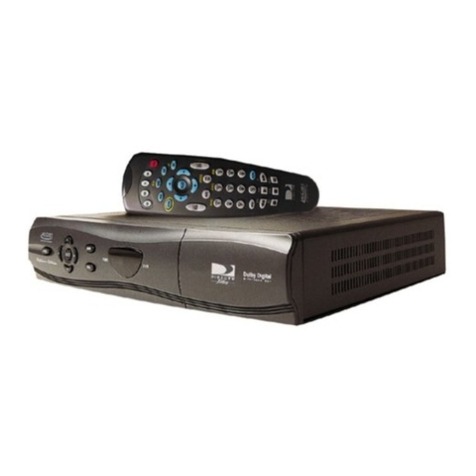
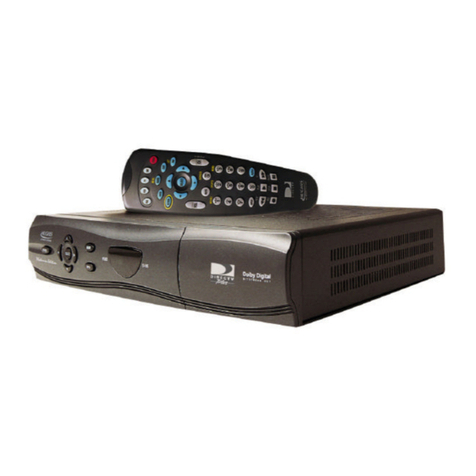
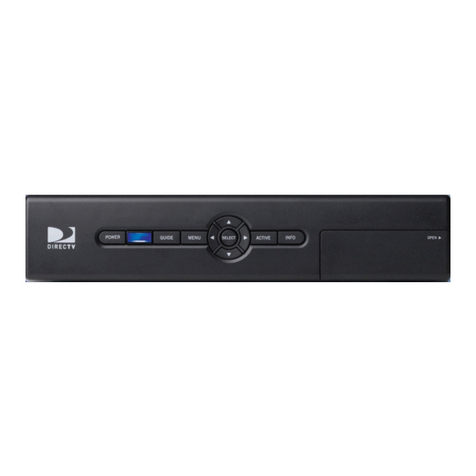
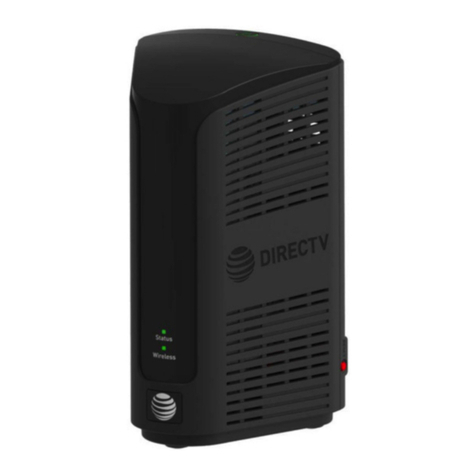
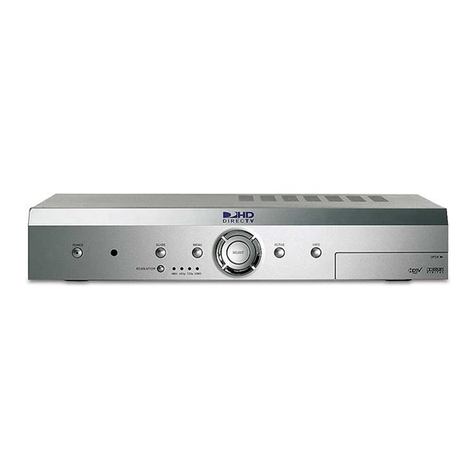
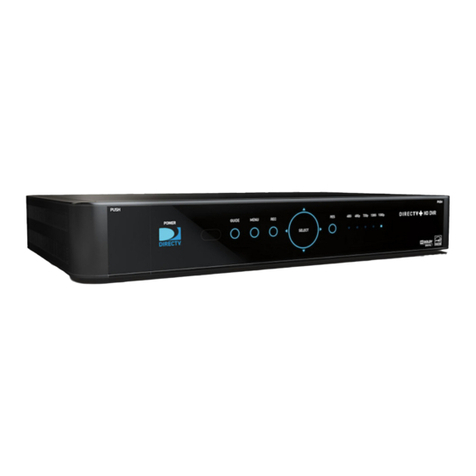
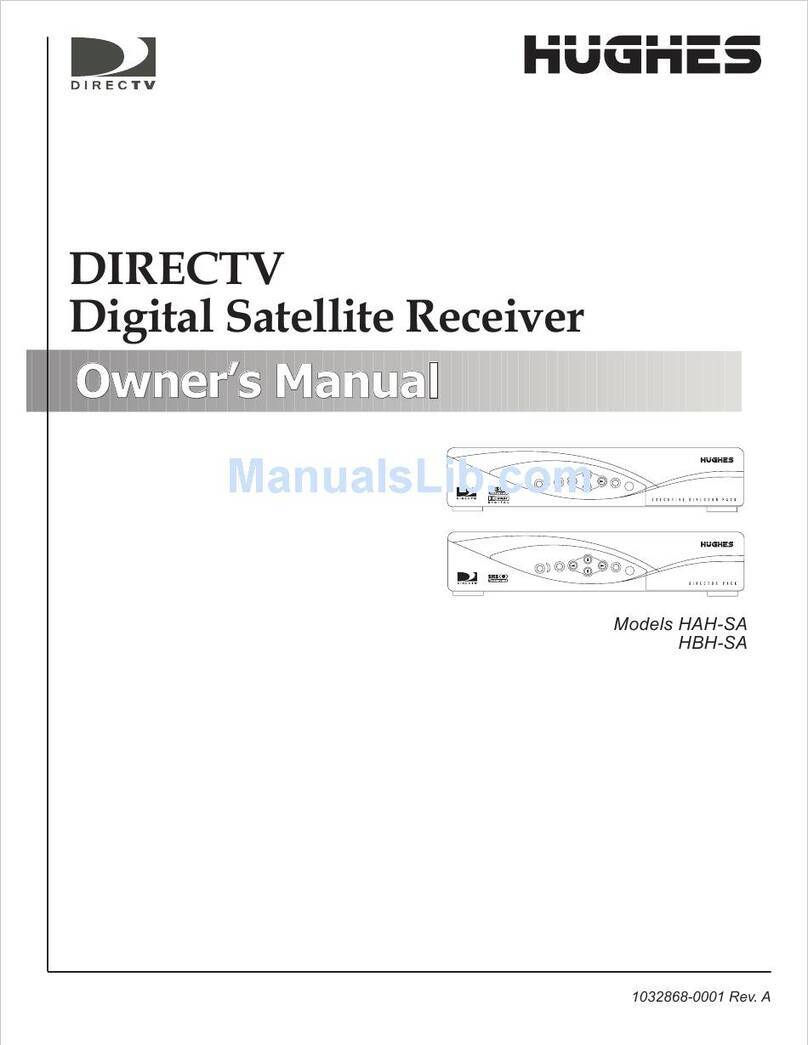
DirecTV ProScan DSS Receiver User manual

DSS®Receiver
User’s Manual

Safety Information
Do not stack electronic components or other objects on top of the DSS®
Receiver. The slots on top of the receiver must be left uncovered to allow
proper airflow to the unit. Blocking the airflow to the unit could impair
performance or damage your receiver and other components.
Do not stack the DSS®receiver on top of a “hot component” such as an audio
power amplifier.
FCC Regulations state that unauthorized changes or modifications to this
equipment may void the user’s authority to operate it.
The RF remote control complies with part 15 of the FCC Rules. Operation is
subject to the following two conditions: 1) The RF remote control may not
cause harmful interference and; 2) The RF remote control must accept any
interference received, including interference that may cause undesired
operation.
Note to Cable TV Installer: This reminder is provided to call your attention to Article 820-40 of the
National Electrical Code (Section 54 of the Canadian Electrical Code, Part 1)
which provides guidelines for proper grounding and, in particular, specifies
that the cable ground shall be connected to the grounding system of the
building as close to the point of cable entry as practical.
Note to Satellite Dish Installer: This reminder is provided to call your attention to Article 810 and in
particular article 810-15 of the National Electrical Code which covers proper
installation and grounding of television receiving equipment as well as to
article 820-40 of the National Electrical Code which specifies that the satellite
dish cable ground shall be connected to the grounding system of the building
as close to the point of cable entry as practical.
IMPORTANT NOTICE: This device incorporates an anticopy process technology that is protected by
U.S. patents and other intellectual property rights. The anticopy process is
licensed for non-commercial, home use only. Reverse engineering or
disassembly is prohibited.
Care and Cleaning: Use a soft cloth or dusting attachment of your vacuum cleaner to dust your
DSS® receiver. Remove dust from the ventilation holes on the top and
bottom.
Plastic surfaces are easily scratched and can be marred by alcohol and
various solvents. Avoid excessive use of oil-based furniture polishes since the
materials used in the cabinet will accumulate more dust. A non-abrasive,
anti-static cleaner/polisher is recommended.
WARNING TO REDUCE THE RISK OF ELECTRIC SHOCK, DO NOT
REMOVE COVER (OR BACK). NO USER SERVICEABLE PARTS
INSIDE. REFER SERVICING TO QUALIFIED SERVICE
PERSONNEL.
This symbol indicates “dangerous
voltage” inside the product that
presents a risk of electric shock or
personal injury.
This symbol indicates important
instructions accompanying the
product.
RISK OF ELECTRIC SHOCK
DO NOT OPEN
WARNING
To reduce risk of fire or
shock hazard, do not
expose this receiver to
rain or moisture.
Cautions

Table of Contents
1
First Things First .............................................................. 3
What is the DSS®System? ............................................................... 4
What’s in the Box ............................................................................ 5
Using This Manual ........................................................................... 6
The Point and Select Method................................................... 7
Connecting Your DSS®Receiver to Your TV ................................... 8
Things to Know Before Connecting Components .................. 8
Jacks and Cables........................................................................ 9
Connecting the VCR Controller .................................................... 14
Choosing a DSS®Output Channel ................................................ 16
Connecting a Compatible D-VHS VCR .......................................... 18
Ordering DSS®Programming ........................................................ 18
Program Guides ............................................................ 19
Anatomy of a Program Guide ...................................................... 20
Anatomy of The Channel Banner ................................................. 21
Using the GUIDE Button ............................................................... 22
Getting Around in the Guides ...................................................... 22
Tuning to a Program ............................................................... 23
The Other Program Guides ........................................................... 23
Sorting the Guides ....................................................................... 25
The Menu System .......................................................... 31
Using the Menu System ................................................................ 32
Exit and Help ........................................................................... 32
Menu Descriptions .................................................................. 33
The Program Guide ....................................................................... 34
Anatomy of a Program Guide ................................................ 34
The Mailbox ................................................................................... 35
How to tell when you have mail............................................ 35
Checking your mail ................................................................. 35
Pay-Per-View Programs ................................................................. 36
Purchasing and Previewing .................................................... 36
Tuning to a PPV Program ....................................................... 36
Using the Program Guide for PPV Programs ......................... 37
Using the Attractions Guide................................................... 38
Using the Purchases Menu ..................................................... 39
Reviewing and Canceling an Upcoming Purchase ................ 39
Spending Limits ....................................................................... 40
Timers Feature ............................................................................... 41
Profiles ........................................................................................... 43
Creating a Profile Channel List .............................................. 43
Setting the Ratings Limit ........................................................ 44

Table of Contents
2
DSS®is a registered trademark of DIRECTV, Inc., a unit of Hughes Electronics Corp.
StarSight-Licensed: The manufacture and sale of the television schedule feature of this product was licensed under one or
more of the following patents of StarSight Telecast, Inc.; U.S. Patent Nos. 4,706,121; 4,977,455; 5,151,789; 5,335,277:
and 5,353,121.
Viewing Hours ......................................................................... 45
Setting Up Spending Limits .................................................... 45
Locking a User’s Profile ........................................................... 46
Locking the System ................................................................. 46
Choosing Your Profile ............................................................. 47
Options .......................................................................................... 48
Look and Feel .......................................................................... 49
System Options ....................................................................... 50
Alternate Audio ...................................................................... 51
Alternate Data ........................................................................ 51
The Dish Pointing Menu Screen ................................................... 52
Using the On-Screen Signal Meter ........................................ 53
Home Control ................................................................................ 54
Fetch Menu .................................................................................... 56
Reference ...................................................................... 57
Parts of the DSS®System ............................................................... 58
World View.............................................................................. 58
Home View .............................................................................. 59
Controls and Buttons .................................................................... 60
Front Panel Controls ............................................................... 60
Back Panel Controls ................................................................ 61
Remote Control Buttons ......................................................... 62
Programming the Remote Control .............................................. 63
Programming the Remote to Control Your TV ..................... 64
Programming the Remote to Control Your VCR ................... 64
Programming the Remote to Control Other Devices ........... 65
Using the Remote Buttons to Control a Device .................... 65
Remote Codes ......................................................................... 66
Glossary .......................................................................................... 68
Troubleshooting ............................................................................ 70
Running the System Test ............................................................... 70
Appendix A: Warranty Information ............................... 71
Appendix B: FCC Regulations ........................................ 74
Appendix C: Accessories ............................................... 75
Index ............................................................................. 77

3
Read the First Two
Chapters
The first two chapters of the manual introduce you
to your DSS®system, and show you how to use the
on-screen guides and menus.
In First Things First, you’ll learn:
• how to use this manual
• how to use the menu system and guides
• different ways to connect the receiver to yourTV
• how to connect the VCR controller
• how to set the output channel
• how to send the DSS®signal to multiple TVs
• how to connect a D-VHS VCR
• how to order programming
Program Guides details the items and features
associated with the different guides.
The Rest Of The Manual
The rest of the book includes menu information,
reference information such as remote codes, a
glossary, and an index.
➣
First Things First
1
➣
The Menu System
Program Guides
➣
Reference
4
3
2
➣
Appendices
5
First
Things
First

First Things First
4
What is the DSS®System?
You’ve purchased the DSS®Digital Satellite System, so you already
know a lot of the great things it offers. You know that the DSS®system
uses the latest satellite technology to deliver television programming to
your home. And you know that the transmissions are digital, so the
quality of the picture and audio rivals that of laser discs and CDs. You
know the dish is small—18 inches wide—and that it often can be
installed in a matter of hours. (See the DSS®System Installer Guide for
specific information.)
Those are the some of the things you probably know about the DSS®
system. But what about the things you don’t know? For instance...
•The DSS®system works like your TV. Pick up the DSS®remote and
push the DSS1 button. Press the Channel Up/Down buttons to
scan through the channels. Press the number keys to go directly to
a channel.
• There is an on-screen program guide. The program guide is like a
TV listing in the newspaper. It is designed to help you select
regular programs and pay-per-view events. You can also sort the
guide to list only specific types of programs. You can select Sports,
for example, and your guide will show current and upcoming
sports programs only. Or Movies. Or News.
• There is the on-screen Menu System that allows you to customize
your system. You can set up your system, build channel lists,
preview coming attractions, set spending limits, and receive mail
from your program providers.
• There are three types of On-line Help to assist you in learning how
to use the DSS®system: Context-Sensitive Help (at the bottom of
most menu screens),
Help
buttons, and the
About DSS
menu.

First Things First
5
What’s in the Box
The following items come with your DSS®receiver:
• Receiver (with access card inserted)
• Remote Control
• VCR Controller
ON/OFF
INFO
ANTENNA
MENU
SELECT
Receiver
MUTE
C
H
+
V
O
L
V
O
L
C
H
-
123
6
5
4
789
0
INPUT
ANTENNA
GUIDE FETCH
PLAY FORWARD
REVERSE
STOP PAUSE
RECORD
M
E
N
U
CLEAR
INFO ALT.AUD
WHO
GO BACK
DSS2
AUX
DSS1
VCR TVPOWER
S
E
L
E
C
T
Remote Control
Installing Batteries In the Remote
Control
Follow these steps whenever you need to install or change the
batteries in your DSS®remote.
1. Remove the cover from the battery compartment.
2. Insert batteries as shown in the battery compartment, matching the
+ and - end of each battery.
3. Replace the cover.
Programming the Remote
Depending on your equipment you may need to program the remote
to control other devices. Check out “Programming the Remote” in the
Reference section.
VCR Controller

First Things First
6
Using This Manual
There are a couple of conventions used in this manual that might help
you read it.
• Words that appear in ALL CAPS indicate the name of a button.
• The names of on-screen menu options are shown in
italics
.
Important Note about This
User’s Manual
This manual assumes that your DSS®system has been installed,
meaning:
1. The DSS®satellite dish antenna has been installed, correctly
pointed at the satellite, and connected to your DSS®receiver.
2. The DSS®receiver is connected to your television and to a
telephone line.
3. The access card is installed in your DSS®receiver.
Your access card has been matched to your receiver, and should
already be installed when you take the receiver out of the packing
box. The access card should only be taken out of the DSS®
receiver when you are issued a new card by your programming
providers.
4. The DSS®remote control has batteries and can be programmed to
control both your DSS®receiver and your TV (if your TV is remote-
controllable).
If your system has not been installed, refer to the satellite dish
Installer's Guide for information regarding proper installation. Then,
refer to the next section,
Connecting Your DSS
®
Receiver to Your TV
.
See your dealer for specific information regarding professional
installation or the purchase of a Self-Installer’s Kit.

First Things First
7

The Point and Select Method
Point and Select is the two-step method you use to navigate through
the menu system and program guides. Once you know how to point
and select, you can explore the menus to learn more about how your
DSS®system works.
1. Point
You point by pressing the arrow keys on the remote or front panel.
Pressing the arrow keys moves the on-screen highlight to different
items in the program guide and the menu screens. Pressing an
arrow once moves the highlight one space in the direction of the
arrow.
For example, to point down (that is, to move the highlight toward
the bottom of the screen), press the down arrow. To point right,
press the right arrow.
2. Select
Once you have pointed to an item on the screen, select it by
pressing the MENU•SELECT button on the remote or front panel.
Selecting an item tells the menu system to go ahead and make the
change you have indicated.
For example, the instructions in the User’s Manual might tell you
to Point to the
Exit
button and press MENU•SELECT.
Once you’ve got the hang of the Point and Select rule, you can use
any part of the DSS®system.
M
E
N
U
CLEAR
S
E
L
E
C
T
ARROW KEYS
Don’t worry about getting stuck inside a
menu. Pressing the CLEAR button on the
remote takes you out of the menu system
and back to the program you were
watching.

First Things First
8
Connecting Your DSS®Receiver
to Your TV
During the satellite dish antenna installation, the receiver may have
been connected to your TV with just a coaxial cable for the system
test. Depending on what components you have, another connection
may provide better picture and audio quality. The following sections
provide cable and connection information to help you decide what
connection is best for you.
Things to Know Before Connecting
Components
Protect Your Components from Power Surges
• Connect all components before plugging any power cords into the
wall outlet.
• Always turn off the DSS®receiver, TV and other components
before you connect or disconnect any cables.
Position Cables Correctly to Avoid Audio Hum or
Interference
• Insert all cable plugs firmly into their jacks.
• Place the audio/video cables to the sides of the TV’s back panel
instead of straight down the middle after you connect your
components.
• Try not to coil any twin-lead cables and keep them away from the
audio/video cables as much as possible.
• Make sure all antennas and cables are properly grounded. Refer to
the Safety Tips sheet packed with your unit.
Protect Your Components from Overheating
• Do not block ventilation holes in any of the components. Arrange
the components so that air can circulate freely.
• Do not stack components.
• Allow adequate ventilation when placing your components in a
stand.
• Place an amplifier or DSS®receiver on the top shelf of the stand so
heated air rising from it will not flow around other components.
This manual suits for next models
1
Table of contents
Other DirecTV Receiver manuals

DirecTV
DirecTV R34 User manual

DirecTV
DirecTV HAH-SA User manual

DirecTV
DirecTV L12 User manual

DirecTV
DirecTV Genie User manual

DirecTV
DirecTV GAEB0A User manual

DirecTV
DirecTV H20 User manual

DirecTV
DirecTV Receiver User manual

DirecTV
DirecTV DIRECT TV User manual

DirecTV
DirecTV Genie User manual

DirecTV
DirecTV D12 User manual

DirecTV
DirecTV D10 Manual

DirecTV
DirecTV D10 User manual

DirecTV
DirecTV H26K User manual

DirecTV
DirecTV HIRD-B4 User manual

DirecTV
DirecTV D11 User manual

DirecTV
DirecTV H20 User manual

DirecTV
DirecTV C61W User manual

DirecTV
DirecTV D10-200 User manual

DirecTV
DirecTV HIRD-E6 User manual

DirecTV
DirecTV D12-300 User manual