EN
4
Power Supply
Use the power cable (included) to connect the power port of the goggles to an external
power supply.
Specications
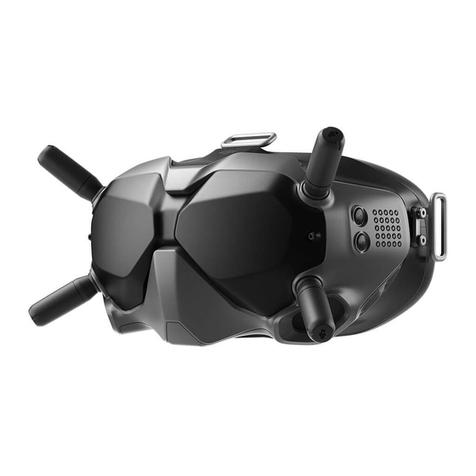
Weight Approx. 420 g (headband and antennas included)
Dimensions 184×122×110 mm (antennas excluded),
202×126×110 mm (antennas included)
Screen Size 2-inch × 2
Screen Resolution (Single Screen) 1440 × 810
Communication Frequency 5.725-5.850 GHz
Transmitter Power (EIRP) FCC: <30 dBm; CE: <14 dBm; SRRC: <19 dBm
Live View Mode Low Latency Mode (720p 120fps),
High Quality Mode (720p 60fps)
Video Format MP4 (Video format: H.264)
Supported Video Play Format MP4, MOV, MKV (Video format: H.264;
Audio format: AAC-LC, AAC-HE, AC-3, MP3)
Operating Temperature 32° to 104° F (0° to 40° C)
Power Input 7.4-17.6 V
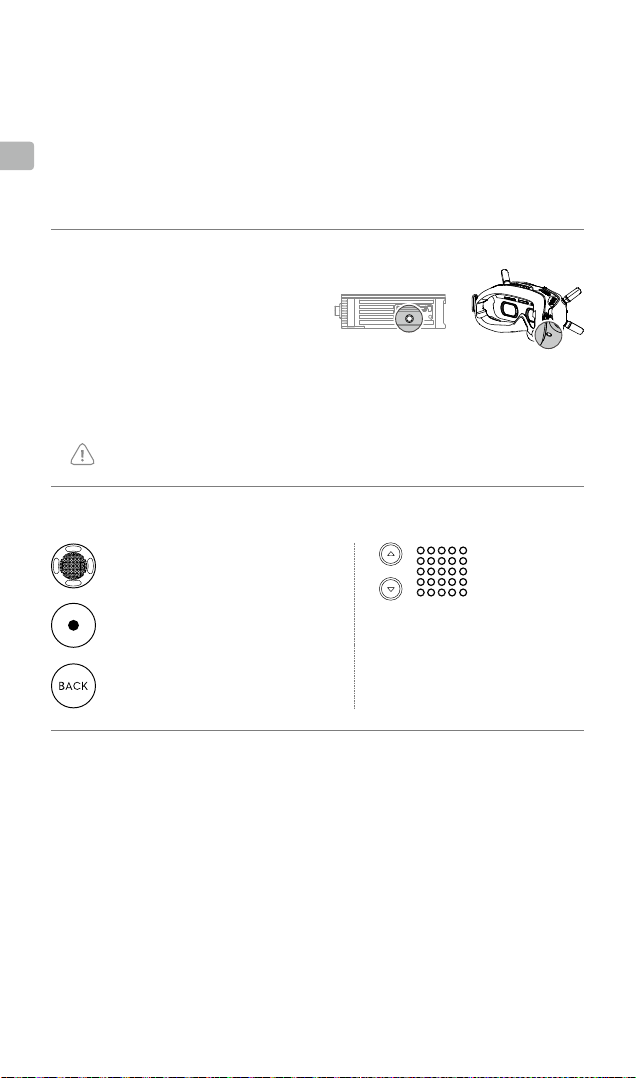
Controls
Channel Adjustment Buttons
Press to switch channels.
Channel Display
Displays the current channel.
Back Button
Press to return to the previous menu
or exit the current mode.
5D Button
Toggle to scroll through the menu.
Press to conrm.
Record Button
Press to start or stop video recording.
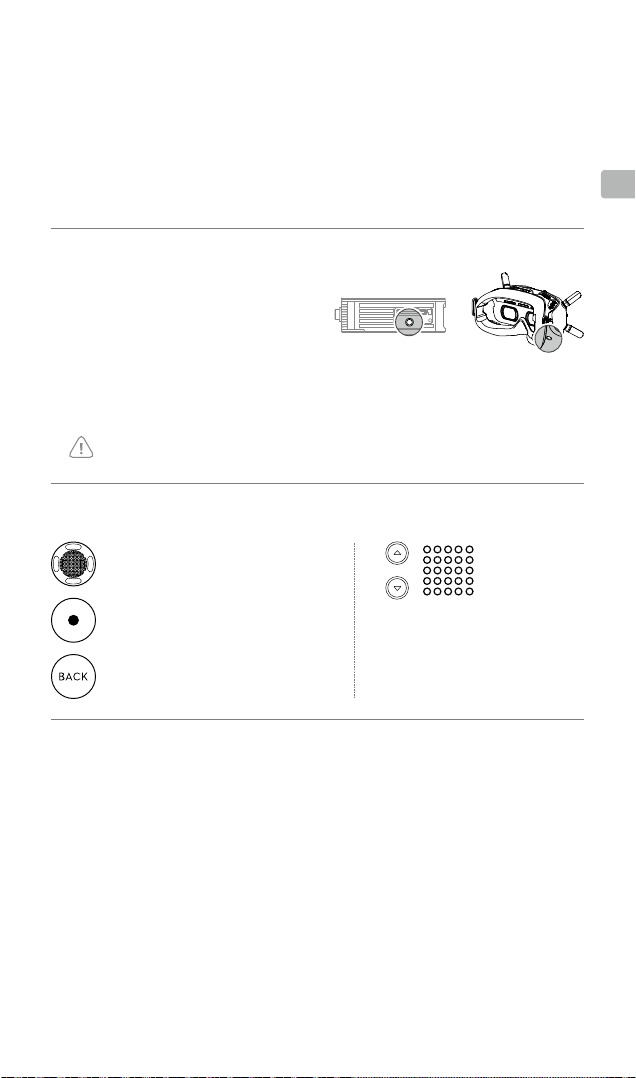
* When ready to link, the devices will give the following
indication:
Air unit: the linking status indicator turns solid red.
Goggles: the goggles beep continually.
1. Power on the air unit and the DJI FPV
Goggles.
2. Press the link button on the air unit and
the goggles.*
3. The linking status indicator of the air
unit turns solid green. The goggles stop
beeping when successfully linked and
the video display is normal.
If you need to use the DJI FPV Goggles and remote controller together, the air unit must be
linked to the goggles before the remote controller.
Linking
Activation
When powered on, connect the goggles to a computer and run DJI ASSISTANTTM 2 for
activation. Download DJI Assistant 2 at https://www.dji.com/fpv/downloads