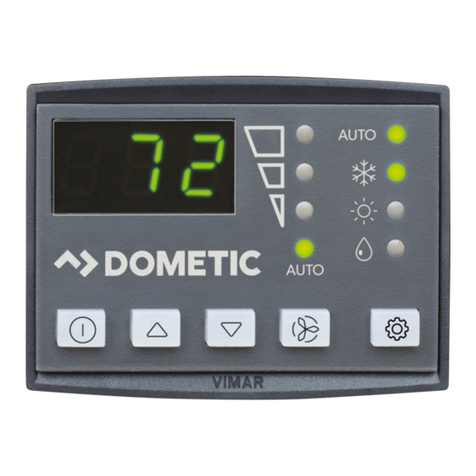
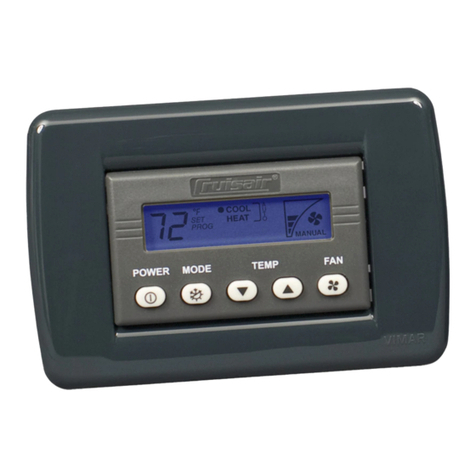
Important Programming Notes To Installer and End User AH-Passport I/O Control Operations Manual
4L-2232 ENGLISH
IMPORTANT PROGRAMMING NOTES TOINSTALLER AND END USER
1. If your air handler has a Shaded-Pole (SP) fan motor instead of a Split-Capacitor (SC) High-Velocity (HV) fan motor,
you MUST program “SP” into parameter P-16 before operating the equipment. The SP units are recognizable by an
overhanging blower motor. (The SC motor of an HV unit is inside the blower, and the unit has “VTD” or “HV” in the
model number.) Only reprogram this parameter if you do NOT have an HV blower.
2. Standard air handlers come equipped with chilled-water bypass valves. However, for “no-valve” air handlers, the fan
must be set to “cycle on demand” via programming parameter P-14. Verify that the installed air handlers have bypass
valves; if not, change parameter P-14 to “CYC” for cycle-on-demand fan operation
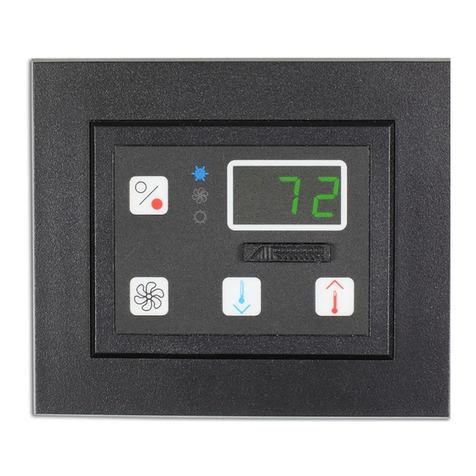
3. When powering on the control, press and immediately release the Power button so you do not unintentionally enter
Program Mode. You will enter Program Mode if the Power button is pressed and held for more than 5 seconds. If you
enter Program Mode unintentionally, any subsequent presses of the Up or Down buttons will change the P-1
parameter setting since it is the first parameter shown after entering this mode. This will change the operating mode to
Cool Only, Heat Only, or Automatic, which could result in improper system operation. Always use care when in
Program Mode. For further information, refer to “Using Program Mode” on page 7.
NORMAL HEATING OR COOLING CYCLE
In Automatic Mode, heating and cooling are supplied as required. Based on the set point, Automatic operation maintains a 2°F
(1.1°C) temperature variation. If a 4° F (2.2° C) change in temperature occurs, the unit to shifts to the opposite mode. Once in
Heat Mode or Cool Mode, the control maintains a 2°F (1.1°C) differential.
If you program Cool Mode, only cooling is supplied. The cabin temperature is maintained within 2°F (1.1°C) of set point. If you
program Heat Mode, only heating is supplied. The cabin temperature is maintained within 2°F (1.1°C) of set point. When the
heating or cooling set point is satisfied, the hydronic water valve closes and the fan returns to low speed. The fan speed
remains constant if Manual Fan Speed is selected.
For more programming information on this feature, see “P-1: Operating Mode” on page 27.
When cooling or heating is required, the water valve will not open unless the water temperature is adequate. You can view
the water temperature by simultaneously pressing the Up and Power buttons. The fan remains in low speed until the adequate
water temperature is available. Heat will be supplied when no heating water is available only if the Optional Electric Heater has
been installed and programmed.
Adequate cooling or heating water temperature is defined by programmable parameter P-19. Its factory default is set at a
15° F (8.3° C) differential from the ambient air temperature. While in Heating or Cooling Mode, the control maintains a 2° F (1.1°
C) temperature variation. A 4° F (2.2° C) swing is required to cause the unit to shift to the opposite mode. Once in a new mode,
Heating or Cooling, the control maintains a 2° F (1.1° C) differential.
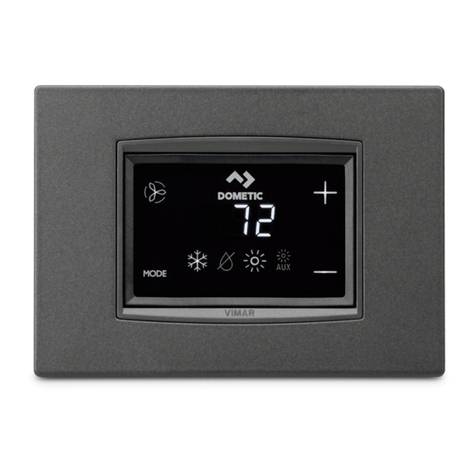
INSTALLING THE DISPLAY PANEL
CHOOSING THE LOCATION
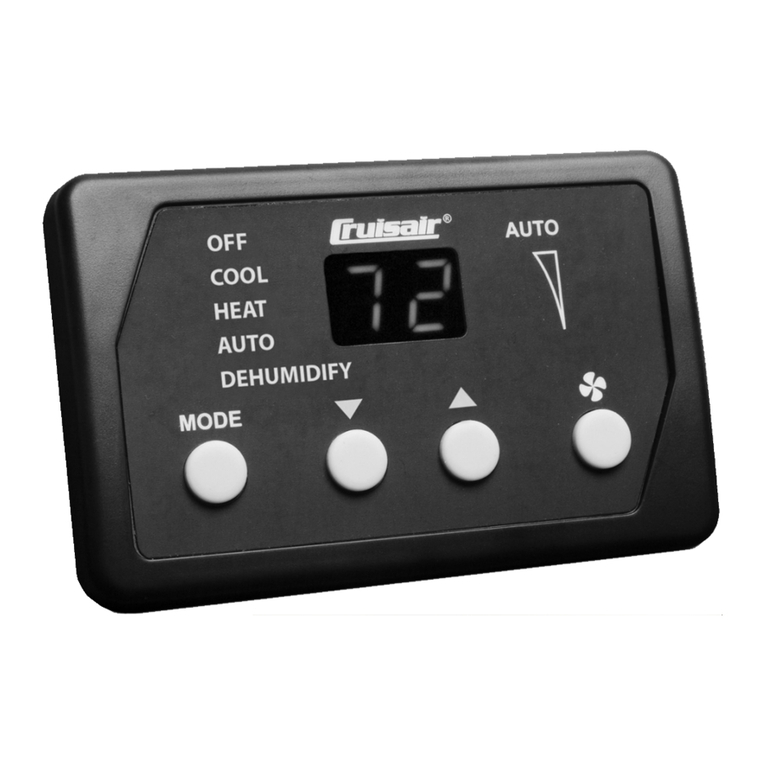
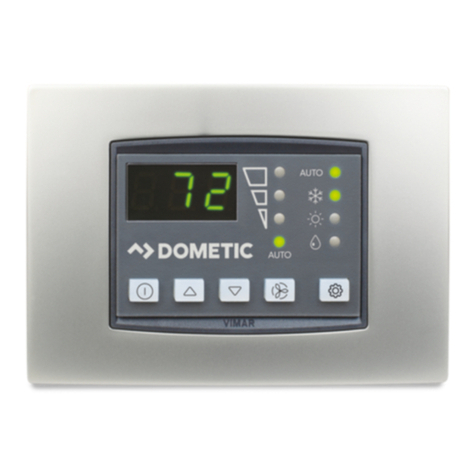
Before mounting the control panel, consider the location. The display panel’s built-in air sensor provides excellent room-air
temperature sensing when properly located and installed. For air-sensor location see item 6 in Figure 1, page 3.
Mount the display panel on an inside wall, slightly higher than mid-height of the cabin, in a location with freely circulating air
where it can best sense average temperature. Its distance from the air handler control box must be within the 15’ (4.5m) length
of the display cable (custom lengths available).
Do not mount the display in direct sunlight, near any heat-producing appliances or in a bulkhead where temperatures radiating
from behind the panel may affect performance. Do not mount the display in the supply-air stream. Do not mount the display
above or below a supply-air or return-air grille. Do not mount the display behind a door, in a corner, under a stairwell or any
place where there is no freely circulating air.
If you can not mount the display in a suitable location for accurately sensing room temperature, install the optional remote air
sensor.
MOUNTING THE DISPLAY
1. Make the cut-out for the display panel.
•For Compact - Cut-out size is 2.4" (61mm) wide by 1.8" (46mm) high.
•For legacy model - Cut-out size is 3.375" (86mm) wide by 2.875" (73mm) high.
2. Plug one end of the display cable (8-pin connector) into the upper-right socket on the circuit board in the electric box
and the other end into the back of the display panel.