manuals.online logo
Brands
  1. Home
  2. •
  3. Brands
  4. •
  5. Doss
  6. •
  7. Cable Tester
  8. •
  9. Doss NF622 User manual

Doss NF622 User manual

Popular Cable Tester manuals by other brands

Whirlwind Connect DCT-9 manual

Whirlwind

Whirlwind Connect DCT-9 manual

Triplett CTX200 user manual

Triplett

Triplett CTX200 user manual

VOLTCRAFT CT-2 operating instructions

VOLTCRAFT

VOLTCRAFT CT-2 operating instructions

Greenlee 45395 user guide

Greenlee

Greenlee 45395 user guide

Test-Um Validator-NT NT955 operating instructions

Test-Um

Test-Um Validator-NT NT955 operating instructions

Fluke MicroMapper user guide

Fluke

Fluke MicroMapper user guide

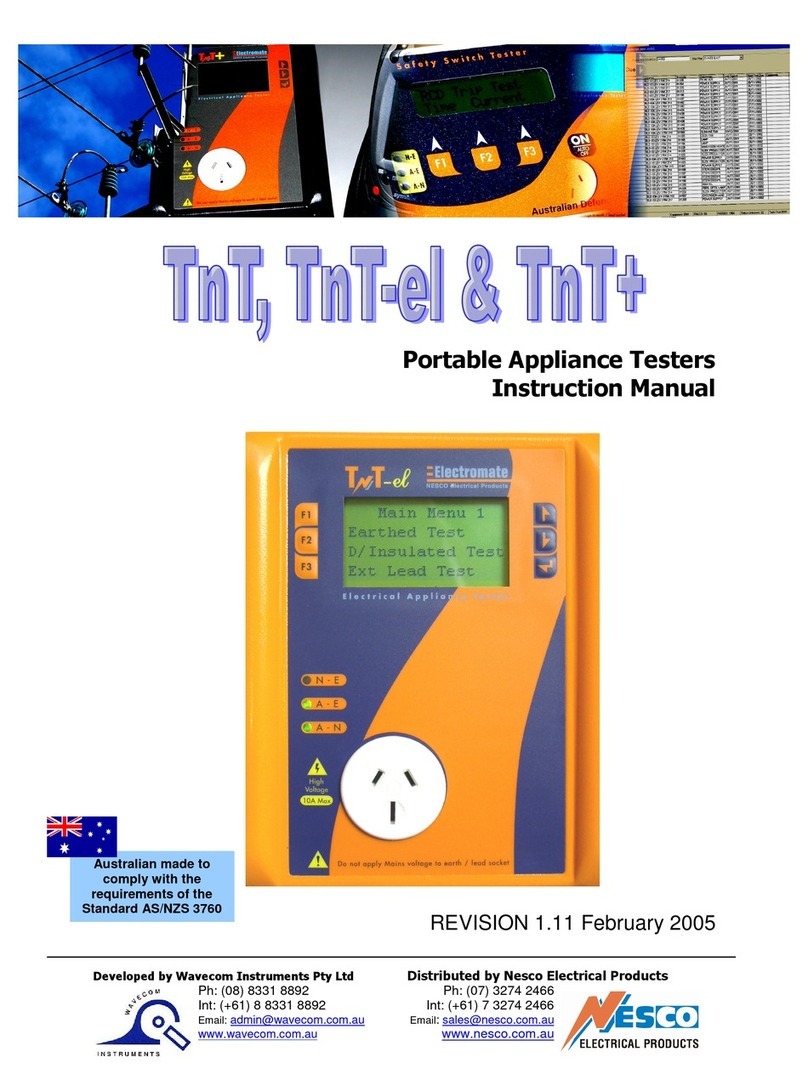
Wavecom TNT+ instruction manual

Wavecom

Wavecom TNT+ instruction manual

Radiodetection RD8100 Operation manual

Radiodetection

Radiodetection RD8100 Operation manual

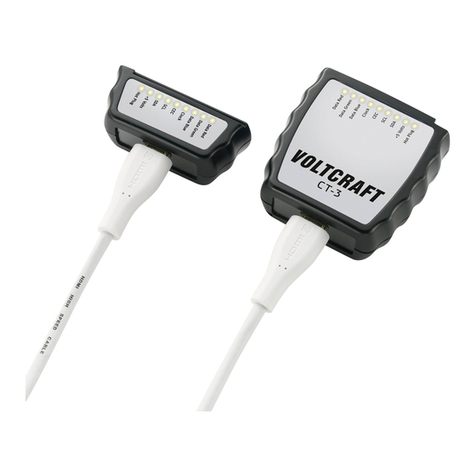
VOLTCRAFT CT-3 operating instructions

VOLTCRAFT

VOLTCRAFT CT-3 operating instructions

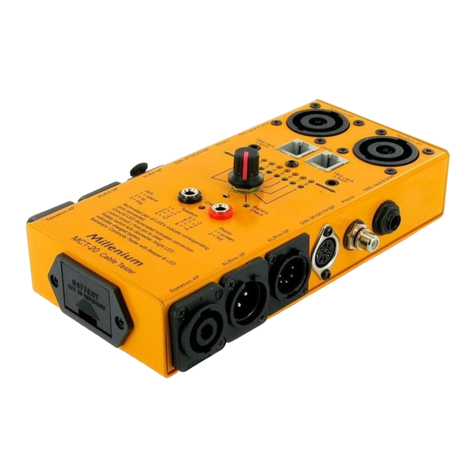
Millenium MCT-20 manual

Millenium

Millenium MCT-20 manual

Mackie MTEST-1 owner's manual

Mackie

Mackie MTEST-1 owner's manual

Softing CableMaster CM200 quick start guide

Softing

Softing CableMaster CM200 quick start guide

Triplett CTX200PA user manual

Triplett

Triplett CTX200PA user manual

Platinum Tools LANSeeker TP500C quick start guide

Platinum Tools

Platinum Tools LANSeeker TP500C quick start guide

SKYTRONIC 600.616 instruction manual

SKYTRONIC

SKYTRONIC 600.616 instruction manual

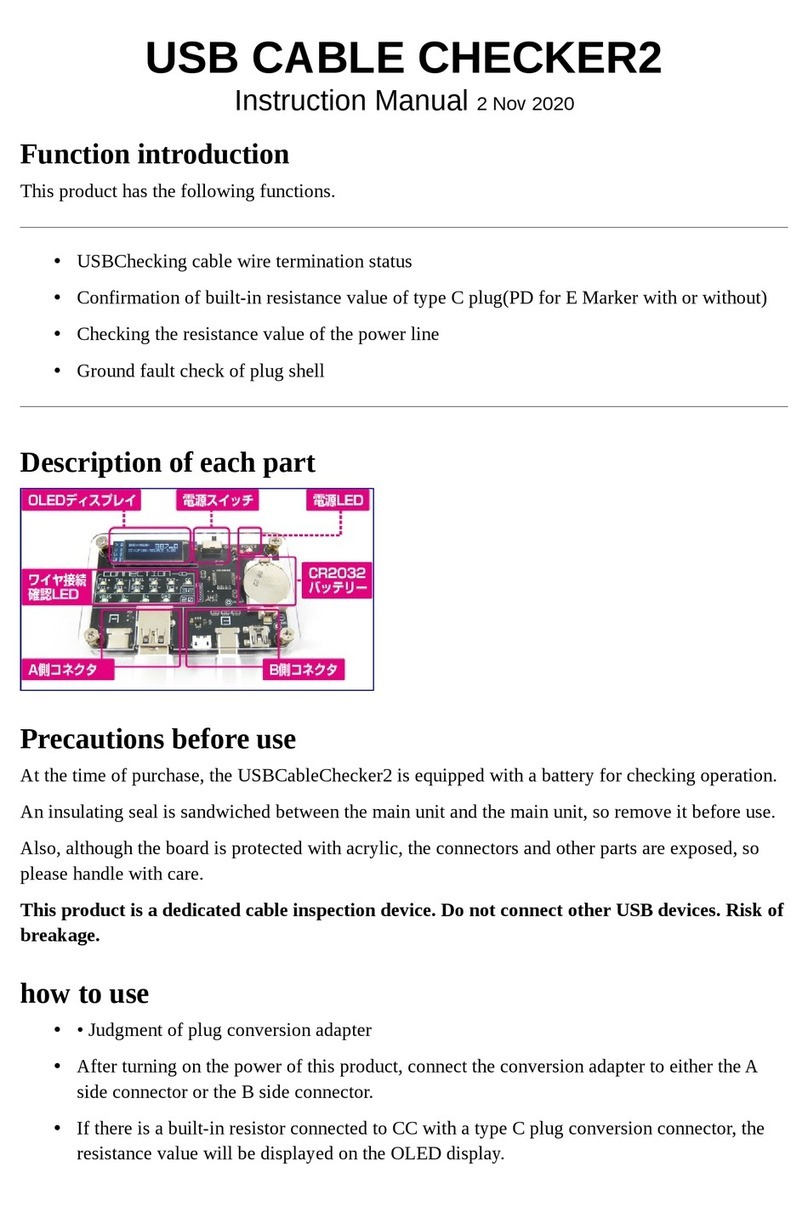
Bit Trade One USB Cable Checker2 instruction manual

Bit Trade One

Bit Trade One USB Cable Checker2 instruction manual

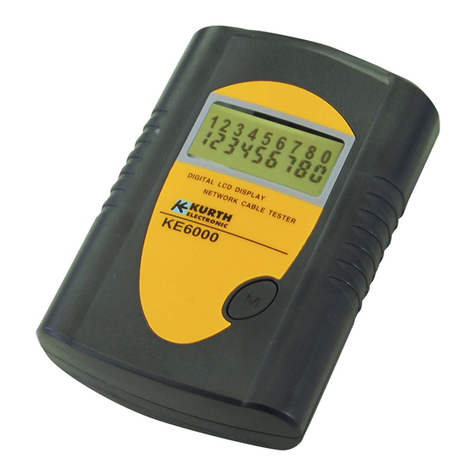
Kurth Electronic KE6000 quick start guide

Kurth Electronic

Kurth Electronic KE6000 quick start guide

VOLTCRAFT VC731 operating instructions

VOLTCRAFT

VOLTCRAFT VC731 operating instructions

manuals.online logo
manuals.online logoBrands
  • About & Mission
  • Contact us
  • Privacy Policy
  • Terms and Conditions

Copyright 2025 Manuals.Online. All Rights Reserved.

REV1.0
ORIGINAL
AUTHENTIC
e
d
p
r
o
d
u
e
n
t
c
t
s
a
t
,
P
i
ng
n
o
t
f
e
i
t
a
l
t
e
r
l
o
n
w
o
u
e
d
C
ORIGINAL
AUTHENTIC
INSTRUCTION MANUAL INSTRUCTION MANUAL INSTRUCTION MANUAL INSTRUCTION MANUAL
HDMI Cable Tester
Your excellent helper in cable test!
01
DESCRIPTION
The NF622 HDMI Cable Tester is designed for professional
HDMI installations. This portable device allows installers to
quickly test, troubleshoot, and verify HDMI (high definition
multimedia interface) cables. NF622 is designed to test wire
circuit state of HDMI cables with Type A & C connectors
conforming to 1.0, 1.1, 1.2, 1.2a, 1.3, 1.3a, 1.3b, 1.3c, 1.4,
1.4a Category 1 and Category 2 cables. Equipped with 3 test
modes, Automatically fast/slow scan or manual test for step by
step, this tool can either test the conductors in
straight、short、open、crossover in all RGB conductors.
SAFETY INFORMATION
Safety is essential in the use and maintenance of
equipment. This instruction manual and any markings on
the tool provide information for avoiding hazards and
unsafe practices related to the use of this tool. Observe
all of the safety information provided.
Warnings
Do not connect tester to a live circuit as it may
damage the unit.
It is easy to damage this tester with charged HDMI lines.
●
●
Caution
Read all instructions in this manual before using this
tester. Failure to do so may result in damage to the tester
or injury to the user.
Do not drop or get the unit wet. Do not expose tester to
extreme humidity or direct sunlight.
●
●

Your excellent helper in cable test! 02
●
●
●
●
●
Do not use this tester with its case open, or with parts
removed. Doing so may damage the tester and/or injure
the user.
Repairs and maintenance must only be carried out by
qualified service personnel or qualified electricians/
technicians who know the dangers.
Follow the recommendations of any Trade
Organizations or Regulatory Agencies whose scope
encompasses the use of this tester or injury to the user.
Remove the battery when the tester not in use for
longer than a month. Chemical leakage from the battery
could damage the tester.
Please use batteries according to the specification;
otherwise it may result in damage to equipment.
CONTENTS
Your NF622 HDMI Cable Tester contains the following
FEATURES:
The NF622 HDMI cable tester allows the fast and
accurate verification both HDMI type A and Type C
cables, mapping continuity and proper configuration
and displays 19 pins and shield connection status on
both main and remote unit.
1.1 x Master unit.
2.1 x Remote unit.
3.1 x Pouch bag.
4.Users' Manual.
Your excellent helper in cable test!
03
For HDMI cables Type A, C
Test all HDMI cables with Type A to A, A to C and C to C
connectors, especially for fragile, easily damaged HDMI
patch cord and in-wall HDMI cables.
Loopback function
Design with loopback function allows test HDMI type
A to A, A to C on main unit.
3 Test Modes
Fast continuity scans for testing all conductors'
status in a cable.
Slow continuity scans for testing all conductors'
status in a cable.
Manual test for step by step scan detecting of
individual conductors' situation.
HDMI Cable Mapping
Automatically detect wiring on HDMI type A or type C
condition in straight、short、open、crossover in pin
#1~#19 and Shield conductor.
Troubleshooting
Quickly troubleshoot and verify HDTV installation
and DIY termination in the field.
●
●
●
Your excellent helper in cable test! 04
SPECIFICATIONS:
Cables Tested:HDMI cables with Type A & C
connectors conforming to 1.0, 1.1, 1.2, 1.2a, 1.3, 1.3a,
1.3b, 1.3c, 1.4, 1.4a Category 1 and Category 2 cables.
Support test (main unit and remote unit):
19 pin-to-pin wire map and shielding detection.
Test interface of Master unit:
HDMI (type A) ×1 pcs, Mini HDMI (type C) ×1 pcs.
Test interface of Remote unit:
HDMI (type A) ×1pcs, Mini HDMI (type C) ×1 pcs.
Cable length:Under 50 meters.
Test Mode:
Automatically fast scan、Automatically Slow scan.
Displays:
19 LEDs and shield LED on both main and remote unit.
Beeper indication.
Low battery indication:Under 6.0V
Power source:
DC 9V(NEAD 1604/6F22)×1 (not included)
Dimension:
Main unit:103×66×27,Remote unit:103×35×27 mm
Weight:130g (not incuding battery)
Operating environment:
32ºF to 104ºF (0ºC to 40ºC)<80% RH
Storage environment:
14ºF to 122ºF (-10ºC to +50ºC)<70% RH
●
●
●
●
●
●
●
●
●
●
●
●
●
●
Your excellent helper in cable test!
05
PRODUCT DIAGRAM(Fig 1)
1.LOOPBACK:Mini-HDMI (C Type)
This socket not only can be used on Master unit
loopback test but also can be used on Master unit
Mini-HDMI (C Type) with Remote unit Mini-HDMI
(C Type) to perform scan test.
2.MAIN:HDMI (A Type)
3.LOOPBACK:HDMI (A Type)
4.Remote unit:HDMI (A Type)
5.Remote unit:Mini-HDMI (C Type)
6.Switch:MASTER/OFF/REMOTE
7.TEST:Automatic fast/slow scan or manual test for
step by step.
8.Power and low battery indication.
9.HDMI (A Type) Pin number.
10.Mini-HDMI (C Type) Pin number.
11.LED for indicating signal situation.
Fig 1
Master Unit Remote Unit
2
1 4
5
6
8
9
10
11
3
7
Data 2+
Data 2-
Data 1S
Data 0+
Data 0-
Clock S
CEC
SCL
DDC/CEC
Hot Plug
Shield
Data 2S
Data 1+
Data 1-
Data 0S
Clock -
SDA
+5V Power
Clock +
C pin A pin C pin A pin
Uti./Res.
SS
MASTER
REMOTE
Clock S
CEC
SCL
DDC/CEC
Hot Plug
Shield
Clock -
SDA
+5V Power
Data 2+
Data 2-
Data 1S
Data 0+
Data 0-
Data 2S
Data 1+
Data 1-
Data 0S
Clock +
Uti./Res.
S
C pin A pin C pin A pin
S
Your excellent helper in cable test! 06
HDMI Cable Wire / Pin And Signal Description:
HDMI
(A)Pin #
1
2
3
4
5
6
7
8
9
10
11
12
13
14
15
16
17
18
19
S
2
1
3
5
4
6
8
7
9
11
10
12
14
17
15
16
13
18
19
S
Data 2+
Data 2S
Data 2-
Data 1+
Data 1S
Data 1-
Data 0+
Data 0S
Data 0-
Clock +
Clock S
Clock -
CEC
Reserved
SCL
SDA
DDC/CEC
+5V Power
Hot Plug
Shied
TMDS Red Data Plus
TMDS Red Data Shield
TMDS Red Data Minus
TMDS Green Data Plus
TMDS Green Data Shield
TMDS Green Data Minus
TMDS Blue Data Plus
Consumer Electronics
Control
Utility/Reserved
Serial Clock
Serial Data
Data shield for the display
data channel and consu-
mer electronics control
+5V Power
Hot Plug Detect
Shied
MINI-HDMI
(C) #Pin
TMDS Blue Data Shield
TMDS Blue Data Minus
TMDS Clock Plus
TMDS Clock Shield
TMDS Clock Minus
Pin
Assignment
Signal Description
Your excellent helper in cable test!
07
Power off:
Slide upper left switch to “OFF”,”POWER” LED
will go out and the unit will no longer work when
pushing the “TEST” button.
135791113
151719
2468101214
1618
Corresponding to the Pins Definition of the
HDMI cables(Fig 2)
OPERATION
Note
When all LEDs are lighted all LEDs will decrease
brightness.
Master unit shorted pins LED will be brighter than
others when shorted 2 pins above that is correct.
Shield LED will light up after #1~19 LEDs light up in
sequence on any testing mode. If the HDMI cable has
a shield, the Shield LED will light up, if without shield
the LED will be unlighted.Power off:
●
●
●
Your excellent helper in cable test! 08
Master unit loop continuity scan
testing function
Note
When performing master unit scan test, sequence of
LEDs light up as below.LED#1 (Data 2﹢)→ LED#10
(Clock ﹢)→ LED#S (Shield)→ LED#11 (Clock S).
※ Insert one of A type connector of cable to Master
unit LOOPBACK (A Type) socket and insert the other
one to Master unit MAIN (A Type) socket for test HDMI
cable A type to A type.
※ Insert A type connector of cable to Master unit
LOOPBACK (A Type) socket and insert C type
connector of cable to Master unit Mini-HDMI (C Type)
for test HDMI cable A type to Mini-HDMI (C Type).
1.Slide upper left switch to “MASTER” then “POWER”
LED lights up, Master unit #1~19 and “Shield” LEDs will
all light up with a long beep sound then all LEDs are off
except “POWER”LED for saving power and the unit is
ready for testing.
2.Push “TEST” button to perform master unit continuity
scan test, it will continually scan 1~19 pin and shield
conductor, Master unit #1~19 and Shield LEDs will light
up in sequence fast, finally master unit LED will indicate
testing result with sound as below. The testing result
will keep 5 second then all LEDs are off except
“POWER” LED for saving power. Press “TEST”
button again for test.
Your excellent helper in cable test!
09
3. Master unit scan test result with beep sound as below.
●
●
●
●
Straight: With a long “beep” sound: Meaning
1~19pin and S pin all straight connected. (Fig 3.)
Open: with a short “beep” sound。No connected
pins LED are off. Example: Test HDMI (A Type) to
HDMI (A Type) cable that pin #2, #5, #8 and #11 are
not connected , or test HDMI (A Type) to Mini-HDMI
(C Type) cable that pin #1、#4、#7、#10 are not
connected. (Fig 4.)
Short: With three short “beep” sound. Shorted pins
LED will light up at same time. Example: Test HDMI
(A Type) to HDMI (A Type) cable that pin #4、#5、#6
are shorted or test HDMI (A Type) to Mini-HDMI
(C Type) cable that pin #4、#5、#6 are shorted. (Fig 5.)
Crossover: With two short “beep” sound. Crossed
pins LED will light on at same time. Example: Test HDMI
(A Type) to HDMI (A Type) cable that pin #13 crossed
with pin #17 and pin #14 crossed with pin #19, or test
HDMI A Type) to Mini-HDMI (C Type) cable that pin
#14 crossed with pin #13 and pin #17 crossed with
pin #19. (Fig 6.)