manuals.online logo
Brands
  1. Home
  2. •
  3. Brands
  4. •
  5. DR
  6. •
  7. Batteries Pack
  8. •
  9. DR DR-5K-TL-AIO User manual

DR DR-5K-TL-AIO User manual

Popular Batteries Pack manuals by other brands

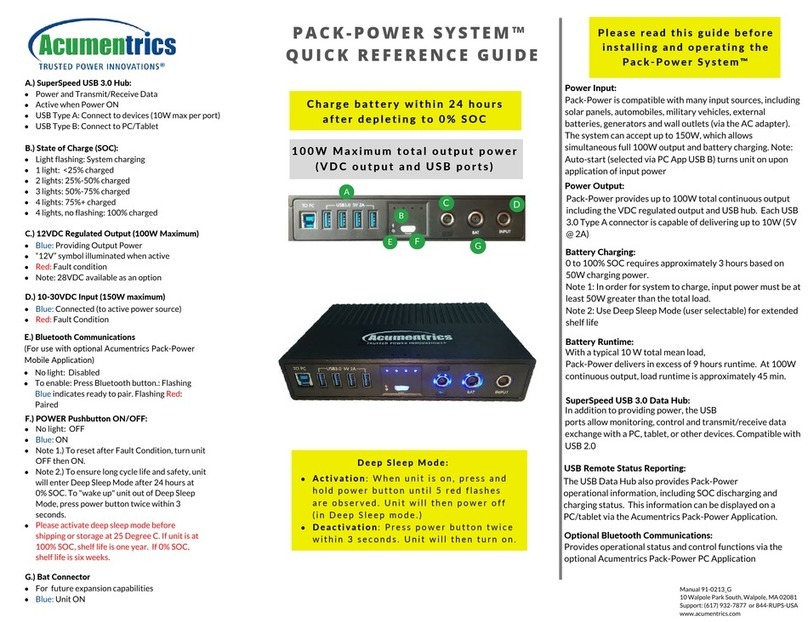
Acumentrics PACK-POWER SYSTEM Quick reference guide

Acumentrics

Acumentrics PACK-POWER SYSTEM Quick reference guide

ACDC Dynamics SPF12-50 user manual

ACDC Dynamics

ACDC Dynamics SPF12-50 user manual

Aegis ABL-72020P user manual

Aegis

Aegis ABL-72020P user manual

Dyness TowerESS user manual

Dyness

Dyness TowerESS user manual

Growatt APX 5.0P-S0-US user manual

Growatt

Growatt APX 5.0P-S0-US user manual

CyberPower BCA Series installation manual

CyberPower

CyberPower BCA Series installation manual

Dometic PLB40 operating manual

Dometic

Dometic PLB40 operating manual

V-TAC VT-48280-W2 instruction manual

V-TAC

V-TAC VT-48280-W2 instruction manual

Valence RT user guide

Valence

Valence RT user guide

Nikon MB-D14 user manual

Nikon

Nikon MB-D14 user manual

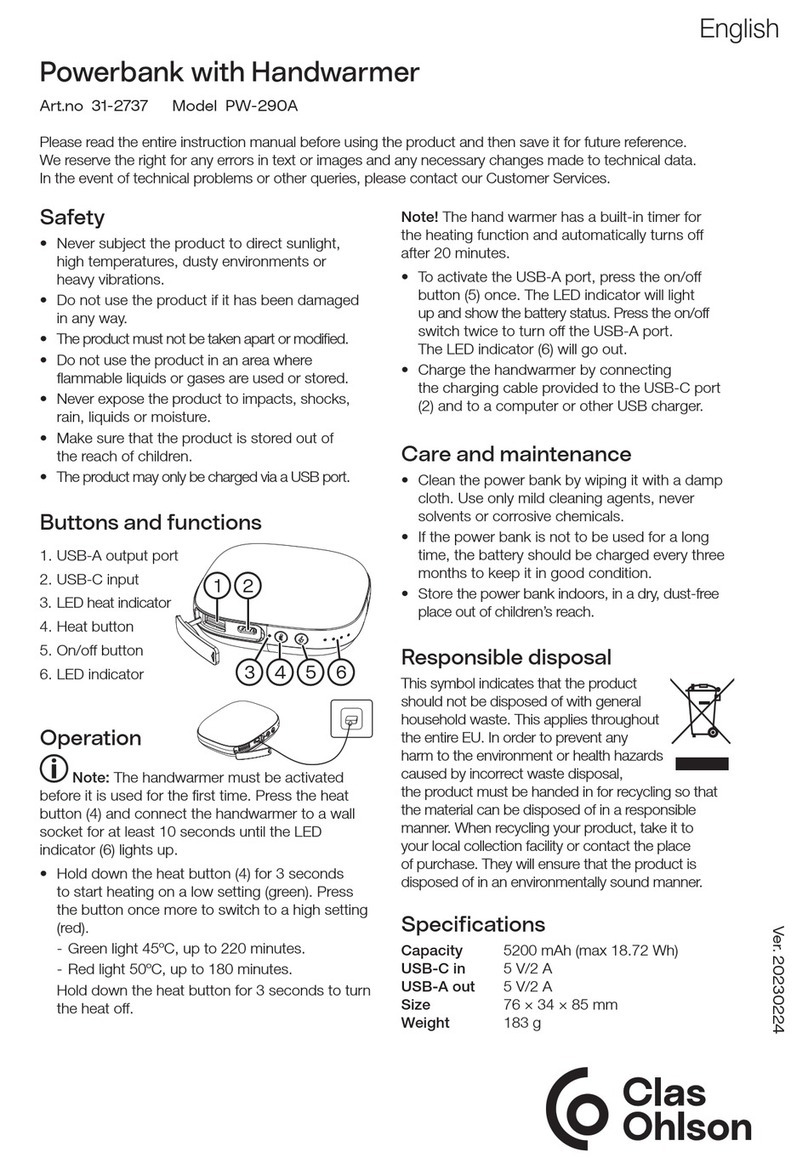
Clas Ohlson PW-290A quick start guide

Clas Ohlson

Clas Ohlson PW-290A quick start guide

EINHELL MULTI-Ah Power X-Change Plus Original operating instructions

EINHELL

EINHELL MULTI-Ah Power X-Change Plus Original operating instructions

IOGear GBP24V Series user manual

IOGear

IOGear GBP24V Series user manual

Samsung EB-U3300 quick start guide

Samsung

Samsung EB-U3300 quick start guide

ECTIVE LC Series instruction manual

ECTIVE

ECTIVE LC Series instruction manual

Narada 12REXC70 Operation manual

Narada

Narada 12REXC70 Operation manual

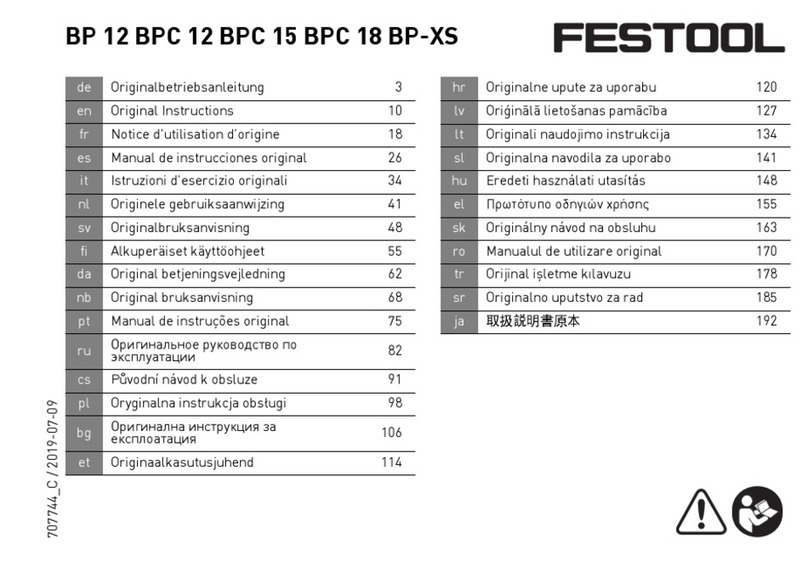
Festool BP 12 Original instructions

Festool

Festool BP 12 Original instructions

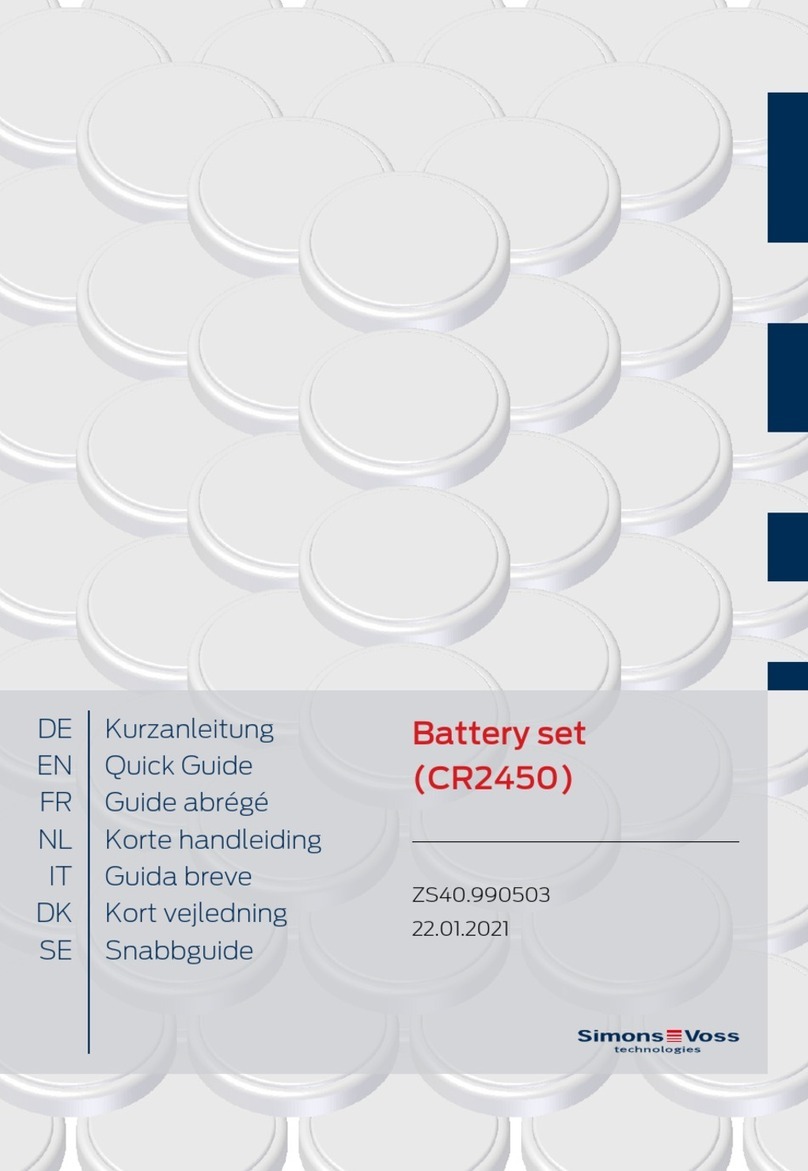
Simons Voss Technologies CR2450 quick guide

Simons Voss Technologies

Simons Voss Technologies CR2450 quick guide

manuals.online logo
manuals.online logoBrands
  • About & Mission
  • Contact us
  • Privacy Policy
  • Terms and Conditions

Copyright 2025 Manuals.Online. All Rights Reserved.

DR-5K-TL-AIO Quick Installation Guide
VERSION:990-0201-0004AA-EN
WWW.DOART-ENERGY.COM
STEP 1
STEP 2
STEP 3
STEP 4
STEP 5
STEP 6
STEP 7
STEP 8
Put the anchor bracket on the solid floor. Put the PCS part on the bracket .
Remove the screw of the water-proof cover of
battery pack. Set the BMS address.
Reconnect the internal BMS wire. The BMS
terminal .
link the battery cable and BMS wire.
Make sure the battery breaker is OPEN when
connect battery cables.
Mark the positions and drill holes. Lay down the
LIB battery on the anchor and connect the link
screws.
Lay down the other LIB battery and link them with
screws. Fix the screws
Fix the hanging bracket on the wall.
*Make sure the battery pack which BMS direct connect
to PCS need set address 1#.
1 2 3 4
ON DIP
210 210
185
62.5
50
560
261185
120

Check the PV switch on OFF position.
Check the polarity of PV Connector. Make sure the polarity compatible and match with hybrid
inverter.
Turn OFF the upstream and downstream breaker. Make sure all the cable are inactive before connect
the cable.
Check the L,N,GND cable and fix them in the connector.
1PV Switch
2BAT Breaker
3BAT+ Connector
4Meter
9GRID
10 PV1- Connector
11 PV1+ Connector
12 PV2- Connector
1
2
3
4
15
5
6
7 8 9
10 11 12 13
14
16
5BMS Connector
6BAT-
7 COM
8LOAD
13 PV2+ Connector
14 CT Wires Hole
15 LED
16 Battery Blocks*
The Hybrid Inverter Overview
Positive Connector
Negative Connector
7mm
Limit buckle can’t
crimping the wire
Special tools are used to stitching
AC cable connection
E-MAIL:info@doart-energy.com © 2023 Suzhou Doart-Rockcore Enegy and Technology Corp. All rights reserved
PV Cable size:4~6mm2