www.dreamGEAR.net | www.iSound.net
20001 S. Western Avenue, Torrance, CA 90501
tel: 310.222.5522 :: fax: 310.222.5577
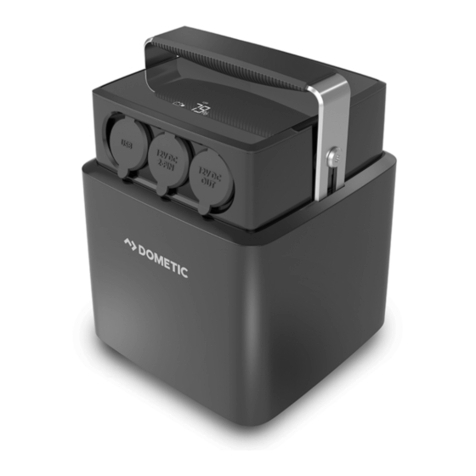
ITEM No. - ISOUND-4701
UPC - 8 45620 04701 7
COLOR - Black/Aluminum
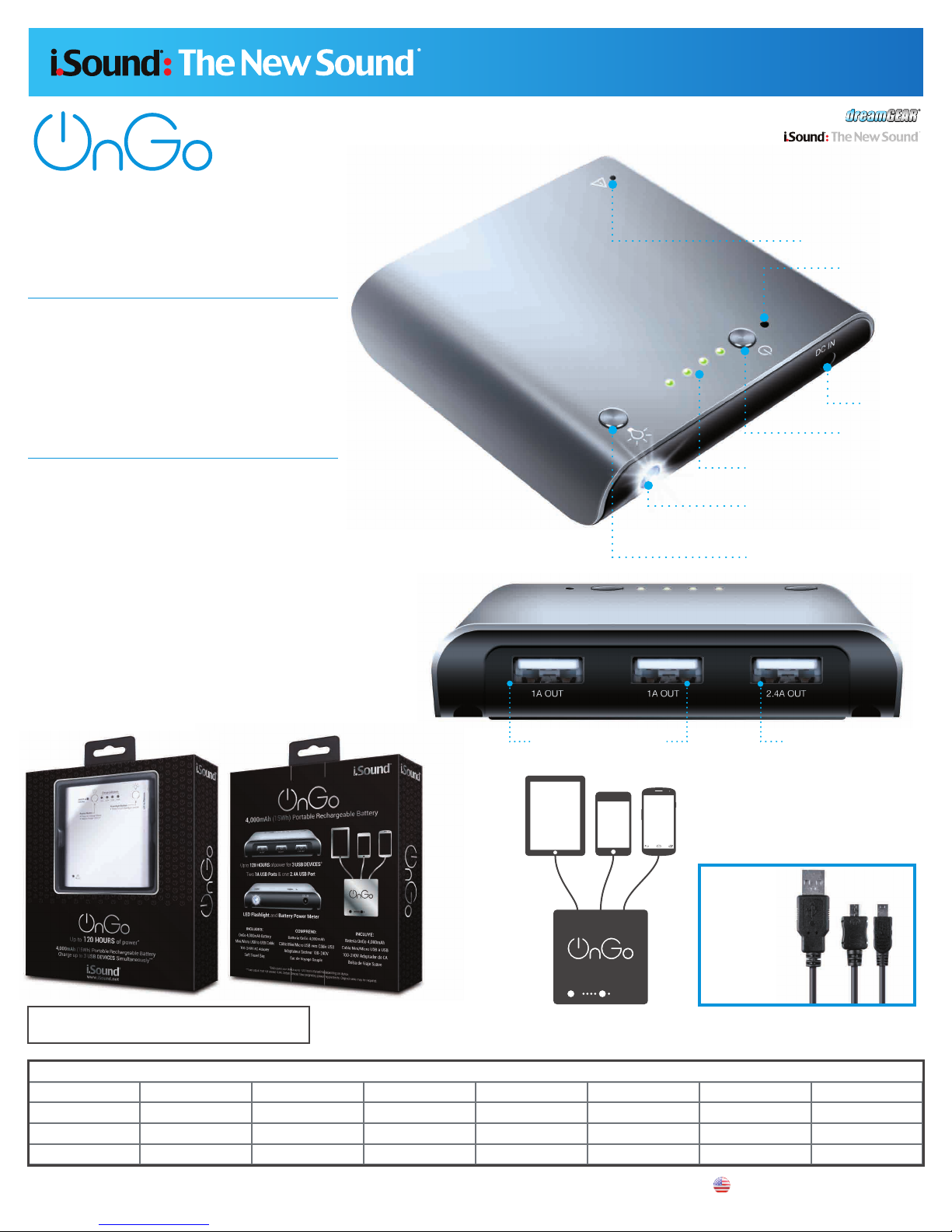
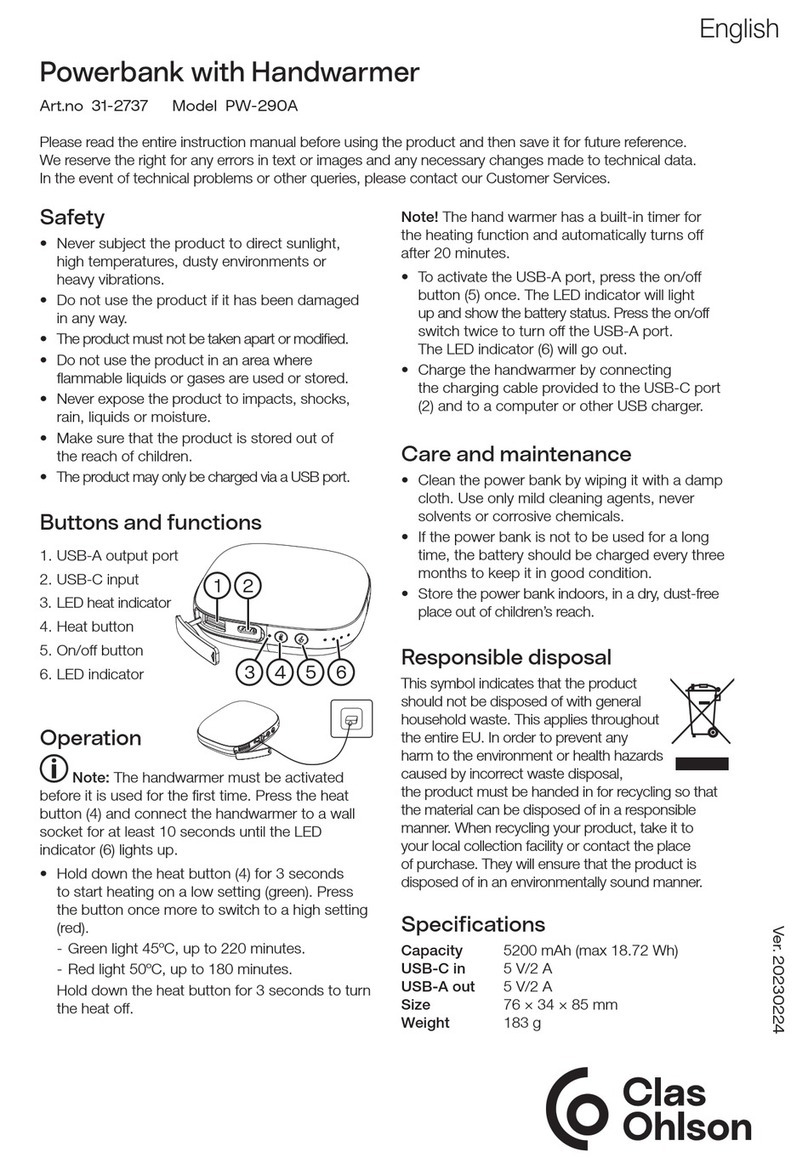
4,000mAh (15Wh) Portable Rechargeable Battery
QUANTITY
SHIPPING INFORMATION
MASTER
INNER
SINGLE
WIDTH (in.) HEIGHT (in.) DEPTH (in.) CUBE (ft3) WEIGHT (lbs.) UPC NUMBER
16 14.25 8.75 14.25 1.03 14.15 8 45620 04701 7
Designed & Engineered in the USA. Manufactured in China.
Conçu et Développé aux Etats-Unis. Fabriqué en Chine
dreamGEAR, i.Sound and the dreamGEAR and i.Sound logos are trademarks or registered trademarks of dreamGEAR, LLC. © 2013 dreamGEAR, LLC. Smartphones and tablets not included
4 6.75 7.75 6.75 0.2 3.55 8 45620 04701 7
1 6.25 7.25 1.5 0.04 0.85 8 45620 04701 7
PRODUCT FAQ
Q. What are the power requirements for the devices to be charged?
A. OnGo will charge any device with a maximum current requirement of 2.5 Amps. As
an example, the iPhone requires maximum 1.2 Amps. However, when multiple devices
are simultaneously charged together they must not exceed 4.4 Amps in total. The
voltage requirement of each device charged must be 5 Volts.
Q. What are some examples of devices that can be charged simultaneously?
A. Some examples of devices the battery can charge simultaneously:
• 1 iPad and 2 iPhones
• 1 iPad and 2 iPods
• Up to 3 iPhones
• Up to 3 iPods
• Up to 3 Android mobile phones
(Note: The OnGo 4,000 mAh will charge one IPAD 4th generation approximately 25%
from empty. Multiple devices will charge to differing capacities depending on the
number of devices charging and their battery capacities.)
Q. What happens if the devices to be charged simultaneously total more than
4.4 Amps?
A. If devices totaling more than 4.4 Amps are connected simultaneously, the battery
will cease operating and the red overload indicator LED blinks. If this occurs discon-
nect all devices, turn off the battery and wait 5 minutes. Confirm that the devices to be
charged simultaneously do not together exceed a total of 4.4 Amps.
Q. How do I charge OnGo for the first time?
A. Before using the battery for the first time, charge it until the 4 LED charge indicator
lights remain illuminated while the AC wall adapter is still connected or when the
battery indicator button is pressed. Only use the included AC adapter to charge the
battery.
Q. How long does it take to fully charge OnGo?
A. It takes 5-7 hours to fully charge.
Q. How do you know if the battery is fully charged?
A. Four green LED charge indicators will progressively light, to signify the battery is
charging. When all 4 green LED are constantly lit, the battery is fully charged. 1 LED
means 0-25% charge, 2 LEDs mean 25-50% charge, 3 LEDs mean 50-75% charge
and all 4 LEDs lit indicates the battery is 75-100% charged.
Q. How long does it take to charge a device, such as the iPhone 5, or other
similar devices?
A. The charging time for devices like the iPhone and iPod depends on the model. For
example, the iPhone 5 will fully charge in around two hours. Please refer to the
technical specifications for each device.
Q. Does the charging time for each device change if multiple devices are plugged
in?
A. No.
Q. Can the included USB to Mini/Micro-USB cable charge 2 devices at once?
A. Not recommended, this is intended to allow charging of either micro USB input or mini
USB.
Q. Which generations of iPod models will the battery charge?
A. OnGo will charge all models of the iPod through 5th generation.
Q. Does OnGo charge all USB devices?
A. OnGo charges most USB charged devices. Some devices require charging with the original
A/C adapter sold with the device or with a computer with a special driver installed for the
device.
Q. Does the battery come out of the box charged?
A. Yes, about 50%- 80% charged.
Q. How long will the battery last before it is no longer able to hold a charge?
A. The battery will begin holding less of a charge after approximately 500 charge-discharge
cycles. (Note: All Lithium Polymer batteries have a given lifespan. The Portable Power
batteries will begin to lose their ability to charge and discharge after 2 to 3 years. After the
2 to 3 year period, the battery will continue to operate but you may notice that its ability to
charge your devices is not the same as when originally purchased. This will continue until
the battery will no longer hold a charge and the battery will have to be discarded properly
according to state or Federal law. Please note: when Lithium Polymer batteries are in their
end of life period, there may be some minor swelling of the battery case. It is advised that the
battery be discarded at that time rather than waiting until it will no longer hold a charge.
Q. Can I charge devices while the battery is plugged in for a charge?
A. No
Q. Can a completely discharged battery be recharged?
A. Yes it can, but it may take up to 10 minutes before the battery gains a basic charge and
the LEDs indicate that it is charging.
Q. Is there a maximum and minimum temperature for using and storing OnGo?
A. OnGo will operate at temperatures ranging from 32˚ to 113˚ Fahrenheit (0° to 45° Celsius),
with slight performance changes based on extreme temperatures. The battery should not be
used if condensation appears.
Q. What is the best way to store OnGo?
A. Store the battery in a cool (room temperature), non-refrigerated, dry place with a 40% -
60% state-of-charge. Some reserve charge is needed to keep the battery and its protection
circuit operational during prolonged storage. Avoid keeping the battery at full charge and high
temperatures, such as in a hot car, and avoid discharging the battery completely.