manuals.online logo
Brands
  1. Home
  2. •
  3. Brands
  4. •
  5. Drive
  6. •
  7. Medical Equipment
  8. •
  9. Drive Quad Cane With Gel Grip User manual

Drive Quad Cane With Gel Grip User manual

Other Drive Medical Equipment manuals

Drive TSE 120 User manual

Drive

Drive TSE 120 User manual

Drive 15302LW User manual

Drive

Drive 15302LW User manual

Drive 15300 User manual

Drive

Drive 15300 User manual

Drive MSS Tilt & Recline User manual

Drive

Drive MSS Tilt & Recline User manual

Drive DeVilbiss Healthcare Hybrid-Power User manual

Drive

Drive DeVilbiss Healthcare Hybrid-Power User manual

Drive Gravity 6 User manual

Drive

Drive Gravity 6 User manual

Drive OXYMIZER User manual

Drive

Drive OXYMIZER User manual

Drive aluminum shower chair/commode User manual

Drive

Drive aluminum shower chair/commode User manual

Drive Premium Guard Gel Overlay User manual

Drive

Drive Premium Guard Gel Overlay User manual

Drive Med Aire Plus 10" User manual

Drive

Drive Med Aire Plus 10" User manual

Drive Deluxe 13016-2 User manual

Drive

Drive Deluxe 13016-2 User manual

Drive 13063 User manual

Drive

Drive 13063 User manual

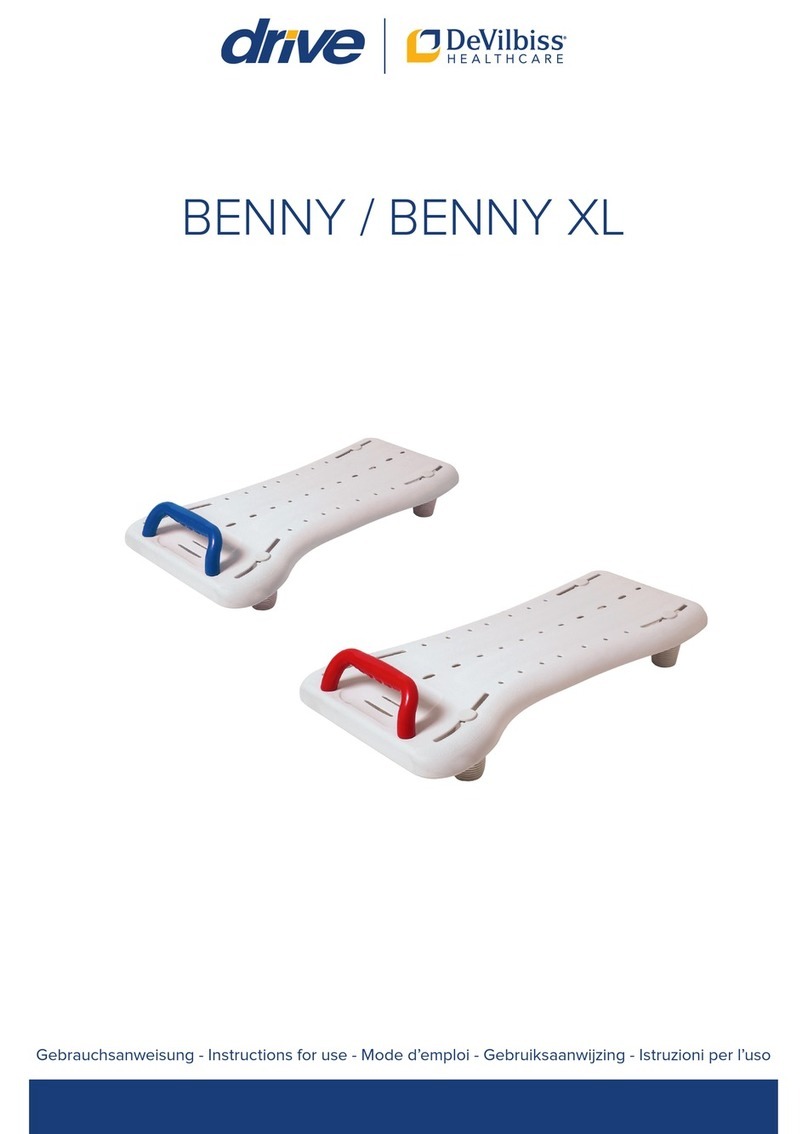
Drive DeVilbiss BENNY User manual

Drive

Drive DeVilbiss BENNY User manual

Drive u-sling Quick guide

Drive

Drive u-sling Quick guide

Drive Med-Aire Edge User manual

Drive

Drive Med-Aire Edge User manual

Drive combination transfer bench/commode User manual

Drive

Drive combination transfer bench/commode User manual

Drive Inspired Poziform P-AP100XS Assembly Instructions

Drive

Drive Inspired Poziform P-AP100XS Assembly Instructions

Drive Bonsai OM-824 User manual

Drive

Drive Bonsai OM-824 User manual

Drive Mountway Neptune Toilet lift User manual

Drive

Drive Mountway Neptune Toilet lift User manual

Drive 15003 User manual

Drive

Drive 15003 User manual

Drive 15561 User manual

Drive

Drive 15561 User manual

Drive 15005L Assembly instructions

Drive

Drive 15005L Assembly instructions

Drive MQ3000 User manual

Drive

Drive MQ3000 User manual

Drive VacuMax 18610 Manual

Drive

Drive VacuMax 18610 Manual

Popular Medical Equipment manuals by other brands

TekTone Tek-CARE160 Installation and operation manual

TekTone

TekTone Tek-CARE160 Installation and operation manual

NeuroMetrix Quell 2.0 user manual

NeuroMetrix

NeuroMetrix Quell 2.0 user manual

AMT XLR8 Quick reference guide

AMT

AMT XLR8 Quick reference guide

EDAN SONOTRAX Pro user manual

EDAN

EDAN SONOTRAX Pro user manual

Restorative Therapies RT300 Service guide

Restorative Therapies

Restorative Therapies RT300 Service guide

Gendex Expert DC installation manual

Gendex

Gendex Expert DC installation manual

Dexcowin ADX4000W user manual

Dexcowin

Dexcowin ADX4000W user manual

Libelium MySignals user manual

Libelium

Libelium MySignals user manual

Acelity V.A.C.ULTA 4 user manual

Acelity

Acelity V.A.C.ULTA 4 user manual

Caputron ActivaDose II tDCS quick start guide

Caputron

Caputron ActivaDose II tDCS quick start guide

Plinth 2000 93CDT Service manual

Plinth 2000

Plinth 2000 93CDT Service manual

GE SENOGRAPHE 800T Operator's manual

GE

GE SENOGRAPHE 800T Operator's manual

GE Definium 5000 Operator's manual

GE

GE Definium 5000 Operator's manual

Kanmed GE-1380 user manual

Kanmed

Kanmed GE-1380 user manual

Huntleigh FD1 Instructions for use

Huntleigh

Huntleigh FD1 Instructions for use

Stryker SPR Plus Operation manual

Stryker

Stryker SPR Plus Operation manual

Tobii Dynavox I-Series user manual

Tobii Dynavox

Tobii Dynavox I-Series user manual

S-Capepod Evac Cocoon Step-by-step guide

S-Capepod

S-Capepod Evac Cocoon Step-by-step guide

manuals.online logo
manuals.online logoBrands
  • About & Mission
  • Contact us
  • Privacy Policy
  • Terms and Conditions

Copyright 2025 Manuals.Online. All Rights Reserved.


99 SEAVIEW BOULEVARD
PORT WASHINGTON, NY 11050
QUAD CANE WITH GEL GRIP
SEE INSIDE FOR
INSTRUCTIONS
AND CARE
www.drivemedical.com
Your Drive brand product is warranted to be free of defects
in materials and workmanship for the lifetime of the original
consumer purchaser.
This device was built to exacting standards and carefully
inspected prior to shipment. This Lifetime Limited Warranty
is an expression of our confidence in the materials and
workmanship of our products and our assurance to the
consumer of years of dependable service.
In the event of a defect covered by this warranty, we will, at
our option, repair or replace the device.
This warranty does not cover device failure due to owner
misuse or negligence, or normal wear and tear. The warranty
does not extend to non-durable components, such as rubber
accessories, casters, and grips, which are subject to normal
wear and need periodic replacement.
If you have a question about your Drive device or this
warranty, please contact an authorized Drive dealer.
LIMITED LIFETIME WARRANTY
© 2006 Medical Depot, Inc. All rights reserved.
Drive is a trademark of Medical Depot, Inc.
Port Washington N.Y. 11050 USA Made in China
ADJUSTING FOR RIGHT/LEFT HAND USE
PROPER CANE HEIGHT
1. Turn the anti-rale collar
COUNTERCLOCKWISE to loosen.
2. Press IN snap buon.
3. Slide extension up or down until
snap buon protrudes through an
adjustment hole on handle end of
cane.
NOTE: An audible “CLICK” will be
heard when snap buon securely
protrudes through the adjustment
hole.
4. Repeat STEPS 2-3 until cane is at
height determined PROPER CANE
HEIGHT on this instruction sheet.
5. Tighten lock knob by turning
CLOCKWISE.
1. Ensure snap buon releases and re-engages properly.
2. Inspect cane tips for wear and damage.
3. Replace any broken, damaged or worn items immediately.
HEIGHT ADJUSTMENT
MAINTENANCE & CARE
WEIGHTCAPACITYLBS
ALWAYS CONSULT YOUR PHYSICIAN OR THERAPIST TO
DETERMINE PROPER ADJUSTMENTS AND USAGE
SAFETY SUMMARY
To ensure the safe operation of DRIVE CANES, these
instructions MUST be followed.
GENERAL WARNINGS
DO NOT install or use this equipment without first reading
and understanding these instructions. If you are unable to
understand the Warnings, Cautions or Instructions, contact a
healthcare professional, dealer or technical personnel before
aempting to install this equipment-otherwise, injury may
occur.
Check rubber tip for rips, tears, cracks or wear. If any of these
conditions exist, replace rubber tip immediately.
Drive Canes can provide ambulatory assistance for an
individual weighing up to 300 pounds. The canes are designed
to provide support, increased stability and assistance while
walking. The canes are NOT designed to support the total
weight of individuals.
Ensure that the snap buon fully protrudes through
adjustment hole of cane. This ensures that the cane is
securely locked in position.
BEFORE using the cane, ensure that it is securely locked
in place or a fall could result, causing bodily injury and/or
damage to the cane.
For a more comfortable fit, ensure shoe height is the same
as shoe style worn most frequently when using cane.
1. Stand as upright as possible on a firm, flat
surface and let your arm hang down naturally
by your side.
2 Adjust cane so top portion of handle touches
inside of wrist where it meets palm.
Lock Knob
Hand Grip
Snap Buon
Cane Tip
1. Loosen lock knob
2. Depress the snap buon and turn cane handle 180 degrees
until stet buon locks into same height adjustment hole on
other side of cane.
3. When cane handle is firmly positioned at desired height and
snap buon protrudes through height adjustment hole on
cane handle, turn lock knob clockwise to secure.