manuals.online logo
Brands
  1. Home
  2. •
  3. Brands
  4. •
  5. Duncan
  6. •
  7. Accessories For Musical Instruments
  8. •
  9. Duncan STL-1b Quick start guide

Duncan STL-1b Quick start guide

This manual suits for next models

14

Other Duncan Accessories For Musical Instruments manuals

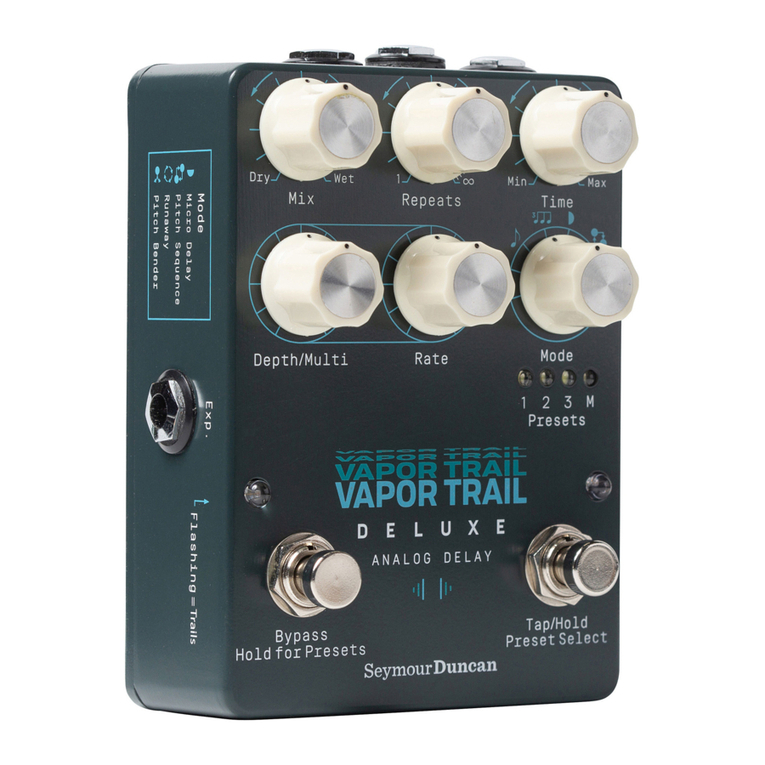
Duncan Vapor Trail Deluxe User manual

Duncan

Duncan Vapor Trail Deluxe User manual

Duncan BLACKOUTS AHB-2 User manual

Duncan

Duncan BLACKOUTS AHB-2 User manual

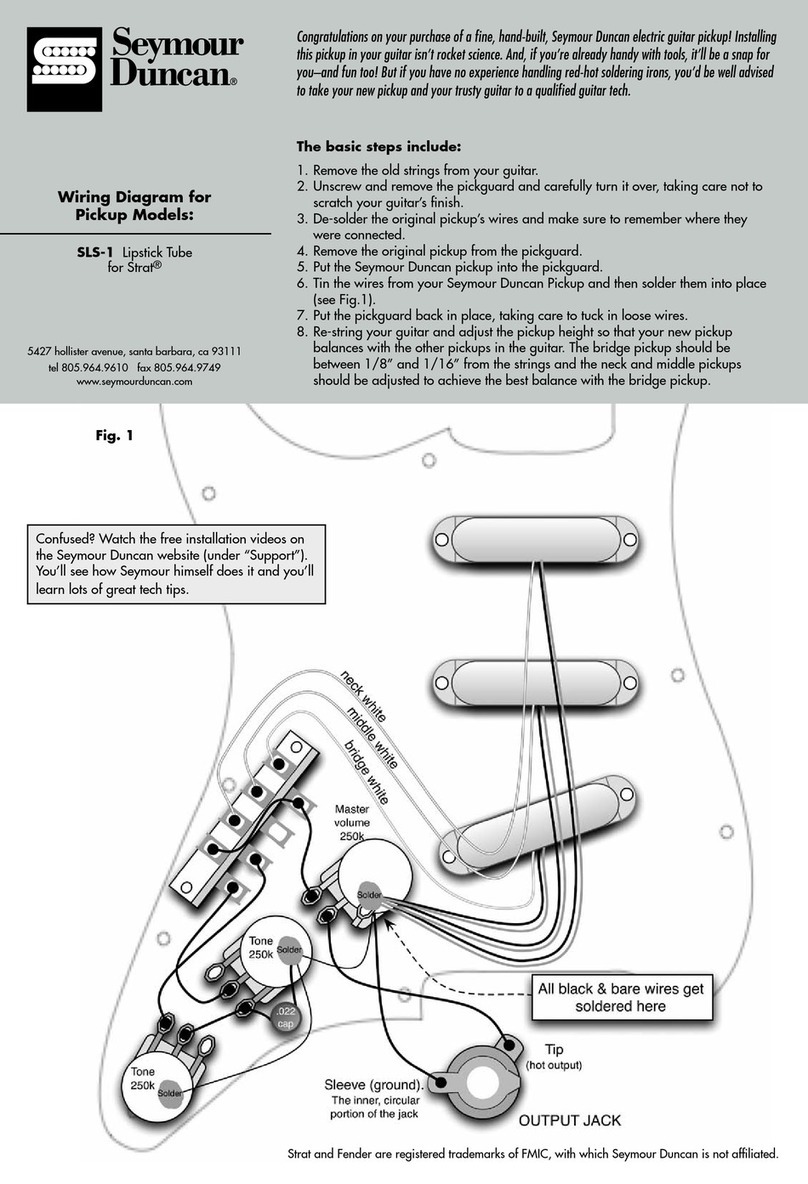
Duncan SLS-1 Quick start guide

Duncan

Duncan SLS-1 Quick start guide

Duncan HyperSwitch User manual

Duncan

Duncan HyperSwitch User manual

Duncan BLACKOUTS AHB-1 Quick start guide

Duncan

Duncan BLACKOUTS AHB-1 Quick start guide

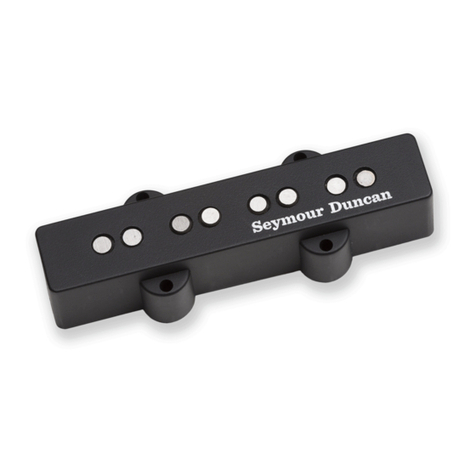
Duncan Apollo Jazz Bass - neck Manual

Duncan

Duncan Apollo Jazz Bass - neck Manual

Duncan SM-1 Quick start guide

Duncan

Duncan SM-1 Quick start guide

Duncan JB Jr. SJBJ-1 Quick start guide

Duncan

Duncan JB Jr. SJBJ-1 Quick start guide

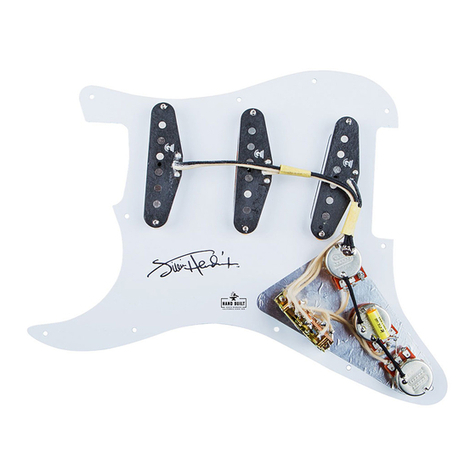
Duncan Jimi Hendrix Signature Loaded Pickguard Quick start guide

Duncan

Duncan Jimi Hendrix Signature Loaded Pickguard Quick start guide

Duncan Vintage for Jazzmaster SJM-1 Quick start guide

Duncan

Duncan Vintage for Jazzmaster SJM-1 Quick start guide

Duncan SH-8n Invader Quick start guide

Duncan

Duncan SH-8n Invader Quick start guide

Popular Accessories For Musical Instruments manuals by other brands

Behringer AIRPLAY GUITAR AG10 quick start guide

Behringer

Behringer AIRPLAY GUITAR AG10 quick start guide

EMG SPC manual

EMG

EMG SPC manual

FEURICH BASIC user manual

FEURICH

FEURICH BASIC user manual

thomann Harley Benton JA user manual

thomann

thomann Harley Benton JA user manual

NeoTech PAD-IT TUBA HARNESS instructions

NeoTech

NeoTech PAD-IT TUBA HARNESS instructions

EMG X Series Installation information

EMG

EMG X Series Installation information

Palmer The Junction PDI-09 user manual

Palmer

Palmer The Junction PDI-09 user manual

EMG P Installation information

EMG

EMG P Installation information

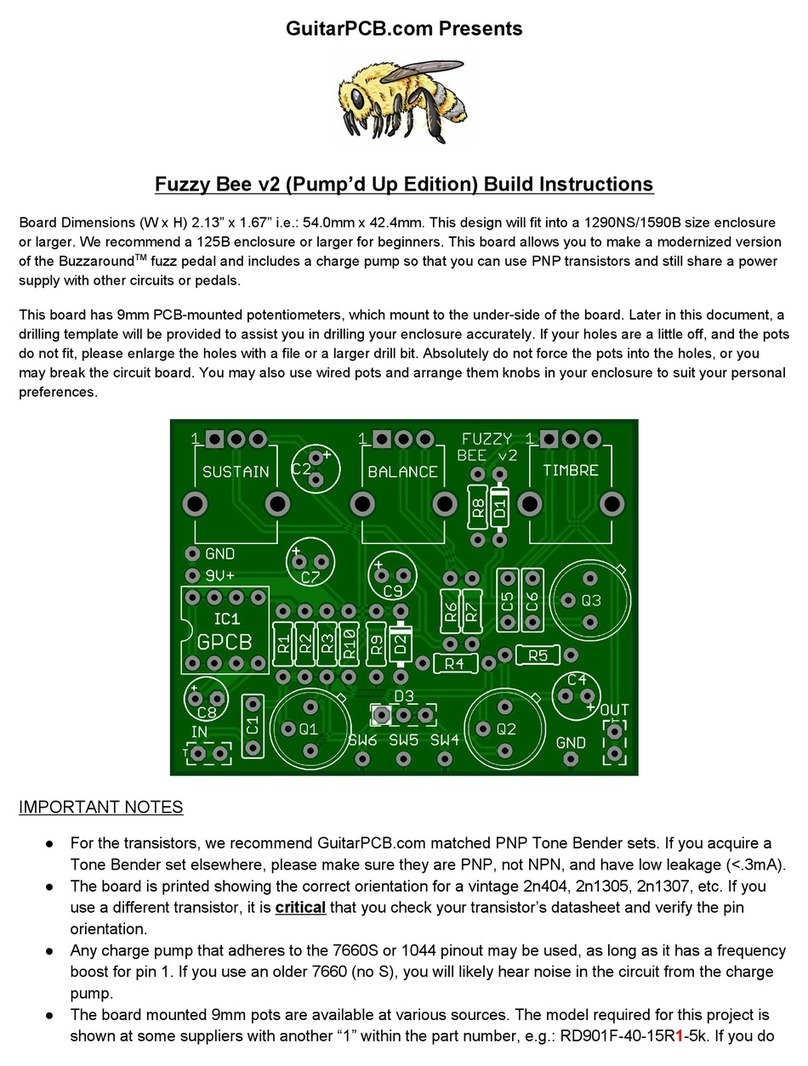
GuitarPCB Fuzzy Bee v2 Build instructions

GuitarPCB

GuitarPCB Fuzzy Bee v2 Build instructions

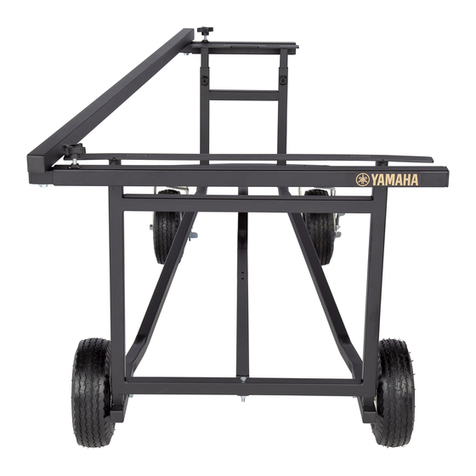
Yamaha Tough-Terrain T-335 Assembly instructions

Yamaha

Yamaha Tough-Terrain T-335 Assembly instructions

EMG RT RIP TIDE Installation information

EMG

EMG RT RIP TIDE Installation information

EMG EMG-91 ARCHTOP Installation information

EMG

EMG EMG-91 ARCHTOP Installation information

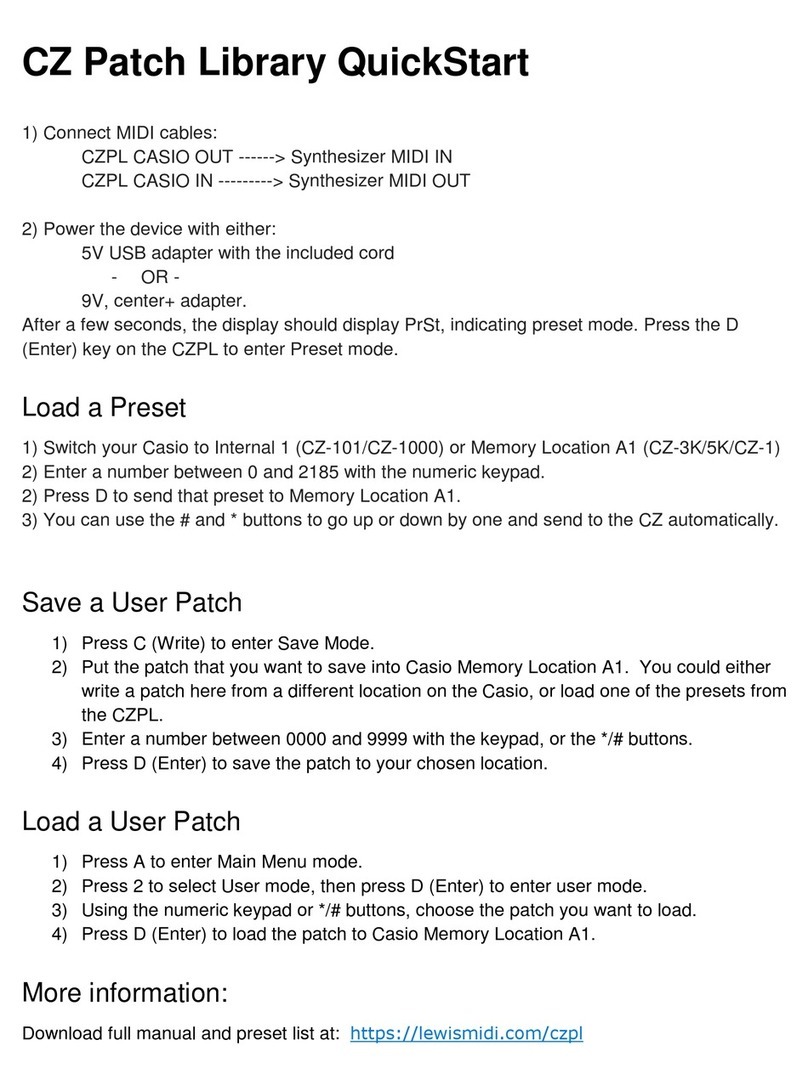
LEWISMIDI CZ Patch Library quick start

LEWISMIDI

LEWISMIDI CZ Patch Library quick start

Free The Tone LB-2 owner's manual

Free The Tone

Free The Tone LB-2 owner's manual

dbx dB10 owner's manual

dbx

dbx dB10 owner's manual

EMG P-HZ Installation information

EMG

EMG P-HZ Installation information

TLA Tuning-Set CTS-32-C manual

TLA

TLA Tuning-Set CTS-32-C manual

Solo Music Gear JEK-1 Assembly manual

Solo Music Gear

Solo Music Gear JEK-1 Assembly manual

manuals.online logo
manuals.online logoBrands
  • About & Mission
  • Contact us
  • Privacy Policy
  • Terms and Conditions

Copyright 2025 Manuals.Online. All Rights Reserved.

5427 hollister avenue, santa barbara, ca 93111
tel 805.964.9610 fax 805.964.9749
www.seymourduncan.com
Wiring Diagram for
Pickup Models:
STL-1b, STR-1, STL-1, APTL-1,
APTR-1, STL52-1, STR52-1, STL-2,
STR-2, STL-3, STR-3, APTL-3JD
Tele and Fender are registered trademarks of FMIC, with which Seymour Duncan is not affiliated.
The basic steps for Lead Pickups include:
1. Remove the strings from your guitar.
2. Remove the control plate and flip it over.
3. De-solder the original pickup’s wires from the controls and make sure to
remember where they were connected.
4. Remove the original pickup from the bridge.
5. Put the Seymour Duncan pickup into the bridge.
6. Tin the wires from the Seymour Duncan pickup, and then solder them into place
(see Fig. 1. For tapped wiring options, see Fig. 2 and 3).
7. Re-attach the bridge to the top of the guitar.
8. Re-string your guitar and adjust the pickup height so that your new pickup is
set between 1/8” and 1/16” from the strings (when they are pressed down at
the highest fret on the neck). Then adjust the height of the rhythm pickup so that it
balances properly with the output of the lead pickup that you just installed.
For Rhythm Pickups see reverse side
Congratulations on your purchase of a fine, hand-built, Seymour Duncan electric guitar pickup! Installing
this pickup in your guitar isn’t rocket science. And, if you’re already handy with tools, it’ll be a snap for
you–and fun too! But if you have no experience handling red-hot soldering irons, you’d be well advised
to take your new pickup and your trusty guitar to a qualified guitar tech.
If two pickups sound thin and wimpy when
used together, chances are, they’re out of
phase with each other. If you’re combining
your Seymour Duncan pickup(s) with Fender
®
pickup(s) in the same guitar, you’ll probably
need to reverse the black and white wires on
the Seymour Duncan.
To Change the Phase of a
Lead Pickup
(Bottom View of Tele Lead Pickup)
1. Cut the small jumper-wire that is
soldered to the bottom plate (make sure the
connection is broken)
2. Connect the black wire to the 3-way switch,
and connect the white wire to ground.
3. Make sure the bridge is grounded with a
separate wire---to do this:
- Take a piece of wire and solder one end of it
to the bottom of the volume pot. Run the other
end of that wire into the lead pickup cavity.
- Strip about one inch of insulation from the
end of the wire.
- Place the exposed end of that wire on top of
the guitar’s body, and screw the bridge down
on top of it. (some guitars will already have this
wire in place). The metal bridge will contact
the wire and create a ground connection for
the bridge and strings.
250k
Volume
250k
Tone
Fig. 1

250k
Volume
250k
Tone
P/N 501010-105 Rev. B
Switching two tapped pickups with one
push/pull pot or mini-toggle.
The basic steps for Rhythm Pickups include:
Vintage Tele® Guitars:
1. Remove the strings from your guitar.
2. Remove the control plate and flip it over.
3. Remove the pickguard and set it aside.
4. De-solder the original pickup’s wires from the controls, and
make sure to remember where they were connected.
5. Remove the original pickup from the body of the guitar.
6. Install your new Seymour Duncan pickup using the provided
wood screws and rubber spacers.
7. Tin the wires of your new pickup and solder them into place
(see Fig. 1 or 2).
8. Replace the pickguard and control plate.
9. Re-string your guitar and adjust the height of your new
rhythm pickup so that its output balances with the output of
your guitar’s lead pickup.
Modern Tele® Guitars:
1. Remove the strings from your guitar.
2. Remove the control plate and flip it over.
3. Remove the pickguard and flip it over, taking care not to
scratch your guitar’s finish.
4. De-solder the original pickup’s wires from the controls and
make sure to remember where they were connected.
5. Remove the original pickup from the pickguard.
6. Put the Seymour Duncan pickup into the pickguard using the
original mounting screws and spacers.
7. Tin the wires from your new pickup, and then solder them
into place (see Fig. 1 or 2).
8. Replace the pickguard and control plate.
9. Re-string your guitar and adjust the height of your new
rhythm pickup so that its output balances with the output of
your guitar’s lead pickup.
Wiring Diagram for Pickup Models: STL-2T, STL-3T, STR-3T
Visit seymourduncan.com for
additional wiring diagrams.
Fig. 2
Fig. 3