manuals.online logo
Brands
  1. Home
  2. •
  3. Brands
  4. •
  5. Dunlop
  6. •
  7. Music Pedal
  8. •
  9. Dunlop MXR Sub Machine CSP210 User manual

Dunlop MXR Sub Machine CSP210 User manual

Other Dunlop Music Pedal manuals

Dunlop CARBON COPY MXR User manual

Dunlop

Dunlop CARBON COPY MXR User manual

Dunlop CRY BABY WULDE WAH ZW-45 User manual

Dunlop

Dunlop CRY BABY WULDE WAH ZW-45 User manual

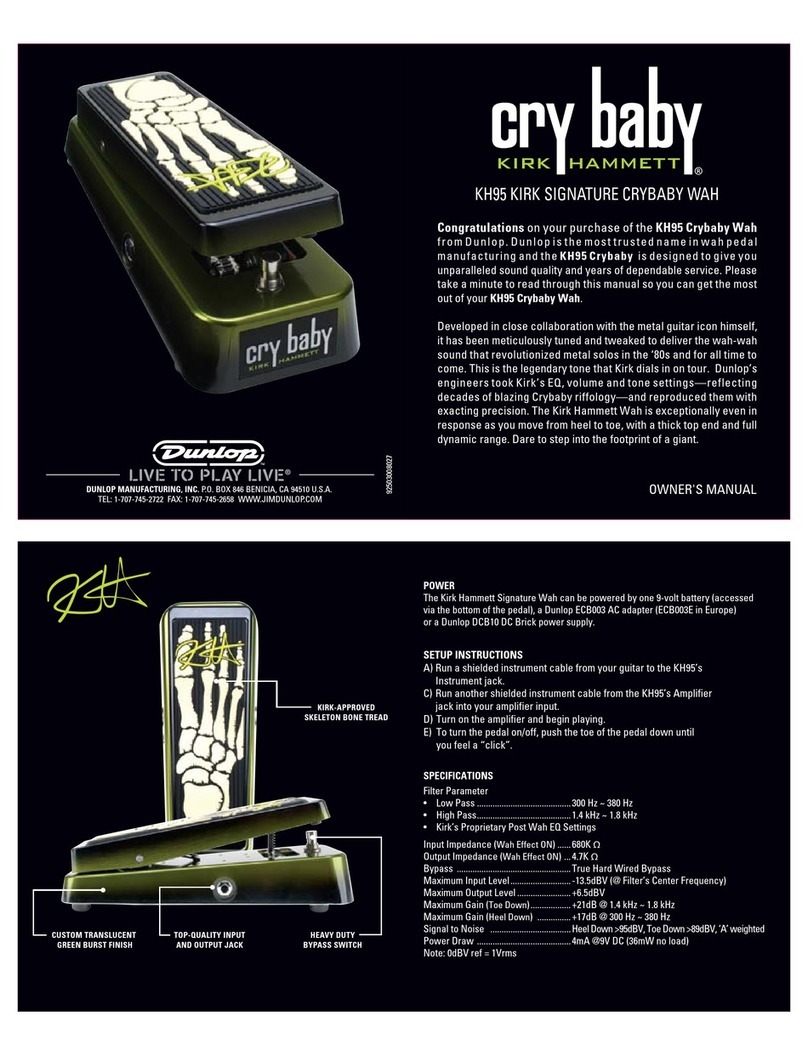
Dunlop GCB95F Cry Baby User manual

Dunlop

Dunlop GCB95F Cry Baby User manual

Dunlop Cry Baby CBM105Q Manual

Dunlop

Dunlop Cry Baby CBM105Q Manual

Dunlop GCB95Original Cry Baby User manual

Dunlop

Dunlop GCB95Original Cry Baby User manual

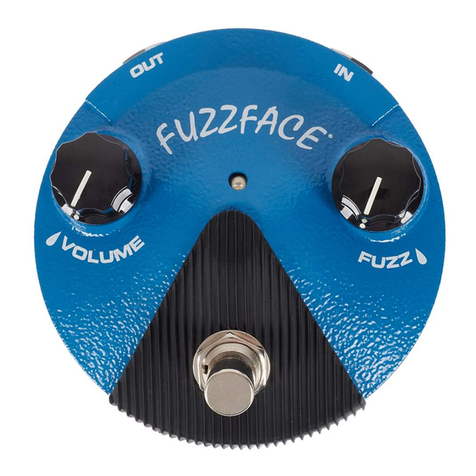
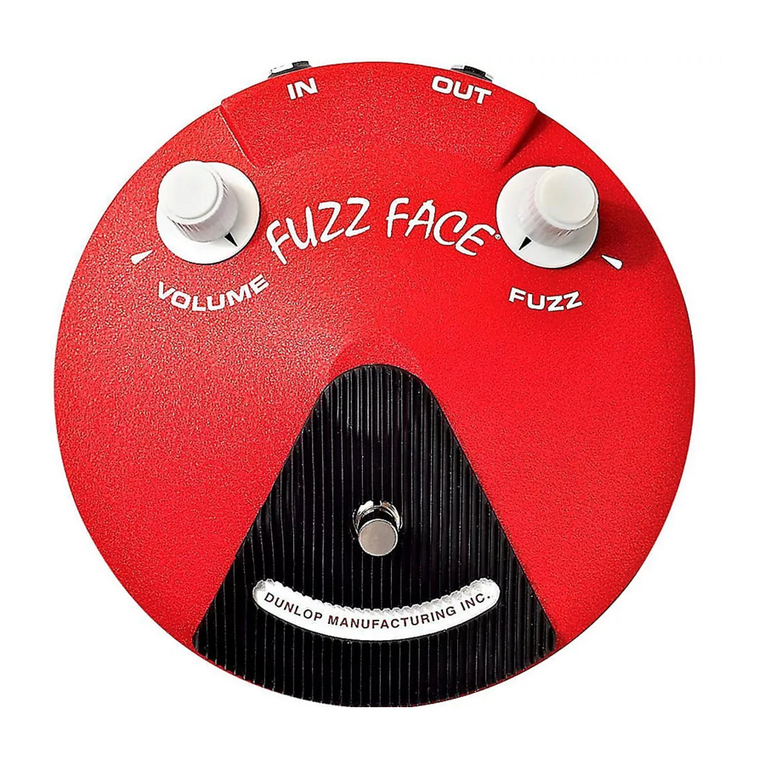
Dunlop FFM6 BAND OF GYPSYS FUZZ FACE User manual

Dunlop

Dunlop FFM6 BAND OF GYPSYS FUZZ FACE User manual

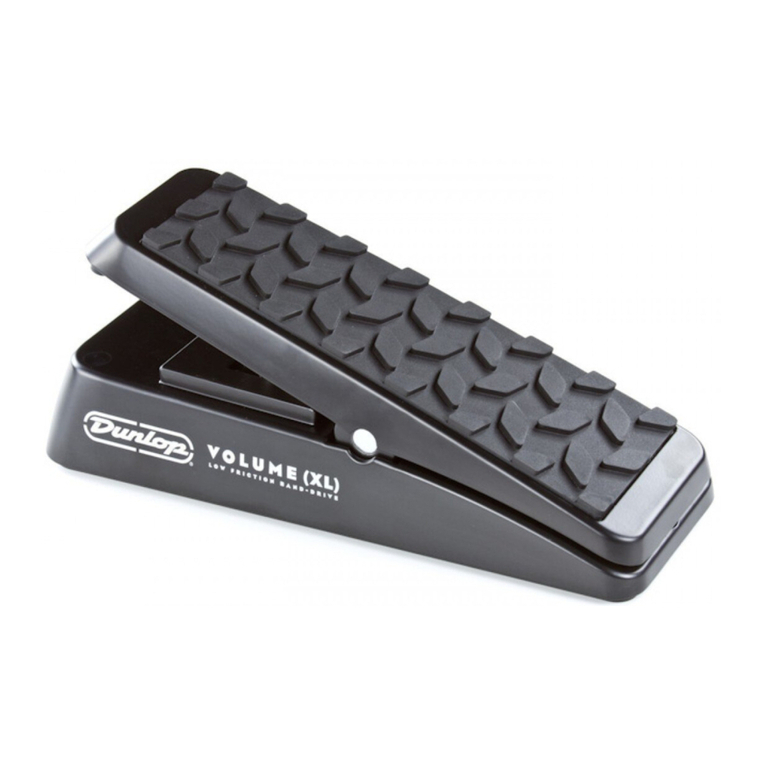
Dunlop DVP4 VOLUME X User manual

Dunlop

Dunlop DVP4 VOLUME X User manual

Dunlop GCB95F Cry Baby User manual

Dunlop

Dunlop GCB95F Cry Baby User manual

Dunlop SC 95 Slash Cry Baby User manual

Dunlop

Dunlop SC 95 Slash Cry Baby User manual

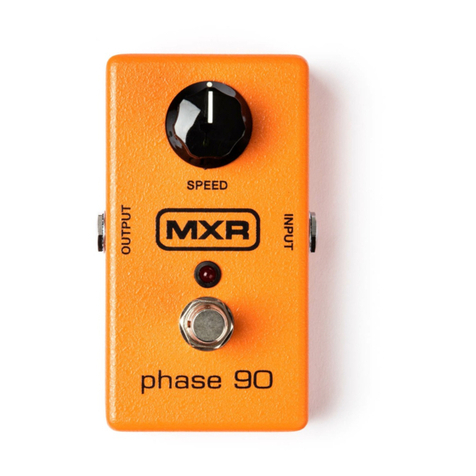
Dunlop MXR M101 PHASE 90 User manual

Dunlop

Dunlop MXR M101 PHASE 90 User manual

Dunlop MXR M133 User manual

Dunlop

Dunlop MXR M133 User manual

Dunlop EVH117 User manual

Dunlop

Dunlop EVH117 User manual

Dunlop JUSTIN CHANCELLOR CRY BABY User manual

Dunlop

Dunlop JUSTIN CHANCELLOR CRY BABY User manual

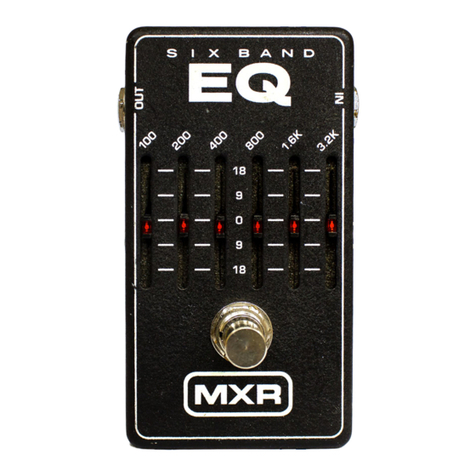
Dunlop MXR SIX BAND GRAPHIC EQ M109 User manual

Dunlop

Dunlop MXR SIX BAND GRAPHIC EQ M109 User manual

Dunlop DVP1XL VOLUME (XL) User manual

Dunlop

Dunlop DVP1XL VOLUME (XL) User manual

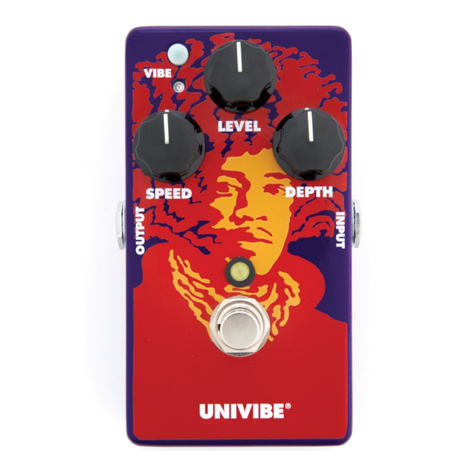
Dunlop Authentic Hendrix ’69 Psych Series User manual

Dunlop

Dunlop Authentic Hendrix ’69 Psych Series User manual

Dunlop 105Q CRY BABY User manual

Dunlop

Dunlop 105Q CRY BABY User manual

Dunlop MXR M77 Manual

Dunlop

Dunlop MXR M77 Manual

Dunlop CRY BABY Q ZONE QZ1 User manual

Dunlop

Dunlop CRY BABY Q ZONE QZ1 User manual

Dunlop MC404 CAE WAH User manual

Dunlop

Dunlop MC404 CAE WAH User manual

Dunlop MXR Phase 45 User manual

Dunlop

Dunlop MXR Phase 45 User manual

Dunlop 95Q Cry Baby User manual

Dunlop

Dunlop 95Q Cry Baby User manual

Dunlop Authentic Hendrix 68 Shrine Series User manual

Dunlop

Dunlop Authentic Hendrix 68 Shrine Series User manual

Dunlop AUTHENTIC HENDRIX 69 PSYCH SERIES OCTAVIO... User manual

Dunlop

Dunlop AUTHENTIC HENDRIX 69 PSYCH SERIES OCTAVIO... User manual

Popular Music Pedal manuals by other brands

Behringer ULTRA WAH UW300 manual

Behringer

Behringer ULTRA WAH UW300 manual

Whirlwind oc-bass quick start guide

Whirlwind

Whirlwind oc-bass quick start guide

Strymon Lex-rotary user manual

Strymon

Strymon Lex-rotary user manual

Behringer PB600 manual

Behringer

Behringer PB600 manual

Lexicon MX200 user guide

Lexicon

Lexicon MX200 user guide

Matthews Effects Whaler V2 manual

Matthews Effects

Matthews Effects Whaler V2 manual

Grid 1 Pedal Jeanie user manual

Grid 1

Grid 1 Pedal Jeanie user manual

Amptweaker tightboost user manual

Amptweaker

Amptweaker tightboost user manual

Ibanez TS-808 Tube Screamer Overdrive Pro owner's manual

Ibanez

Ibanez TS-808 Tube Screamer Overdrive Pro owner's manual

Dimavery EPVP-50 manual

Dimavery

Dimavery EPVP-50 manual

Tefi Vintage Lab GEGÈ operating manual

Tefi Vintage Lab

Tefi Vintage Lab GEGÈ operating manual

Pro-MIDI G25 user manual

Pro-MIDI

Pro-MIDI G25 user manual

DW 7000 owner's manual

DW

DW 7000 owner's manual

FAMC Liquid-Foot Jr. Series user manual

FAMC

FAMC Liquid-Foot Jr. Series user manual

Dimavery EPOD-50 Overdrive user manual

Dimavery

Dimavery EPOD-50 Overdrive user manual

TREX ToneBug Totenschläger user manual

TREX

TREX ToneBug Totenschläger user manual

BBE ORANGE SQUASH user manual

BBE

BBE ORANGE SQUASH user manual

Tube Works 310 manual

Tube Works

Tube Works 310 manual

manuals.online logo
manuals.online logoBrands
  • About & Mission
  • Contact us
  • Privacy Policy
  • Terms and Conditions

Copyright 2025 Manuals.Online. All Rights Reserved.

92503017869REVB
CSP210 SUB MACHINE
SAMPLE SETTINGS
CSP210 SUB MACHINE
DUNLOP MANUFACTURING, INC.
P.O. BOX 846 BENICIA, CA 94510 U.S.A.
TEL: 1-707-745-2722 FAX: 1-707-745-2658
7• NOTE: To get the best results from Octave Up settings, play above the 10th fret with neck pick up selected.
HIGH OCTAVE
HAZE
DOUBLE PALEO
OCTAVE
SUBTERRANEAN
GARAGE
DIRECTIONS
• Run a cable from your guitar to
the CSP210’s INPUT jack and run
another cable from the CSP210’s
OUTPUTjacktoyouramplier.
• Turntheeectonbydepressing
the BYPASS footswitch.
• Start with all controls at
12 o’clock.
• Rotate SUB control clockwise to
increase volume of Sub-Octave
signal or counterclockwise to
decrease it.
• To engage the Fuzz signal’s
Octave Up mode, depress the
OCTAVE footswitch.
• Rotate VOLUME control clock-
wise to increase volume of fuzz
DESCRIPTION
• Combines La Machine Fuzz with
old school Sub-Octave signal
• Separate volume levels for Fuzz
and Sub-Octave signals
• Toggle between Series/Parallel
modes
• Octave switch kicks Fuzz signal
into Octave Up mode
signal or counterclockwise to
decrease it.
• Rotate TONE control clockwise
for a warmer fuzz sound or
counterclockwise for a brighter
fuzz sound.
• Rotate FUZZ control clockwise to
increase amount of fuzz or coun-
terclockwise to decrease it.
• Pushing the SERIES switch
toggles between Parallel mode
(switch OUT)—which runs the
Sub-Octave and Fuzz signals
independently of each other—
to Series mode (switch IN, indi-
cated by yellow LED), which runs
the Sub-Octave signal into the
Fuzz signal.
POWER
The Sub Machine Fuzz is powered
by one 9-volt battery (remove
bottom plate to install), a 9-volt
AC adapter such as the Dunlop
ECB003/ECB003EU, or the
DC Brick™ and Iso-Brick™
power supplies.
SPECIFICATIONS
Input Impedance 1MΩ
Output Impedance <600Ω
Noise Floor* -100 dBV
Bypass -99 dBV
Eect -78 dBV
Maximum Input 2.5 dBV
Bypass Buered
Current Draw 7 mA
Power Supply DC 9 volts
All measurements made at 1 kHz, with controls at
mid position
CONTROLS
VOLUME knob controls volume
of fuzz
TONE knob shapes overall
EQ of fuzz
FUZZ knob controls amount
of fuzz
SUB knob controls volume of
Sub-Octave signal
BYPASS footswitch toggles
pedal on/bypass (blue LED
indicates on)
SERIES switch toggles
Series/Parallel modes
(yellow LED indicates Series)
OCTAVE footswitch engages
Octave Up fuzz
(indicated by red LED)

7
1
2
3
4
5