manuals.online logo
Brands
  1. Home
  2. •
  3. Brands
  4. •
  5. Dunlop
  6. •
  7. Music Pedal
  8. •
  9. Dunlop Uni-Vibe UV-1SC User manual

Dunlop Uni-Vibe UV-1SC User manual

Other Dunlop Music Pedal manuals

Dunlop MXR M77 Manual

Dunlop

Dunlop MXR M77 Manual

Dunlop AKIRA TAKASAKI CRY BABY FUZZ WAH User manual

Dunlop

Dunlop AKIRA TAKASAKI CRY BABY FUZZ WAH User manual

Dunlop MXR M101 PHASE 90 User manual

Dunlop

Dunlop MXR M101 PHASE 90 User manual

Dunlop KH95 SIGNATURE KIRK HAMMETT CRYBABY WAH User manual

Dunlop

Dunlop KH95 SIGNATURE KIRK HAMMETT CRYBABY WAH User manual

Dunlop Volume pedal User manual

Dunlop

Dunlop Volume pedal User manual

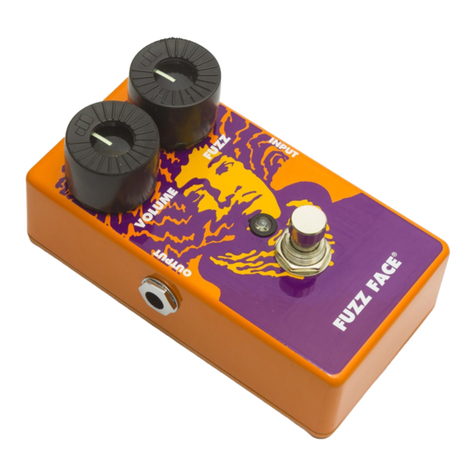
Dunlop FUZZFACE FFM2 MINI User manual

Dunlop

Dunlop FUZZFACE FFM2 MINI User manual

Dunlop JERRY CANTRELL CRY BABY User manual

Dunlop

Dunlop JERRY CANTRELL CRY BABY User manual

Dunlop Authentic Hendrix 68 Shrine Series User manual

Dunlop

Dunlop Authentic Hendrix 68 Shrine Series User manual

Dunlop JHF3 BAND OF GYPSYS FUZZ FACE User manual

Dunlop

Dunlop JHF3 BAND OF GYPSYS FUZZ FACE User manual

Dunlop CBM95 Cry Baby Mini Wah Manual

Dunlop

Dunlop CBM95 Cry Baby Mini Wah Manual
Dunlop 105Q BASS WAH User manual

Dunlop

Dunlop 105Q BASS WAH User manual

Dunlop Hendrix 68 Shrine Octavio Fuzz Series User manual

Dunlop

Dunlop Hendrix 68 Shrine Octavio Fuzz Series User manual

Dunlop MXR M236 SUPER BADASS User manual

Dunlop

Dunlop MXR M236 SUPER BADASS User manual

Dunlop MXR Phase 45 User manual

Dunlop

Dunlop MXR Phase 45 User manual

Dunlop GCB95F Cry Baby User manual

Dunlop

Dunlop GCB95F Cry Baby User manual

Dunlop CARBON COPY MXR User manual

Dunlop

Dunlop CARBON COPY MXR User manual

Dunlop CryBaby csp030 Q zone User manual

Dunlop

Dunlop CryBaby csp030 Q zone User manual

Dunlop Authentic Hendrix 68 Shrine Series User manual

Dunlop

Dunlop Authentic Hendrix 68 Shrine Series User manual

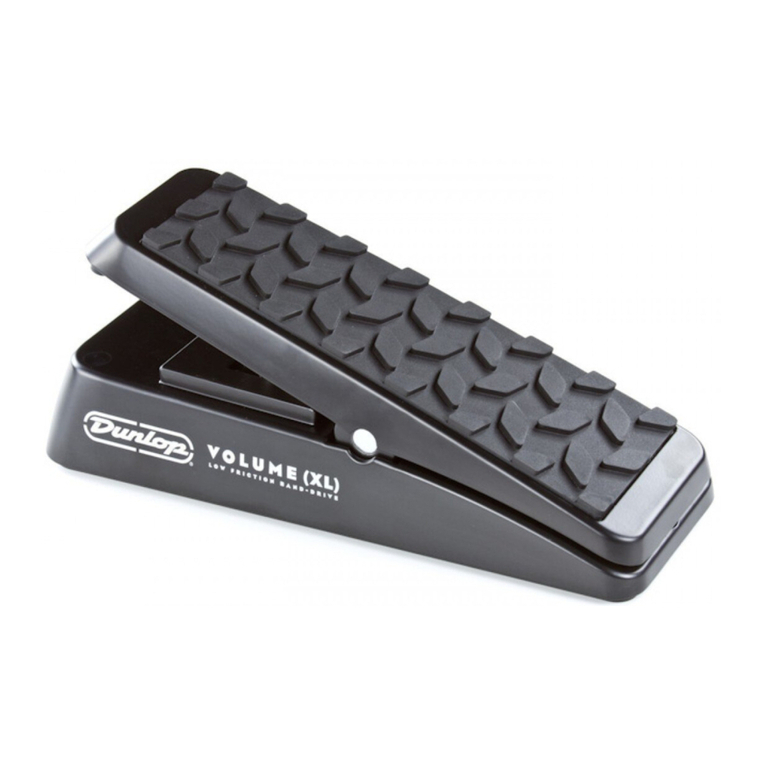
Dunlop DVP1XL VOLUME (XL) User manual

Dunlop

Dunlop DVP1XL VOLUME (XL) User manual

Dunlop M-120 MXR Auto Q User manual

Dunlop

Dunlop M-120 MXR Auto Q User manual

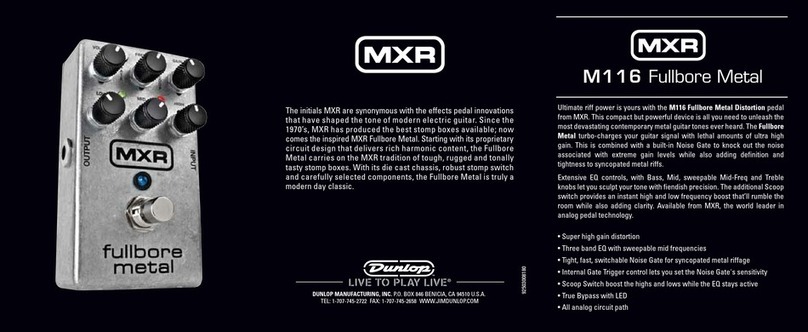
Dunlop MXR M116 Fullbore Metal User manual

Dunlop

Dunlop MXR M116 Fullbore Metal User manual

Dunlop MC404 CAE WAH Manual

Dunlop

Dunlop MC404 CAE WAH Manual

Dunlop 535Q User manual

Dunlop

Dunlop 535Q User manual

Dunlop DVP4 VOLUME X User manual

Dunlop

Dunlop DVP4 VOLUME X User manual

Popular Music Pedal manuals by other brands

Walrus Audio ARP-87 instruction manual

Walrus Audio

Walrus Audio ARP-87 instruction manual

Ibanez Phaser Mini owner's manual

Ibanez

Ibanez Phaser Mini owner's manual

Ashdown GEEZER BUTLER PEDAL OF DOOM user guide

Ashdown

Ashdown GEEZER BUTLER PEDAL OF DOOM user guide

TC Electronic G-Natural user manual

TC Electronic

TC Electronic G-Natural user manual

Pro-MIDI G25 user manual

Pro-MIDI

Pro-MIDI G25 user manual

Whirlwind oc-bass quick start guide

Whirlwind

Whirlwind oc-bass quick start guide

Strymon Lex-rotary user manual

Strymon

Strymon Lex-rotary user manual

Behringer PB600 manual

Behringer

Behringer PB600 manual

Lexicon MX200 user guide

Lexicon

Lexicon MX200 user guide

Matthews Effects Whaler V2 manual

Matthews Effects

Matthews Effects Whaler V2 manual

Grid 1 Pedal Jeanie user manual

Grid 1

Grid 1 Pedal Jeanie user manual

Amptweaker tightboost user manual

Amptweaker

Amptweaker tightboost user manual

Ibanez TS-808 Tube Screamer Overdrive Pro owner's manual

Ibanez

Ibanez TS-808 Tube Screamer Overdrive Pro owner's manual

DW 7000 owner's manual

DW

DW 7000 owner's manual

FAMC Liquid-Foot Jr. Series user manual

FAMC

FAMC Liquid-Foot Jr. Series user manual

Dimavery EPVP-50 manual

Dimavery

Dimavery EPVP-50 manual

Tefi Vintage Lab GEGÈ operating manual

Tefi Vintage Lab

Tefi Vintage Lab GEGÈ operating manual

TREX ToneBug Totenschläger user manual

TREX

TREX ToneBug Totenschläger user manual

manuals.online logo
manuals.online logoBrands
  • About & Mission
  • Contact us
  • Privacy Policy
  • Terms and Conditions

Copyright 2025 Manuals.Online. All Rights Reserved.

Dunlop Manufacturing Inc., P.O.Box 846 Benicia,CA 94510 U.S.A.
Tel: (707) 745-2722 FAX: (707) 745-2658
UV-1SC Uni-Vibe®Stereo Chorus
Congratulations on choosing the Uni-Vibe Stereo Chorus.Like all Dunlop
products,this unique effect is designed to give you quality sound through years
of dependable service.
The Uni-Vibe Stereo Chorus is an analog rotating speaker effect that captures
the legendary tones of the 60’s and early 70’s.The Dunlop UV-1SC gives you
the rich,full, Mono or Stereo sound worthy of the name Uni-Vibe!
Notice: This unit is shipped from the factory without a battery to prevent
possible damage from leakage. A 9-volt transistor radio battery must be
installed for operation if anAC adapter is not going to be used.The required
adapter is the Dunlop ECB02,positive tip. To install battery,remove 4 screws
securing the bottom cover and insert the battery.
NOTES FOR SETUP
CH09183A
®
Using the Dunlop UV-1SC Uni-vibe Stereo Chorus:
EFFECT/BYPASS SWITC :
Selects between Effect and No Effect.The red LED will pulsate at the rate of
speed when the effect is on.
SPEED:
Controls the rate of the Chorus/Vibrato effect.The speed can be varied from
an almost imperceptibly slow speed to about eight times per second.
MIX:
Controls the amount of dry signal mixed into the“Right/Vibrato”output, and
the amount of effect mixed into the “Left/Chorus”output.
INTENSITY:
Adjusts how much the chorus/vibrato affects your signal.
Going easy with these controls and moving them a little at a time is probably
the best way to get a handle on their operation.
INPUT JACK:
Connect a cable from your instrument or effects chain here.
POWER:
Connect the power supply here.The Dunlop UV-1SC is designed to be exter-
nally powered with the Dunlop ECB02AC Adapter.This is a 9 volt regulated
adapter with a 3.5mm positive tip.
SIDE PANEL CONNECTORS:FRONT PANEL CONTROLS:
DUNLOP MANUFACTURING, INC.
P.O. BOX 846, BENICIA, CA 94510 U.S.A.
POSITIVE TIP
LEFT/C ORUS:
Connect a cable to the input of your amp,other effects,recording mixer or
other inputs here.When the“LEFT/CHORUS”output is used:The “MIX”con-
trol,when fully clockwise,is the MONO CHORUS mode,and fully counter
clockwise is dry.
RIG T/VIBRATO:
Connect a cable to the input of your amp,other effects,recording mixer or
other inputs here.When the“RIGHT/VIBRATO”output is used:The“MIX”con-
trol,when fully clockwise,is the MONO CHORUS mode,and fully counter
clockwise isVIBRATO.Vibrato bends the pitch up and down, giving a cool, quiv-
ering texture to your sound.
When both outputs are used:The “MIX”control,when fully clockwise, is the
MONO CHORUS mode with a centered sound image, and fully counter clock-
wise, is the“WIDE”Stereo mode.