manuals.online logo
Brands
  1. Home
  2. •
  3. Brands
  4. •
  5. Earthworks
  6. •
  7. Microphone
  8. •
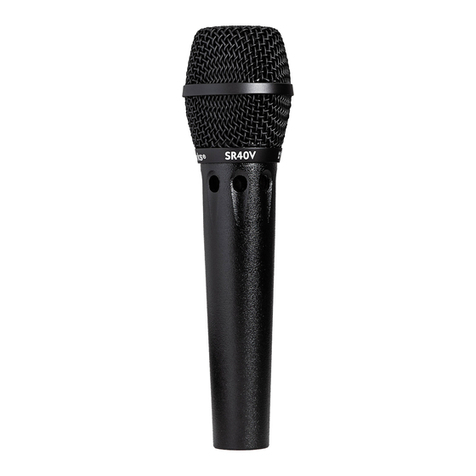
  9. Earthworks SR40/HC User manual

Earthworks SR40/HC User manual

This manual suits for next models

1

Other Earthworks Microphone manuals

Earthworks P30/HC User manual

Earthworks

Earthworks P30/HC User manual

Earthworks TC25 User manual

Earthworks

Earthworks TC25 User manual

Earthworks TC20 User manual

Earthworks

Earthworks TC20 User manual

Earthworks SR30 User manual

Earthworks

Earthworks SR30 User manual

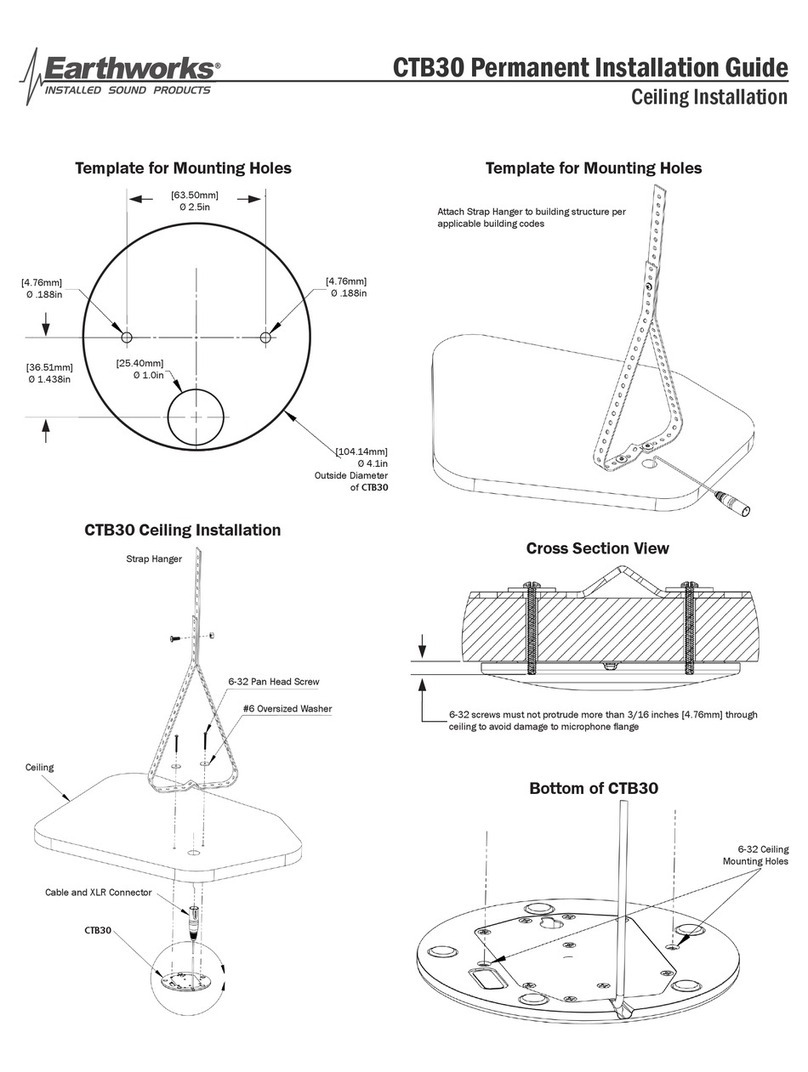
Earthworks CTB30 User manual

Earthworks

Earthworks CTB30 User manual

Earthworks DP30C User manual

Earthworks

Earthworks DP30C User manual

Earthworks M23 User manual

Earthworks

Earthworks M23 User manual

Earthworks SR30HC User manual

Earthworks

Earthworks SR30HC User manual

Earthworks P30 User manual

Earthworks

Earthworks P30 User manual

Earthworks QTC50 User manual

Earthworks

Earthworks QTC50 User manual

Earthworks M30BX User manual

Earthworks

Earthworks M30BX User manual

Earthworks SR20 User manual

Earthworks

Earthworks SR20 User manual

Earthworks SV33 User manual

Earthworks

Earthworks SV33 User manual

Earthworks QTC30 User manual

Earthworks

Earthworks QTC30 User manual

Earthworks TC25 User manual

Earthworks

Earthworks TC25 User manual

Earthworks CTF User manual

Earthworks

Earthworks CTF User manual

Earthworks TC30K User manual

Earthworks

Earthworks TC30K User manual

Earthworks SR20LS Cardioid User manual

Earthworks

Earthworks SR20LS Cardioid User manual

Earthworks DrumMic DM20 User manual

Earthworks

Earthworks DrumMic DM20 User manual

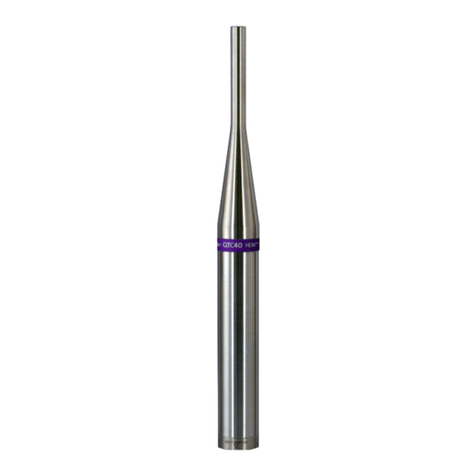
Earthworks QTC40 User manual

Earthworks

Earthworks QTC40 User manual

Earthworks P30/C User manual

Earthworks

Earthworks P30/C User manual

Earthworks SR25 User manual

Earthworks

Earthworks SR25 User manual

Earthworks CMK4 CloseMic Kit User manual

Earthworks

Earthworks CMK4 CloseMic Kit User manual

Earthworks SR30 User manual

Earthworks

Earthworks SR30 User manual

Popular Microphone manuals by other brands

Betzold 760932 operating instructions

Betzold

Betzold 760932 operating instructions

Shure A88SM user guide

Shure

Shure A88SM user guide

JTS UF-10TH/12 instruction manual

JTS

JTS UF-10TH/12 instruction manual

Shure BETA 58A User giude

Shure

Shure BETA 58A User giude

Shure SM7 user guide

Shure

Shure SM7 user guide

Sony ECM-Z200 Service manual

Sony

Sony ECM-Z200 Service manual

Electro-Voice 652 engineering data

Electro-Voice

Electro-Voice 652 engineering data

mantona 21150 instruction manual

mantona

mantona 21150 instruction manual

Loewe We. SEE 55 user manual

Loewe

Loewe We. SEE 55 user manual

IK Multimedia iRig Stream MIC PRO user manual

IK Multimedia

IK Multimedia iRig Stream MIC PRO user manual

DAPAudio RM-101 user manual

DAPAudio

DAPAudio RM-101 user manual

AKG CHM 21 User instructions

AKG

AKG CHM 21 User instructions

Sennheiser evolution wireless series EM 100 instruction manual

Sennheiser

Sennheiser evolution wireless series EM 100 instruction manual

Sony C-48 operating instructions

Sony

Sony C-48 operating instructions

GIGAMEDIA GGM PAMICUHFG user manual

GIGAMEDIA

GIGAMEDIA GGM PAMICUHFG user manual

Shure WH30TQG user guide

Shure

Shure WH30TQG user guide

auna PRO MIC-900 manual

auna PRO

auna PRO MIC-900 manual

Shure MV51 manual

Shure

Shure MV51 manual

manuals.online logo
manuals.online logoBrands
  • About & Mission
  • Contact us
  • Privacy Policy
  • Terms and Conditions

Copyright 2025 Manuals.Online. All Rights Reserved.

Product Registration
To help you get the most out of your
Earthworks purchase, please take a
moment and register your product with us
online at earthworksaudio.com/register.
Service & Repair
If you have any problems with your
Earthworks products, please contact our
Service & Repair Department.
Email: [email protected]
Telephone: (603) 654-2433, ext. 119
MADE IN USA
Printed in USA
User’s Guide
SR40
Multi-Purpose Cardioid
High Definition Microphone™
earthworksaudio.com
July 11, 2018
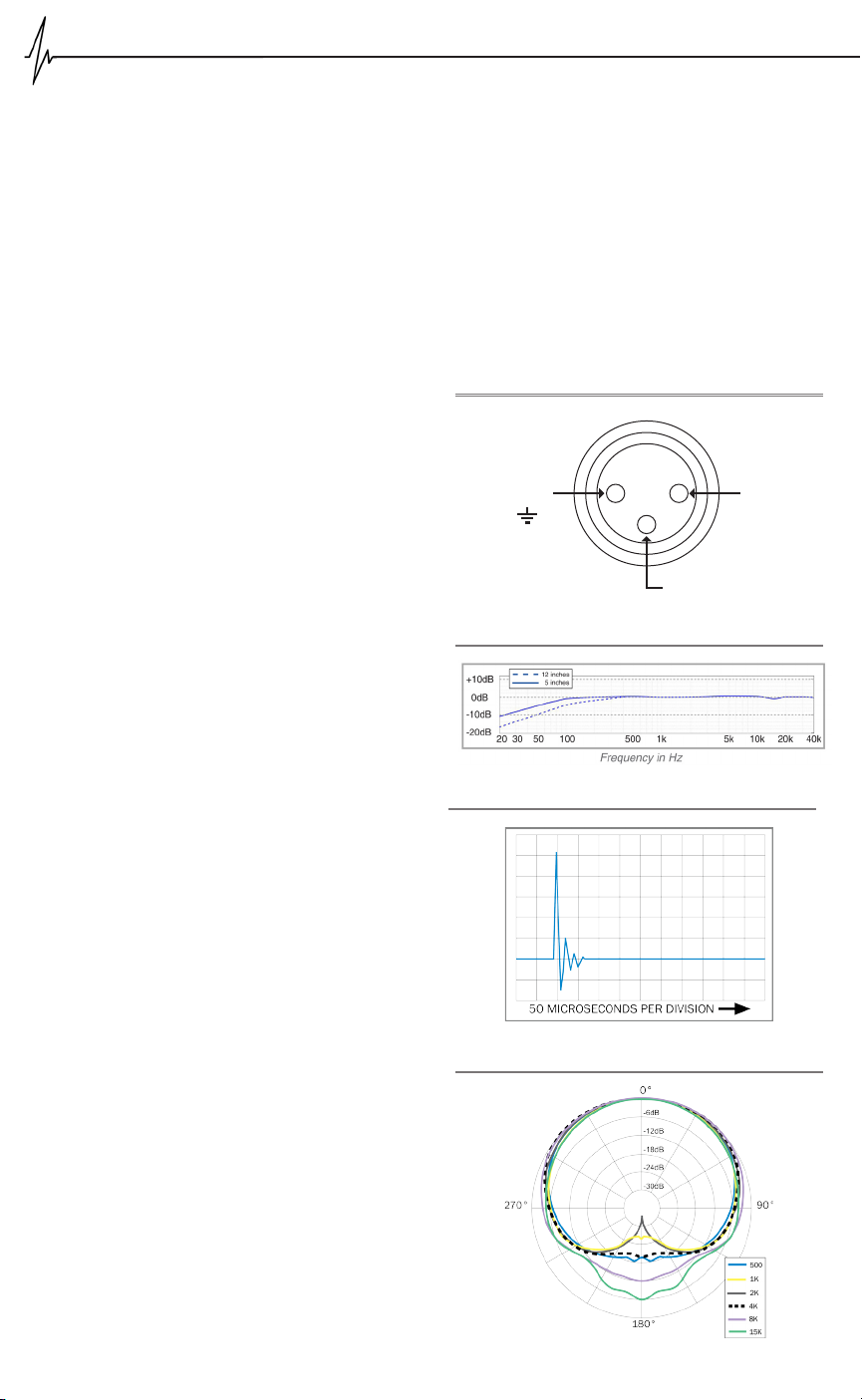
SR40
Pin 1
“Shield”
Pin 2
“+”
Pin 3
“-”
Description
The Earthworks SR40 is a directional pre-polarized con-
denser microphone with a rst-order cardioid pickup pat-
tern directly coupled to a dedicated wideband, low out-
put impedance transformerless preamplier. The SR40
requires a standard 24-48V Phantom Power supply. It
features a frequency response from 20Hz to 40kHz, fast
impulse response, very low handling noise, uniform po-
lar pattern, and high SPL handling. The SR40 provides
excellent uncolored rejection of sounds arriving off-axis.
Each SR40 microphone is delivered with its own calibra-
tion chart providing its individually measured frequency
response curve. A mounting clip is included with the mi-
crophone.
Applications
The Earthworks SR40 is easy to operate. Connect the
microphone to a microphone preamplier supplying 24-
48V phantom power using a standard XLR microphone
cable. Please allow up to one minute for the microphone
to settle. Plugging in the microphone “hot” (phantom
power already present at the input) will not damage the
microphone, and is actually preferred for faster settling.
It is normal for any phantom powered mic to cause a
“pop” in the audio or recording system when plugged in
or powered up. Make sure to mute the signal to speakers
or headphones when phantom power is rst applied to
the microphone.
The excellent performance characteristics of the SR40
allow it to be utilized for a very wide range of applica-
tions. In the studio or on stage the SR40 is an ideal
choice for a variety of instruments including sax, ute,
trumpet, guitar, piano, and percussion. It is superior for
vocals or choir because it doesn’t spotlight; rather, it uni-
formly picks up an entire section. The SR40 is popular
among concert tapers because of its open uncolored
sound and among jazz enthusiasts for its ability to cap-
ture explosive performances while retaining the subtle
nuances of artistic expression.
This microphone has no removable parts.
Care of Microphone
The Earthworks SR40 microphone is a precision instru-
ment designed and built to provide years of top perfor-
mance. Follow these simple rules to help to protect your

investment in the SR40:
Avoid touching the front protective screen.
Never attempt to disassemble the microphone –
it cannot be opened.
Avoid extreme heat and condensing humidity.
Allow the microphone to warm up in the case when
bringing it in from the cold weather.
Rough handling may damage the microphone even
if no visible marks are left.
When not in use keep the SR40 in its case.
•
•
•
•
•
XLR Output Connector Assignment of SR40
Specications
Frequency response: 20Hz to 40kHz
Polar Pattern: Cardioid
Sensitivity: 20mV/Pa (-34dBV/Pa)
Power Requirements: 24-48V Phantom, 10mA
Peak Acoustic Input: 139dB SPL
Output: XLR-3
Output Impedance: 65Ω, balanced between pins 2 & 3
Minimum Load: 600Ω btw. pins 2 & 3

Noise: 16dB, A equivalent
Dimensions L x D: 229 x 22 mm (9 x .860 in.)
Weight: 225g (.5lb)
Impulse Response of SR40 (typical)
Polar Response of SR40 (typical)
Frequency Response of SR40 (typical)
Specications are subject to change without notice.