manuals.online logo
Brands
  1. Home
  2. •
  3. Brands
  4. •
  5. Eaton
  6. •
  7. Controllers
  8. •
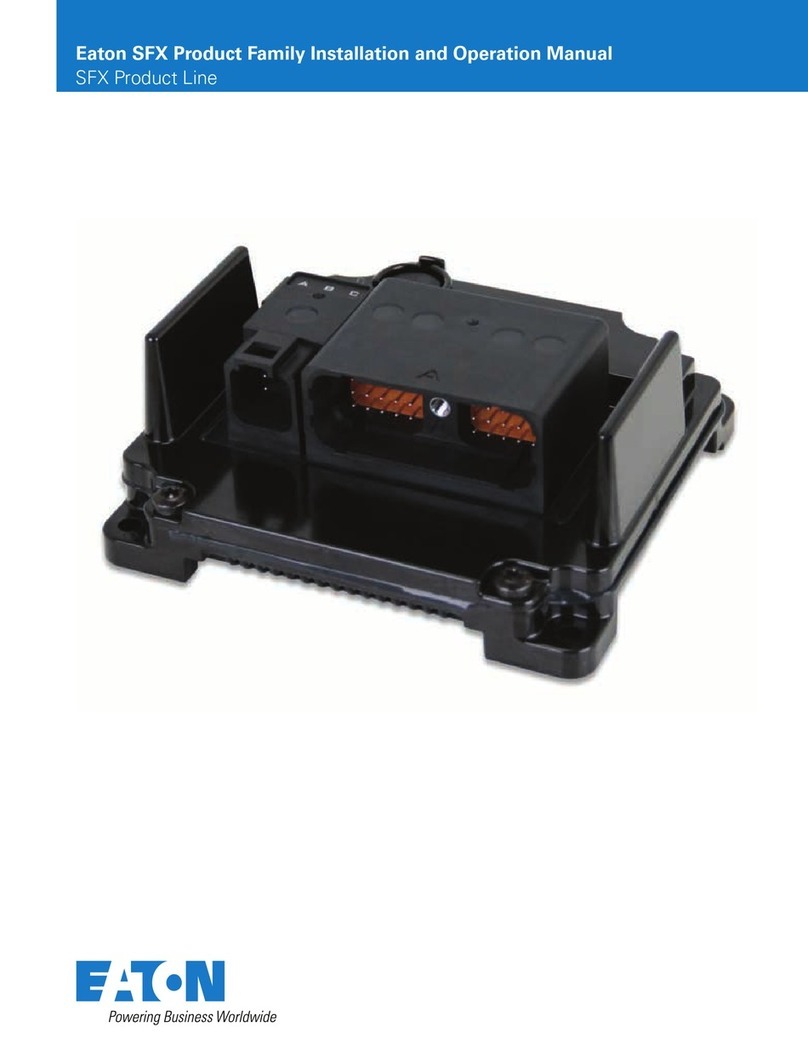
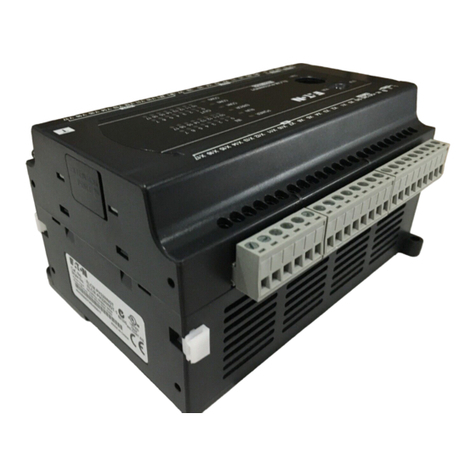
  9. Eaton EMS 2,4 Series User manual

Eaton EMS 2,4 Series User manual

This manual suits for next models

1

Other Eaton Controllers manuals

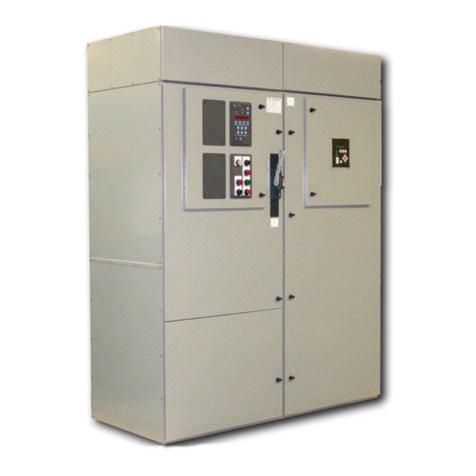
Eaton Cutler-Hammer ATC-300 User manual

Eaton

Eaton Cutler-Hammer ATC-300 User manual

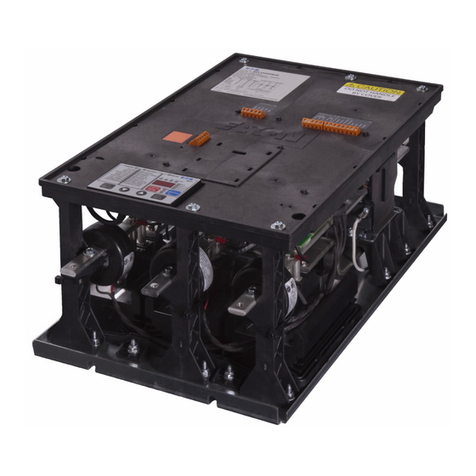
Eaton MVX9000 Series User manual

Eaton

Eaton MVX9000 Series User manual

Eaton S811 User manual

Eaton

Eaton S811 User manual

Eaton EDS Series Setup guide

Eaton

Eaton EDS Series Setup guide

Eaton S611 User manual

Eaton

Eaton S611 User manual

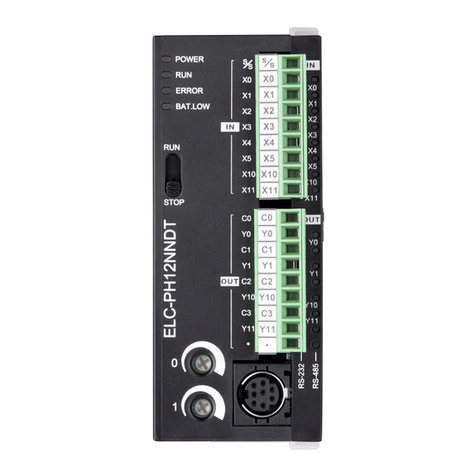
Eaton ELCM Series User manual

Eaton

Eaton ELCM Series User manual

Eaton AMPGARD Manual

Eaton

Eaton AMPGARD Manual

Eaton Digitrip RMS Manual

Eaton

Eaton Digitrip RMS Manual

Eaton CDAU-01/04 User manual

Eaton

Eaton CDAU-01/04 User manual

Eaton ELCM Series User manual

Eaton

Eaton ELCM Series User manual

Eaton CGLine+ Touchscreen Controller User manual

Eaton

Eaton CGLine+ Touchscreen Controller User manual

Eaton Cutler-Hammer ATC-300 User manual

Eaton

Eaton Cutler-Hammer ATC-300 User manual

Eaton CAAE-01/01 Manual

Eaton

Eaton CAAE-01/01 Manual

Eaton RMQ-Titan M22 Series Manual

Eaton

Eaton RMQ-Titan M22 Series Manual

Eaton xComfort CDAE-01/01 User manual

Eaton

Eaton xComfort CDAE-01/01 User manual

Eaton xComfort CSAU-01/03 User manual

Eaton

Eaton xComfort CSAU-01/03 User manual

Eaton Cutler-Hammer Easy-Start ES Series User manual

Eaton

Eaton Cutler-Hammer Easy-Start ES Series User manual

Eaton EZD Series User manual

Eaton

Eaton EZD Series User manual

Eaton Cutler-Hammer ELC Series Installation guide

Eaton

Eaton Cutler-Hammer ELC Series Installation guide

Eaton CEAG CG-Controller User manual

Eaton

Eaton CEAG CG-Controller User manual

Eaton EM4-201-DX2 User manual

Eaton

Eaton EM4-201-DX2 User manual

Eaton Smart Home Controller 2.0 Operating and maintenance instructions

Eaton

Eaton Smart Home Controller 2.0 Operating and maintenance instructions

Eaton Greengate RC3 User manual

Eaton

Eaton Greengate RC3 User manual

Eaton S801+ Series User manual

Eaton

Eaton S801+ Series User manual

Popular Controllers manuals by other brands

Digiplex DGP-848 Programming guide

Digiplex

Digiplex DGP-848 Programming guide

YASKAWA SGM series user manual

YASKAWA

YASKAWA SGM series user manual

Sinope Calypso RM3500ZB installation guide

Sinope

Sinope Calypso RM3500ZB installation guide

Isimet DLA Series Style 2 Installation, Operations, Start-up and Maintenance Instructions

Isimet

Isimet DLA Series Style 2 Installation, Operations, Start-up and Maintenance Instructions

LSIS sv-ip5a user manual

LSIS

LSIS sv-ip5a user manual

Airflow Uno hab Installation and operating instructions

Airflow

Airflow Uno hab Installation and operating instructions

ABB ACS580-01 drives Hardware manual

ABB

ABB ACS580-01 drives Hardware manual

Panasonic GM1 Series Reference manual

Panasonic

Panasonic GM1 Series Reference manual

Emerson SW93 owner's manual

Emerson

Emerson SW93 owner's manual

AutoAqua Smart ATO micro SATO-120P manual

AutoAqua

AutoAqua Smart ATO micro SATO-120P manual

Panasonic FP? Positioning Unit RTEX Technical manual

Panasonic

Panasonic FP? Positioning Unit RTEX Technical manual

Alpha IP MIOB 21001 manual

Alpha IP

Alpha IP MIOB 21001 manual

Siemens OpenAir GMA 1 Series Mounting instructions

Siemens

Siemens OpenAir GMA 1 Series Mounting instructions

Surecom SR-629 user manual

Surecom

Surecom SR-629 user manual

Regulus SRS1 T Installation and operation manual

Regulus

Regulus SRS1 T Installation and operation manual

3M MicroTouch EX113 reference guide

3M

3M MicroTouch EX113 reference guide

KUHN TKS user manual

KUHN

KUHN TKS user manual

S&C PMH Instructions for operation

S&C

S&C PMH Instructions for operation

manuals.online logo
manuals.online logoBrands
  • About & Mission
  • Contact us
  • Privacy Policy
  • Terms and Conditions

Copyright 2025 Manuals.Online. All Rights Reserved.

 Gerät spannungsfrei schalten
 Gegen Wiedereinschalten sichern
 Spannungsfreiheit feststellen
 Erden und kurzschließen
 Benachbarte, unter Spannung stehende Teile
abdecken oder abschranken.
 Die für das Gerät angegebenen Montagehinweise
(AWA/IL) sind zu beachten.
 Nur entsprechend qualifiziertes Personal gemäß
EN 50110-1/-2 (VDE 0105 Teil 100) darf Eingriffe an
diesem Gerät/System vornehmen.
 Achten Sie bei Installationsarbeiten darauf, dass Sie
sich statisch entladen, bevor Sie das Gerät berühren.
 Die Funktionserde (FE) muss an die Schutzerde (PE)
oder den Potenzialausgleich angeschlossen werden.
Die Ausführung dieser Verbindung liegt in der
Verantwortung des Errichters.
 Anschluss- und Signalleitungen sind so zu installi-
eren, dass induktive und kapazitive Einstreuungen
keine Beeinträchtigung der Automatisierungs-
funktionen verursachen.
 Einrichtungen der Automatisierungstechnik und
deren Bedienelemente sind so einzubauen, dass sie
gegen unbeabsichtigte Betätigung geschützt sind.
 Damit ein Leitungs- oder Aderbruch auf der Signal-
seite nicht zu undefinierten Zuständen in der Auto-
matisierungseinrichtung führen kann, sind bei der
E/A-Kopplung hard- und softwareseitig entsprech-
ende Sicherheitsvorkehrungen zu treffen.
 Bei 24-Volt-Versorgung ist auf eine sichere elek-
trische Trennung der Kleinspannung zu achten.
Es dürfen nur Netzgeräte verwendet werden, die die
Forderungen der IEC 60364-4-41 bzw.
HD 384.4.41 S2 (VDE 0100 Teil 410) erfüllen.
 Schwankungen bzw. Abweichungen der Netzspan-
nung vom Nennwert dürfen die in den technischen
Daten angegebenen Toleranzgrenzen nicht über-
schreiten, andernfalls sind Funktionsausfälle und
Gefahrenzustände nicht auszuschließen.
 NOT-HALT-Einrichtungen nach IEC/EN 60204-1
müssen in allen Betriebsarten der Automatisierung-
seinrichtung wirksam bleiben. Entriegeln der NOT-
HALT-Einrichtungen darf keinen Wiederanlauf
bewirken.
 Einbaugeräte für Gehäuse oder Schränke dürfen nur
im eingebauten Zustand, Tischgeräte oder Portables
nur bei geschlossenem Gehäuse betrieben und
bedient werden.
 Disconnect the power supply of the device.
 Ensure that devices cannot be accidentally
retriggered.
 Verify isolation from the supply.
 Earth and short-circuit.
 Cover or enclose neighbouring units that are live.
 Follow the engineering instructions (instructional
leaflet) of the device concerned.
 Only suitably qualified personnel in accordance with
EN 50110-1/-2 (VDE 0105 part 100) may work on this
device/system.
 Before installation and before touching the device
ensure that you are free of electrostatic charge.
 The functional earth (FE) must be connected to the
protective earth (PE) or to the potential equalizing.
The system installer is responsible for implementing
this connection.
 Connecting cables and signal lines should be
installed so that inductive or capacitive interference
does not impair the automation functions.
 Install automation devices and related operating
elements in such a way that they are well protected
against unintentional operation.
 Suitable safety hardware and software measures
should be implemented for the I/O interface so that a
line or wire breakage on the signal side does not
result in undefined states in the automation device.
 Ensure a reliable electrical isolation of the low voltage
for the 24 V supply. Only use power supply units
complying with IEC 60364-4-41 or HD 384.4.41 S2
(VDE 0100 part 410).
 Deviations of the mains voltage from the rated value
must not exceed the tolerance limits given in the
specifications, otherwise this may cause malfunction
and dangerous operation.
 Emergency stop devices complying with
IEC/EN 60204-1 must be effective in all operating
modes of the automation devices. Unlatching the
emergency stop devices must not cause restart.
 Built-in devices for enclosures or cabinets must only
be run and operated in an installed state, desk-top
devices or portable devices only when the housing is
closed.
Gefahr!
Gefährliche elektrische Spannung!
Danger!
Dangerous electrical voltage!

 Es sind Vorkehrungen zu treffen, dass nach Span-
nungseinbrüchen und -ausfällen ein unterbrochenes
Programm ordnungsgemäß wieder aufgenommen
werden kann. Dabei dürfen auch kurzzeitig keine
gefährlichen Betriebszustände auftreten. Gegeben-
enfalls ist NOT-HALT zu erzwingen.
 An Orten, an denen in der Automati-
sierungseinrichtung auftretende Fehler Personen-
oder Sachschäden verursachen können, müssen
externe Vorkehrungen getroffen werden, die auch im
Fehler- oder Störfall einen sicheren Betriebszustand
gewährleisten beziehungsweise erzwingen (z. B.
durch unabhängige Grenzwertschalter, mechanische
Verriegelungen usw.).
 Das Betriebsmittel kann nicht vom Anwender
repariert werden und muss durch ein gleichwertiges
Gerät ersetzt werden. Reparaturen sind nur durch
den Hersteller durchführbar.
 Setzen Sie ausschließlich Netzteile mit sicherer Tren-
nung mit PELV-Spannung nach EN 50178/VDE 0160
(PELV) ein. In diesen wird ein Kurzschluss zwischen
Primär- und Sekundärseite ausgeschlossen.
 Das Messsystem wird überprüft, indem die
Sicherung aus einer Netzleitung entfernt oder eine
Motorleitung abgeklemmt wird. Wird der ange-
schlossene Motor über die Ansteuereingänge
gestartet, so wird dieser nach ca. 2 s automatisch
wieder abgeschaltet. Das Gerät signalisiert einen
Fehler.
 Das Potenziometer wird überprüft, indem im abges-
teuerten Zustand der Quittierungstaster gedrückt
wird. Bei gedrücktem Taster wird der eingestellte
Nennstrom durch die LEDs signalisiert. Der ange-
zeigte Nennstrom muss mit der Potenziometerstel-
lung übereinstimmen.
 Das Prüfintervall für die Prüfung der Sicherheits-
funktion Motorschutz beträgt 6 Monate.
 Dies ist ein Produkt für Umgebung A (Industrie).
In Umgebung B (Haushalt) kann dieses Gerät uner-
wünschte Funkstörungen verursachen. In diesem
Fall kann der Anwender verpflichtet sein, ange-
messene Maßnahmen durchzuführen.
 Leitungen an den Klemmen MAN, RES, AUT dürfen
nicht länger als 30 m sein.
 Measures should be taken to ensure the proper
restart of programs interrupted after a voltage dip or
failure. This should not cause dangerous operating
states even for a short time. If necessary, emergency
stop devices should be implemented.
 Wherever faults in the automation system may
cause damage to persons or property, external
measures must be implemented to ensure a safe
operating state in the event of a fault or malfunction
(for example, by means of separate limit switches,
mechanical interlocks, etc.).
 This apparatus cannot be repaired by the user and
must be replaced with an equivalent device.
Repairs can only be performed by the manufacturer.
 Only use power supply units with safe isolation with
protective extra low voltage as specified in EN
50178/VDE 0160 (PELV). This will prevent short-
circuits between the primary and secondary
windings.
 To test the measuring system, remove the fuse from
a power line or disconnect a motor cable. If the
connected motor is started via the actuation inputs,
it will be switched off automatically after approx. 2 s.
The device is indicating a fault.
 To test the potentiometer, press the acknowledge
button while the motor is not being driven. When the
pushbutton is pressed, the LEDs will show the rated
operational current that has been set. The indicated
rated operational current must match the potentio-
meters position.
 The motor protection safety function must be
tested every 6 months.
 This is a Class A product (industrial). In a domestic
environment (Class B), this device may cause radio
interference, in which case the user may be required
to take adequate measures.
 Cables connected to terminals MAN, RES, AUT must
not be longer than 30 m.