Power indicator light is not illuminated.
Check
1. The unit is switched on at the mains. If necessary test the socket by plugging in another appliance.
2. Check the fuse in the plug and if necessary replace with another fuse, (5 amp) . If you continue to have problems
please see ‘Requesting Service’.
Power indicator light is illuminated, but the unit is not collecting water.
Check
1. The humidistat (if activated) may be set too low, increase the setting.
2. The water container may be full, empty the container.
3. The unit may have been set to standby mode – check the settings.
4. Ensure the water container is fitted. If you continue to have problems please see ‘Requesting Service’.
Fan Operates continuously.
Check
1. Check that the continuous fan option is not selected. If you continue to have problems please see “Requesting
Service”.
Reduced Water Extraction.
Check
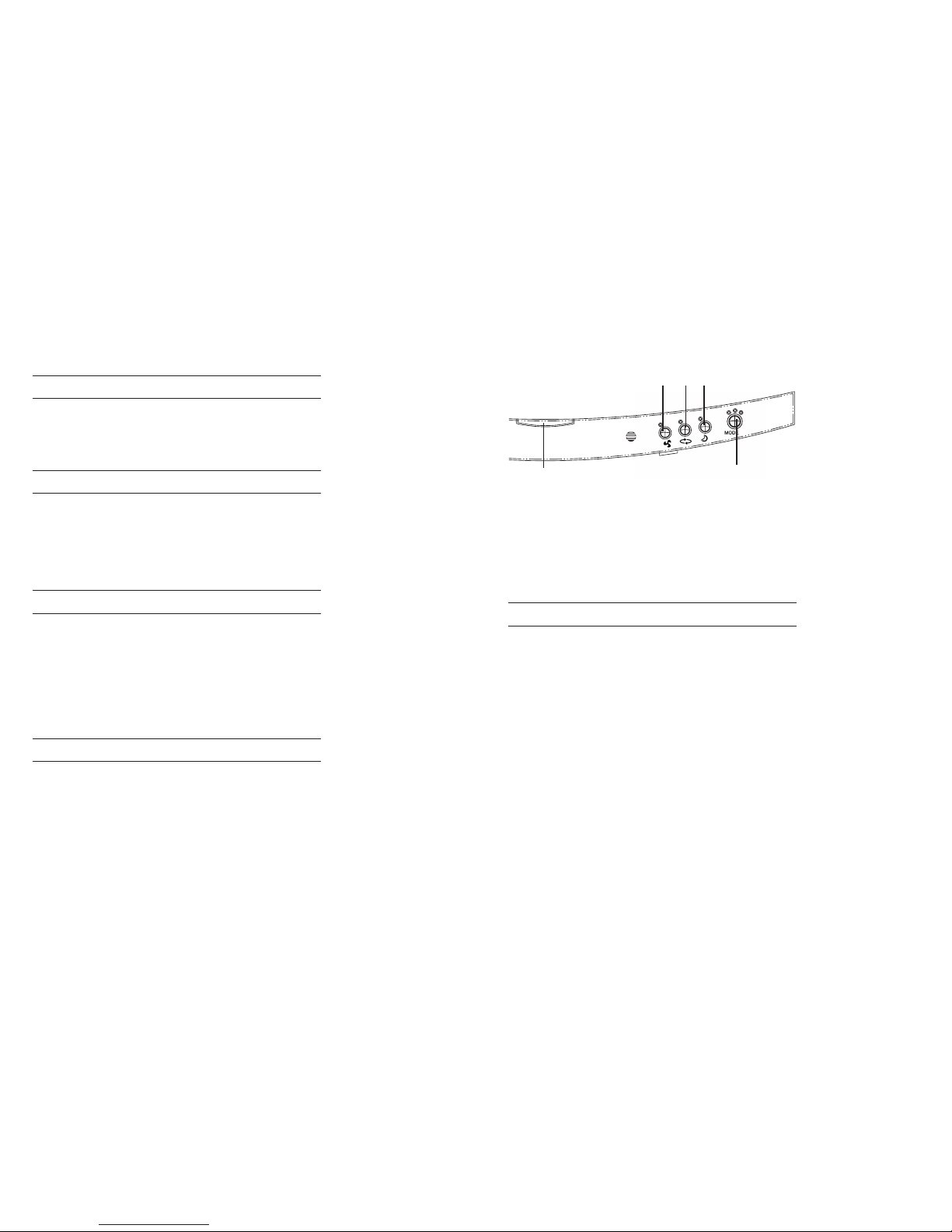
1. The smart control may be set at economy, if signs of condensation or dampness remain, increase the setting.
2. The filter may be blocked, remove, clean and refit.
3. After first being installed all dehumidifiers will collect less moisture as initial excess moisture is removed. This is
normal.
4. The dehumidifier may be positioned next to a heat source i.e. a radiator - reposition. If you continue to have
problems please see “Requesting Service”.
5. Increase the fan speed which increases performance.
6. Outside temperatures have suddenly dropped in the past day or so. The dehumidifier may take a few days to
get the problem back under control. If you continue to have a problem please see “Requesting Service”.
NOTE: The 6000 series has an internal reservoir which is periodically emptied into the removable container. If you plan
to move the unit or switch off for a long period of time please do the following to empty the internal reservoir.
1. Switch the unit to the Off position. See ‘Smart Control options’.
2. Wait for 1 minute to allow the pump to empty the internal tank.
3. Empty the removable water container.
A very small amount of water may remain inside which will normally evaporate naturally.
We therefore recommend that the unit be kept upright if moved soon after completing this procedure.
The Ebac 6000 range can be used in unattended dwellings such as holiday homes without emptying the water
container. To use this facility you must order a permanent drainage kit using the accessory order form. Details of how
to set up the drainage facility can be found in the drainage kit instructions.
Your Ebac 6000 requires very little maintenance, however, to maximise performance, inspect the filter every four weeks
cleaning if required.
If your 6000 has a wood panel on the front this is real wood veneer. Due to the nautral properties of wood the
grain/pattern will vary from unit to unit. To clean the wood panel it is recommended that you clean it with warm soapy
water.
Never use solvents or abrasive cleaners to clean your Ebac 6000.
Always check the following list before requesting service. Should a service call be requested and the fault be found to be
detailed below, a charge may be made.
Re-locating your Dehumidifier
Using the permanent draining facility
Caring for your Ebac 6000
If your Ebac 6000 fails to operate
89