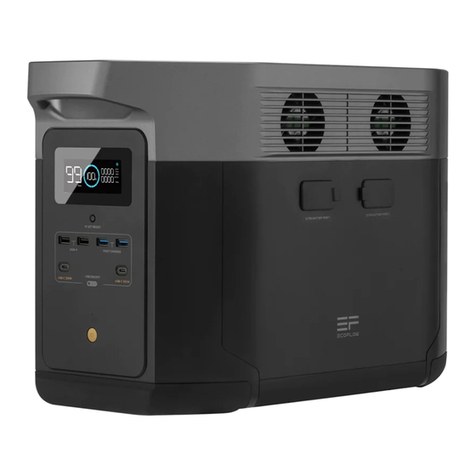
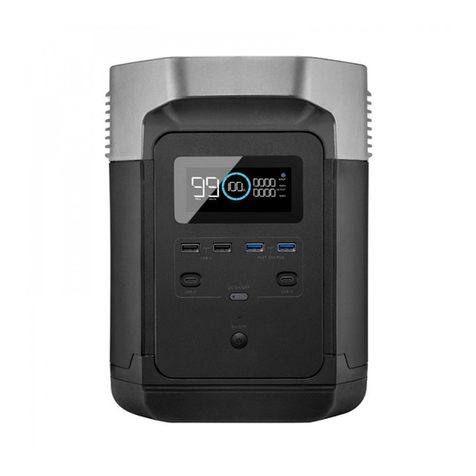
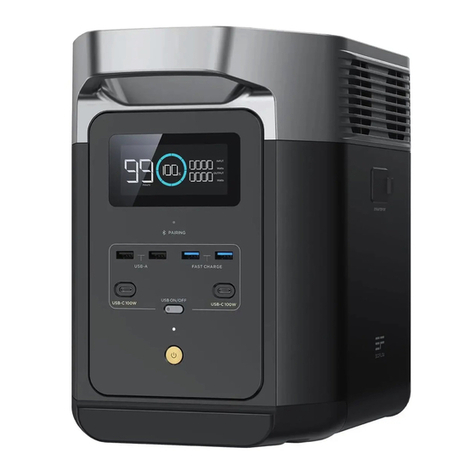
5Power A Free Life
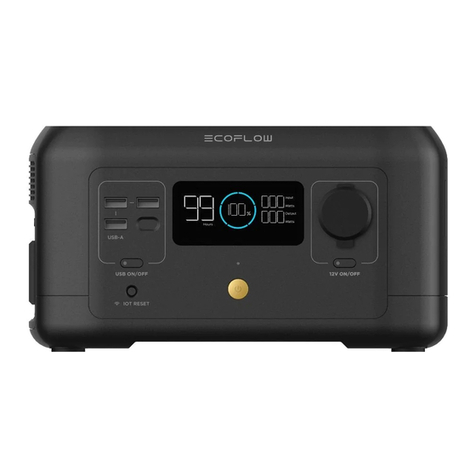
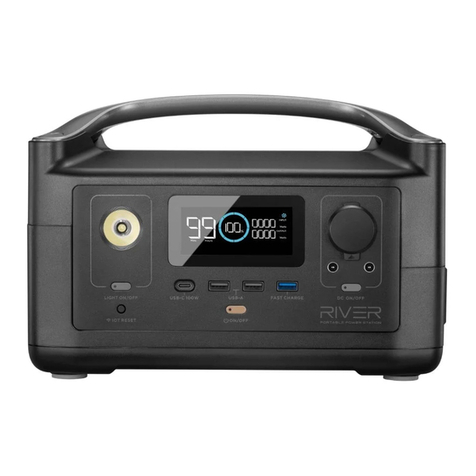
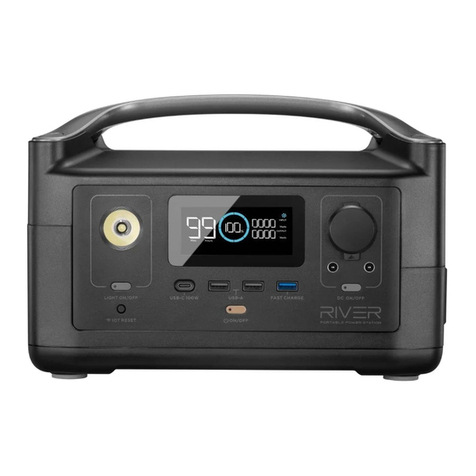
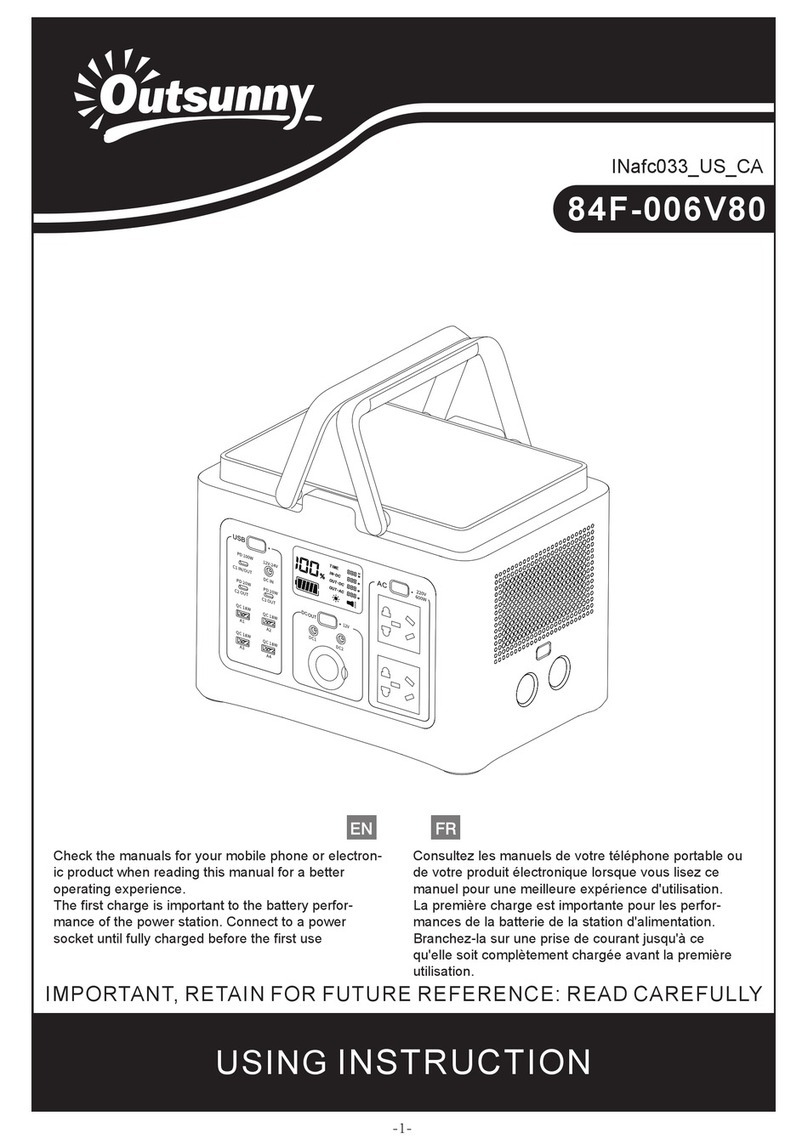
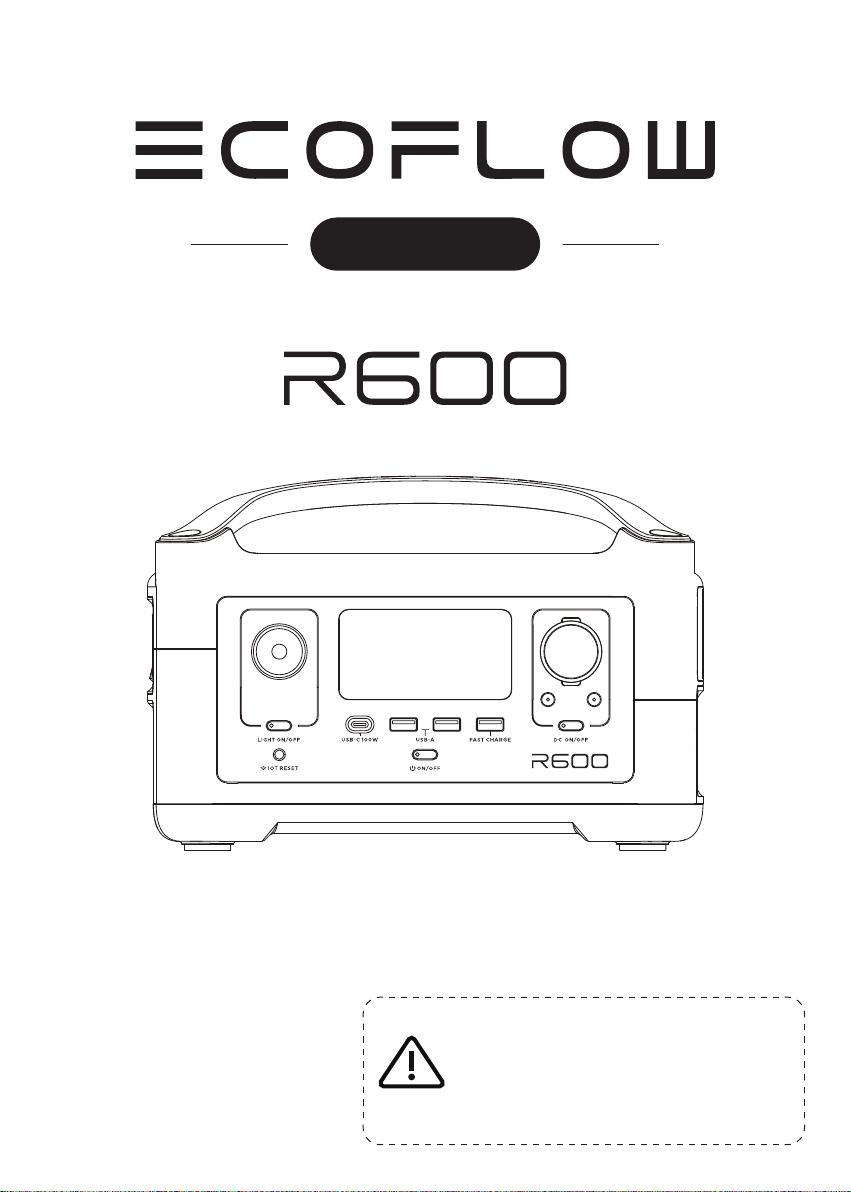
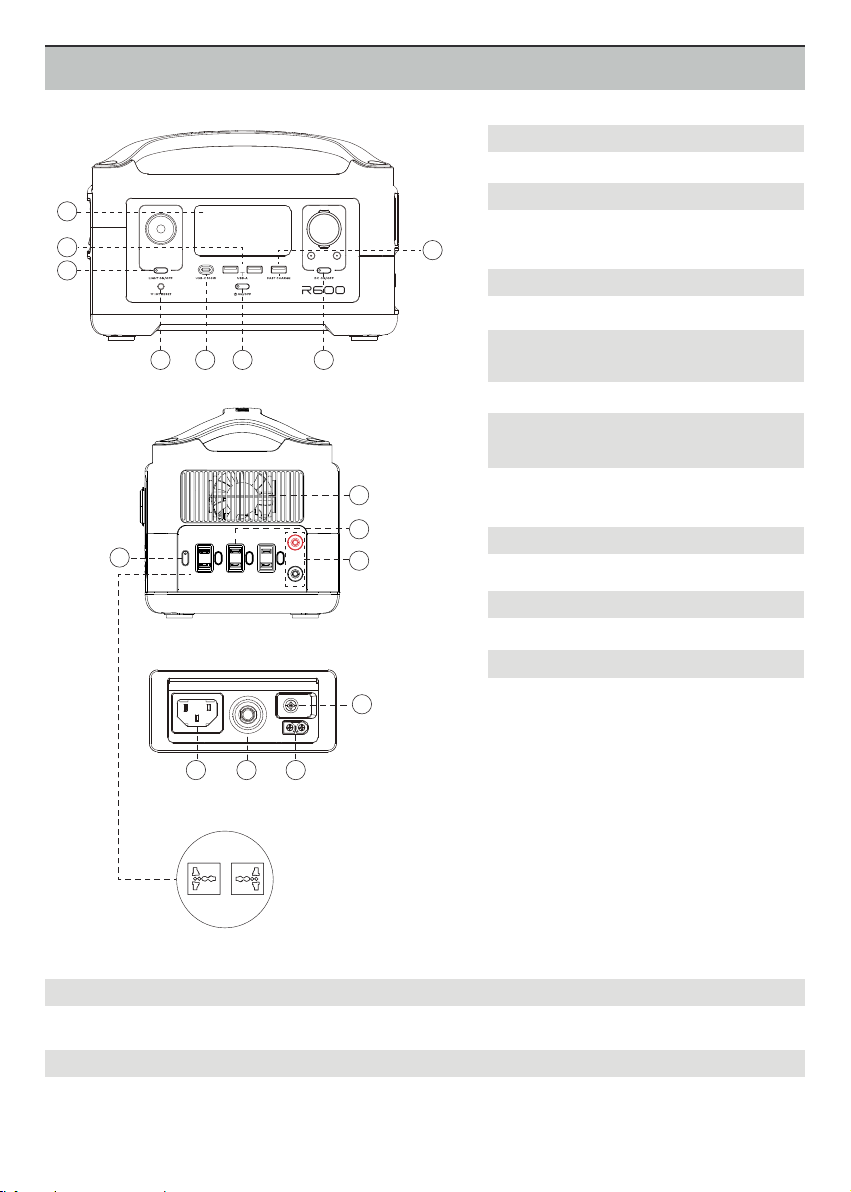
3. ON/OFF Button of LED Light
4. IOT Reset Button (PRESS & HOLD 3s to reset WiFi)
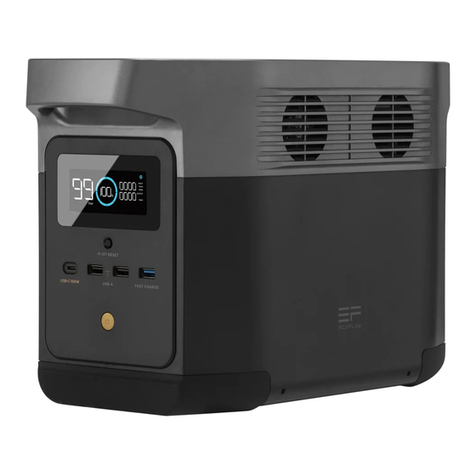
5. USB-C 100W Output Port
6. Power Button & LCD Display Screen ON/OFF Power Indicator
7. DC Output Port (Car Outlet, 2 DC 5521 Output Ports) DC Output Indicator
8. Fast Charge USB-A Output Port
9. AC Power Button (PRESS for ON/OFF) AC Output Indicator
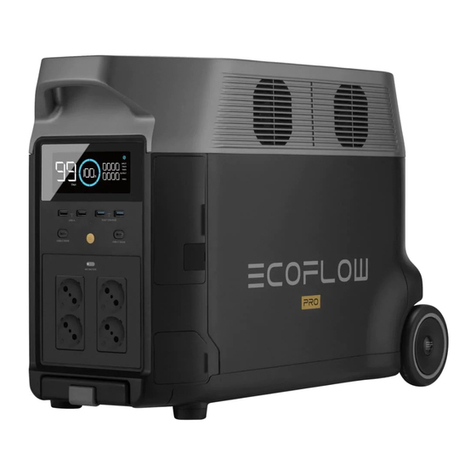
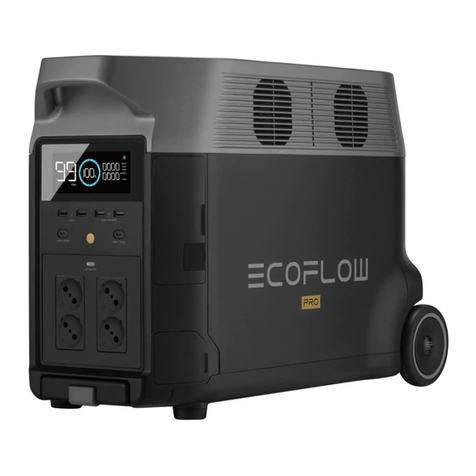
10. 3 AC Output Sockets (100-120V) / 2 AC Output Sockets (220-240V)
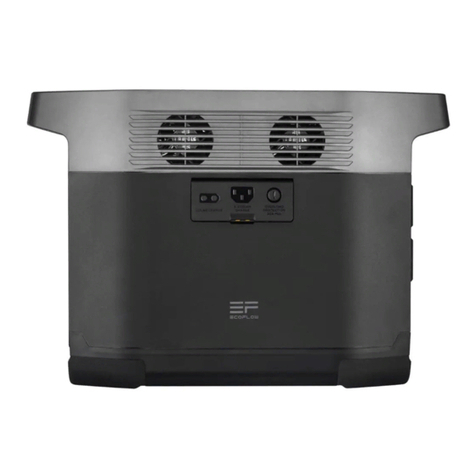
11. Ventilation Fan
There’re three types of LED light: low light, strong light, and SOS rescue signal flash. Press it once to turn on
the low light; press it twice to turn on the strong light; press it one more time to turn on the SOS rescue signal
flash; then press it again to turn off the LED light. Long press can turn off the LED directly.
When you first use IOT function or you are changing the network environment, you need to press and hold IOT
Reset button for 3 seconds to reset the WiFi. It can connect with the mobile phone, then reconfigure the
wireless network through the APP. When using the IOT mode, make sure the power station has sufficient
amount of power or is connected to a power source to keep IOT standby.
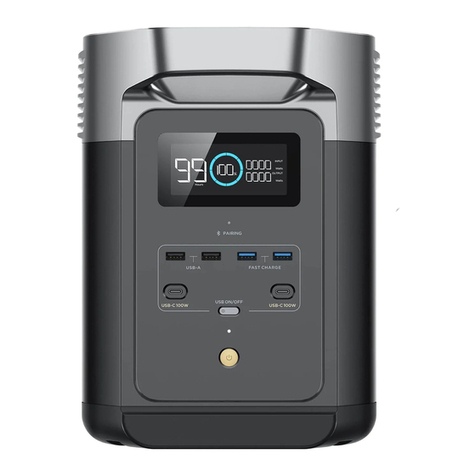
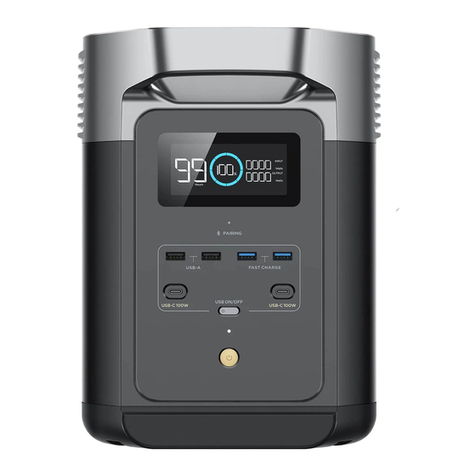
Devices that charge through a USB-C port, such as a MacBook Pro, Android phone, or other devices can be
charged by the R600 USB-C port. The USB-C Output icon will appear on LCD Display when a USB port is in use.
The USB-A Output Indicator Light will automatically light up when a USB-A port is in use. Fast charge-enabled
devices can be charged at a maximum speed of 28W. If your device does not support fast charging, the device
will charge in a normal speed.
The AC power button controls the AC output of the R600. The AC power needs to be turned on manually. To
enable AC power, press the AC power button. When AC power is not in use to charge a device, press the AC
power button to turn off the AC power. Make sure to unplug the power cord from the AC port. When the AC
power of the R600 is enabled, the AC indicator will light up. If the AC power is not used for more than 12 hours,
the product will turn off automatically (You can set up the system standby time via APP).
The fan prevents R600 from overheating.
Charging devices that require a 230V (220-240V region)/100-120V (220-240V region) wall charger such as
laptops, TVs, mini-refrigerators, vacuums, etc. The X-Boost function supports an additional 600W-1,200W of
power reduction. This function does not support all electrical devices with higher power rating, please test to
confirm before use.
Press DC ON/OFF to turn on or off R600 DC power. The 13.6V DC power button controls the R600's car charger
output and two direct currents (DC 5521) outputs. The car charger output supports an output up to 10A, which
is sufficient to power most electrical appliances use in vehicles (such as mini-refrigerator). It can also be used to
fully charge a 12V lead-acid car battery (must be used under the guidance of professionals).
Press and hold the power button to turn R600 on or off. When R600 is turned on, the power indicator is in
breathing mode, and the display is on; to turn on or off the LCD and keep R600 running, short press the power
button; when R600 senses that any output port is in use, the display will automatically light up. Also, if no
output port is in use, the R600 screen will enter into the sleep mode after being idle for more than 5 minutes,
but the battery is still running; two hours after the idle mode, the R600 will automatically shut down (You can
set up the system standby time via APP).