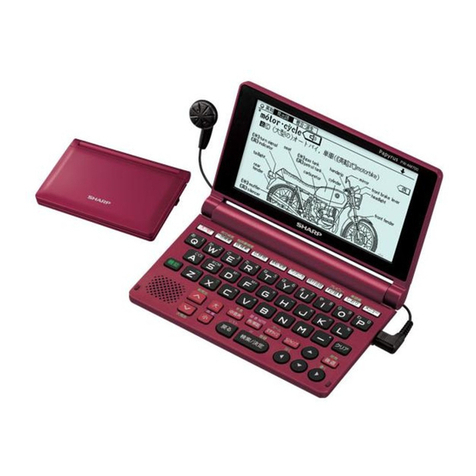
ECTACO®Partner®P900 Quick Start Guide
4
the label of the card face up, contacts face down. Push the card gently until it clicks
into place. To eject the card, just push it in slightly.
HOW TO ACCESS USER MANUAL
ECTACO®Partner®P900 user manual is compiled in an electronic format and is stored
on the SD card. The content of the manual is only available when the card is installed into
the device. A printed version of the manual is provided in the standard package.
Open the Help & Settings section.
Tap Help.
To see the table of contents, tap Contents.
DISPLAY AND MAIN MENU
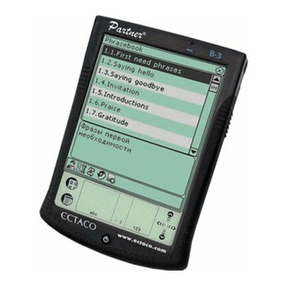
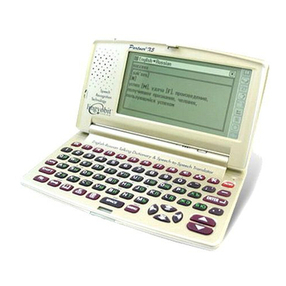
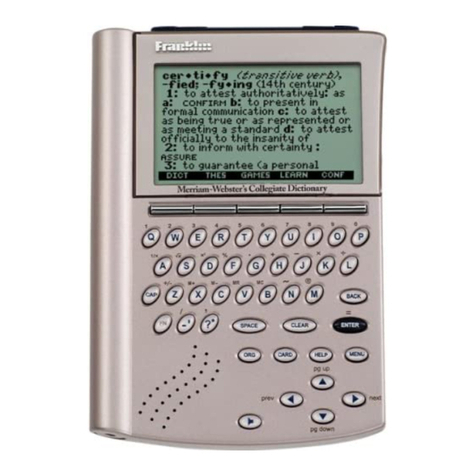
ECTACO®Partner®P900 features a touch screen (320 x 240 pixels) with a windows-
driven graphical interface. The Main Menu consists of four sections, which visually
organize access to the ECTACO®Partner®P900 applications.
Note: Tapping screen items is preferably done with the supplied pointing device known
as a stylus, which, when not in use, is kept in a special slot at the side of the device's
back panel (see General View).
Main Menu
To display the Main Menu, turn the device on, and/or exit the currently running
application. Alternatively, press on the keyboard. The Main Menu consists of the
following sections: Dictionaries & Tools, Language Studies,Extras,Help &
Settings.
The Main Menu sections are described below. The contents of the Main Menu depend on
product model.
Use the Dictionaries & Tools section to access Dictionary, English Dictionary,
Pictured Dictionary, Text Translation2, Audio PhraseBook™, Irregular Verbs, Idioms,
SAT 200, and SAT 5000.
Use the Language Studies section to access Language Teacher®, U-Learn™,
English Grammar, Linguistic Crossword, Pockets, Translation Test, Spell-It-Right,
FlashCards, and Hangman.
Use the Extras section to access jetBook®Reader, Video Player, Audio Player, Voice
Recorder, USA Interview, Metric Conversion, Calculator, and World Time.
2Available in selected models.