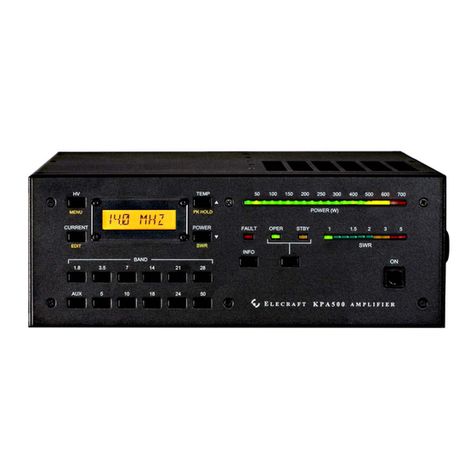
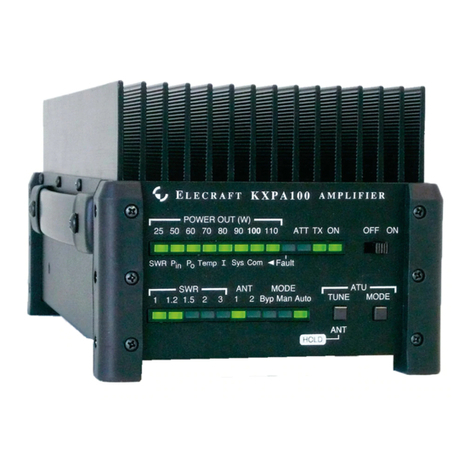
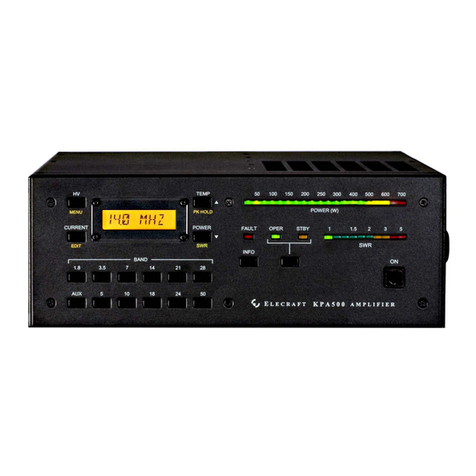
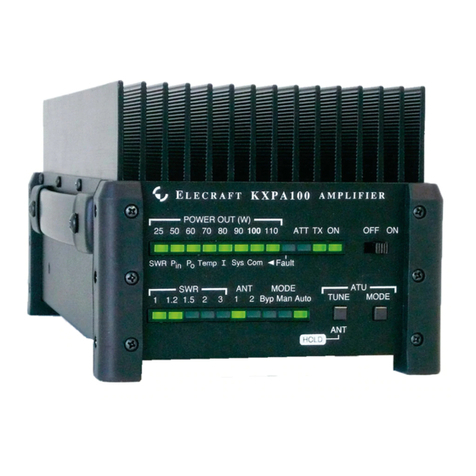
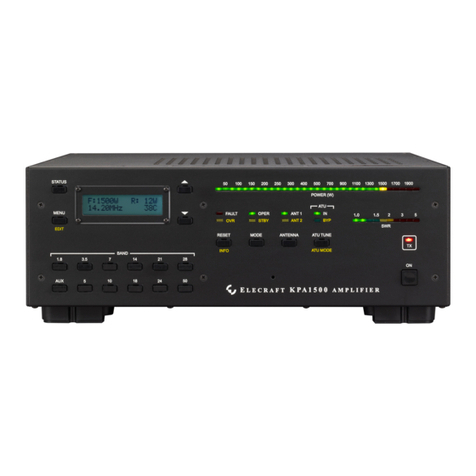
Positioning the KPA1500 RF Deck and Power Supply
Provide t le st 4 inches (10 cm) cle r nce behind the f ns nd t le st 1 inch (2.5 cm) cle r nce round the top,
bottom nd sides for norm l cooling ir flow.
The supplied c bles llow the power supply nd RF deck to be pl ced up to 66 inches (167 cm) p rt. The
Power Supply c n be oper ted remotely nd so need not be positioned within re ch of the oper tor. The f ns
oper te whenever the KPA1500 is on, so you c n pl ce the power supply under the oper ting desk or elsewhere
to minimize the sound of the f ns.
Cabling – Power Supply
A m ins power c ble is provided th t plugs into the Power Supply. The other end h s b re wires for you to dd
the 240 VAC connector needed to m tch your m ins outlet.
Connect the Power Supply to the RF deck with the supplied 66-inch (167 cm) c ble th t h s n Anderson
PowerPole® connector nd 12-pin connector t e ch end.
Plug the PowerPole connector tnto the HV Supply connector ( ) on the RF Deck re r p nel (see Figure 1) nd
the corresponding connector on the Power Supply. Observe the pol rity; m tch the colors on the plug with the
connectors
Connect the 15-pin connector to the Power Supply nd the Control connector ( ) on the RF Deck re r p nel.
Cabling – RF Deck
Always turn the KPA1500 off before attaching or remo ing cables.
The KPA1500 m y be used with the Elecr ft K3, K2 or ny HF/6 meter tr nsmitter nd th t h s KEY IN
output meeting the requirements shown under note 4 below. Interconnections with the tr nsceiver re shown in
Figure 2. The driving tr nsceiver must provide up to TBD w tts of RF drive for full output nd the output power
must be djust ble s described under Transmitting on pg 11.
The option l KPAK3AUX c ble provides closer integr tion with the K3 by sh ring b nd inform tion between
the KPA1500 nd the tr nsceiver (see Figure 3). The KPAK3AUX c ble provides ll the oper tion l fe tures
described under Oper tion, including coordin ted b nd-switching (pg 11). The KPAK3AUX c ble includes the
KEY IN line. If you need ccess to this line so th t other equipment c n control the mplifier, you c n inst ll the
Key Line interrupter supplied with your KPAK3AUX c ble set nd use sep r te key line s shown in Figure 4.
You must use the Key Line Interrupter when using a separate key line with the
KPAK3AUX cable set. Otherwise any external equipment inserted into the key line will not
be able to inhibit the amplifier.
You c n m ke c bles for use with Y esu nd Icom tr nsceivers th t lso provide closer integr tion with the
KPA1. For det ils of those c bles nd the KPAK3AUX c ble set see AUX Connector Interf ce on p ge 22.
NOTE
1. Connect your st tion ground to the GND wing-nut . A good st tion ground is import nt for s fety nd
to minimize loc l r dio frequency interference (RFI).
6