8
Monitoring
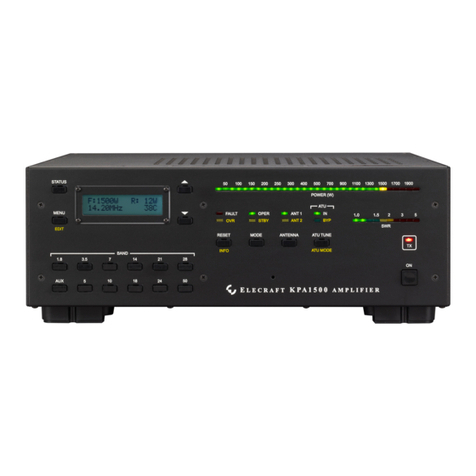
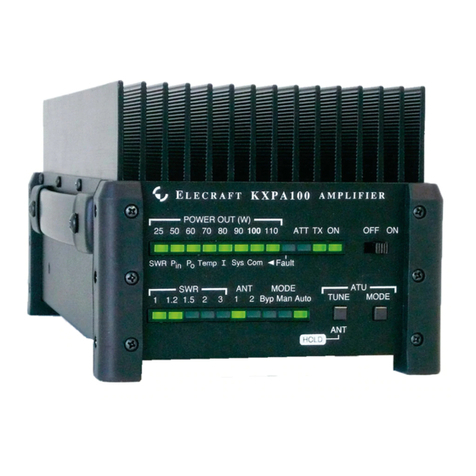
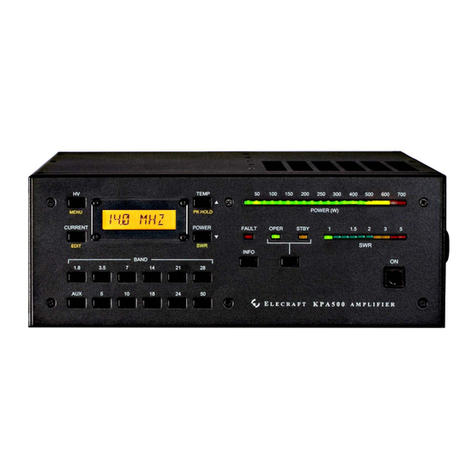
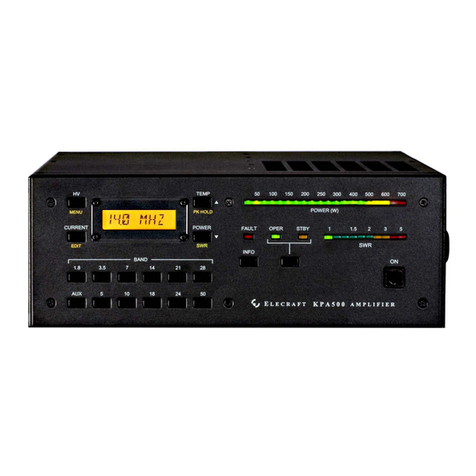
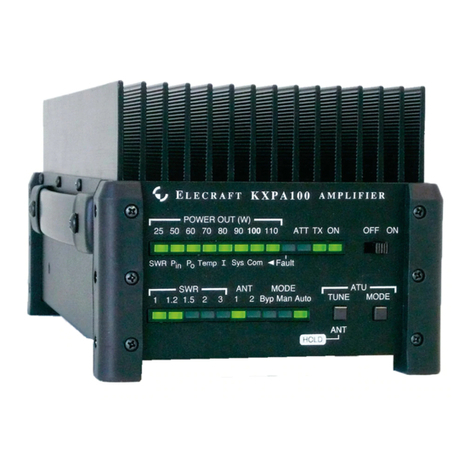
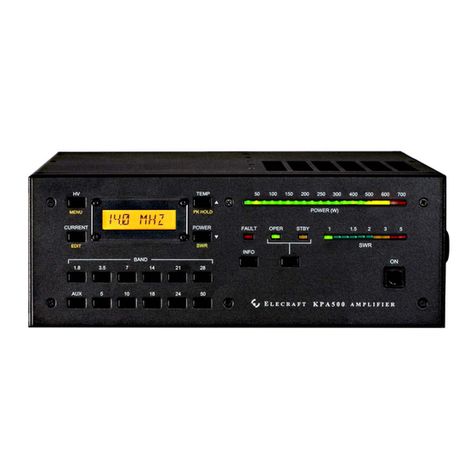
KXPA100 operation is monitored by the LEDs.
LEDs
Standing wave ratio (SWR) of the load and output power are displayed on LED bar graphs. Excessive levels
may trigger a fault and either bypass the KXPA100 or shut the power off (see Fault Conditions below). Also
two green LEDs indicate whether the amplifier is in standby (STBY) or operating (OPER) mode.
Fault Conditions
The
FAULT
indicator {7} lights to indicate a fault condition has occurred and the KXPA100 is automatically
switched to standby mode.
Low Level Faults
If the
FAULT
indicator is blinking, one of the following low level faults has occurred and will clear
automatically when the condition is corrected.
Fault Cause/Correction
Over Drive RF Drive > 6 Watts (12W if the Attenuator is enabled) / Reduce RF drive to the
KXPA100
Over Output Excessive RF Output / Reduce RF Drive to KXPA100.
High Reflected Power Reflected Power > 20 Watts
Invalid Frequency Frequency counter detected transmissions in a restricted frequency band. Amp
is automatically bypassed until the counter detects this error has been corrected.
High Level Faults
If the indicator is on steady, one of the following high-level faults has occurred and the KXPA100 has
automatically switch to
STBY
mode. Clear the fault, then tap the OPR/STBY switch to resume operation.
Fault Cause/Correction
Over Drive RF Drive > 6 Watts over a period of time, or over 15 Watts momentarily. /
Reduce RF drive to the KXPA100
Over Temp Power Amp Heat Sink > 90°C / Check to ensure heat sink fins are oriented
vertically and are clear of obstructions.
Over Current Excessive Current to Power Amplifier / Check and reduce SWR.
High Reflected Power Reflected power > 20W for an extended period of time or > 30W momentarily.
Open Load Indicated SWR > 18:1
Over Dissipation Finals are dissipating more than 120W of heat