All Rights Reserved 1997 - 2015 Enable-IT, Inc. Page 8 of 16
INSTALLING THE 865 PTZ PRO POE&EXTENDED
ETHERNET KIT
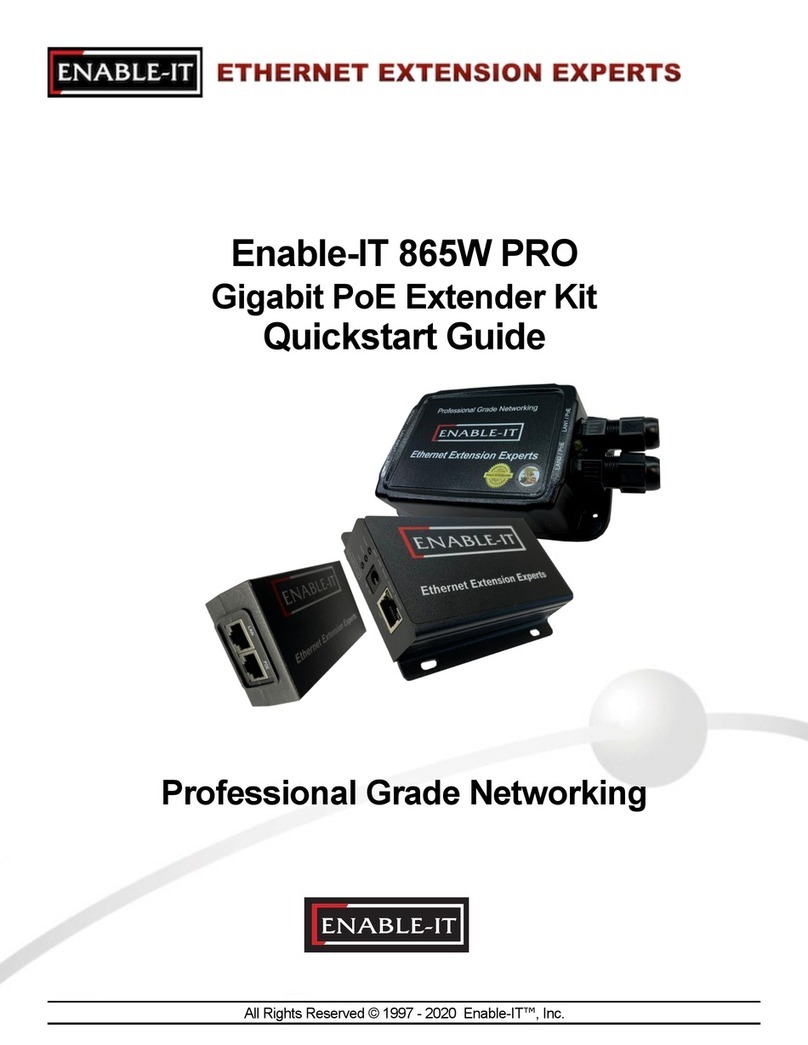
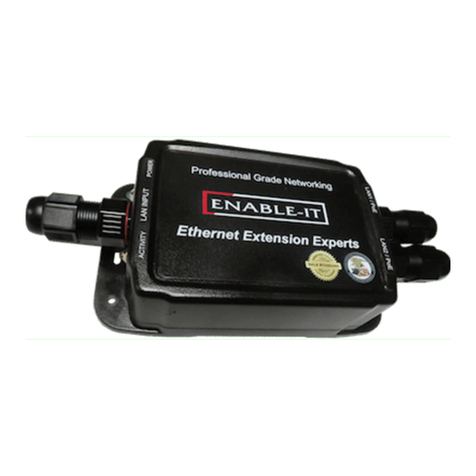
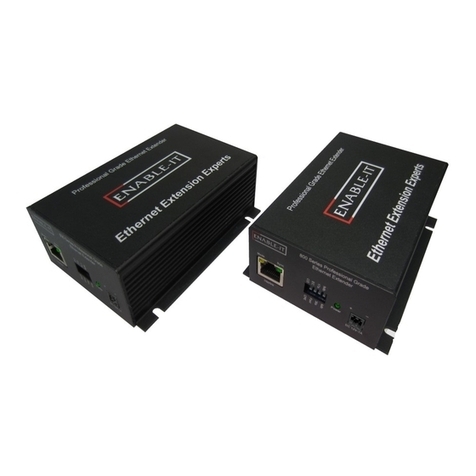
The Enable-IT 865PTZ Pro PoE & Extended Ethernet Kit have a distance restriction of
3,500ft or 1,067m over 3-pair of Category 3 up to 4-pair Category 5e / CAT6 wiring from
your LAN and power source to the remote PoE device. Or 1,500ft / 458m for an Axis P
Series IP camera installation. Therefore quick, simple site surveys and installation
planning are highly recommended – This is ideal for installing PoE IP Security cameras or
PoE WiFi Access Points.
This chapter describes the recommended installation process for the Enable-IT 865 PTZ
Pro PoE+ & Extended Ethernet Kit. It covers the following topics:
•Site Plan – Installation Design Considerations
•Unpacking the Enable-IT 865 PTZ Pro PoE & Extended Ethernet Kit
•Perform an out of the box Test
•Performing the On-Site Installation
Site Plan - Installation Design Considerations
The planning process should involve a site walkthrough and discovery survey. Electrical
Cable measurement tools are the most reliable method to determine the longest run of
hidden wiring. Estimate the best locations to position the Broadband Concentrators to
adequately reach desired connectivity on each floor. Document your findings to use in
designing a network topology to support the Ethernet Switches and backbone
connectivity. Key points to remember in the Site Survey.
•Total distance limitation of 3,500ft / 1,067m from end to end. -
2,500ft/762m distance if using the PoE power for a PoE device.
1,500ft/458m distance if using the Axis P Series PTZ camera.
•3 Pair CAT-3 wiring or 4-pair Cat5e .30 Gage or better cabling is required for the
865 Pro Interlink transmission.
•Cisco PoE single line injector support built in. Not compatible with any PoE
switches as the PoE switches are not smart enough to understand Extender
Ethernet timing mechanisms and fail to set correct output voltage and will
subsequently disable the PoE switch port.
•Transparent to single line 802.3af PoE injectors and devices.
For CAT2 wiring (2-pair/4 wires) you will need to crimp a RJ-45 Male head to each
end of the contiguous wire run and using the following pins (1,2,4 & 8) or (1,2,5 & 7)
straight through. This will deliver 1 Voice line, Ethernet Data and PoE up to 1,000ft.
For CAT3 wiring (3-pair/6 wires) you will need to crimp a RJ-45 Male Head to each
end of the contiguous wire run and using the following pins(1,2,4,5,7 & 8) straight
through. This will deliver 1 Voice line, Ethernet Data and PoE.
For CAT5e or better wiring (4-pair/8 wires) you will need to crimp a RJ-45 Male Head
to each end of the contiguous wire run and using the following pins(1,2,3,4,5,6,7 & 8)
straight through. This will deliver Dual Voice lines, Ethernet Data and PoE. This can
be either T-568A or T-568B spec.