READ THIS FIRST:
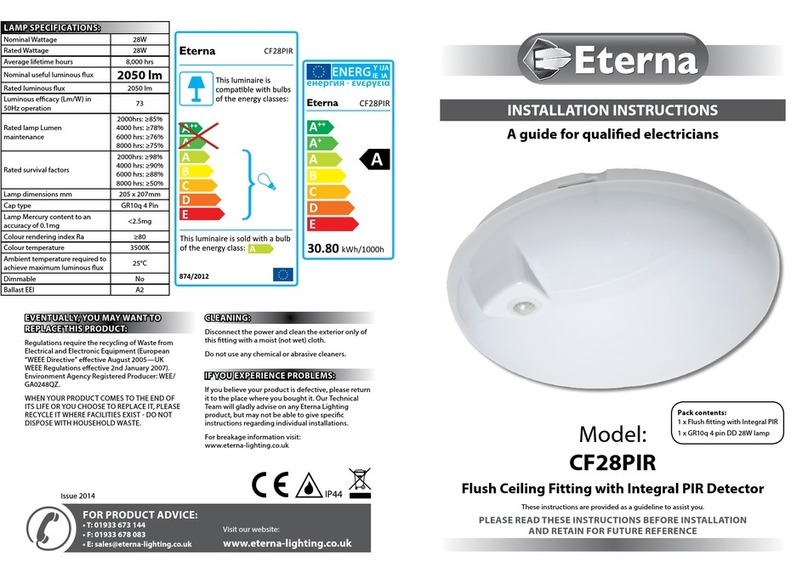
Check the pack and make sure you have all of
the parts listed on the front of this booklet. If not,
contact the outlet where you bought this product.
This photocell must be installed by a competent
person in accordance with the Building
Regulations making reference to the current
edition of the IEE Wiring Regulations (BS7671).
The Building Regulations may be obtained from
OPSI (Oce for Public Sector Information) or the
department of Communities and Local Government
and viewed and downloaded from www.
communities.gov.uk following the link for Building
Regulations.
As the buyer, installer and/or user of this product it
is your own responsibility to ensure that this tting
is t for the purpose for which you have intended
it. Eterna Lighting cannot accept any liability for
loss, damage or premature failure resulting from
inappropriate use.
Switch o the mains before commencing
installation and remove the appropriate circuit fuse.
When working at heights, please use a suitable
platform.
Do not overload the photocell; check that the total
Wattage of the controlled load does not exceed the
maximum marked on the photocell.
This product is designed for incorporation into
a light tting or other enclosure, the ingress
protection is dependant on that of the enclosure
into which it is installed. The lens and washers,
when installed correctly, will give sucient
protection for use outdoors and other locations
subject to moisture, falling and/or spraying water.
When choosing the location for your new photocell,
ensure that no articial light (especially from the
switched load) can fall on the photocell.
Make connections to the electrical supply in
accordance with the following code:
Live in (supply) – Brown
Live out (load) – Red
Neutral - Blue
When making connections, ensure that the
terminals are tightened securely and that no
strands of wire protrude. Check that the terminals
are tightened onto the bared conductors and not
onto any insulation. Wrap loose terminal blocks well
with insulating tape.
This photocell is double insulated; do not connect
any part to earth.
This product is not intended to be used by children
and persons with sensory, physical and/or mental
impairments that would prevent them from using
it safely.
You are advised at every stage of your installation to
double-check any electrical connections you have
made. After you have completed your installation
there are electrical tests that should be carried out:
these tests are specied in the Wiring Regulations
(BS7671) referred to in the Building Regulations.
INSTALLATION:
01. Select a suitable mounting position taking into
consideration above conditions.
02. Make a 20mm diameter hole in the mounting
surface ensuring that the hole is free from “burrs”
or rough edges.
03. Remove the black nut by unscrewing anti-
clockwise and lift o the top rubber washer.
04. Install the photocell in the prepared hole from the
interior; make sure the bottom rubber washer is
in place.
05. Fit the top rubber washer to the protruding
photocell and secure in place with the black nut.
06. Connect the supply as detailed above.
07. Make connections according to the colour code
opposite.
08. Restore the power and switch on.
09. Test the installation by covering the photocell
unit and waiting for one minute. The light should
switch on.
10. Uncover the photocell and check the light has
switched o.
SPECIFICATION:
Power rating: 1500VA or 5A inductive load at 60F
Supply Voltage: 240V
Switch on/o at 30/80 lux