manuals.online logo
Brands
  1. Home
  2. •
  3. Brands
  4. •
  5. EtherWAN
  6. •
  7. Media Converter
  8. •
  9. EtherWAN EMC400 User manual

EtherWAN EMC400 User manual

Other EtherWAN Media Converter manuals
EtherWAN EL2321 User manual

EtherWAN

EtherWAN EL2321 User manual

EtherWAN EL100 User manual

EtherWAN

EtherWAN EL100 User manual

EtherWAN EL2242 User manual

EtherWAN

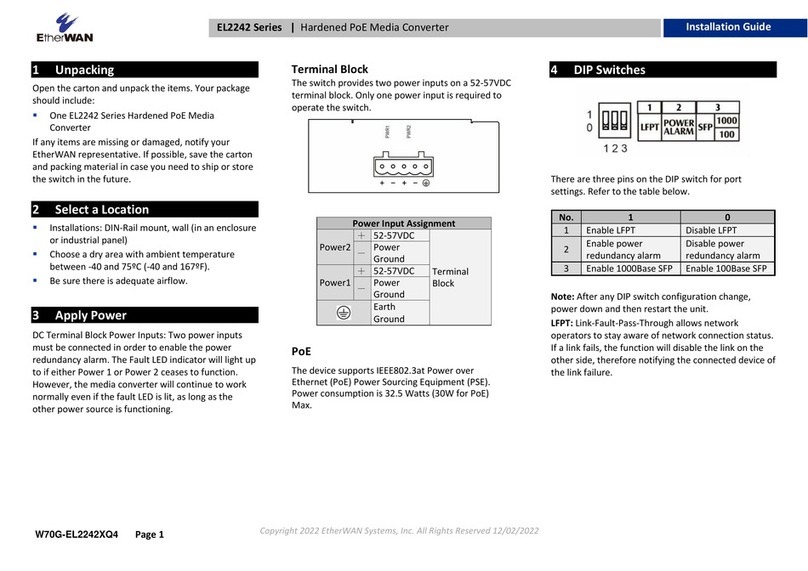
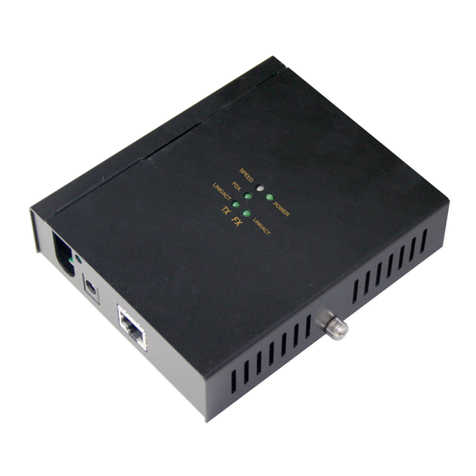
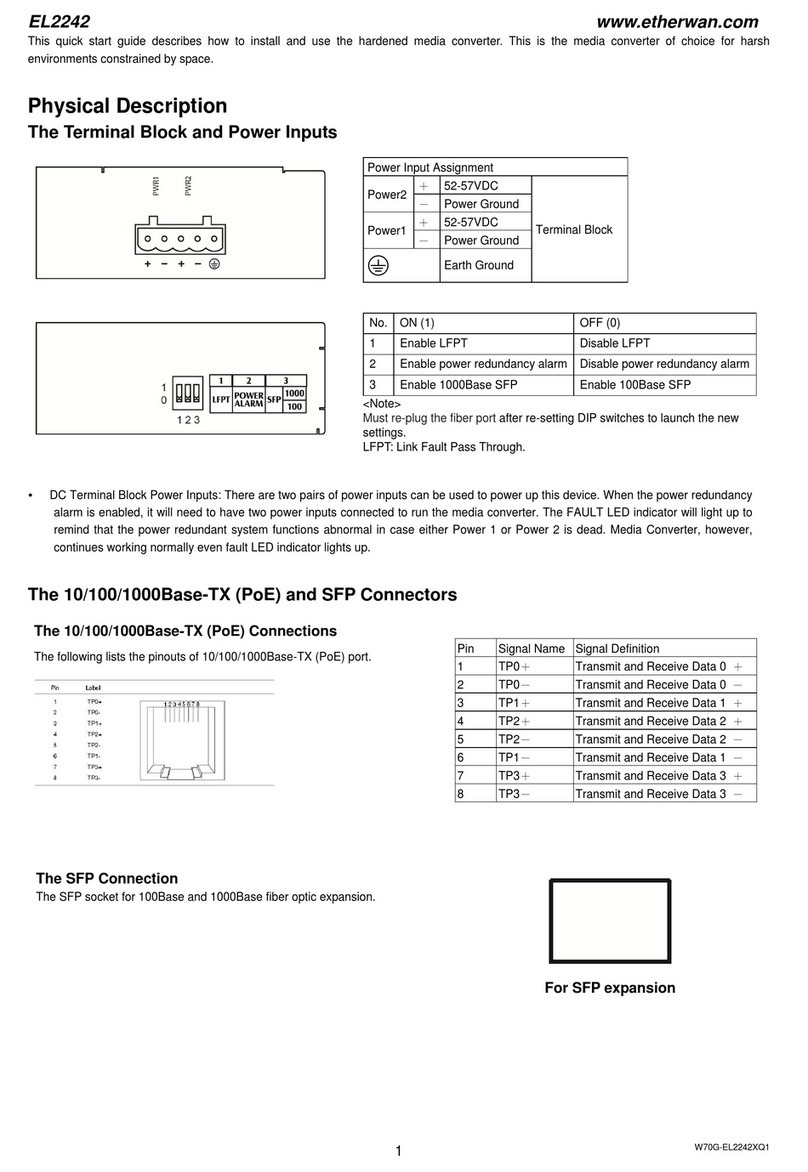
EtherWAN EL2242 User manual

EtherWAN EL900 Series User manual

EtherWAN

EtherWAN EL900 Series User manual

EtherWAN EL100 User manual

EtherWAN

EtherWAN EL100 User manual

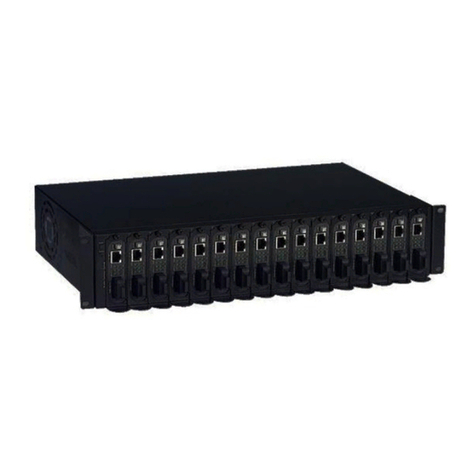
EtherWAN EMC1600 Series User manual

EtherWAN

EtherWAN EMC1600 Series User manual

EtherWAN EL110 Series User manual

EtherWAN

EtherWAN EL110 Series User manual
EtherWAN EL1032T Series User manual

EtherWAN

EtherWAN EL1032T Series User manual

EtherWAN EL2326 Series User manual

EtherWAN

EtherWAN EL2326 Series User manual

EtherWAN EL1142 Series User manual

EtherWAN

EtherWAN EL1142 Series User manual

EtherWAN EL900 Series User manual

EtherWAN

EtherWAN EL900 Series User manual

EtherWAN EL2242 Series User manual

EtherWAN

EtherWAN EL2242 Series User manual

EtherWAN EL100T User manual

EtherWAN

EtherWAN EL100T User manual

EtherWAN EL2321 User manual

EtherWAN

EtherWAN EL2321 User manual

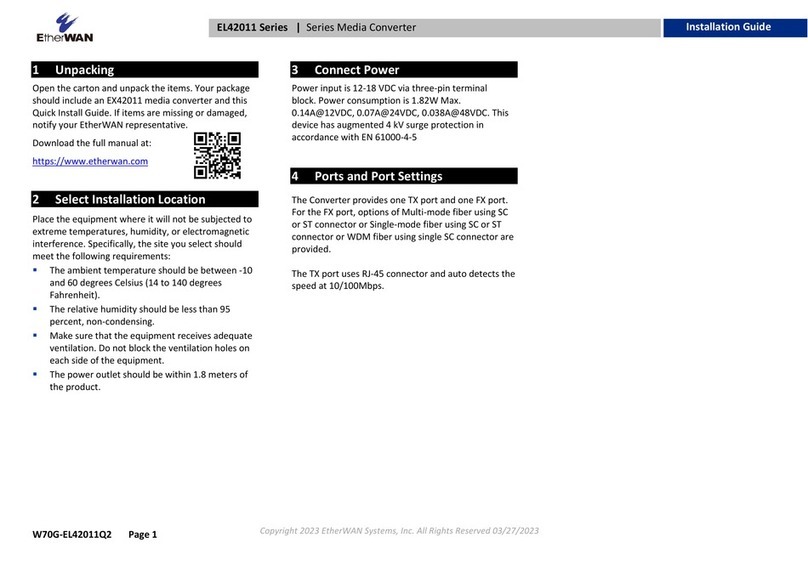
EtherWAN EL42011 Series User manual

EtherWAN

EtherWAN EL42011 Series User manual

EtherWAN EL100 User manual

EtherWAN

EtherWAN EL100 User manual
EtherWAN EMC1200R User manual

EtherWAN

EtherWAN EMC1200R User manual

EtherWAN EX42011 User manual

EtherWAN

EtherWAN EX42011 User manual

EtherWAN EMC1600 Series User manual

EtherWAN

EtherWAN EMC1600 Series User manual

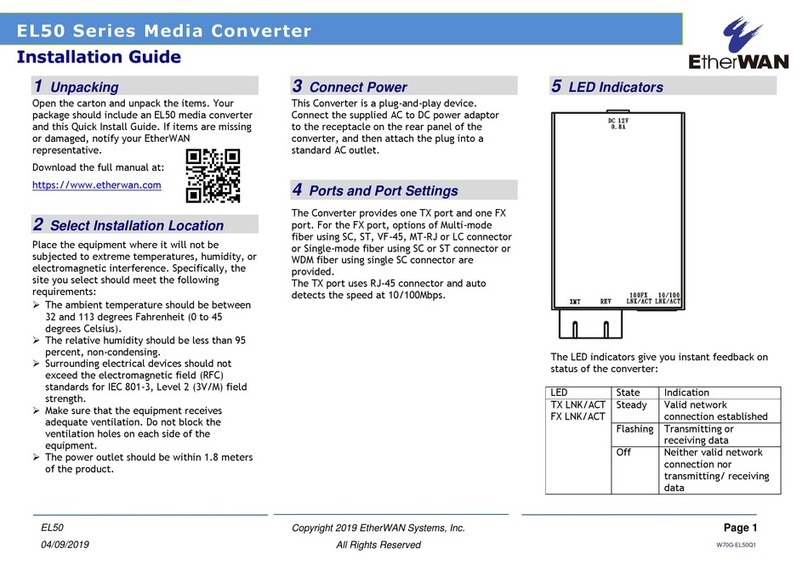
EtherWAN EL50 Series User manual

EtherWAN

EtherWAN EL50 Series User manual

EtherWAN EL900 Series User manual

EtherWAN

EtherWAN EL900 Series User manual
EtherWAN EL100 User manual

EtherWAN

EtherWAN EL100 User manual
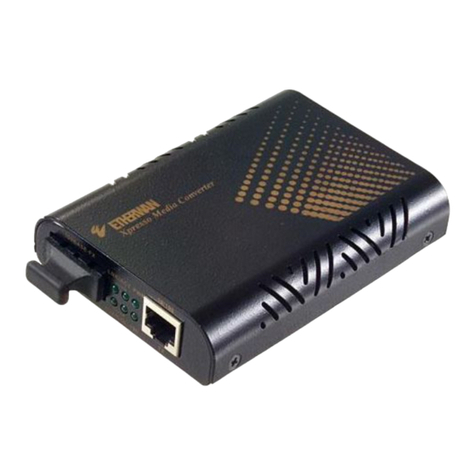
EtherWAN EL100 User manual

EtherWAN

EtherWAN EL100 User manual

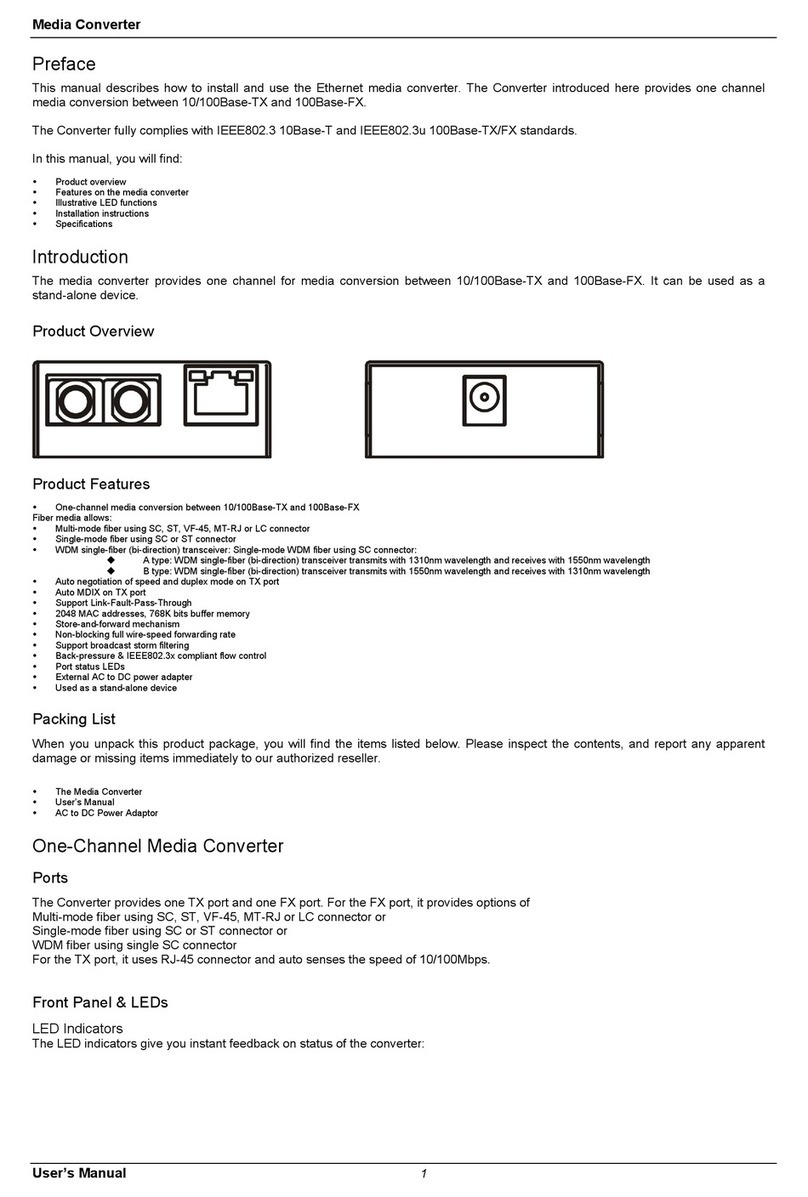
EtherWAN EM120 User manual

EtherWAN

EtherWAN EM120 User manual

Popular Media Converter manuals by other brands

TR-Electronic CMS582M-4096/4096 IOL DMS 14H7 KRF Assembly instructions

TR-Electronic

TR-Electronic CMS582M-4096/4096 IOL DMS 14H7 KRF Assembly instructions

Korenix JetCon 2301S user manual

Korenix

Korenix JetCon 2301S user manual

StarTech.com ET91000LCOAM manual

StarTech.com

StarTech.com ET91000LCOAM manual

Alesis AI-3 Reference manual

Alesis

Alesis AI-3 Reference manual

Caton Vpro 5100 user guide

Caton

Caton Vpro 5100 user guide

Cypress CSC-5500 Operation manual

Cypress

Cypress CSC-5500 Operation manual

H&B TX-100 Installation and instruction manual

H&B

H&B TX-100 Installation and instruction manual

Bolin Technology D Series user manual

Bolin Technology

Bolin Technology D Series user manual

IFM Electronic Efector 400 RN30 Series Device manual

IFM Electronic

IFM Electronic Efector 400 RN30 Series Device manual

GRASS VALLEY KUDOSPRO ULC2000 user manual

GRASS VALLEY

GRASS VALLEY KUDOSPRO ULC2000 user manual

Linear Technology DC1523A Demo Manual

Linear Technology

Linear Technology DC1523A Demo Manual

Lika ROTAPULS I28 Series quick start guide

Lika

Lika ROTAPULS I28 Series quick start guide

Weidmuller IE-MC-VL Series Hardware installation guide

Weidmuller

Weidmuller IE-MC-VL Series Hardware installation guide

Optical Systems Design OSD2139 Series Operator's manual

Optical Systems Design

Optical Systems Design OSD2139 Series Operator's manual

Tema Telecomunicazioni AD615/S product manual

Tema Telecomunicazioni

Tema Telecomunicazioni AD615/S product manual

KTI Networks KGC-352 Series installation guide

KTI Networks

KTI Networks KGC-352 Series installation guide

Gira 0588 Series operating instructions

Gira

Gira 0588 Series operating instructions

Lika SFA-5000-FD user guide

Lika

Lika SFA-5000-FD user guide

manuals.online logo
manuals.online logoBrands
  • About & Mission
  • Contact us
  • Privacy Policy
  • Terms and Conditions

Copyright 2025 Manuals.Online. All Rights Reserved.

W70G-EMC400XQ2 Page 1
Installation Guide
EMC400 | 4-Slot Din-Rail Media Converter Chassis
Copyright 2023 EtherWAN Systems, Inc. All Rights Reserved 03/27/2023
1Unpacking
Open the carton and unpack the items. Your package
should include:
▪One 4-Slot Din-Rail Media Converter Chassis
If any items are missing or damaged, notify your
EtherWAN representative.
2Select a Location
The installation site should be free of extreme
temperatures, humidity, or excessive electromagnetic
interference. Specifically, the site should meet the
following requirements:
▪The ambient temperature should be between 0
and 45 degrees Celsius (32 to 113 degrees
Fahrenheit).
▪The relative humidity should be at least 5% and
less than 95 percent, non-condensing.
3Connect Power
Power supply is via redundant 12VDC terminal block
power inputs. However, only one power supply is
needed to operate the chassis.
▪Power supply input is 90~264VAC.
▪EMC400 Chassis Input is 12VDC.
▪Use minimum 16AWG cable for wiring.
▪Power Consumption is 19W Max. @ full
installation, depending on installed devices.
Power Input Assignment
Power 1, 2
+
12VDC
Terminal Block
-
Power Ground
Earth Ground
4Status LEDs
LED
State
Indication
PW1
Steady
PW1 on
Off
PW1 off
PW2
Steady
PW2 on
Off
PW2 off
W70G-EMC400XQ2 Page 2
Installation Guide
EMC400 | 4-Slot Din-Rail Media Converter Chassis
Copyright 2023 EtherWAN Systems, Inc. All Rights Reserved 03/27/2023
5Install Devices to Chassis
Each bay is equipped with a holding tray, secured to
the chassis by a retaining screw. To install a media
converter:
▪Unscrew the carrier from the desired bay first to
install a media converter onto any of the carriers.
▪Fit the media converter onto the carrier.
▪Insert the carrier to the guide rails of the bay slot
when the media converter is completely seated
onto the carrier.
▪Carefully slide in the carrier until it is fully and
firmly fitted to the power socket. Fasten the
screws on the carrier.
6Assembly, Startup, and Dismantling
Assembly: Place the device on the DIN-Rail from
above using the slot. Push the front of the device
toward the mounting surface until it audibly snaps
into place.
Startup: Connect the supply voltage to start up the
device via the terminal block.
Dismantling: Pull out the lower edge and then remove
the device from the DIN-Rail.
Manufacturer information:
EtherWAN Systems, Inc.
33F, No. 93, Sec. 1, Xintai 5th Rd., Xizhi Dist., New
Taipei City, 221 Taiwan
The full product manual can be downloaded from:
www.etherwan.com