manuals.online logo
Brands
  1. Home
  2. •
  3. Brands
  4. •
  5. Eton
  6. •
  7. Radio
  8. •
  9. Eton E100 User manual

Eton E100 User manual

Other manuals for E100

2

Other Eton Radio manuals

Eton FR250 User manual

Eton

Eton FR250 User manual

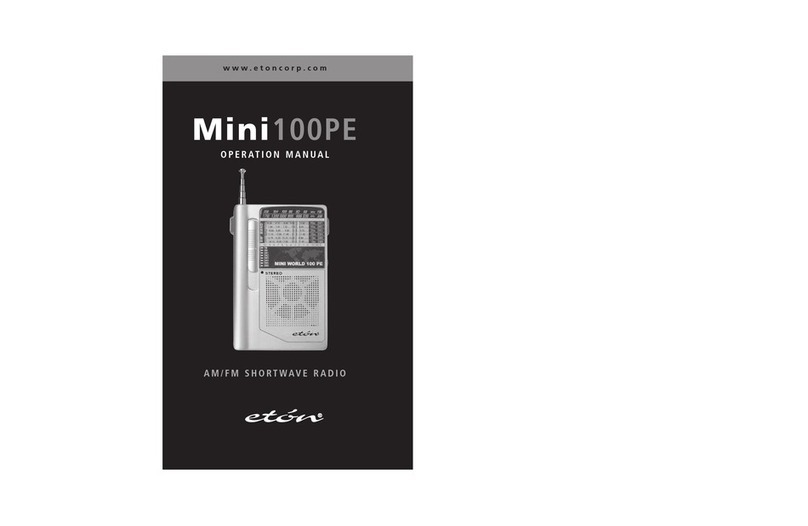
Eton Mini100PE User manual

Eton

Eton Mini100PE User manual

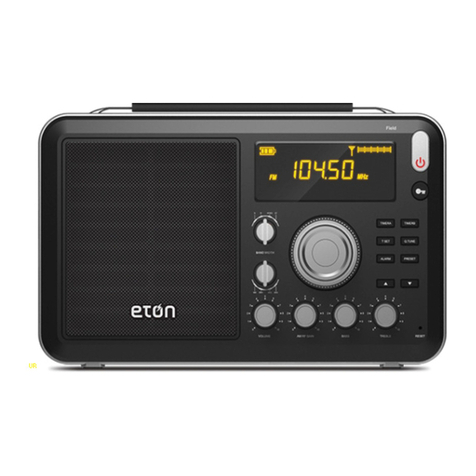
Eton FIELD RADIO 550 User manual

Eton

Eton FIELD RADIO 550 User manual

Eton American Red Cross FR350 User manual

Eton

Eton American Red Cross FR350 User manual

Eton American Red Cross FR350 User manual

Eton

Eton American Red Cross FR350 User manual

Eton SOUND 140 CONCERTO User manual

Eton

Eton SOUND 140 CONCERTO User manual

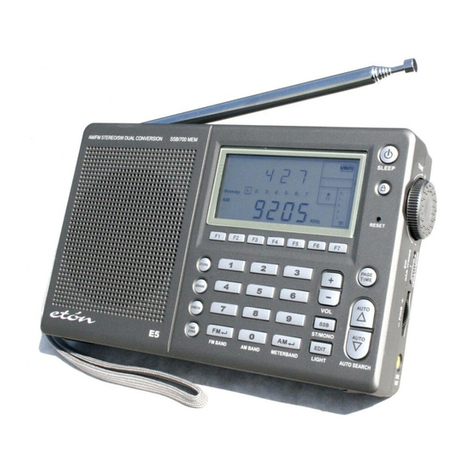
Eton E5 User manual

Eton

Eton E5 User manual

Eton Satellit 750 User manual

Eton

Eton Satellit 750 User manual

Eton Traveler III User manual

Eton

Eton Traveler III User manual

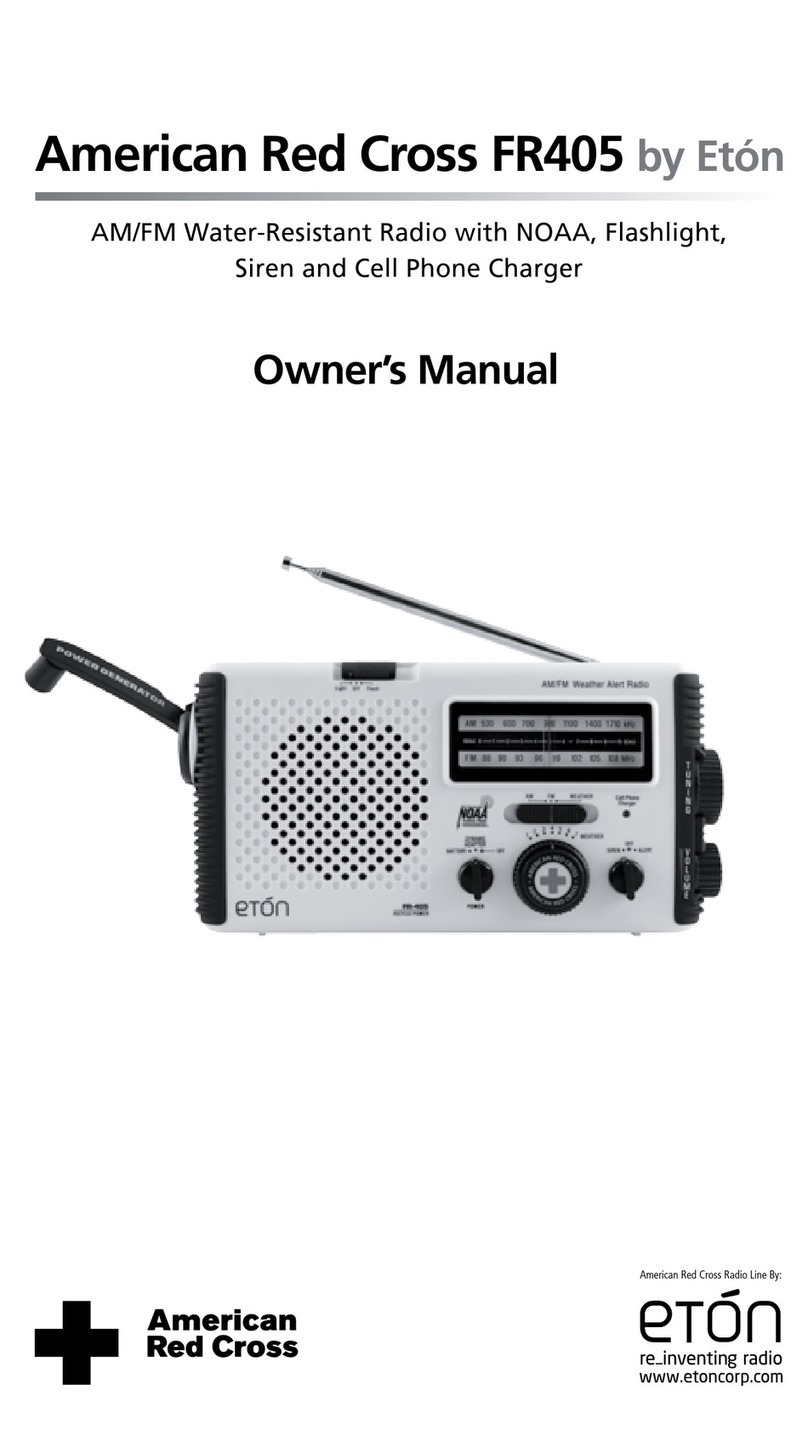
Eton American Red Cross FR405 User manual

Eton

Eton American Red Cross FR405 User manual

Eton Scorpion II User manual

Eton

Eton Scorpion II User manual

Eton MINI 300PE User manual

Eton

Eton MINI 300PE User manual

Eton GM100PE User manual

Eton

Eton GM100PE User manual

Eton FR-300 User manual

Eton

Eton FR-300 User manual

Eton TRAVELER II DIGITAL G8 User manual

Eton

Eton TRAVELER II DIGITAL G8 User manual

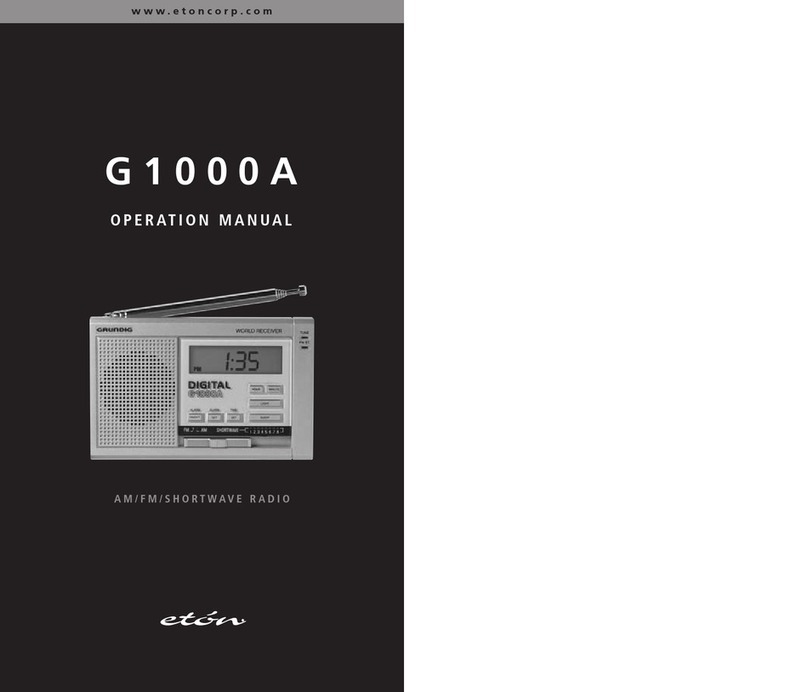
Eton G1000A User manual

Eton

Eton G1000A User manual

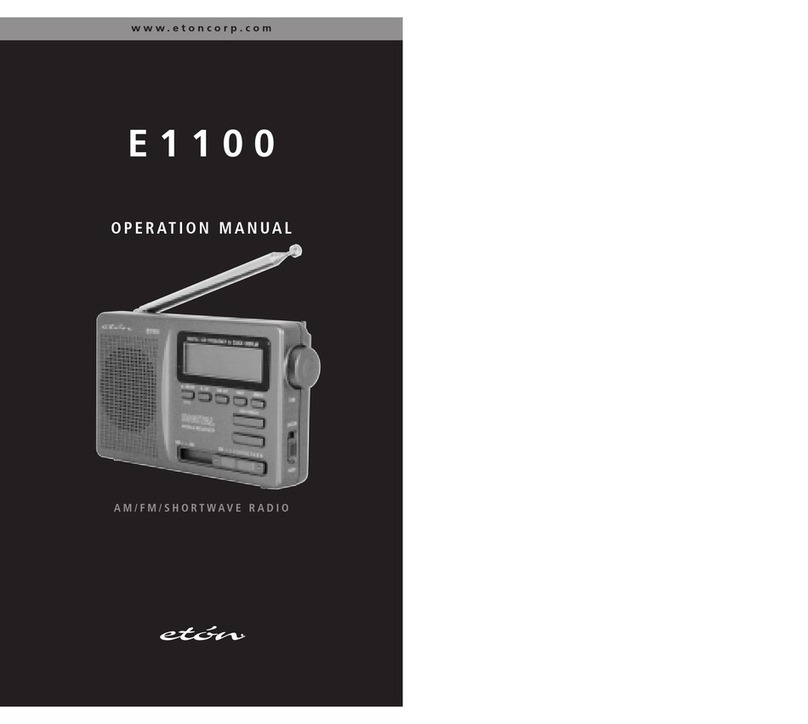
Eton E1100 User manual

Eton

Eton E1100 User manual

Eton Satellit Owner's manual

Eton

Eton Satellit Owner's manual

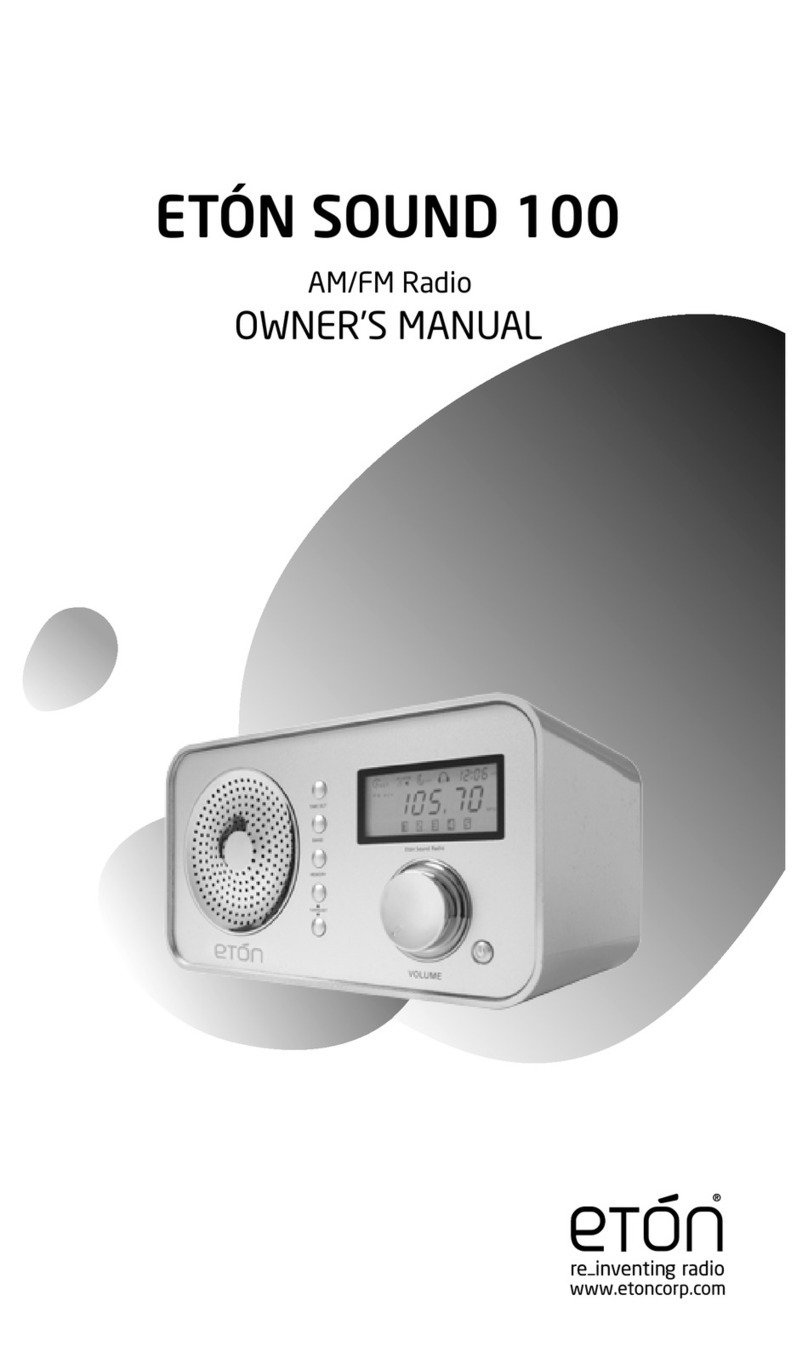
Eton Sound 100 User manual

Eton

Eton Sound 100 User manual

Eton SOUND 110 User manual

Eton

Eton SOUND 110 User manual

Eton Mini Owner's manual

Eton

Eton Mini Owner's manual

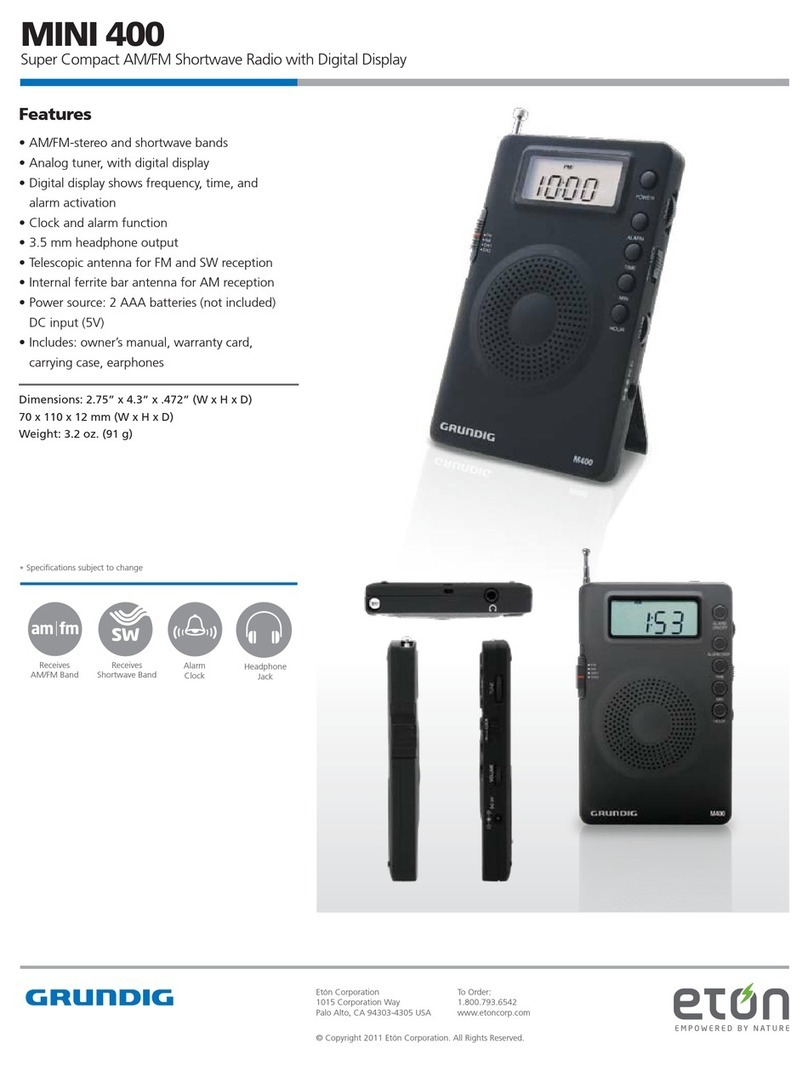
Eton MINI 400 User manual

Eton

Eton MINI 400 User manual

Eton E1 E1 User manual

Eton

Eton E1 E1 User manual

Eton Traveler III User manual

Eton

Eton Traveler III User manual

Popular Radio manuals by other brands

Grundig G6 AVIATOR owner's manual

Grundig

Grundig G6 AVIATOR owner's manual

Makita DMR114 instruction manual

Makita

Makita DMR114 instruction manual

PURE Move R3 manual

PURE

PURE Move R3 manual

Motorola CP040 Detailed service manual

Motorola

Motorola CP040 Detailed service manual

Bosch GPB18V-5C Operating/safety instructions

Bosch

Bosch GPB18V-5C Operating/safety instructions

Ocean Digital WR-230 user manual

Ocean Digital

Ocean Digital WR-230 user manual

Realistic TRC-457 owner's manual

Realistic

Realistic TRC-457 owner's manual

Uniden AX 144 owner's manual

Uniden

Uniden AX 144 owner's manual

SIGNIFY EA2173 instruction manual

SIGNIFY

SIGNIFY EA2173 instruction manual

auna multimedia 10026443 user manual

auna multimedia

auna multimedia 10026443 user manual

GME TX680 instruction manual

GME

GME TX680 instruction manual

Motorola MTM5 00 Series Basic service manual

Motorola

Motorola MTM5 00 Series Basic service manual

Tivoli Audio ONE+ owner's manual

Tivoli Audio

Tivoli Audio ONE+ owner's manual

Sirius Satellite Radio SDVK1 installation guide

Sirius Satellite Radio

Sirius Satellite Radio SDVK1 installation guide

Sirius XM RAdio EDGE user guide

Sirius XM RAdio

Sirius XM RAdio EDGE user guide

Trevi XF 100 user guide

Trevi

Trevi XF 100 user guide

EisSound KBSound iSelect user manual

EisSound

EisSound KBSound iSelect user manual

Kirisun DM588-02 user manual

Kirisun

Kirisun DM588-02 user manual

manuals.online logo
manuals.online logoBrands
  • About & Mission
  • Contact us
  • Privacy Policy
  • Terms and Conditions

Copyright 2025 Manuals.Online. All Rights Reserved.

E 1 0 0
O P E R AT I O M A UA L
www.etoncorp.com
AM/FM/SHORTWAVE RADIO
DO YOU EED HELP?
We want you to thoroughly enjoy the use of your E100 radio. If you
need help while learning its operation, please contact us, using the
methods below.
Monday-Friday, 8:30 a.m. - 4:00 p.m.,
North American Pacific Time.
1-800-872-2228 from the U.S.
1-800-637-1648 from Canada
1-650-903-3866, worldwide
FAX: 650-903-3867
customersvc@etoncorp.com
www.etoncorp.com
Mailing Address:
etón Corporation
1015 Corporation Way
Palo Alto, CA 94303
USA
23
INTRODUCTION..................................................................................... 4
FEATURES .............................................................................................5
DIA RAMS ........................................................................................... 6
ETTIN STARTED ................................................................................8
• WHAT THE E100 INCLUDES ............................................................... 8
• INSTALLIN BATTERIES ......................................................................8
• SELECTIN AND USIN AN AC ADAPTOR ..........................................8
• SI NAL STREN TH AND BATTERY STREN TH INDICATOR ................. 8
BASIC RADIO OPERATION .....................................................................9
• IMPORTANT INITIAL SET-UP ...............................................................9
• TURNIN THE E100 ON AND OFF ......................................................9
• VOLUME AND TONE CONTROLS .........................................................10
• SELECTIN THE FM, AM OR SHORTWAVE .......................................... 10
• SETTIN UP AM AND FM OUTSIDE OF NORTH AMERICA ...................11
• TUNIN IN STATIONS ........................................................................ 11
CLOCK AND ALARM FEATURES .............................................................13
WORKIN WITH MEMORY ....................................................................15
SYSTEM SET CODES AND THE SYSTEM SET CODE TABLE .......................21
OTHER E100 INFORMATION ................................................................. 24
TROUBLESHOOTIN ..............................................................................26
LISTENIN TO SHORTWAVE STATIONS .................................................. 28
SHORTWAVE LISTENIN UIDE ............................................................ 32
WARRANTY RE ISTRATION................................................................... 38
LIMITED WARRANTY TO THE ORI INAL CUSTOMER............................... 39
SERVICE INFORMATION......................................................................... 41
TABLE OF CO TE TS
E100 OPERATION MANUAL
1
2
3
4
5
6
7
9
10
11
12
13
14
15
5
MAJOR FEATURES OF THE E100
• SHORTWAVE: 1711 - 29.995 KHz
• FM 87.0 - 108.0MHz; MW 520 - 1710
• Manual and Auto-Scan Tuning
• Direct Keypad Frequency Entry
• Manual/Auto Scan to scan the preset stations
• Fine-Tuning Control Knob
• 200 Random Programmable Memories
• Memory Page Customizing
• 9/10KHz step size selector for correct worldwide Medium Wave
(AM) reception
• FM-Stereo/Signal Strength/Power Level Indicators
• Digital Clock
• Selectable 12/24 hour clock display format
• Simultaneous display of frequency and clock
• Favorite Station Wake-Up
• Programmable Alarm
• Programmable Sleep Timer (10 - 90min.) functions
• LCD display light
• Built in antennas for AM, FM and SW reception
• Earphone socket (earbud style earphones included)
• AC adaptor socket (adaptor not included)
• Includes carrying pouch
2FEATURES
E100 OPERATION MANUAL
4
Thank you for purchasing the E100 AM/FM/Shortwave Radio.
This radio has been designed and manufactured to high quality
standards, and will provide reliable operation for many years. Please
carefully read the Owner’s Manual in order to take advantage of
the many interesting features of the E100.
1I TRODUCTIO
7
E100 OPERATION MANUAL
6 7
DIAGRAMS continued
RADIO OFF DISPLAY RADIO ON DISPLAY
Battery Symbol
Antenna Symbol
1-5 Scale Alarm AM/PM Indicator
Alarm
Clock
Digits
Alarm
Activation
Symbol
Clock Digits
Time AM/PM
Indicator
Triangle Pointer
Clock Digits
Alarm Activation
Symbol
Battery Symbol
Antenna Symbol
1-5 Scale
Triangle
Pointer
FM, MW,
SHORTWAVE,
Indicators Frequency
Digits Sleep Timer
Symbol
MEMORY DISPLAY SHORTWAVE METER BAND DISPLAY
Refers only to the display’s upper right corner.
Memory Display
Delete Indicator
Refers only to the display’s upper right corner.
MEMORY DISPLAY
Refers only to the display’s upper right corner.
26
27 2829
30
31
43
32
33
26
27 28
34
31
35
36
37
33
38
39 40
Shortwave
Meter Band
Display
41
42
6
3DIAGRAMS
FRONT Telescopic Antenna
LCD Display
POWER/SLEEP
Fine Tuning Control
Up/Hour
Down/Min.
Memory Scan/Page Button
FM ST.
Alarm Button
Light Snooze Button
FM-MW-SW Band Button
SW Meter Band Button
Enter/Sys. Set
Hand Carry Belt
ANT. AIN H/M/L
DC Jack
Earphone Socket
Reset Button
LEFT SIDE RIGHT SIDE
Stand
Tone Control
Volume Control
Lock Switch
Battery Compartment Cover
Memory & Edit/Time Set
Numeric Keypad
7
6
5
4
3
2
1
8
9
10
11
12
13
15
14
16
17
18
19
21
22
23
24
25
20
4GETTI G STARTED
9
E100 OPERATION MANUAL
8 9
5BASIC RADIO OPERATIO
IMPORTANT INITIAL SET-UP
1. Assure that the radio is unlocked, using the LOCK switch (24) on
right side of the radio by pushing it down, to the OFF position. This
switch can be used to lock the radio when it is not in use or when
traveling. (Note that this does not deactivate the alarm feature).
2. Assure that the antenna gain switch (17), on the left side of the
radio is in the high-gain, H, position.
TURNING THE E100 ON AND OFF
The E100 can be turned on by the two methods shown below. To turn
it off, press the POWER/SLEEP button (3).
1. Battery Saver/Timer Method
Perform a quick, short press of the POWER/SLEEP button (3). This
turns the radio on with 120 in the display and causes the radio to
shut off automatically after 120 minutes. The sleep timer symbol,
(35), also appears in the display. To change the automatic shut
off time from 120 minutes to a time of your preference, use the
Up/Hour or Down/Min. buttons (5,6) immediately after turning on
the radio. This allows selection of 1 – 120 minutes of playtime
before automatic shut-off occurs. The number of minutes that you
last set are also used the next time the radio is turned on.
8
WHAT THE E100 INCLUDES
• Earbud style earphones
• Batteries
• Carrying pouch
NOTE: In the instructions below, numbers in parenthesis ( ),
refer to the diagrams.
INSTALLING BATTERIES
Install 2 AA alkaline batteries into the battery compartment (25),
observing the battery polarity diagram on the back of the radio.
To remove the battery compartment cover, apply thumb pressure
and slide it towards the bottom of the radio.
SELECTING AND USING AN AC ADAPTOR
(MAINS ADAPTOR) - (not included)
Visit our web site, www.etoncorp.com, or Contact etón Corporation
for information regarding selection of a proper AC adaptor.
SIGNAL STRENGTH AND BATTERY
STRENGTH INDICATOR
When the radio is turned off, the upper left corner of the display (2)
shows battery strength on the 1–5 scale (28), with the triangle pointer
(33) under the battery symbol (26) on the far left side of the scale.
When the radio is turned on, the pointer is under the antenna symbol
(27) and the 1-5 scale shows relative signal strength.
11
E100 OPERATION MANUAL
10
BASIC RADIO OPERATIO continued
SETTING UP AM AND FM OUTSIDE OF NORTH AMERICA
You can skip this section if you are in North America and just purchased
the E100. It is already set-up in the factory for use in North America.
If you travel to other world regions, make the changes below as necessary.
Outside of North America, AM stations (MW in the E100’s display) are
spaced in 9 KHz tuning steps. The FM frequency range may be different
from that used in North America, e.g. like that used in Japan, 76-108MHz.
To make these changes please see the instructions titled SYSTEM SET
CODE TABLE, on pages 21-22.
TUNING IN STATIONS
Four Ways to Tune in Stations
Below, four ways to tune stations are described. They are Regular
Tuning, Auto-scan Tuning, Direct Frequency Entry and Fine Tuning.
1. REGULAR TU I G (also called manual tuning)
Quick, short presses of the Up/Hour-Down/Min. buttons (5,6)
enables tuning up or down frequency.
2. AUTO-SCA TU I G
Pressing the Up/Hour or Down/Min. buttons (5,6) for just over 1
second enables automatic scan-tuning. The radio will then auto-
matically stop on the next station encountered. Use the Up/Hour
button to auto-scan upward in frequency and the Down/Min. button
to auto-scan downward in frequency.
2. Timer-Defeat Method
This method defeats the automatic 120 minute timer and causes
the radio to stay on until deliberately turned off, until the batteries
drain or indefinitely if used with an AC adaptor. Hold down the
POWER button for about 3 seconds, then release. Note that ‘120’
and the sleep timer symbol do not appear when this method is
used.
VOLUME AND TONE CONTROLS
• The volume control (23), labeled VOLUME, is located on the right
side of the radio. To change the volume, rotate the volume control
knob.
• The tone control (22), on the right side of the radio is labeled
LOW/HI H. Use the position that you like best.
SELECTING FM, AM OR SHORTWAVE
After turning on the E100, pressing the button labeled ‘FM/MW/SW
Band’ (11), allows selection of FM, AM and SW. Note that when the
AM band is selected, the display shows MW, not AM. The frequency
digits (36) appear in the lower portion of the display.. The local stations
of the area that you are currently in will be heard on AM and FM.
Shortwave stations from around the world will be heard on SW.
BASIC RADIO OPERATIO continued
6CLOCK A D ALARM FEATURES
BASIC RADIO OPERATIO continued
13
E100 OPERATION MANUAL
12
SETTING THE CLOCK
The factory has set the clock to function as a 24-hour format clock.
If you prefer a 12 hour, AM/PM clock format, see the section titled
CHAN IN THE CLOCK FROM 24 TO 12 HOUR FORMAT, on page 22.
To set the clock:
1. Turn the radio off. The clock digits appear in the lower part of the
display (43).
2. Press/release the button labeled ‘Time Set’ (15). The clock’s digits
flash in the display.
3. Within 5 seconds, set the hour using the Up/Hour button and the
minutes using the Down/Min. button. Make sure that AM or PM
(32) appear in the display, to the left of the time, if your clock is
set up in the 12 hr. AM/PM format.
4. Within 5 seconds of finishing, press/release the ‘Time Set’ button
twice or just wait until the clock digits stop flashing.
SETTING THE ALARM
Set the alarm with the instructions below. Note that the alarm must
be activated to function. After setting the alarm time, be sure to read
the next section titled ACTIVATIN AND DEACTIVATIN THE ALARM.
The alarm will wake you to the last radio station tuned, unless set for
Favorite Station Wake-Up (Use system set code 01. See page 21).
When the alarm activates, it turns the radio on and the alarm activation
symbol (31) appears flashing in the display. The radio will play for 30
minutes, until you turn it off or until you press the SNOOZE/LI HT
button (see USIN THE SNOOZE FEATURE, below).
3. DIRECT FREQUE CY E TRY
When the desired frequency is known, it can be entered via the
numeric keypad (14) and the ‘Enter’ button (13). First, make sure
that the correct band is selected - AM, FM or SW.
Most AM and Shortwave frequencies are designated in kilohertz
(KHz), e.g. 810 KHz or 9475 KHz. All FM frequencies are designated
in megahertz (MHz), e.g. 102.9 MHz. To enter such frequencies:
1. Press/release the ‘Enter’ (13) button.
2. Enter the frequency using the numeric keypad.
Sometimes Shortwave frequencies are designated in megahertz
(MHz). If you encounter such a shortwave frequency and it has less
than three digits after the decimal point (e.g. 15.10 MHz or 6.92
MHz), then use the following method to enter it. However, if there
are three digits after the decimal point (e.g. 15110 MHz or 5.975
MHz), use the method described previously.
1. Press/release the ‘Enter’ (13) button.
2. Enter the frequency using the numeric keypad.
3. Press/release the ‘Enter’ button again.
4. FI E TU I G
The FINE TUNIN control (4) is located on the right side of the
radio. It tunes in 1 Kilohertz steps in AM and Shortwave and .05
Megahertz steps in FM. Use it to ‘fine-tune’ stations to your liking,
or use it as you would a tuning knob.

7WORKI G WITH MEMORY
CLOCK A D ALARM FEATURES continued
To set the alarm:
1. Turn the radio off. The alarm clock digits (30) appear in the upper
right corner of the display.
2. Press/release the button labeled ‘Time Set’ twice. The alarm clock’s
digits flash in the display.
3. Within 5 seconds, set the hour using the Up/Hour button and the
minutes using the – button. Make sure that AM or PM (29) appear
in the display if your clock is set up in the 12 hr. AM/PM format.
4. Within 5 seconds of finishing, press the ‘Time Set’ button once or
just wait until the alarm digits stop flashing.
USING THE SNOOZE FEATURE
When the alarm activates and turns the radio on, the alarm activation
symbol (31) appears flashing in the display. While it is flashing,
press/release the SNOOZE/LI HT button (10). The radio will turn off
and then turn on again in 10 minutes. This process can be repeated
3 times.
ACTIVATING AND DEACTIVATING THE ALARM
The alarm is activated and deactivated by pressing the button
labeled ‘Alarm’ (9). When it is activated, the alarm activation symbol
(31) appears in the display. When this symbol is not in the display,
it is deactivated. Note that once the alarm turns the radio on, with
the alarm symbol flashing, except for the SNOOZE/LI HT button,
the radio’s controls will not function until the ON/OFF-TIMER button
is pressed.
15
E100 OPERATION MANUAL
14
At the factory, the E100 is set up with 8 pages of memory, each
page holding 25 frequencies. This enables storing of 200 frequencies
into memory. This factory setting can be changed and tailored to
your personal needs or can be left as-is. When first learning to store
stations into memory, we suggest using the factory setting. To
change the factory setting, see the section CUSTOMIZIN MEMORY
PA ES on page 20. Otherwise, follow the instructions below to store
your favorite frequencies into memory using this original factory
memory set-up.
STORING STATIONS INTO MEMORY
The instructions below show you how to store stations (frequencies)
into the currently selected memory page.
1. Turn on the radio.
2. Tune to the desired station.
3. Press/release the Mem.&Edit button (15). Note that the memory
number digits (38) flash in the upper right corner of the display.
The memory page number, P#, also appears, but does not flash.
4. Within 5 seconds use the numeric keypad to enter the memory
number that you wish to store the station into (In the factory’s
original memory setting, there are 25 memories per page. You
would therefore enter a number between 01 and 25).
5. Within 5 seconds press the Mem.&Edit button, or wait 5 seconds.
After a few seconds, the upper right corner’s display returns to the clock.
WORKI G WITH MEMORY continued
17
E100 OPERATION MANUAL
16
ACCESSING WHAT IS STORED INTO MEMORY
There are three ways to access what has been stored into memory:
Direct Memory Access, Memory Search and Memory Auto-scan. These
three methods are described below. When the memory page and
memory preset numbers appear in the upper right corner of the display,
as it will in the descriptions below, the radio is in MEMORY ACCESS
MODE. This mode can be exited any time with a press/release of the
M.Scan/Page button (7).
Direct Memory Access
If you are already on the desired memory page, simply key- in the
memory number with the numeric keypad. For example, if the desired
radio station is in memory number 01, just press ‘0’, then ‘1’, and it
will go to memory 01.
If you first need to change memory pages, see the previous section,
SELECTIN /CHAN IN MEMORY PA ES.
Memory Search
Memory Search enables manual searching through the memories
within a memory page, as shown below:
1. Press/release the M.Scan/Page button.
2. Use quick, short presses on the Up/Hour or Down/Min. buttons to
search through the memories.
SELECTING/CHANGING MEMORY PAGES
If you are not interested in changing memory pages and wish to
keep the original factory memory page setting, skip this section.
At the factory, the E100 is set up to access memory page 1 when
storing a frequency. You can leave this as-is or change to a different
memory page. We suggest learning first to store stations into
memory page 1 before changing to other pages. To do this, go to
the previous section, STORIN STATIONS INTO MEMORY. To change
to the memory page, follow the directions below.
1. Press/hold the M.Scan/Page button (7) for about 3 seconds. Then
release it. Note that the memory page (38) is flashing in the upper
right corner of the display.
2. Within 5 seconds select the desired page with the Up/Hour and
Down/Min. buttons (5,6). You will see the memory page change
with each press. When the page of your choice is reached, stop
pressing.
3. When finished, either press/release the M.Scan/Page button, or
wait about 3 seconds, causing the memory page to be entered.
The clock (34) will reappear in the display’s upper right corner.
WORKI G WITH MEMORY continued
19
E100 OPERATION MANUAL
18
MOVING A STORED FREQUENCY
If desired, a frequency that has been stored into a memory can be
moved to a different memory on the same page, or a different page.
1. Turn on the radio.
2. Press/hold the M.Scan/Page button (7) for about 3 seconds and
release it.
3. Use the Up/Hour or Down/Min. button (5,6) to select the required
memory page.
4. Press/release the M.Scan/Page button twice.
5. Press/release the Mem.&Edit button (15).
6. Within 5 seconds use the numeric keypad to enter the memory
number that you wish to store the station into.
7. Within 5 seconds press/release the Mem.&Edit button.
DELETING A FREQUENCY STORED IN MEMORY
1. Press/release the M.Scan/Page button (7).
2. Use the Up/Hour or Down/Min. button (5,6) to select the memory
preset location of the frequency that you wish to delete.
3. Press/hold the Mem.&Edit button (15) for about 2 seconds and
then release it. ‘dEL’ appears flashing in the display.
4. Within 2 seconds, press/release the Mem.&Edit button.
Memory Auto-Scan
Memory Auto-scan enables scanning through the memories within
the selected memory page. Each filled memory is accessed for about
5 seconds, after which the scan move on to the next used memory
automatically, staying on it for about 5 seconds. This continues
indefinitely on the selected page until deliberately stopped. Unused
memories are not accessed.
1. Press/release the M.Scan/Page button.
2. Press/hold either the Up/Hour or Down/Min. button for about 3
seconds. Then release it. Note that the memory number in the
upper right corner of the display flashes and the preset being
scanned remains for about 5 seconds. It then moves on to the
next memory preset for another 5 seconds.
To stop memory preset auto-scan, press/release either the Up/Hour
or Down/Min. button.