manuals.online logo
Brands
  1. Home
  2. •
  3. Brands
  4. •
  5. FANATEC
  6. •
  7. Video Gaming Accessories
  8. •
  9. FANATEC CSL RP1X User manual

FANATEC CSL RP1X User manual

Other FANATEC Video Gaming Accessories manuals
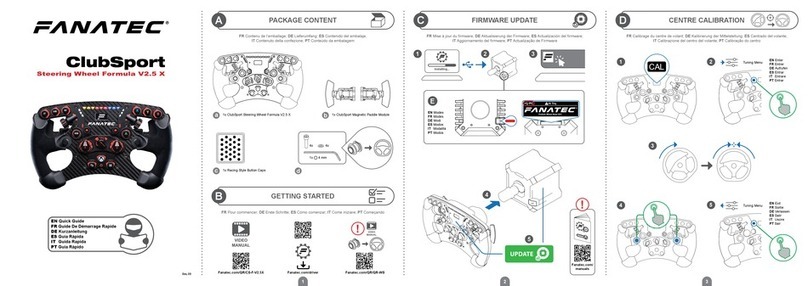
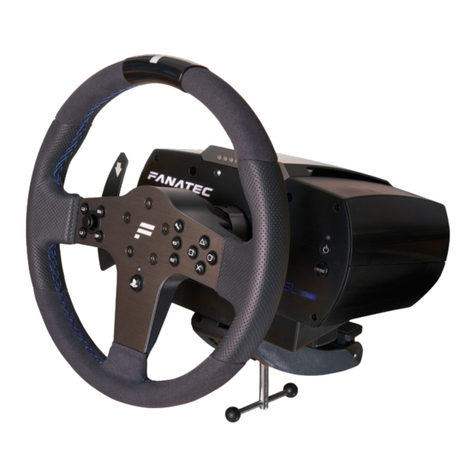
FANATEC ClubSport Formula User manual

FANATEC

FANATEC ClubSport Formula User manual

FANATEC PWGT3RSV2 User manual

FANATEC

FANATEC PWGT3RSV2 User manual

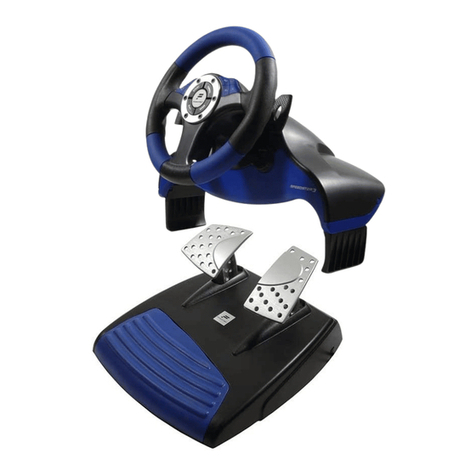
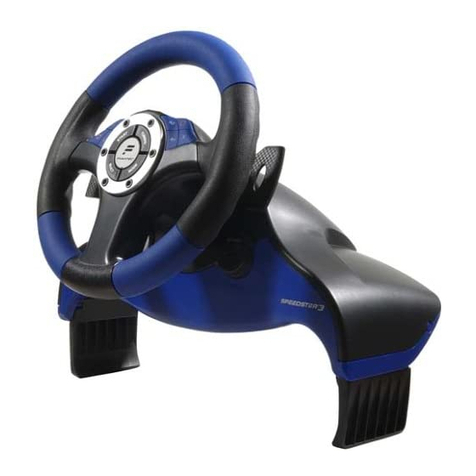
FANATEC SPEEDSTER 3 FORCESHOCK User manual

FANATEC

FANATEC SPEEDSTER 3 FORCESHOCK User manual

FANATEC SPEEDSTER 3 FORCESHOCK User manual

FANATEC

FANATEC SPEEDSTER 3 FORCESHOCK User manual

FANATEC CSL User manual

FANATEC

FANATEC CSL User manual

FANATEC CSL Elite V2 User manual

FANATEC

FANATEC CSL Elite V2 User manual

FANATEC ClubSport Universal Hub For Xbox One User manual

FANATEC

FANATEC ClubSport Universal Hub For Xbox One User manual

FANATEC Clubsport User manual

FANATEC

FANATEC Clubsport User manual
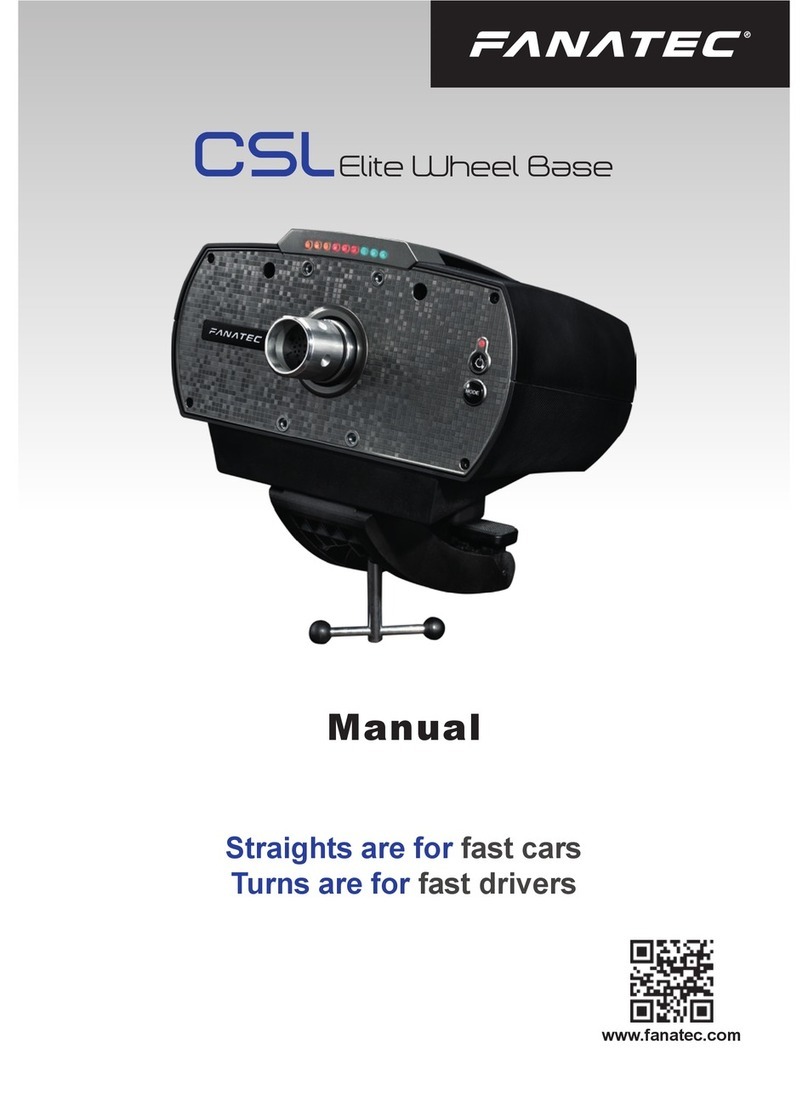
FANATEC Clubsport User manual

FANATEC

FANATEC Clubsport User manual

FANATEC CSL Elite Racing Wheel User manual

FANATEC

FANATEC CSL Elite Racing Wheel User manual

FANATEC CSl Elite P1 User manual

FANATEC

FANATEC CSl Elite P1 User manual

FANATEC CSL DD User manual

FANATEC

FANATEC CSL DD User manual

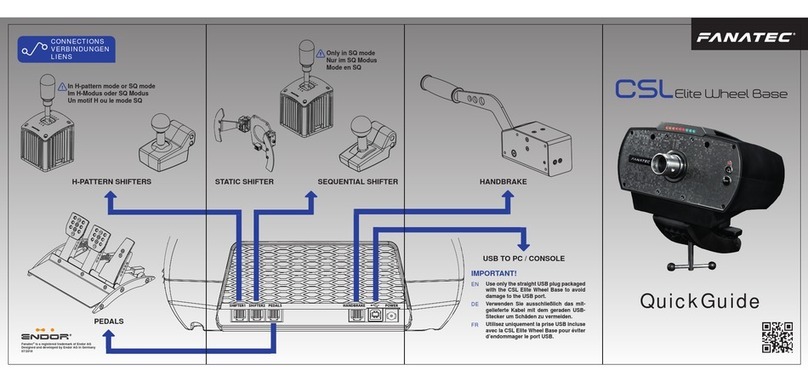
FANATEC CSL Elite Wheel Base User manual

FANATEC

FANATEC CSL Elite Wheel Base User manual

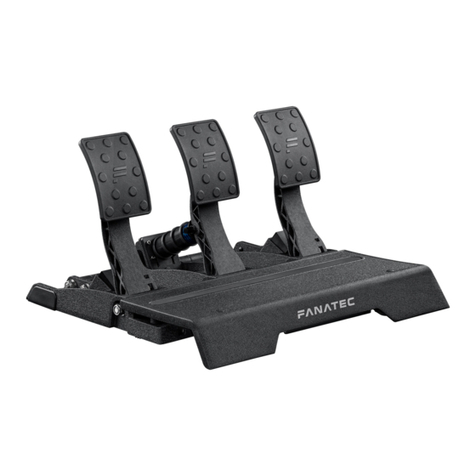
FANATEC CSL Pedals User manual

FANATEC

FANATEC CSL Pedals User manual

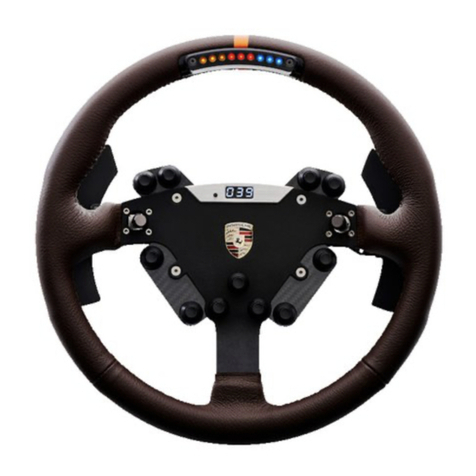
FANATEC Porsche 911 Turbo S Wheel User manual

FANATEC

FANATEC Porsche 911 Turbo S Wheel User manual

FANATEC Clubsport User manual

FANATEC

FANATEC Clubsport User manual

FANATEC Sim Racing User manual

FANATEC

FANATEC Sim Racing User manual

FANATEC Clubsport User manual

FANATEC

FANATEC Clubsport User manual

FANATEC PODIUM WHEEL BASE DD2 User manual

FANATEC

FANATEC PODIUM WHEEL BASE DD2 User manual

FANATEC CSL Elite Wheel Base User manual

FANATEC

FANATEC CSL Elite Wheel Base User manual

FANATEC ClubSport Pedals V3 inverted User manual

FANATEC

FANATEC ClubSport Pedals V3 inverted User manual

FANATEC Clubsport User manual

FANATEC

FANATEC Clubsport User manual
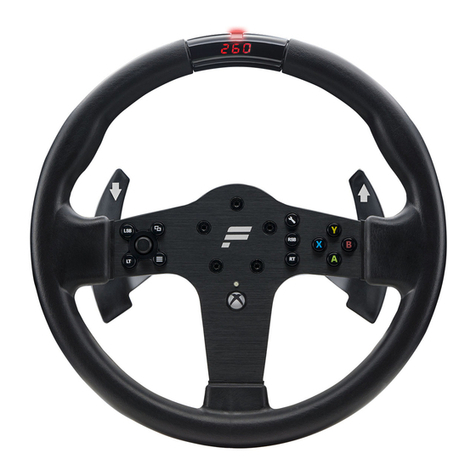
FANATEC CSL DD User manual

FANATEC

FANATEC CSL DD User manual
FANATEC CSR Elite User manual

FANATEC

FANATEC CSR Elite User manual

Popular Video Gaming Accessories manuals by other brands

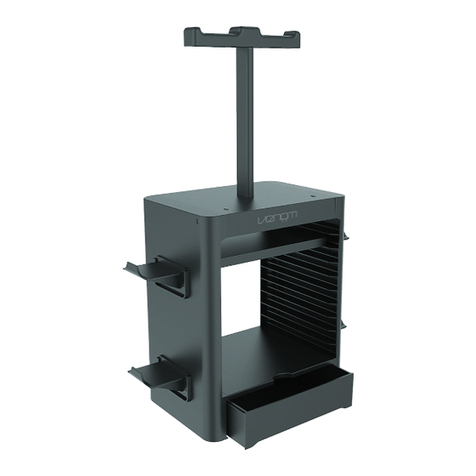
VENOM VS3057 user guide

VENOM

VENOM VS3057 user guide

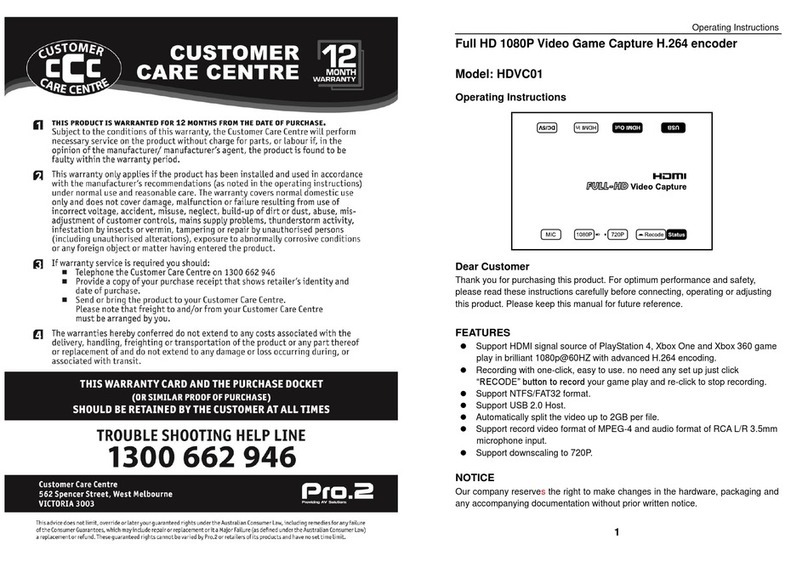
LINK-MI HDVC01 operating instructions

LINK-MI

LINK-MI HDVC01 operating instructions

Thrustmaster T60 user manual

Thrustmaster

Thrustmaster T60 user manual

Avermedia C875 quick guide

Avermedia

Avermedia C875 quick guide

VENOM VS2728 user guide

VENOM

VENOM VS2728 user guide

DGT 960 user manual

DGT

DGT 960 user manual

Sega Visual Memory Unit instruction manual

Sega

Sega Visual Memory Unit instruction manual

Datel Go-tcha Expedition user guide

Datel

Datel Go-tcha Expedition user guide

TruGolf TruFlight 2 manual

TruGolf

TruGolf TruFlight 2 manual

CH Products CH PRO THROTTLE quick start

CH Products

CH Products CH PRO THROTTLE quick start

Thrustmaster T2PA manual

Thrustmaster

Thrustmaster T2PA manual

Cube Controls Mercedes-AMG - GT Edition SIM Wheel user guide

Cube Controls

Cube Controls Mercedes-AMG - GT Edition SIM Wheel user guide

Hoffmann Club Pro Assembly manual

Hoffmann

Hoffmann Club Pro Assembly manual

Pokemon GO Plus user manual

Pokemon

Pokemon GO Plus user manual

All In 1 Gaming Pro SE Sim Frame Assembly instructions

All In 1 Gaming

All In 1 Gaming Pro SE Sim Frame Assembly instructions

TREQ FORMULA SEAT instruction manual

TREQ

TREQ FORMULA SEAT instruction manual

BDA MOGA PRO POWER user manual

BDA

BDA MOGA PRO POWER user manual

Scuf Gaming EXO SCUF quick start guide

Scuf Gaming

Scuf Gaming EXO SCUF quick start guide

manuals.online logo
manuals.online logoBrands
  • About & Mission
  • Contact us
  • Privacy Policy
  • Terms and Conditions

Copyright 2025 Manuals.Online. All Rights Reserved.

QuickGuide
www.fanatec.com
Fanatec®is a registered trademark of Endor AG
Designed and developed by Endor AG in Germany
ATTACHING THE RIM TAKING THE RIM OFF
BUTTON MAPPING
Please download and install the latest PC driver and
wheel base rmware before mounting the CSL P1
for Xbox One. You can obtain it at Fanatec’s website
(www.fanatec.com) in the download section.
- Align wheel base axle,
to correct position
- Slide steering wheel
onto wheel base axle
- Slide steering wheel off wheel
base axle
- Turn out the xing screw and
open clamp ring mechanism,
use only the Allen Key which
comes with the steering wheel!
- Use clamp ring screw (M6 x 18mm at head)
and Allen Key from box content
- Store clamp ring screw and Allen Key safely
- Push steering wheel
until the screw hole
matches with hole on
wheel base axle
- Turn the steering wheel top side down to see the bottom
side of the clamp ring to follow next step below
- Turn in screw to x
clamp ring mechanism,
use only the Allen Key which
comes withe the steering wheel!
IMPORTANT: Tighten only by using the
short lever of Allen Key!
Button Button no. PC Function PS3 Function PS4 Xbox One
LT 8 L2 L2 LT 100% (brake)
RT 7 R2 R2 RT 100% (accelerator)
LSB 12 L3 L3 LSB -> LB (shift down)
RSB 11 R3 R3 RSB -> RB (shift up)
10 Start Options MENU
9 Select Touch Pad Button VIEW
A 2 Cross Cross A
B 3 Circle Circle B
X 1 Square Square X
Y 4 Triangle Triangle Y
Shifter Paddle L 6 L1 L1 LB
Shifter Paddle R 5 R1 R1 RB
D-pad press 26 - Game Specific 2 Horn
D-pad left D-pad left D-pad left D-pad left D-pad left
D-pad right D-pad right D-pad right D-pad right D-pad right
D-pad up D-pad up D-pad up D-pad up D-pad up
D-pad down D-pad down D-pad down D-pad down D-pad down
25 - Game Specific 1 Guide
1
3
2
TUNING OPTIONS
To enter tuning menu press button . To navigate inside
the menu, use the D-pad stick:
- Press D-pad up or down to access 5 setups
- Press D-pad right or left to go through the options
and press or hold it up or down to change option values
SHIFTER CALIBRATION
To enter shifter calibration mode, simultaneously press the
two buttons +,highlighted below.
PS3 MODE
PC / PS4 MODE CENTER CALIBRATION
To enter PlayStation 3 mode, rst switch to PC mode
and then simultaneously press and hold the two buttons
+, highlighted below, for one second. To leave PS3
mode it is necessary to switch off and restart the wheel base.
To enter PC / PlayStation 4 Mode, simultaneously press and
hold the two buttons + , highlighted below, for one
second.
PlayStation 4 needs no special mode. The wheel has to be/
stay in PC mode.
If a center calibration is needed (e. g. after rmware update of
wheel base) you need to enter the tuning menu by pressing
button as shown on the graphic “S_...” will appear on
the display. Now turn the wheel to its center position and
then press two buttons +at the same time to calibrate
the wheel center.
Wheel base starts in Xbox mode by default when CSL
Steering Wheel P1 for Xbox One is attached. If you have
swiched to different mode but want to switch back to Xbox
mode, simultaneously press and hold the two buttons
+ , highlighted below, for one second.
XBOX MODE
2
Game 25
Specic
Button 1
26 Game Specic
Button 2
3
4
R1 56 L1
9 Touch Pad
Button
12 L3
8 L2
10 Options
R3 11
R2 7
1
R1L1
Select
L3
L2
Start
R3
R2
S_...
1- Press tuning button
2- Turn the wheel to the center
position
3- Press the two buttons +
at the same time