5
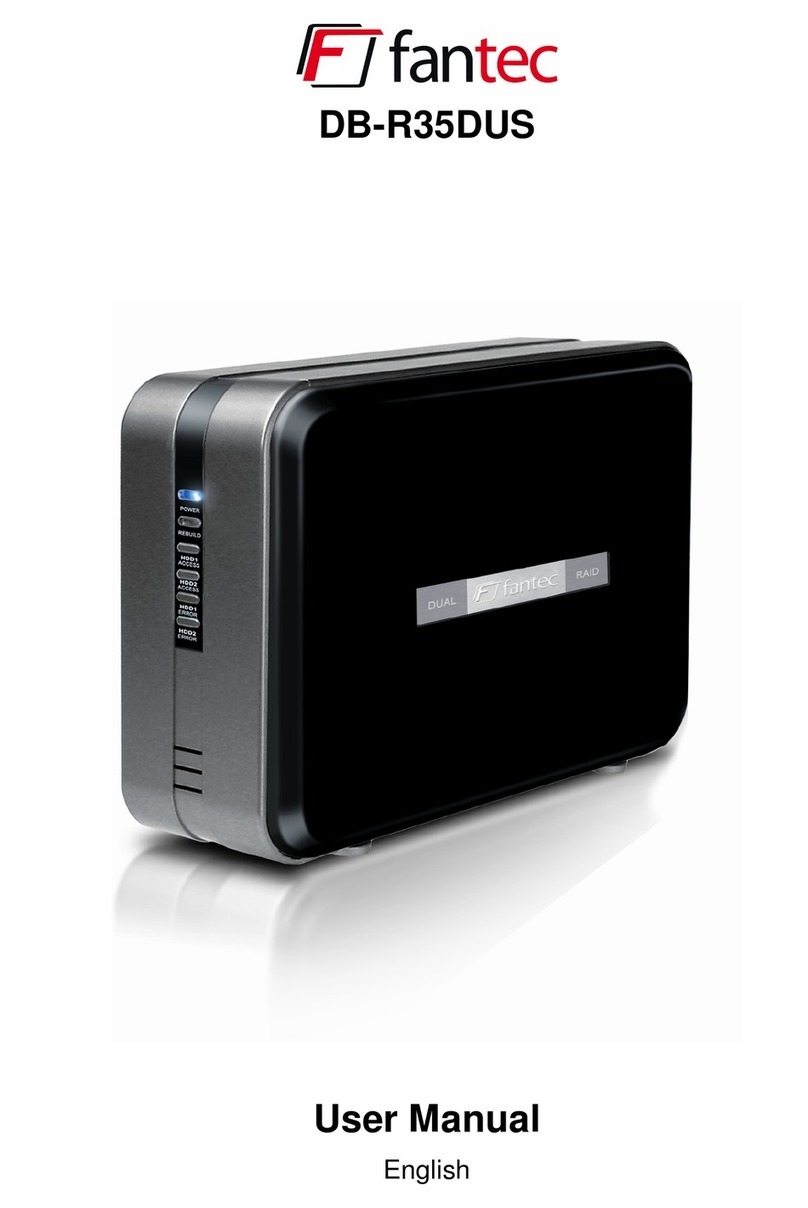
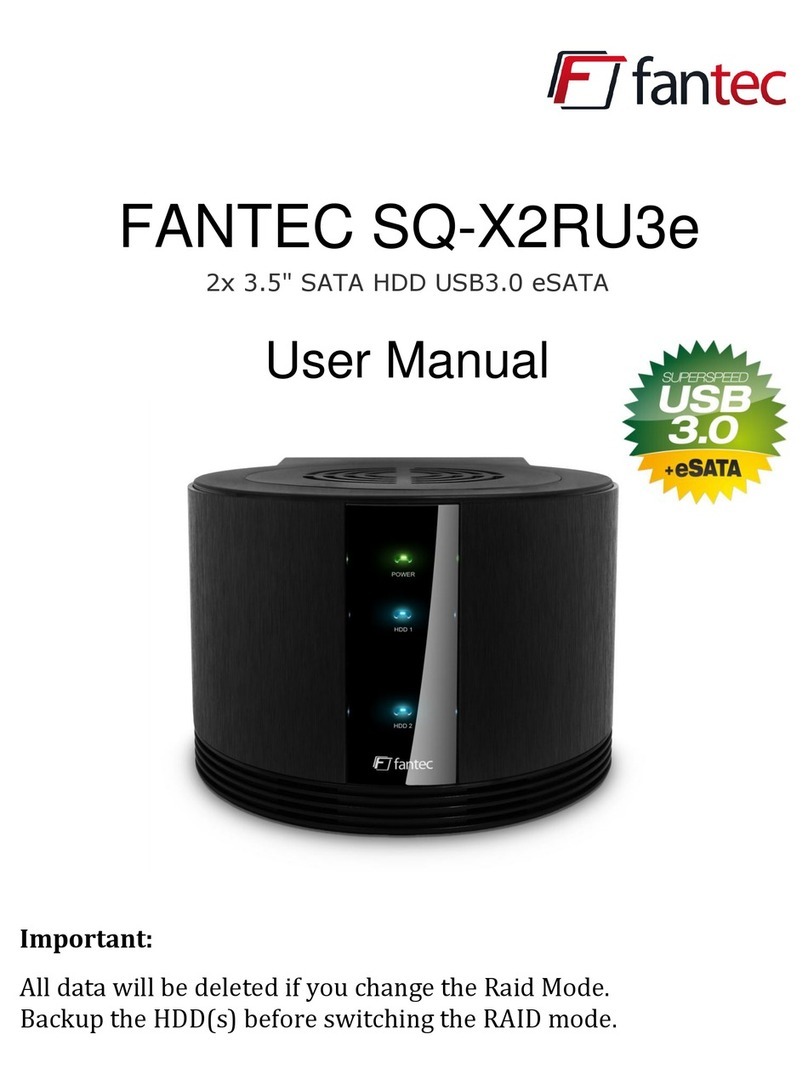
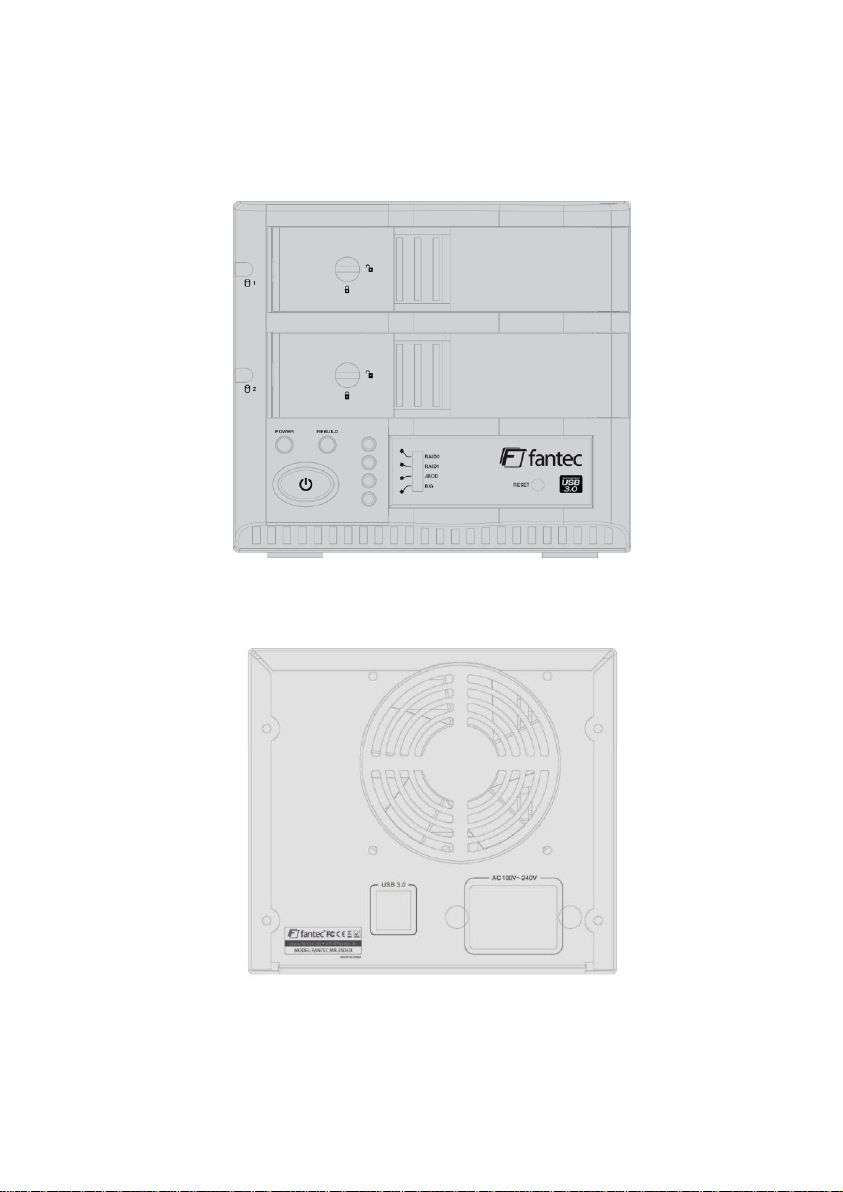
LED condition:
Switch on power and insert two HD in terms of different working pattern
HDD carries on the self-checking
HDD1 and HDD2 LED flashing in
turn with purple lights.
Self- checking completes when LED
shows blue light
During Data transmission: The
HDD1 and the HDD2 LED flashing
with purple light. The Data
transmission completes when LED
shows the blue light
HDD1 and HDD2 LED flashing in
turn with purple lights.
Self- checking completes when LED
shows blue light
During Data transmission: The
HDD1 and the HDD2 LED flashing
with purple light. The Data
transmission completes when LED
shows the blue light
HDD1 and HDD2 LED flashing in
turn with purple lights.
Self- checking completes when LED
shows blue light
During Data transmission:
LED flashing with purple light while
operating different HDD. The Data
transmission completes when LED
shows the blue light
HDD1 and HDD2 LED flashing in
turn with purple lights.
Self- checking completes when LED
shows blue light
During Data transmission: The
HDD1 and the HDD2 LED flashing
with purple light. The Data
transmission completes when LED
shows the blue light
After power on and insertion of one or two HD the following LED states appear after a
HD failure.
(In this example HDD1 is normal and HDD2 is damaged, otherwise vice versa)
HDD carries on the self-checking
HDD1 and the HDD2 LED flashing
in turn with purple lights. Self
checking completes when the
HDD1 LED shows blue light, and
the HDD2 LED goes out.
HDD1 and the HDD2 LED flashing
in turn with purple lights. Self
checking completes when the
HDD1 LED shows blue light, and
the HDD2 LED goes out.
Under the Data transmission
condition: The HDD1 LED flashing
with purple light, and the HDD2
LED flashing in turn with purple
lights. The Data transmission
completes when HDD1 LED shows
blue light and the HDD2 LED goes
out.
HDD1 and the HDD2 LED flashing
in turn with purple lights. Self
checking completes when the
HDD1 LED shows blue light, and
the HDD2 LED goes out.
Under the Data transmission
condition: The HDD1 LED flashing
with purple light, and the HDD2
LED flashing in turn with purple
lights. The Data transmission
completes when HDD1 LED shows
blue light and the HDD2 LED
goes out.
HDD1 and the HDD2 LED flashing
in turn with purple lights. Self
checking completes when the
HDD1 LED shows blue light, and
the HDD2 LED goes out.