manuals.online logo
Brands
  1. Home
  2. •
  3. Brands
  4. •
  5. Franklin
  6. •
  7. Accessories
  8. •
  9. Franklin Go Pro 14348 User manual

Franklin Go Pro 14348 User manual

Other Franklin Accessories manuals

Franklin 2719 User manual

Franklin

Franklin 2719 User manual

Franklin 12442 User manual

Franklin

Franklin 12442 User manual

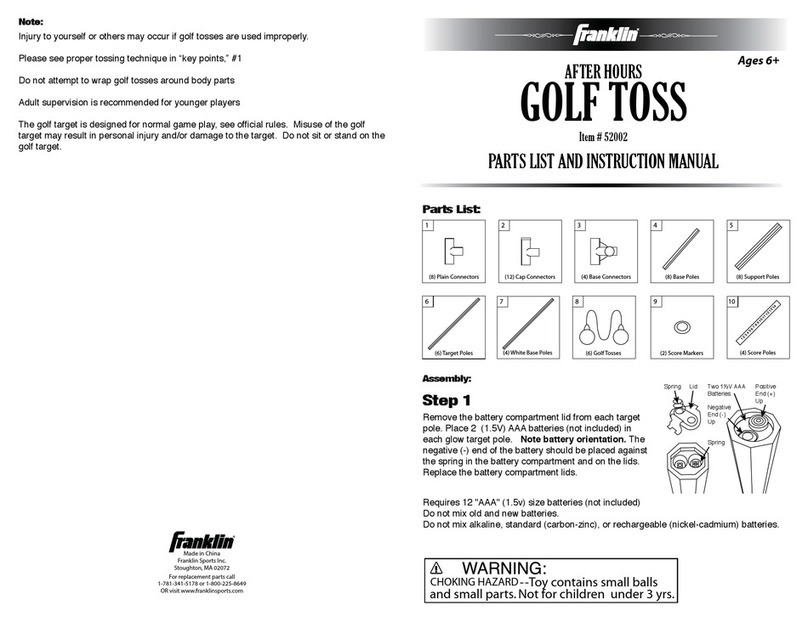
Franklin After Hours Golf Toss User manual

Franklin

Franklin After Hours Golf Toss User manual

Franklin 19083 User manual

Franklin

Franklin 19083 User manual

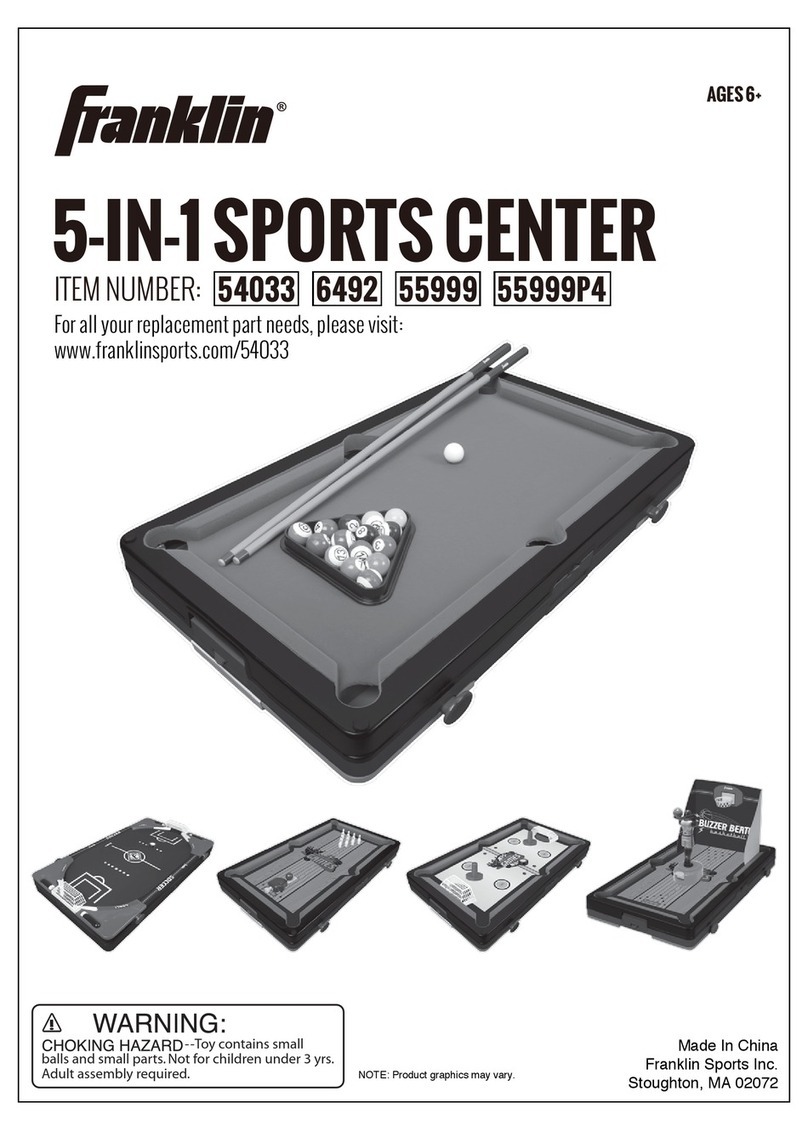
Franklin 54033 User manual

Franklin

Franklin 54033 User manual

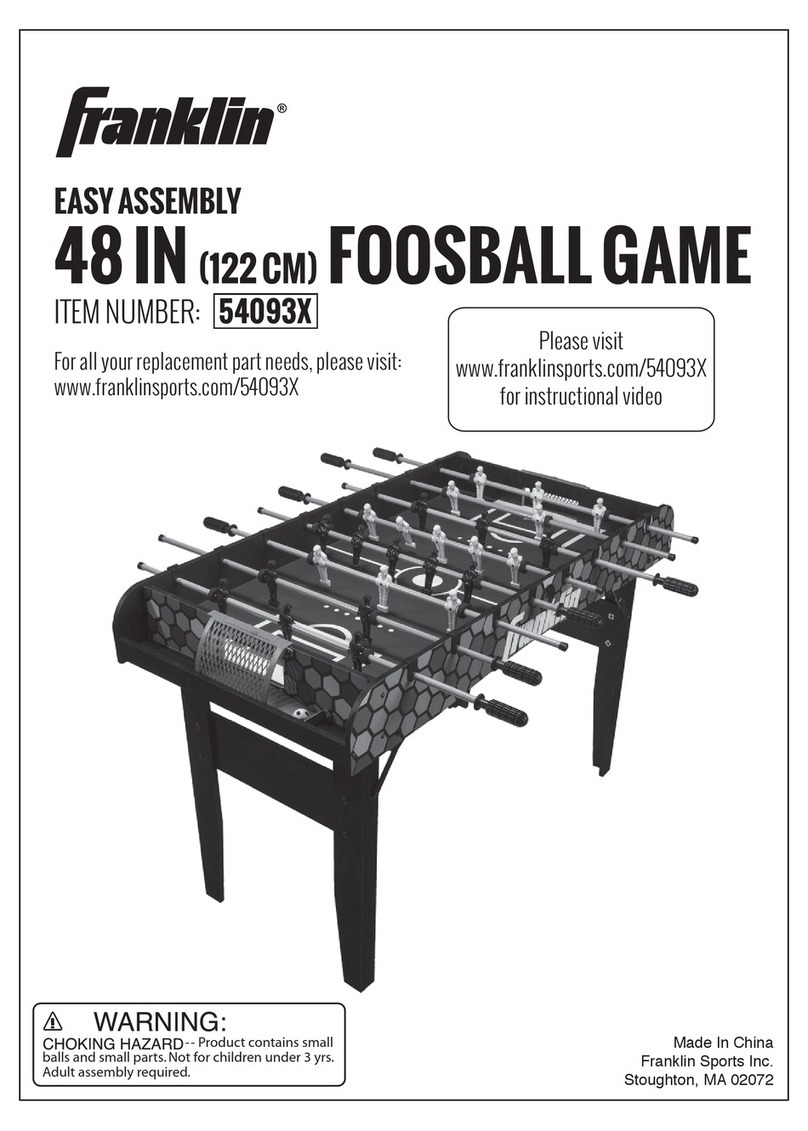
Franklin 54093X Product information sheet

Franklin

Franklin 54093X Product information sheet

Franklin 11169 User manual

Franklin

Franklin 11169 User manual

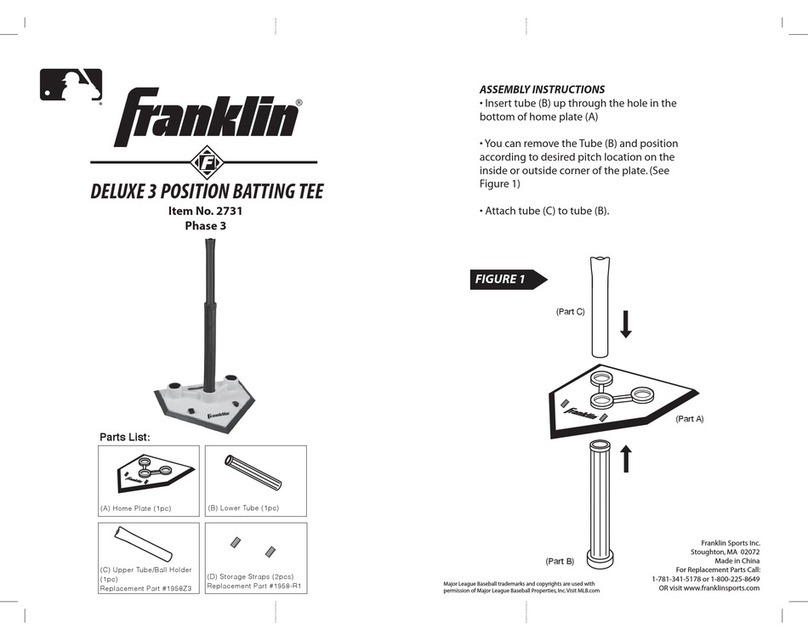
Franklin DELUXE 3 POSITION BATTING TEE User manual

Franklin

Franklin DELUXE 3 POSITION BATTING TEE User manual

Franklin Beach Bumz 53112 User manual

Franklin

Franklin Beach Bumz 53112 User manual

Popular Accessories manuals by other brands

Quincy lab 140AE-1 operating manual

Quincy lab

Quincy lab 140AE-1 operating manual

HomePro ZIR000 user manual

HomePro

HomePro ZIR000 user manual

DOL 20SCR Technical user guide

DOL

DOL 20SCR Technical user guide

RAB Smart Task installation manual

RAB

RAB Smart Task installation manual

Kemppi KMS 300 quick guide

Kemppi

Kemppi KMS 300 quick guide

Stearns 57,500 Series Installation and service instructions

Stearns

Stearns 57,500 Series Installation and service instructions

iGuzzini TWILIGHT COPENAGHEN manual

iGuzzini

iGuzzini TWILIGHT COPENAGHEN manual

Adelaide Annexe & Canvas Avan Deluxe installation guide

Adelaide Annexe & Canvas

Adelaide Annexe & Canvas Avan Deluxe installation guide

OHAUS 5000 instruction manual

OHAUS

OHAUS 5000 instruction manual

HOME8 WLS1300 quick start guide

HOME8

HOME8 WLS1300 quick start guide

MAXBOTIX MaxSonar quick start guide

MAXBOTIX

MAXBOTIX MaxSonar quick start guide

ioSmart iSmart56 Installation and user guide

ioSmart

ioSmart iSmart56 Installation and user guide

Focusrite Scarlett 18i8 user guide

Focusrite

Focusrite Scarlett 18i8 user guide

Velleman ED38105 user manual

Velleman

Velleman ED38105 user manual

JumpSport SkyBounce user manual

JumpSport

JumpSport SkyBounce user manual

Prima-Temp PRIYA Instructions for use

Prima-Temp

Prima-Temp PRIYA Instructions for use

Tefcold BC85I-BC85I W user manual

Tefcold

Tefcold BC85I-BC85I W user manual

Vaisala WMS302 user guide

Vaisala

Vaisala WMS302 user guide

manuals.online logo
manuals.online logoBrands
  • About & Mission
  • Contact us
  • Privacy Policy
  • Terms and Conditions

Copyright 2025 Manuals.Online. All Rights Reserved.

AGES 8+
ELECTRONIC BOXING
ASSEMBLY INSTRUCTIONS
ITEM #14348
Franklin Sports Inc.
Stoughton, MA 02072
Made in China
For replacement parts call
1-781-341-5178 or 1-800-225-8649
OR visit www.franklinsports.com
®
GAME INSTRUCTIONS:
• Press the On/Off button.
• Select game: Boxing or Kick Boxing, by using the select button,
then press enter.
• Select speed: 1-3 by using the select button, then press enter.
• Select number of players: 1 or 2 by using the select button,
then press enter.
• Select time: 1-5 minutes, by using the select button,
then press enter.
• Press Start: hit the targets as they light up.
• When the time expires, the number of hits, misses, and your
percentage will be revealed.
• To turn the game off, hold down the On/Off button.
14
--Small parts.
Not for children under 3 yrs.
Adult assembly required.
CHOKING HAZARD
CAUTION: Keep away from sharp objects that could cause damage.
Keep away from heated surfaces. Use on clean, smooth surface.
Do not over inflate.
For indoor use only

PARTS LIST:
1 Boxing Bag
1 Self-stick Strap
1 Electronic Game Unit (requires 3 “AAA” batteries, not included)
ASSEMBLY INSTRUCTIONS:
• Unfold the boxing bag and fill the base with water. Screw the cap on
tight.
• Inflate the boxing bag with air.
• On back of electronic unit, remove screw from battery compartment
and insert batteries. Requires 3 "AAA" size batteries (not included).
Do not mix old and new batteries. Do not mix alkaline, standard
(carbon-zinc), or rechargeable (nickel-cadmium) batteries. Close the
battery compartment.
• Place the self-stick strap through the back of the electronic game
unit component as pictured. The game unit should be centered
on the strap.
• Connect the game unit to the boxing bag using the wires found toward
the base of the bag.
• Use the self-stick strap to secure the unit around the base of the bag.
• Now you are ready to play!
32