manuals.online logo
Brands
  1. Home
  2. •
  3. Brands
  4. •
  5. FUTABA
  6. •
  7. Receiver
  8. •
  9. FUTABA R303FHS User manual

FUTABA R303FHS User manual

Other FUTABA Receiver manuals

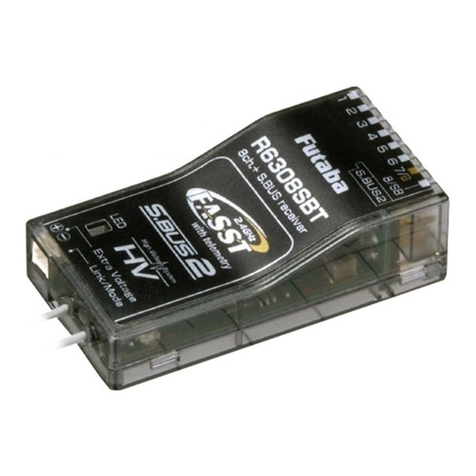
FUTABA R2008SB User manual

FUTABA

FUTABA R2008SB User manual

FUTABA R2006GS User manual

FUTABA

FUTABA R2006GS User manual

FUTABA R6014FS User manual

FUTABA

FUTABA R6014FS User manual

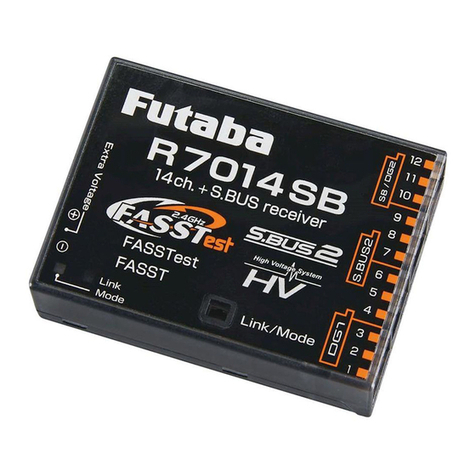
FUTABA R7014SB User manual

FUTABA

FUTABA R7014SB User manual

FUTABA R6202SBW User manual

FUTABA

FUTABA R6202SBW User manual

FUTABA T-FHSS Air R3001SB User manual

FUTABA

FUTABA T-FHSS Air R3001SB User manual

FUTABA FASSTest R7103SB User manual

FUTABA

FUTABA FASSTest R7103SB User manual

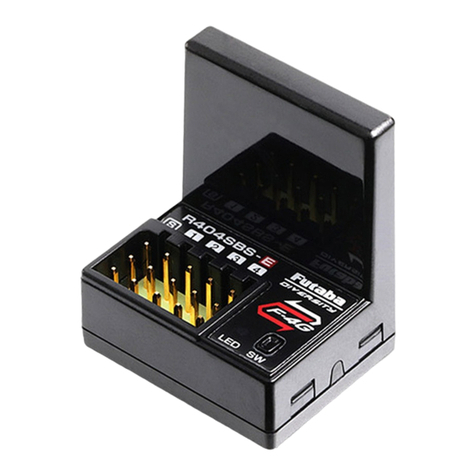
FUTABA R404SBS-E User manual

FUTABA

FUTABA R404SBS-E User manual

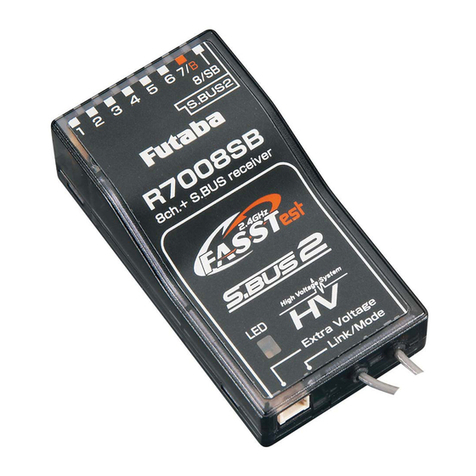
FUTABA R7008SB User manual

FUTABA

FUTABA R7008SB User manual

FUTABA T18SZ User manual

FUTABA

FUTABA T18SZ User manual

FUTABA R404SBS User manual

FUTABA

FUTABA R404SBS User manual

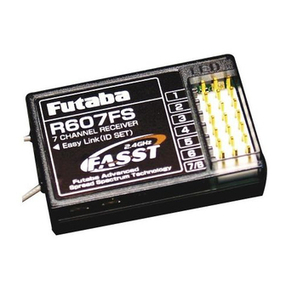
FUTABA R607FS User manual

FUTABA

FUTABA R607FS User manual

FUTABA R3001SB User manual

FUTABA

FUTABA R3001SB User manual

FUTABA R404SBS-E User manual

FUTABA

FUTABA R404SBS-E User manual

FUTABA R2001SB User manual

FUTABA

FUTABA R2001SB User manual

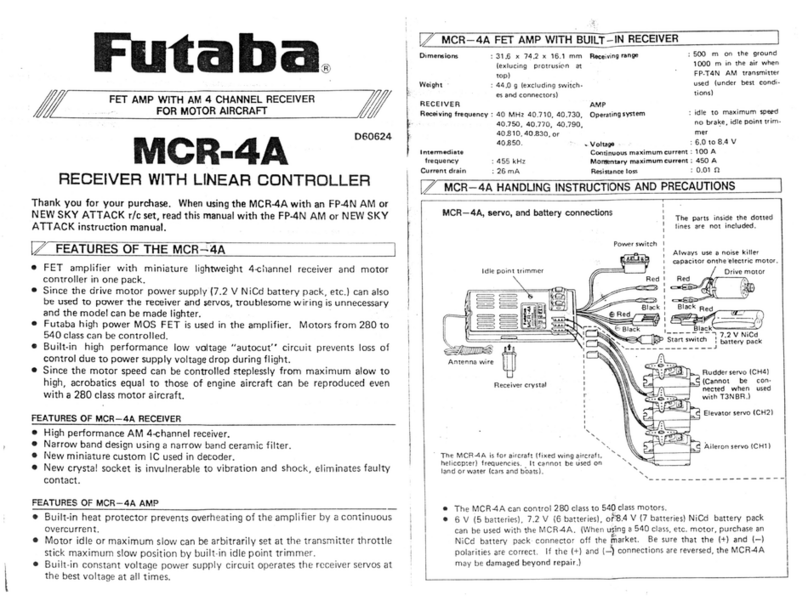
FUTABA MCR-4A User manual

FUTABA

FUTABA MCR-4A User manual

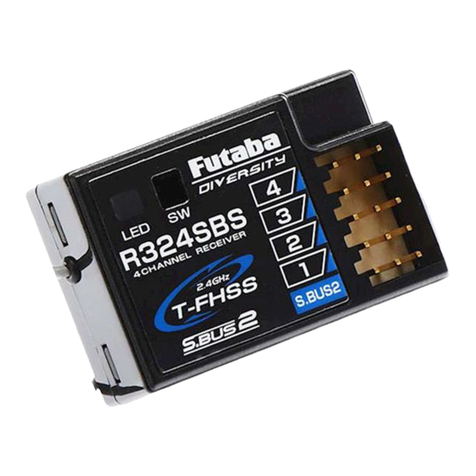
FUTABA R324SBS User manual

FUTABA

FUTABA R324SBS User manual

FUTABA 4PM How to use

FUTABA

FUTABA 4PM How to use

FUTABA R2006GS User manual

FUTABA

FUTABA R2006GS User manual

FUTABA R7308SB User manual

FUTABA

FUTABA R7308SB User manual

FUTABA R3206SBM User manual

FUTABA

FUTABA R3206SBM User manual

FUTABA 4PV User manual

FUTABA

FUTABA 4PV User manual

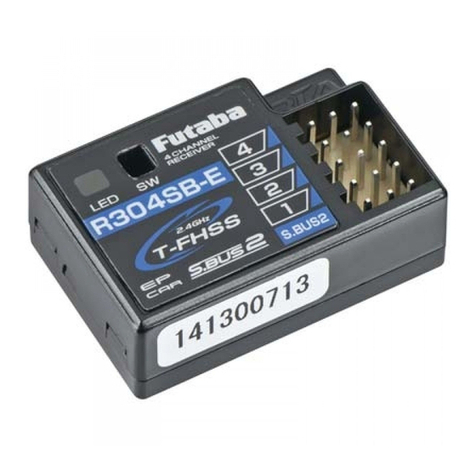
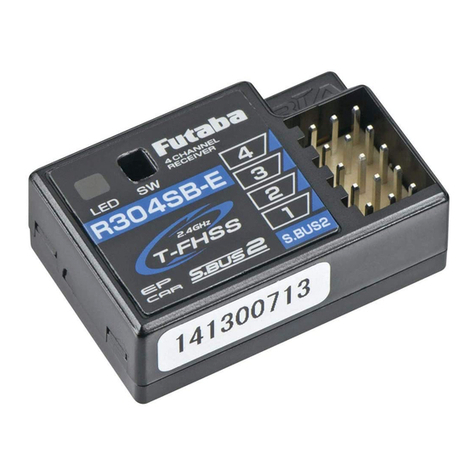
FUTABA R304SB User manual

FUTABA

FUTABA R304SB User manual

FUTABA R3006SB User manual

FUTABA

FUTABA R3006SB User manual

Popular Receiver manuals by other brands

Televes ZAS HD SAT user manual

Televes

Televes ZAS HD SAT user manual

Realistic DX-75 Operating and service instructions

Realistic

Realistic DX-75 Operating and service instructions

Saris 4620 Assembly instructions

Saris

Saris 4620 Assembly instructions

Mini DTR 206C PVR user manual

Mini

Mini DTR 206C PVR user manual

RF Elements TwistPort manual

RF Elements

RF Elements TwistPort manual

Denon DN-200WS user guide

Denon

Denon DN-200WS user guide

Yamaha RX-V467 owner's manual

Yamaha

Yamaha RX-V467 owner's manual

Russound SaphIR 858 instruction manual

Russound

Russound SaphIR 858 instruction manual

Quasonix RDMS Firmware update procedure

Quasonix

Quasonix RDMS Firmware update procedure

Pioneer XV-HTD1 Service manual

Pioneer

Pioneer XV-HTD1 Service manual

ATZ HDMI-V2-44HE150 manual

ATZ

ATZ HDMI-V2-44HE150 manual

Sony XNV-770BT MyTomTom Specifications

Sony

Sony XNV-770BT MyTomTom Specifications

Grundig STR 7122 TWIN Service manual

Grundig

Grundig STR 7122 TWIN Service manual

Creative Blaster Modem user guide

Creative

Creative Blaster Modem user guide

Panduit ATLONA AT-OME-RX11 installation guide

Panduit

Panduit ATLONA AT-OME-RX11 installation guide

VOLTCRAFT UTPS-40 operating instructions

VOLTCRAFT

VOLTCRAFT UTPS-40 operating instructions

JVC KW-ADV794 instructions

JVC

JVC KW-ADV794 instructions

Litelink VT-1001 operating instructions

Litelink

Litelink VT-1001 operating instructions

manuals.online logo
manuals.online logoBrands
  • About & Mission
  • Contact us
  • Privacy Policy
  • Terms and Conditions

Copyright 2025 Manuals.Online. All Rights Reserved.

©FUTABA CORPORATION 2005,12
1M23N17001
R303FHS
0
1
2
3
4
5
6
7
8
9
0
1
2
3
4
5
6
7
8
9
3 Channel, HRS/PPM Auto Detection,
Synthesized Receiver
Futaba R303FHS 3 Channel HRS/PPM Auto Detection
Synthesized receiver is packed in this set.
*Specifications are subject to change without prior notice.
R303FHS RATINGS
INSTRUCTIONS
To install the Synthesized Receiver, make sure the power
switch is in the "off" position.
1
With the supplied plastic screwdriver, carefully turn the slots in each
dial corresponding to the channel number you wish to receive.
2 Change or select the channel of the transmitter to match
the channel you have selected.
3 Turn on the transmitter first and then turn on the receiver.
4 To make sure everything is working properly it is advised
that you perform a range test with the transmitter antenna
shortest position. If you have confirmed that everything is
working properly, then please extend the transmitter antenna
completely when running your models.
•
Output/Battery Connector
"1": CH1 output
"2": CH2 output
"3": CH3 output
"B/C": Power Supply/DSC input
Frequency Dials
Antenna
• Receiving frequency:
(Refer to the package.)
• Intermediate freq.: 455kHz
• Power supply: 6.0V(Nicd 5 cells)
• Current drain: Approx. 95mA
• Size: 27.6x39.5x14.5mm
(1.09x1.56x0.57in.)
• Weight: 17g (0.60oz.)
󾻯CAUTION
For Analog Servo Users;
󾻫Please make sure
that the transmitter's
modulation is set to
"PPM".
Otherwise, the servo may result
in break-down or cause some
improper operation.
Operation with H.R.S mode;
󾻫When use H.R.S mode
always use following
conditions.
Servo; 6V type Digital Servo only
Power supply; 6V Nicd battery
Transmitter setting; "HRS" mode
If the conditions are different,
control is impossible. And Fail
Safe Unit (FSU) is not available.
󾻯WARNING
󾻫Always use only genuine
Futaba transmitters.
Futaba will not be responsible for
problems caused by the use of
other than Futaba genuine parts.
Use the parts specified in the
instruction manual and catalog.
Operating Precautions; Once the R303FHS detect PPM mode or
HRS mode, the detected mode is locked as long as the power is
ON. When need to change the mode, please cycle power. Changing
frequency-CH also needs same operation as above.
First Digit
of channel No.
Second Digit
of channel No.