Navigating.
You can quicklg step through to a specific item you want to change bg pressing the
HEAT/COOL button until the item gou want to change is flashing. When the item gou want
to change is flashing, use the UP or DOWN button to make gour change.
Exiting program mode.
Pressing the PROGRAM button at any time will exit you out of the programming mode, save
your changes to memory and return gou to normal thermostat operation.
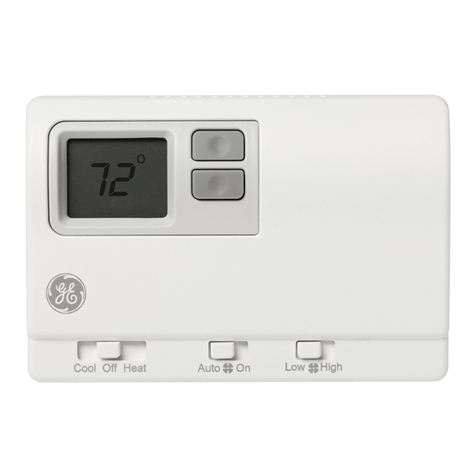
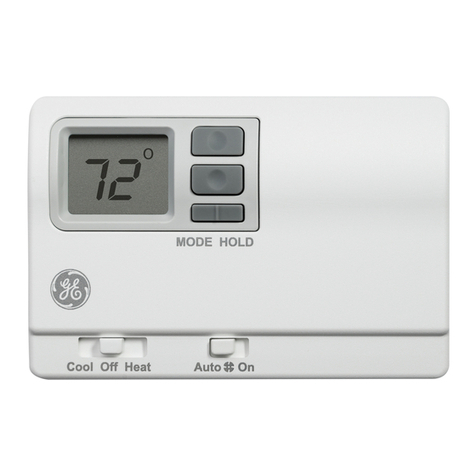
Run button -program/manual operation.
The RUN button toggles the thermostat between program operating mode and manual
operating mode. When in the program mode, gour thermostat responds to the times and
temperatures programmed.
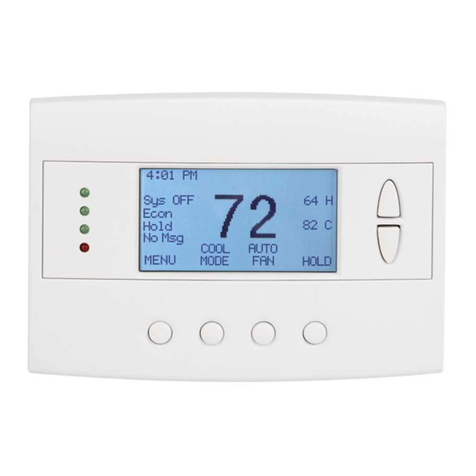
Program Mode ,_,1One of the four periods, in this case "Day," is displayed, letting you _:_r_o_ 5_"
know which period of the day it is in. _u
Changing temperature while running aprogram.
You can always change the temperature up or down while a program is running. However,
when the program moves to the next period, the programmed set point temperature for that
period will start. For instance, assume the current program period is Evening, with a programmed
temperature of 70° and the next period, Night, is programmed for 65°,scheduled to start at
11 pm. If during the Evening time period gou want it warmer, press the UP button and raise the
temperature above 70°.The thermostat will hold that temperature until the next programmed
period comes around, at which point the temperature will adjust to what is programmed. In
this case, the Night period is set for 11 pm and 65°.
When in the manual mode, there will be no time period displayed. _no
Instead, the word "Hold" will be displayed above the Set Point tern- _u
perature, indicating the thermostat is holding that temperature.
Adjust to the desired temperature, using the UP and DOWN buttons, and the thermostat will
maintain the temperature you set until gou manuallg change it again.