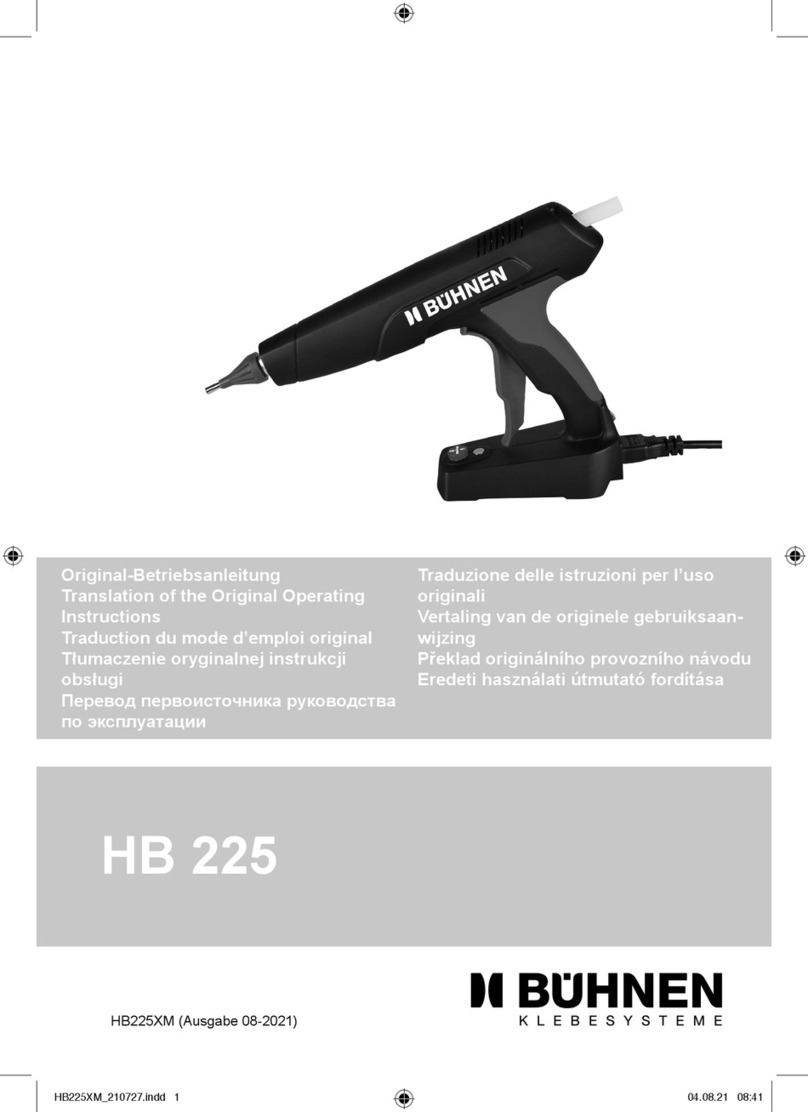
Champ™ 600 Hot Melt Glue Gun
Glue Machinery Corporation™
4234 Boston St, Baltimore, Maryland 21224
Toll
F
ree
1-
888-202-2468 | Phone: 410-761-2727 | Fax: 410-761-5127 | Email: [email protected]
Temperature Adjustment
Manual thermostat adjustment instructions for Champ™600
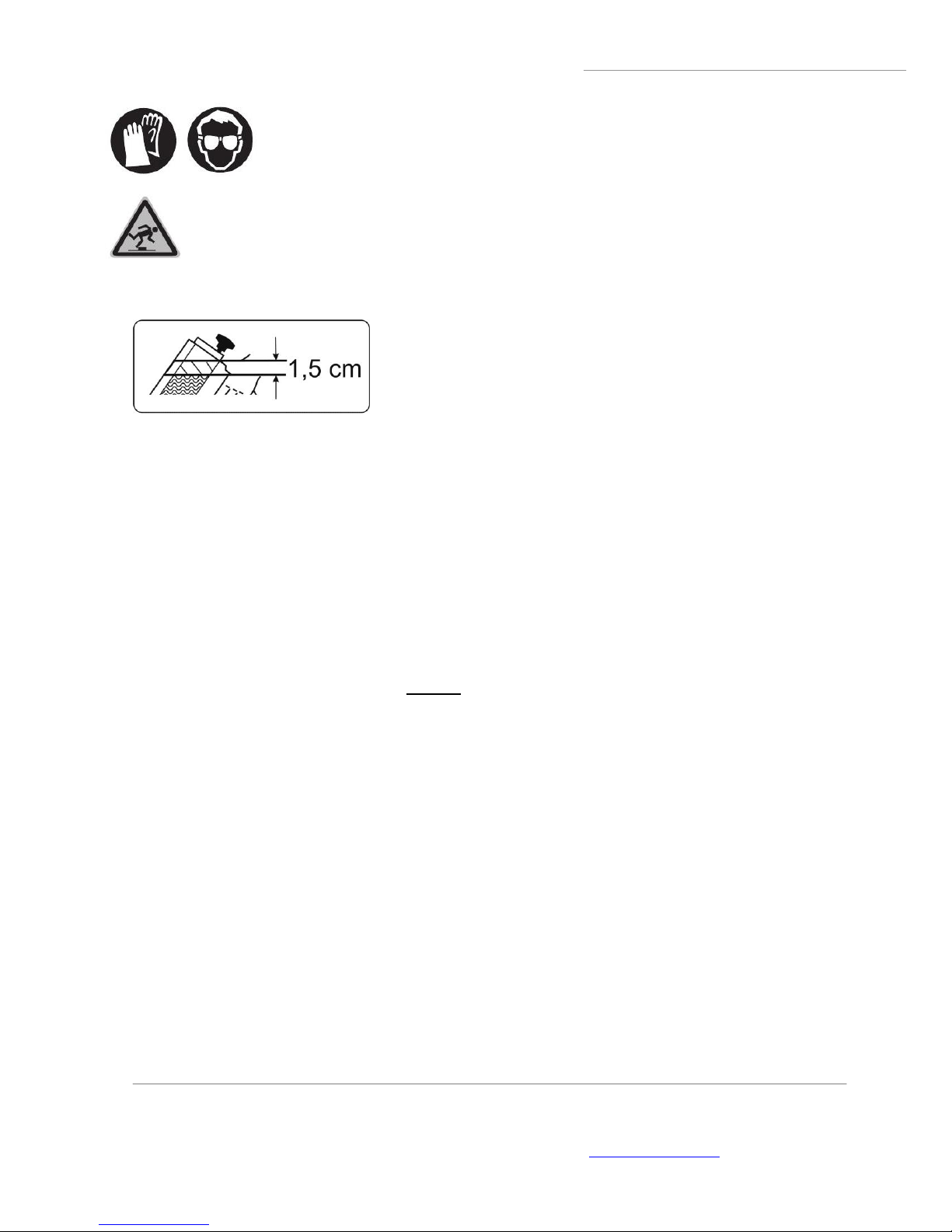
1. Read and understand the manual prior to operating this equipment. Wear proper protective equipment while
operating or servicing this equipment. Only trained operators should be designated to make thermostat
adjustments to this equipment.
2. With the equipment hot, dispense all of the material from the tank; this is required to properly adjust.
Disconnect the equipment from power before servicing the thermostat. Locate the thermostat adjustment port;
this will be located on the top of the Champ™600 case.
3. Using a 3/16” slotted screwdriver, insert the screwdriver into the port engaging the flats on the top of the
thermostat stud. Turn the thermostat stud counter clockwise until stop, reconnect the equipment to power and
turn on. Do not force the thermostat if there is any resistance.
If fumes come from the tank at any point during this procedure, turn the equipment off and turn the
thermostat adjustment stud counterclockwise until stop and restart the adjustment.
4. Let the equipment heat for 15 minutes while closely monitoring the internal tank temperature at the bottom
most location of the tank with a thermometer, bead probe sensor or laser temperature probe. Once this
temperature has stabilized this will be your factory set lowest temperature.
5. Power the equipment off and disconnect from the machine from the power source. Turn the thermostat
adjustment stud clockwise 1/2 turn then reconnect the equipment to power and turn on. Let the equipment heat
for 15 minutes while closely monitoring the internal tank temperature at the bottom most location of the tank with
a thermometer. Again, once this has stabilized this will be your average mid-range operating temperature.
5a. If higher tank operation temperatures are required, turn off the power and disconnect the equipment
from power. Turn the thermostat adjustment stud clockwise 1/4 turn then reconnect the equipment to
power and turn on. Let the equipment heat for 15 minutes while closely monitoring the internal tank
temperature at the bottom of the tank with a thermometer. Repeat this step until the desired higher
operating temperatures are achieved or the maximum clockwise stop is reached.
6. Once the desired operating temperature is achieved, fill the tank with approved hot melt adhesive and close
and secure the tank lid. Let the equipment heat for 20 minutes then slowly squeeze the trigger to properly prime
the piston pump while closely monitoring the dispensing material for degradation. If the material appears to be
darker than the hot melt prior to melting or it smokes when extruded please consider lowering the gun
temperature. Please note that all hot melts have a “Pot Life” and will start degrading with high temperature
exposure over time.
Basic Factory Settings:
Low temperature 295°F / Average mid-range temperature 360°F / Maximum temperature 435°F
Recommend thermometer: G71E47-001 Infrared Laser Thermometer
Estimated temperature change with 1/4 turns to the thermostat stud: 25°F
Average temperature fluctuations for mechanical thermostat 20°F +/-