10
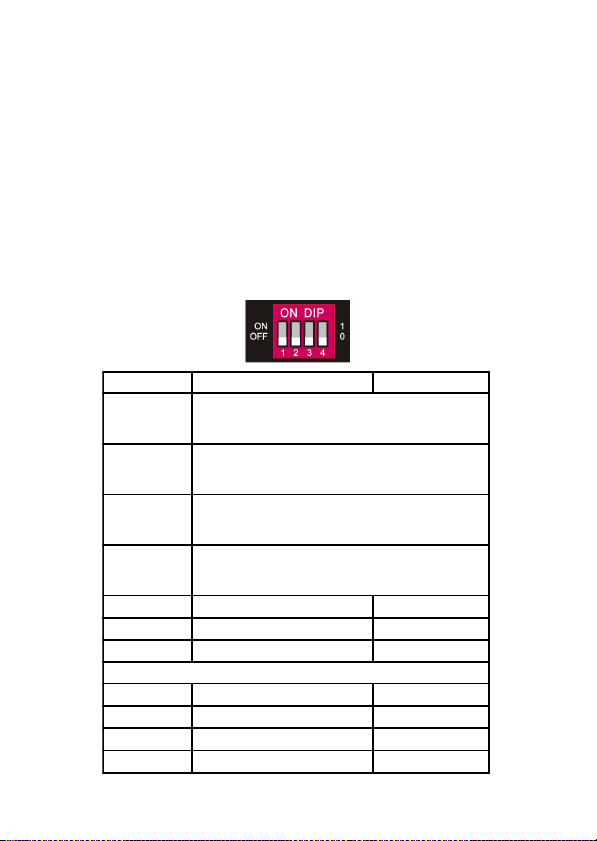
Predefined EDID
Switch Status Video Resolutions Audio Format
0000
The source device will automatically obtain the EDID
of the display connected to HDMI Out 1 and use it for
all the connected displays
0001
The source device will automatically obtain the EDID
of the display connected to HDMI Out 2 and use it for
all the connected displays
0010
The source device will automatically obtain the EDID
of the display connected to HDMI Out 3 and use it for
all the connected displays
0011
The source device will automatically obtain the EDID
of the display connected to HDMI Out 4 and use it for
all the connected displays
0100 720p LPCM
0101 1080p LPCM
0110 1080p DTS/Dolby
The settings below support mixed 4K and 1080p displays
0111 3840x2160p@30Hz LPCM 2ch
1000 3840x2160p@30Hz DTS/Dolby 5.1ch
1001 3840x2160p@60Hz LPCM 2ch
1010 3840x2160p@60Hz DTS/Dolby 5.1ch
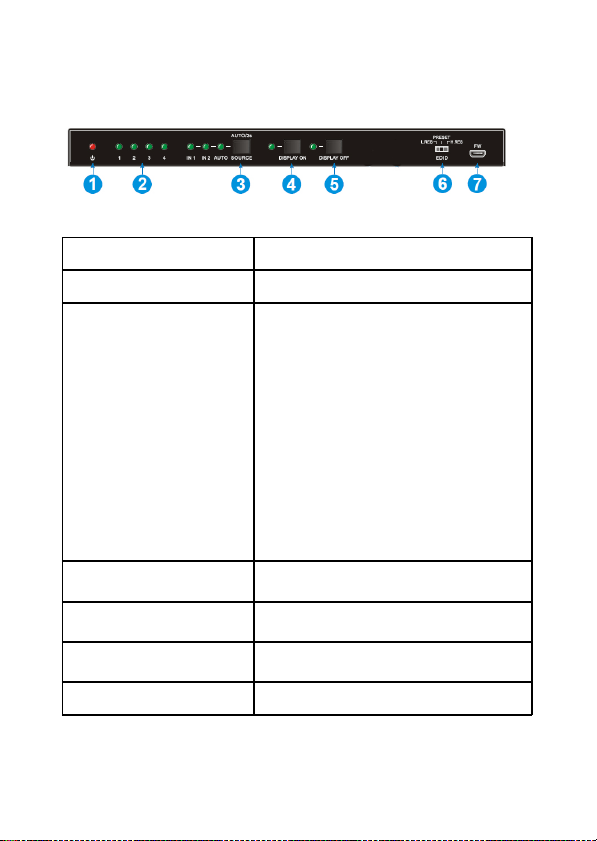
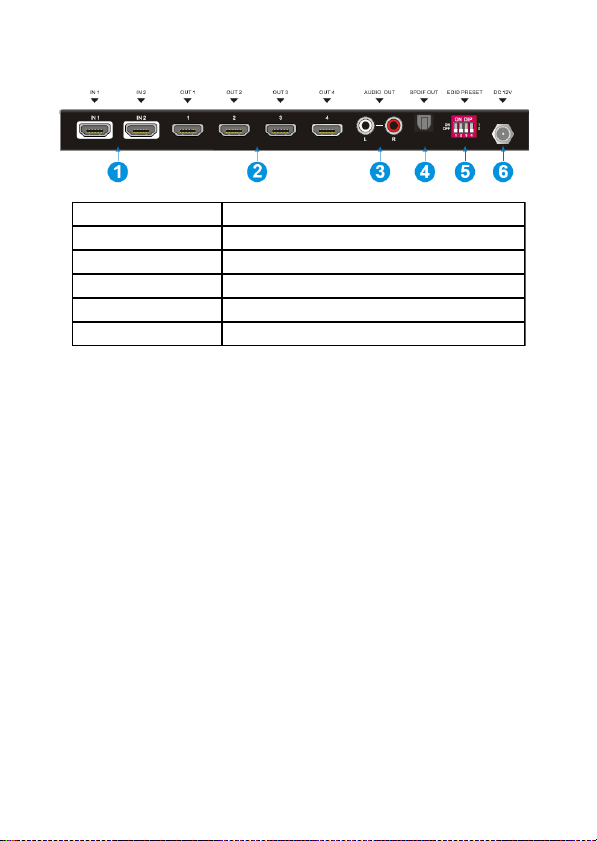
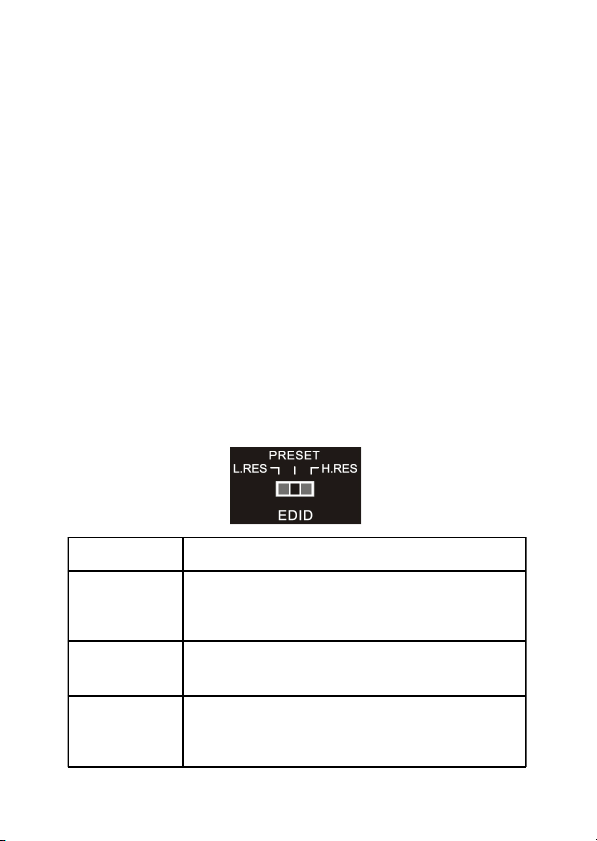
When the 3-Pin DIP switch on the front panel is in
PRESET mode, the 4-Pin DIP switch on the rear
panel can be used to set the EDID to a built-in fixed
value. Use the following table to determine the
settings for the 4-Pin DIP switch for specific video
resolution and audio capabilities.
The lower switch position represents "0", and the
upper switch position represents "1".