7
Hardware Installation
1. Power off all devices including your HDMI
source(s) and HDMI display(s).
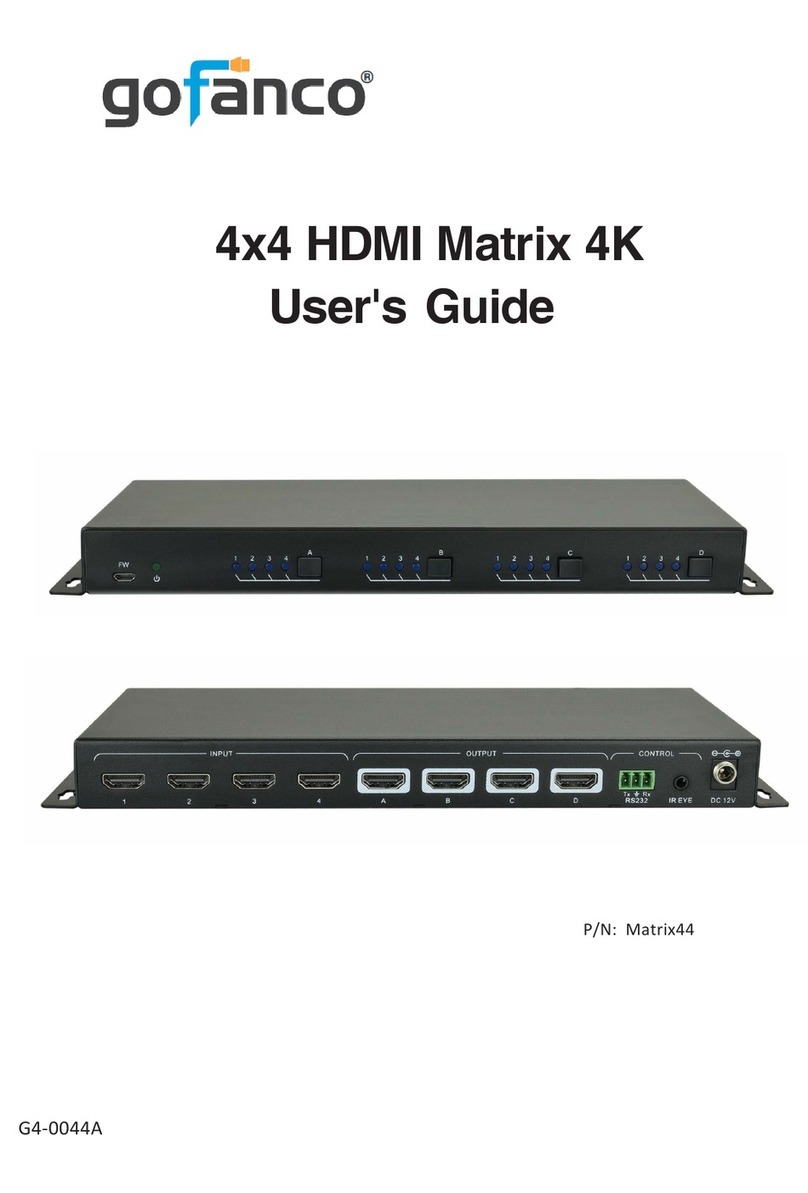
2. Connect your HDMI source device(s) to the
HDBaseTMatrix HDMI Input connector(s)withan
HDMI cable (HDMI cable not included).
3. Connect your CAT cable between the HDBaseT
Matrix and HDBaseT Receivers.
4. Connect HDMI display(s) to the HDMI Output(s)
of the HDBaseT Matrix using HDMI cable(s)
(HDMI cable not included).
5. Connect your HDMI display to the HDBaseT
Receiver'sHDMI Output port withanHDMI cable.
6. Optional: Connect the IR Receiver cable and the IR
Emitter cable to the IR interface port. This
connection is needed only if you need to control
your HDMI devices from the remote location. See
IR Control, on page 9 for proper IR connection.
7. Optional: Connect speakers or AVR amplifier to
the Toslink output port(s)
8. Optional: Connect the included RS232 cable
between the matrix' RS232 socket and your PC's
serial port or a CAT cable between the matrix'
ethernet port and router or PC's ethernet port. This
connection is needed only if matrix device control
using a PC is requred.
9. Plug the included power adapter into the matrix'
Power Jack, then plug the power adapter into a
reliable power outlet.
10. Power on all connected devices. The Matrix is
ready for use.