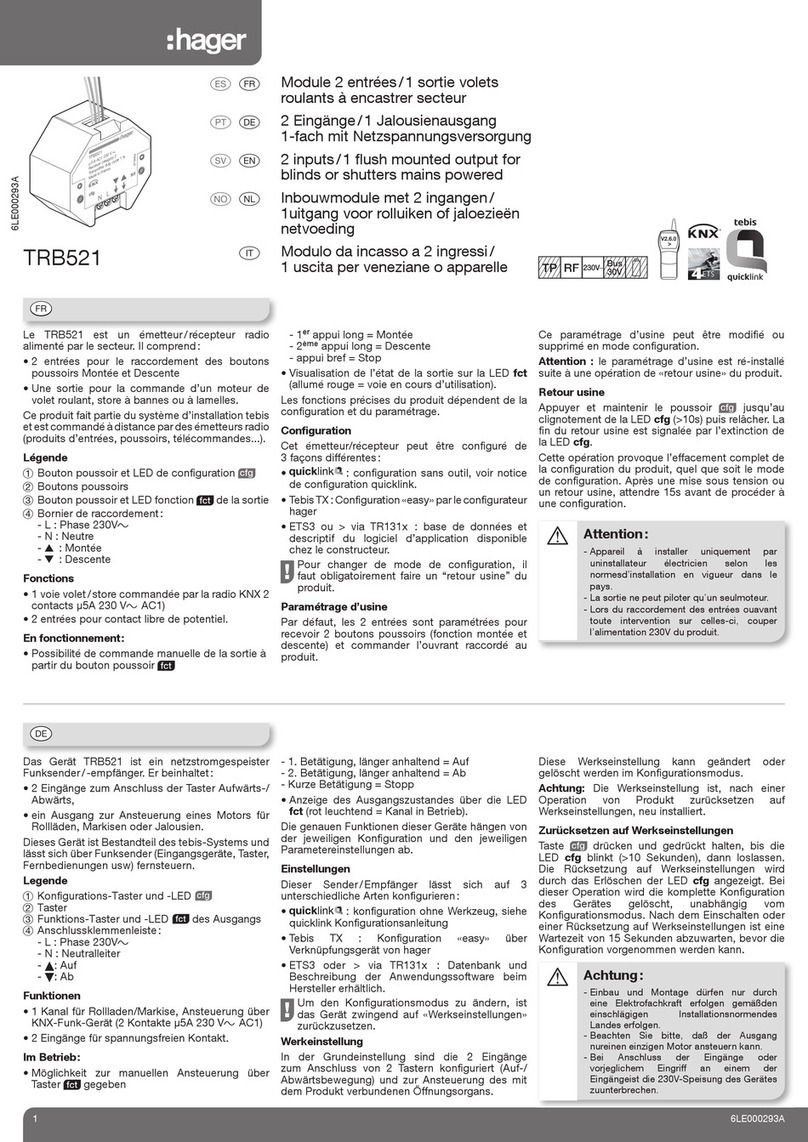
Configuring a function (5 steps)
Action Result
Starting configuration
Give a short press on the Jbutton of
the transmitter or transmitter/receiver. The cfg •LEDs of all the
receivers and the emitter
come on.
Input selection
Give a short press on the button or a
double switchover of the switch to be
configured.
The cfg •LED of the emitter
flashes for 1 s.
Function selection
Select the function by successive short
presses on the Kbutton of the receiver
to be controlled.
Scrolling of the functions
indicated by the colour of the
fct LED on the receiver (see list).
Confirmation of the function
Press for > 2s on button Kof the
receiver until the cfg •LED flashes.
The function identified by the
colour of the fct LED is confirmed.
Exiting configuration mode
Give a short press on the J
button of the transmitter or transmitter/
receiver.
The cfg •LEDs of all the
receivers and the emitter go out.
End of configuration.
Display of a configured function
In step 2the fct LED indicates the colour of the
configured function.
Group control
Repeat steps 3and 4on the other receivers to
be integrated in a group.Only the function selected
on the first receiver and clearing will be available
for selection on the other receivers.
Editing a configured function
In step 3,you can edit the displayed function,
except in the case of group control where it is
necessary to clear the receivers of the group
before choosing a new function.
Clearing a configured function
In step 3select the "Clear" function and then
confirm in step 4.
Settings
Setting: Duration of the timer/scenario blocking
Setting of these parameters is required for:
• changing the value of the timer,
• authorising or prohibiting editing of a scenario
by the user.
Example: Example: editing the duration of the timer
After having confirmed the timer function in step
4, (the actuator then flashes in timer mode),
follow the steps below to select a value from the
table of values, or else repeat steps 1, 2and 4a.
Error signals
A very rapidly flashing cfg •LED indicates an error
or an incompatible link. (e.g. a group control mixing
lighting and shutter commands).
System limit
A product may be linked to a maximum to 20 other
products.
Timer function
A long press (> 1 second) of the timer control
button stops the timer (except for the TRM694AU,
timer = pulse function without interruption)
Action Result
Press for > 5 s on button Kof the receiver
until the cfg •LED flashes.
The fct LED goes o and then indicates the default
value by the number of flashes.
Select the value by successive short presses
on button K.
Scrolling of the values indicated by the number of
flashes of the fct LED.
Press for > 2 s on button Kof the receiver
until the cfg •LED flashes. The selected function is confirmed.
Exit configuration mode by a short press on
the Jbutton. The cfg LED goes o; return to normal operation.
Number of flashes Timer value Scene lock
1
1 s
2
30 s
3
1 min
4
2 min
5
3 min *
6
5 min
7
15 min
8
30 min
9
1 h
10
3 h
Setting the values
*: Default value
In1 In2
cfg
TRM702AU
IP30
In1 In2
cfg
TRM702AU
IP30
In1 In2
cfg
TRM702AU
IP30
cfg
In1 In2
fct
TRM6xxAU
cfg
In1 In2
fct
TRM6xxAU
In1 In2
TRM702AU
IP30
cfg
cfg fct
TRM6xxAU
cfg
In1 In2
fct
TRM6xxAU
2x3x…
…
1x4x
fct
1x
2x
3x
4x…
cfg fct
TRM6xxAU
fct
In1 In2
cfg
TRM702AU
IP30
cfg
In1 In2
fct
TRM6xxAU
cfg
In1 In2
fct
TRM6xxAU
2x3x…
…
1x4x
In1 In2
cfg
TRM702AU
IP30
cfg
In1 In2
fct
TRM6xxAU
cfg
In1 In2
fct
TRM6xxAU
3 6LE005080D