3Note–Capacity
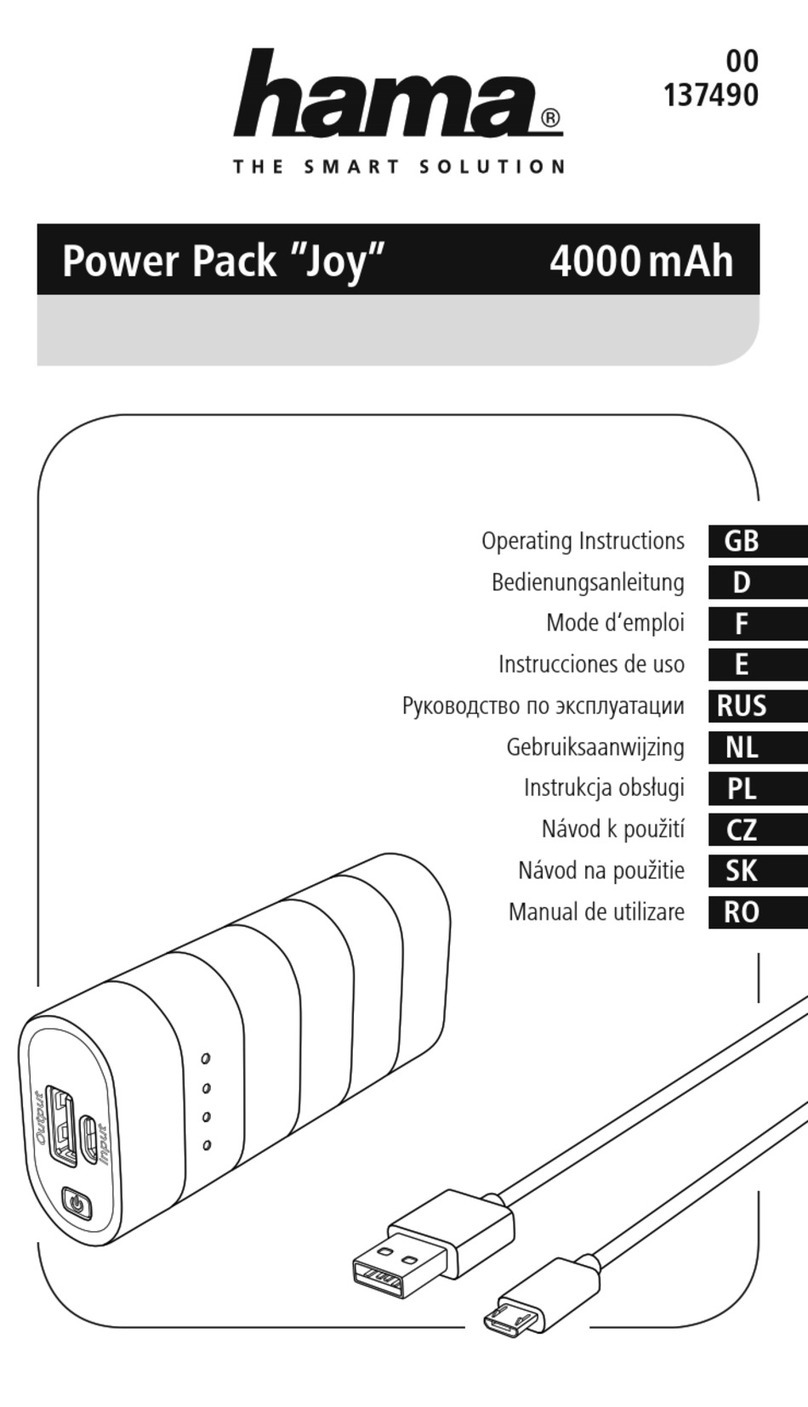
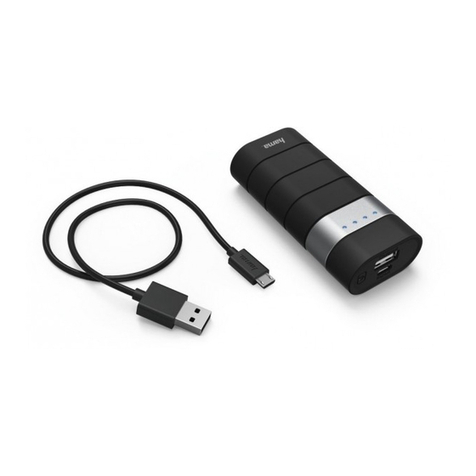
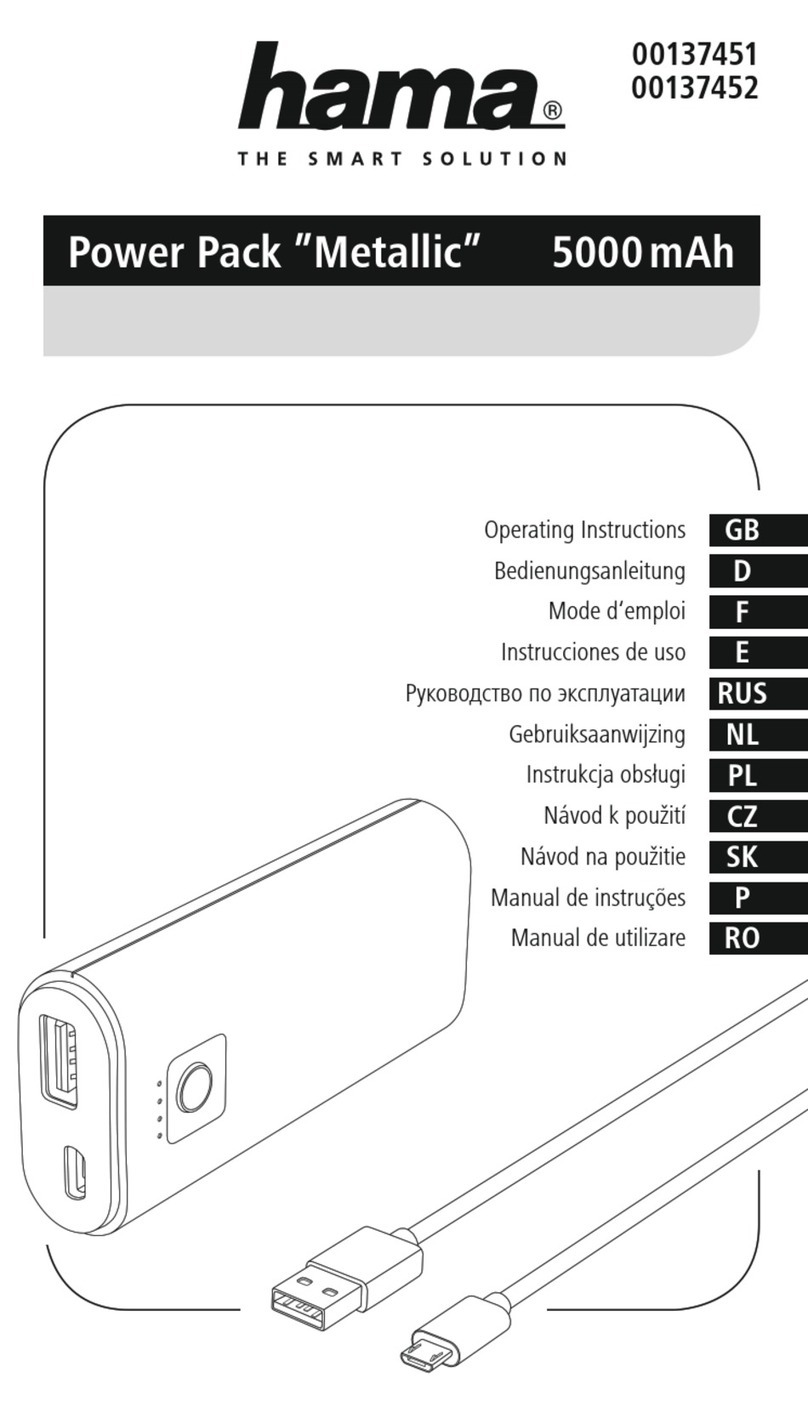
•ThecapacityisalwaysshownwhenthePowerPackischarging.•EachstatusLEDcorrespondsto25%ofthecapacity.WhenanLEDispermanentlyilluminated,thisindicatesthatthiscapacitylevelhasalreadybeenreached.ThePowerPackischargedtoatleast75%ifthreeLEDsareilluminated,andthefourthisashing.•IfallfourstatusLEDslightup,thefullcapacityisavailable.•PressthebuttonofthePowerPacktoswitchitonandtocheckitscurrentcapacity.•ToswitchthePowerPackoff,pressandholdthebuttonuntilthestatusLEDsgoout.
Warnung–Battery
•OnlyusesuitablechargingdevicesorUSBconnectionsforcharging.•Asarule,donotchargedevicesorUSBconnectionsthataredefectiveanddonottrytorepairthemyourself.•Donotoverchargetheproductorallowthebatterytocompletelydischarge.•Avoidstoring,chargingorusingbatteriesinextremetemperatures.•Whenstoredoveralongperiodoftime,batteriesshouldbechargedregularly(atleasteverythreemonths).
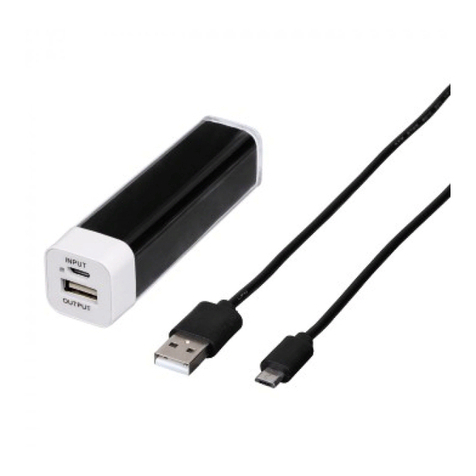
4.2Chargingterminaldevices•ConnecttheincludedMicro-USBcharging/connectingcabletotheUSBportonthepowerpack(OUT5V/2.1A)andtotheMicro-USBportonyourterminaldevice(mobilephone,smartphone,etc.).•TheMicro-USBcharging/connectingcableincludedmaynotbesuitablefortheUSBconnectiononyourterminaldevice.Inthiscase,usetheUSBcablethatwasincludedwithyourterminaldevice.•Tostartcharging,pressthebuttonofthePowerPack.ThestatusLEDsshowtheremainingcapacitywhenthePowerPackischarging.•Thecurrentbatterystatusofyourterminaldevicewillappearonthisdevice.•PressthebuttonofthePowerPacktostopchargingandtoswitchitoff.ThestatusLEDsshouldswitchoff.•ThePowerPackwillautomaticallyswitchoffifitisnotconnectedtoaterminaldevice.Warning–Connectingterminaldevices•Beforeconnectingaterminaldevice,checkwhetherthepoweroutputofthechargercansupplysucientpowerforthedevice.•Ensurethatthetotalpowerconsumptionoftheconnectedterminaldevicedoesnotexceed2100mA.•Pleaserefertotheinstructionsintheoperatingmanualofyourterminaldevice.•Itisessentialthatyouobservethesespecicationsandthesafetyinstructionsregardingthepowersupplyofyourdevices.•Thepowerpackmustnotbechargedanddischargedatthesametime!