manuals.online logo
Brands
  1. Home
  2. •
  3. Brands
  4. •
  5. Hasbro
  6. •
  7. Toy
  8. •
  9. Hasbro FurReal friends Happy to See Me Pets Baby Cuddles My Giggly Monkey... User manual

Hasbro FurReal friends Happy to See Me Pets Baby Cuddles My Giggly Monkey... User manual

This manual suits for next models

1

Other Hasbro Toy manuals

Hasbro TRANSFORMERS Cybertron Megatron User manual

Hasbro

Hasbro TRANSFORMERS Cybertron Megatron User manual

Hasbro Marvel Spider-Man Homecoming User manual

Hasbro

Hasbro Marvel Spider-Man Homecoming User manual

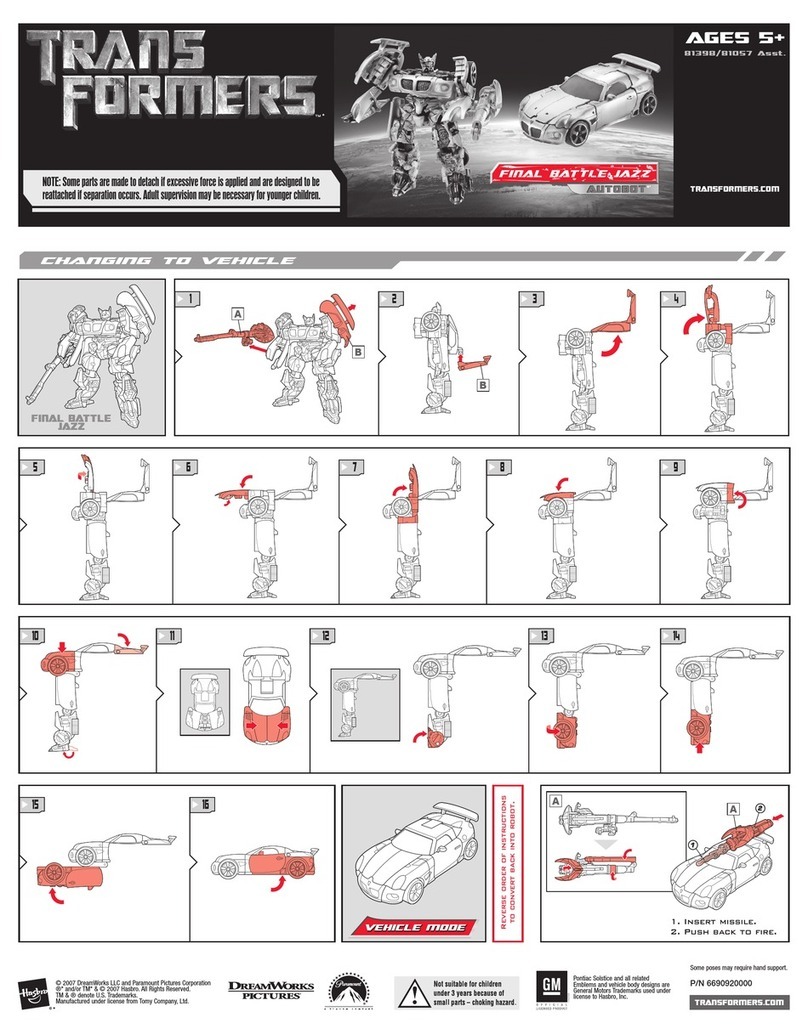
Hasbro Transformers 81057 Asst. User manual

Hasbro

Hasbro Transformers 81057 Asst. User manual

Hasbro Disney The Lion King MIGHTY ROAR SIMBA User manual

Hasbro

Hasbro Disney The Lion King MIGHTY ROAR SIMBA User manual

Hasbro FurReal Friends Newborn Lamb 76896/7687 User manual

Hasbro

Hasbro FurReal Friends Newborn Lamb 76896/7687 User manual

Hasbro MARVEL SPIDER-MAN WEB SHOTS User manual

Hasbro

Hasbro MARVEL SPIDER-MAN WEB SHOTS User manual

Hasbro TRANSFORMERS OPTIMUS PRIME T-REX User manual

Hasbro

Hasbro TRANSFORMERS OPTIMUS PRIME T-REX User manual

Hasbro Trans Formers 83808 User manual

Hasbro

Hasbro Trans Formers 83808 User manual

Hasbro Build 'em Bash 'em User manual

Hasbro

Hasbro Build 'em Bash 'em User manual

Hasbro Playskool Friends Musical Celebration Castle Featuring My Little... User manual

Hasbro

Hasbro Playskool Friends Musical Celebration Castle Featuring My Little... User manual

Hasbro My Little Pony Blossomforth's Dance Jamboree... User manual

Hasbro

Hasbro My Little Pony Blossomforth's Dance Jamboree... User manual

Hasbro Batman Revenge of the Penguin User manual

Hasbro

Hasbro Batman Revenge of the Penguin User manual

Hasbro Pup Pourri Barking Puppy 72475 User manual

Hasbro

Hasbro Pup Pourri Barking Puppy 72475 User manual

Hasbro Baby Alive Better Now Baby User manual

Hasbro

Hasbro Baby Alive Better Now Baby User manual

Hasbro Transformers 83501 User manual

Hasbro

Hasbro Transformers 83501 User manual

Hasbro Brother Bear Super Switchin Kenai 34927 User manual

Hasbro

Hasbro Brother Bear Super Switchin Kenai 34927 User manual

Hasbro Tread Bolt 83854 User manual

Hasbro

Hasbro Tread Bolt 83854 User manual

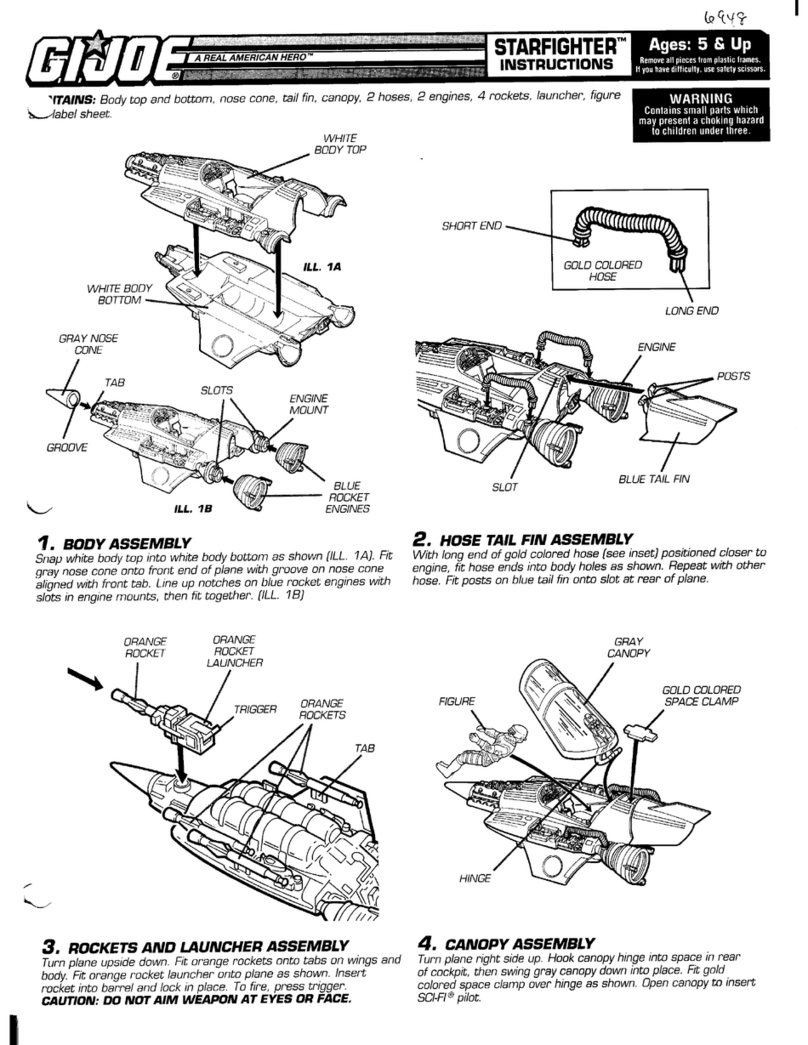
Hasbro G.I.Joe Starfighter User manual

Hasbro

Hasbro G.I.Joe Starfighter User manual

Hasbro My Little Pony Butterfly Island Adventure... User manual

Hasbro

Hasbro My Little Pony Butterfly Island Adventure... User manual

Hasbro Easy-Bake 65819 User manual

Hasbro

Hasbro Easy-Bake 65819 User manual

Hasbro Marvel Avengers Titan Ant-Man User manual

Hasbro

Hasbro Marvel Avengers Titan Ant-Man User manual

Hasbro NERF Power Moves E7372 User manual

Hasbro

Hasbro NERF Power Moves E7372 User manual

Hasbro FurReal friends GOGO My Walking Pup Setup guide

Hasbro

Hasbro FurReal friends GOGO My Walking Pup Setup guide

Hasbro Rising Tide Barrel Roll 6576 User manual

Hasbro

Hasbro Rising Tide Barrel Roll 6576 User manual

Popular Toy manuals by other brands

FUTABA GY470 instruction manual

FUTABA

FUTABA GY470 instruction manual

LEGO 41116 manual

LEGO

LEGO 41116 manual

Fisher-Price ColorMe Flowerz Bouquet Maker P9692 instruction sheet

Fisher-Price

Fisher-Price ColorMe Flowerz Bouquet Maker P9692 instruction sheet

Little Tikes LITTLE HANDIWORKER 0920 Assembly instructions

Little Tikes

Little Tikes LITTLE HANDIWORKER 0920 Assembly instructions

Eduard EF-2000 Two-seater exterior Assembly instructions

Eduard

Eduard EF-2000 Two-seater exterior Assembly instructions

USA Trains EXTENDED VISION CABOOSE instructions

USA Trains

USA Trains EXTENDED VISION CABOOSE instructions

Modellbau Laffont Z1601 Assembly instructions

Modellbau Laffont

Modellbau Laffont Z1601 Assembly instructions

NOCH 12905 instruction manual

NOCH

NOCH 12905 instruction manual

Eduard Ki-61-Id quick start guide

Eduard

Eduard Ki-61-Id quick start guide

Viessmann Vollmer 45616 Mounting instruction

Viessmann

Viessmann Vollmer 45616 Mounting instruction

Vollmer 42004 Mounting instruction

Vollmer

Vollmer 42004 Mounting instruction

Phoenix Model CLASSIC-EP instruction manual

Phoenix Model

Phoenix Model CLASSIC-EP instruction manual

H-KING Sopwith Camel British WW1 Fighter instruction manual

H-KING

H-KING Sopwith Camel British WW1 Fighter instruction manual

MODSTER Predator 4x4 Crawler user manual

MODSTER

MODSTER Predator 4x4 Crawler user manual

DHK Hobby 8136 User instruction manual

DHK Hobby

DHK Hobby 8136 User instruction manual

THUNDER TIGER Raptor 50 V2 kit manual

THUNDER TIGER

THUNDER TIGER Raptor 50 V2 kit manual

Timberkits Skateboarder instructions

Timberkits

Timberkits Skateboarder instructions

Hangar 9 Funtana 125 Assembly manual

Hangar 9

Hangar 9 Funtana 125 Assembly manual

manuals.online logo
manuals.online logoBrands
  • About & Mission
  • Contact us
  • Privacy Policy
  • Terms and Conditions

Copyright 2025 Manuals.Online. All Rights Reserved.

1 2
TRY ME / OFF / ON
NOTE: To conserve battery life,
slide TRY ME/OFF/ON switch to OFF
when pet is not in use.
Quickly press tummy. She'll wiggle, rock excitedly, wave her
arms, and make adorable baby animal sounds!
Press and hold her tummy to enter Go Bananas Mode for
even more excited motions and sounds!
After a period of inactivity, Baby Cuddles will quietly shut down.
Press her tummy to start playing again!
TRY ME / OFF / ON
®
aby Cudles
My Giggly Monkey™
Happy to See Me Pets
™
Product and colors may vary.
Replace demo batteries with alkaline batteries.
Use a Phillips/cross head screwdriver (not included).
AGES
4+
x3
1.5VAA
ALKALINE BATTERIES REQUIRED
DEMO BATTERIES INCLUDED
FCC STATEMENT
This device complies with Part 15 of the FCC Rules. Operation is subject to the following two conditions: (1) This device may not cause harmful interference, and (2) this device
must accept any interference received, including interference that may cause undesired operation.
NOTE: This equipment has been tested and found to comply with the limits for a Class B digital device, pursuant to Part 15 of the FCC Rules. These limits are designed to provide
reasonable protection against harmful interference in a residential installation. This equipment generates, uses and can radiate radio frequency energy, and, if not installed and
used in accordance with the instructions, may cause harmful interference to radio communications. However, there is no guarantee that interference will not occur in a particular
installation. If this equipment does cause harmful interference to radio or television reception, which can be determined by turning the equipment o and on, the user is
encouraged to try to correct the interference by one or more of the following measures:
• Reorient or relocate the receiving antenna.
• Increase the separation between the equipment and receiver.
• Consult the dealer or an experienced radio/TV technician for help.
CAUTION: Changes or modications to this unit not expressly approved by the party responsible for compliance could void the user’s authority to operate the equipment.
CAN ICES-3 (B) / NMB-3 (B)
IMPORTANT: BATTERY INFORMATION
CAUTION:
1. TO AVOID BATTERY LEAKAGE
a. Always follow the instructions carefully. Use only batteries specified and be sure to insert them
correctly by matching the + and – polarity markings.
b. Do not mix old batteries and new batteries or standard (carbon-zinc) with alkaline batteries.
c. Remove exhausted or dead batteries from the product.
d. Remove batteries if product is not to be played with for a long time.
e. Do not short-circuit the supply terminals.
f. RECHARGEABLE BATTERIES: Do not mix these with any other types of batteries.
Always remove from the product before recharging.
Recharge batteries under adult supervision. DO NOT RECHARGE OTHER TYPES OF BATTERIES.
2. Should this product cause, or be affected by, local electrical interference, move it away from other electrical equipment.
Reset (switching off and back on again or removing and re-inserting batteries) if necessary.
TROUBLESHOOTING
• If pet isn't responding correctly, you may be
interrupting her animations. Wait until she
completes her movements before pressing her
tummy again.
• If she still isn't functioning properly, move the
TRY ME/OFF/ON switch to the OFF position for a
few seconds, then back to the ON position and
press her tummy.
If this doesn't work, it may be time to
change the batteries.
CLEANING
Gently brush with a clean cloth or soft brush
and wipe o dirt immediately.
Do not use detergent or stain removers.
Do not get wet.
To remove stains, use a slightly damp cloth.
A8756/A5717 Asst.
Questions? Call US/CANADA
☎ 1-800-255-5516
Product and colors may vary.
© 2014 Hasbro.
All Rights Reserved.
TM & ®denote U.S.Trademarks.
PN: 7457010000