1.To insert the
battery, open the
battery door by
gently pulling
back on the
latch.
3.Insert the
charged battery
as shown and
connect the
battery wire to
the dog’s wire.
2.Release the
battery latch and
swing back the
battery’s locking
arm.
4.Tuck in the
connected
wires and
close the
battery door.
US
1. Connect the battery to the
charge terminal.
2. Have an adult to plug the
charger into a standard outlet.
2.
1.
PROJECT NAME DESCRIPTION REV. DATE PAGE
70-699 i-Cybie 07 09/14/2001 01Instruction
78
3. Charge the battery for 4 hours. Do not remove
the battery from the charger when the initial charging
cycle has not completed.
4. The battery will then only take 4 hours to re-charge once it has been
drained from the first time charging.
5. Allow charging at a cool dry place with good ventilation.
6. If the battery starts to feel warm; disconnect it from the charger &
remove the plug.
INSTALLING THE BATTERY
1.Unscrew and remove
the battery
compartment door on
the back of your
remote control.
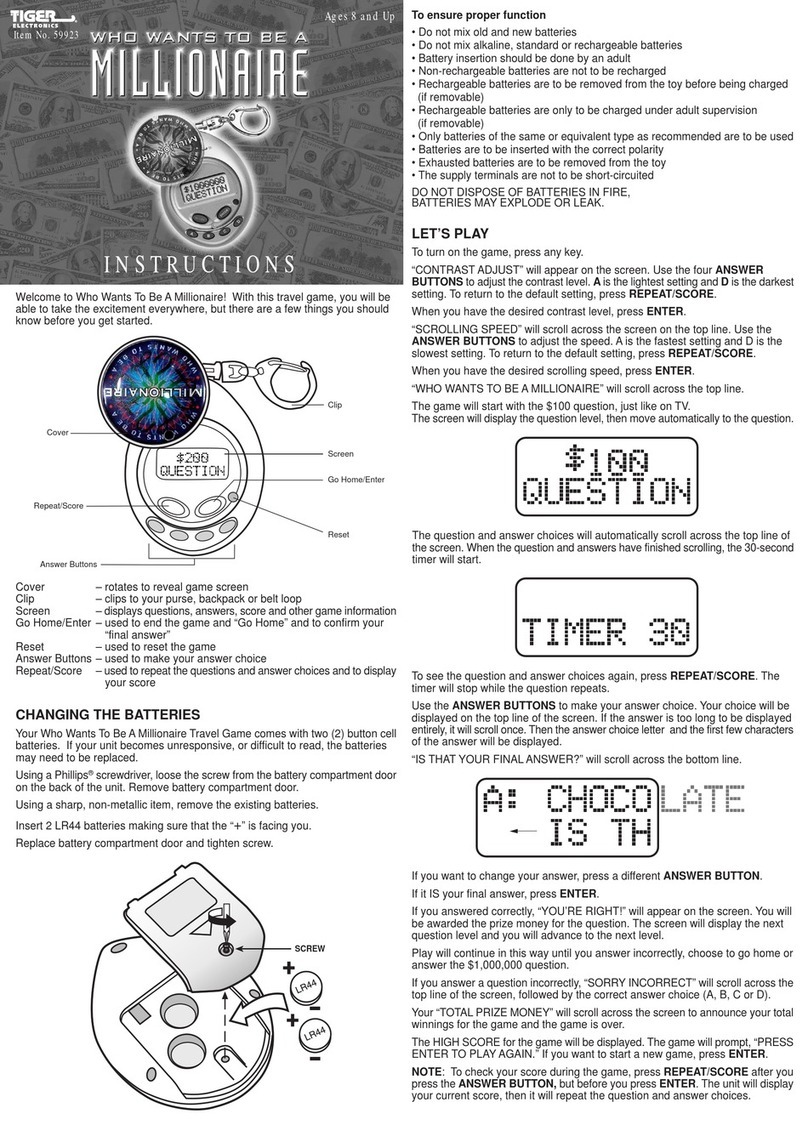
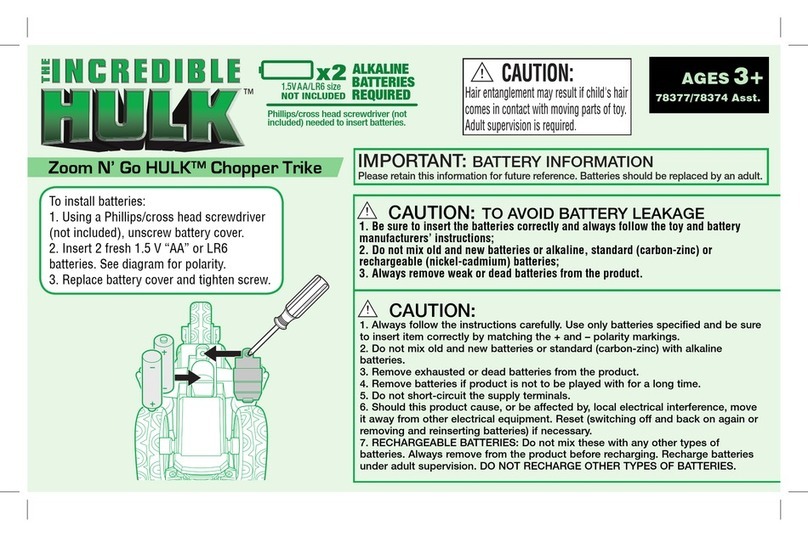
2.Insert 2 “AAA”/LR03
batteries into the
battery compartment.
Parent should examine the unit and charger periodically, in case
there is any damage, the toy must not be used until that damage
has been properly repaired.
To Ensure Proper Function
- Do not mix old and new batteries.
- Do not mix alkaline, standard (carbon-zinc), or rechargeable
(nickel-cadmium) batteries.
- Battery installation should be done by an adult.
- Non-rechargeable batteries are not to be recharged.
- Rechargeable batteries are to be removed from the toy
before being charged (if removable).
- Rechargeable batteries are only to be charged under adult
supervision (if removable).
- Only batteries of the same or equivalent type as
recommended are to be used.
- Batteries are to be inserted with the correct polarity, and
follow the toy and battery manufacturer's instructions.
- Exhausted batteries are to be removed from the toy.
- The supply terminals are not to be short - circuited.
- Do not dispose of batteries in fire as batteries may explode
or leak.
Note: Make sure batteries are properly installed before assembling.
3.Re-attach the battery compartment door
and fasten the screw.
Chapter 4 SET UP
CHARGING THE BATTERY
Before you begin playing with i-Cybie, the NiCad battery needs to be
charged. To charge the battery, please follow these simple steps:
Note: - A new battery’s full capacity is achieved after two or three charge and discharge cycles!
- The battery can be charged and discharged hundreds of times but it will eventually wear out.
when the play time is noticeably shorter than normal, it is time to buy a new battery pack.
- When a charger is not in use, disconnect it from the power source. Do not leave the battery
connected to a charger for longer than one day, since overcharging may shorten its life. If
left unused a fully charged battery will discharge itself over time.
- Temperature extremes will affect the ability of your battery to charge: allow it to cool down
below 30°C or warm up above -20°C first.
- Charging time may be varied in countries where there is major fluctuation.