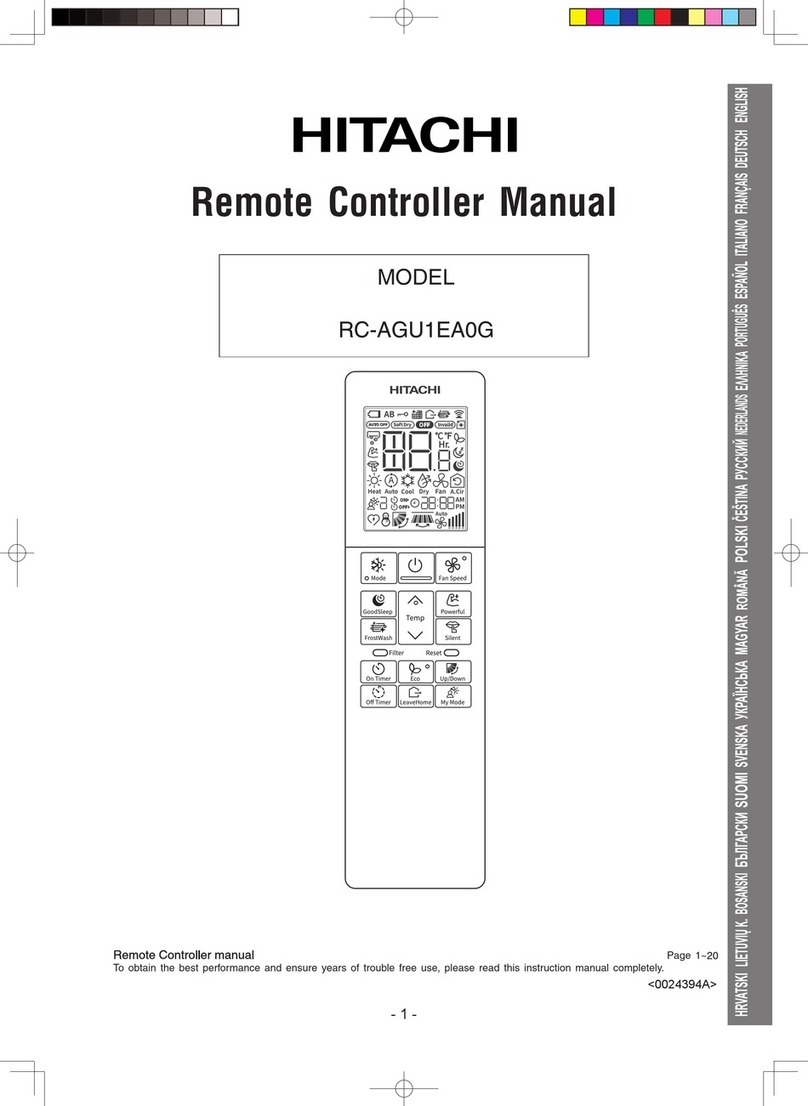
Preparation Before Operation
■To set calendar and clock
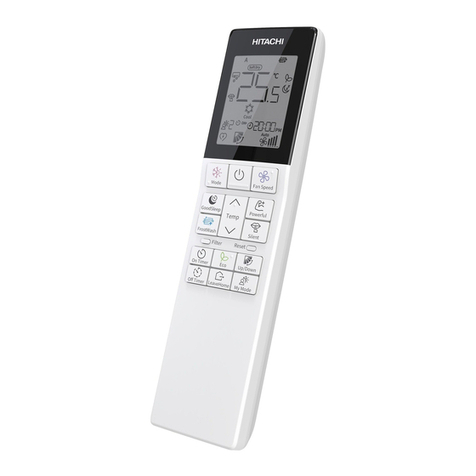
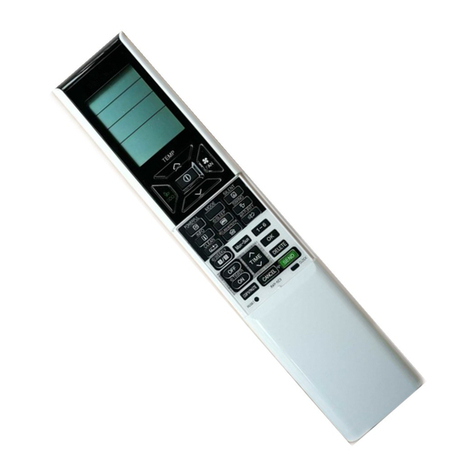
1. Press
"Year" blinks.
(Reset) button when fi rst time setting.
(Time) button to set the current year.
(Time) button to set the current day and
(Clock) button. " " blinks.
(Time) button to set the clock to the current
(Clock) button.
(Clock) button. "Day" and "Month"
2. Press
3. Press
blink.
4. Press
month.
5. Press
6. Press
time.
7. Press
(Clock)
Calendar and clock are set.
To modify the calendar and clock, press
button.
Then follow steps 2 to 7.
Calendar and clock need to be set again after changing the
batteries or when remote controller reset.
After changing the batteries,
1. Press (Reset) button.
2. Direct remote controller towards indoor unit and press
(Info) button.
3. The calendar and clock from indoor unit will be transmitted.
■ Calendar and clock will not be transmitted from indoor unit
when the following occurs:
●When there is a power failure.
●When breaker is OFF by user (unit is not in STANDBY
MODE).
●When indoor unit does not have Date and clock
information.
●When remote controller does not received signal from
indoor unit
OK
OK
OK
OK
NOTE
Note on setting the calendar and clock.
●
During calendar and clock setting change/update, if no key press for 60 seconds or any active key press,
then it will come out of clock setting and shows the previous set value.
If calendar and clock is not set, then "Year" & "--" stop blinking after 60 seconds if no further steps performed
but user can set calendar and clock at any time by following steps mentioned above or if user press any
timer functions related keys (A/B, On Timer, Off Timer, Time Up/Down).
●
●
●
Timer cannot be set.
Weekly Timer will not operate correctly.
If the Calendar and clock are not set correctly, the On Timer, Off Timer, My Mode with timer, LH days and
●If the Calendar and clock are not set, the On Timer, Off Timer, My Mode with timer, LH days and Weekly
When the On Timer, Off Timer, My Mode, LH days, and Weekly Timer are set, the Calendar and clock
cannot be changed. If there is a need to change the Calendar and clock, On Timer, Off Timer, My Mode,
LH days, and Weekly Timer need to be cancelled.