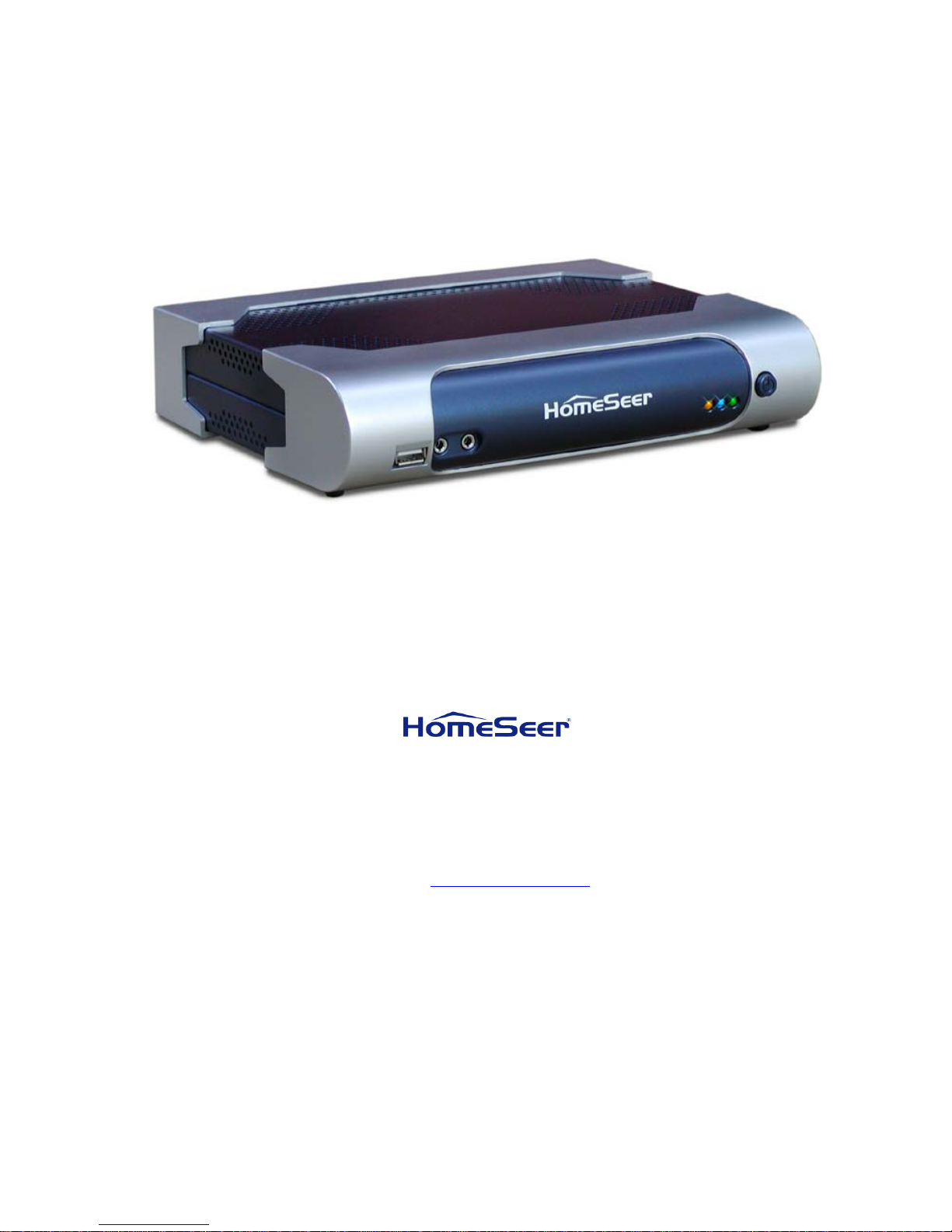
HomeTroller Getting Started Guide – rev 4.1 08/10/2012
Table of Contents
Introduction......................................................................................................... 4
What’s Included ............................................................................................................4
Key Features ................................................................................................................5
Control Unit Specifications..............................................................................................7
Installation .......................................................................................................... 8
Mounting the HomeTroller ..............................................................................................8
Rear Panel Layout .........................................................................................................8
Perform a System Test...................................................................................................9
Accessing the HomeTroller............................................................................................10
HomeTroller Operating System Protection (HSProtect) .....................................................11
Setting the Time Zone .................................................................................................12
Using RealVNC for Remote Access .................................................................................12
Adding and Configuring Devices ........................................................................ 13
About Devices.............................................................................................................13
Supported Technologies and Manufacturers ....................................................................13
Configuring Devices.....................................................................................................14
Creating Devices .........................................................................................................15
Controlling Devices with Events......................................................................... 17
Elements of an Event...................................................................................................17
Creating an Event........................................................................................................18
Voice Recognition .............................................................................................. 19
The Speaker Client Application......................................................................................19
Voice Recognition Events..............................................................................................21
Command Syntax........................................................................................................21
HomeSeer Phone ............................................................................................... 24
Connecting the Telephone Voice Interface ......................................................................24
Enabling the Phone Feature ..........................................................................................25
Running Events by Phone.............................................................................................25
The Address Book........................................................................................................25
Receiving Phone Messages............................................................................................25
Caller Announcements .................................................................................................26
Customizing the HomeTroller............................................................................. 26
ASCII Scripting ...........................................................................................................26
Scripting ....................................................................................................................26
Digital I/O ..................................................................................................................26
Advanced Programming ...............................................................................................27
Operating System Restrictions........................................................................... 27
Technical Support .............................................................................................. 27
Information ....................................................................................................... 27
FCC/CE Regulations .....................................................................................................27
Warranty Information ..................................................................................................28