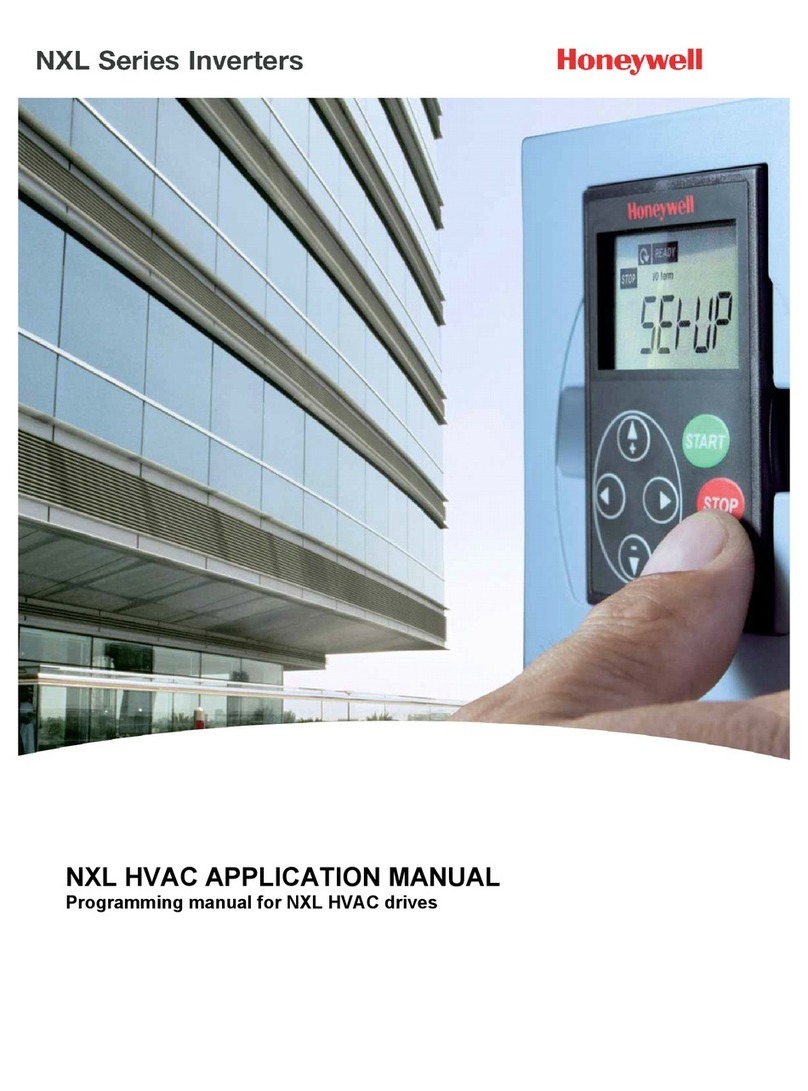
NXL HVAC PID Control
What You Need to Know
Motor nameplate data
−Nominal Current
−Nominal Speed
Signal/sensor specification
−Signal type
(volts, milliamps)
−Range
(0-10, 2-10, 0-20, 4-20)
−Sensor span
Setup
NXL HVAC PID Control
10
3 Run the Start Up Wizard
Note: Running the Start Up Wizard resets all parameters to their default values.
•Hold STOP down for 5 seconds
•Select application type FAN or PUMP and confirm with ENTER
•Select motor nominal speed and confirm with ENTER
•Select motor nominal current and confirm with ENTER
4 Full view of parameters
•P2.1.14 Parameter Conceal Set to 0 (not in use)
5 Control Signal Settings
•For Volt sensor signal use Analogue Input 1 (AI1)
0 – 10 V Default (no settings needed)
2 – 10 V P2.2.6 AI1 signal range Set to 4
•For milliamp sensor signal use Analogue Input 2 (AI2)
4 – 20 mA Default (no settings needed)
0 – 20 mA P2.2.12 AI2 signal range Set to 1
6 PID
•PID settings
P2.9.1 PID activation Set to 1 (activate)
P2.9.2 PID reference
no external reference Set to 2 (value from keypad)
external reference Set to 0 (AI1) or 1 (AI2)
•Where is the sensor connected?
P2.9.3 Actual value input Set to 0 (AI1) or 1 (AI2)
•PID reference (set-point)
Note: Only apply if not using external reference from controller!
P3.5 PID reference value (Set point value in percentage)
% = ((set-point – minimum) / span) x 100
For example: set-point is 3.2 bar, the sensor span is 0 – 5 bar.
3.2 divided by 5 is 0.64; the value to set in P3.5 is thus 64
Note:Only one function per input. If there is a need to change mA input to V input or
vice versa, please see instructions in the NXL HVAC User’s Manual. Available for
download at http://inettrack.europe.honeywell.com/support.