manuals.online logo
Brands
  1. Home
  2. •
  3. Brands
  4. •
  5. Honeywell
  6. •
  7. Telephone Accessories
  8. •
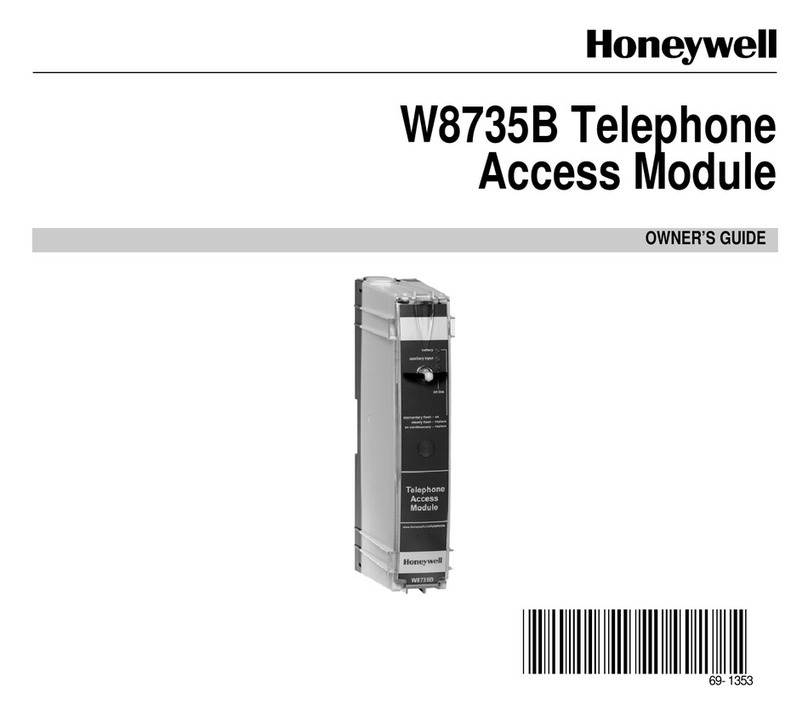
  9. Honeywell TELEPHONE ACCESS MODULE W8735D Owner's manual

Honeywell TELEPHONE ACCESS MODULE W8735D Owner's manual

Other manuals for TELEPHONE ACCESS MODULE W8735D

2

Other Honeywell Telephone Accessories manuals

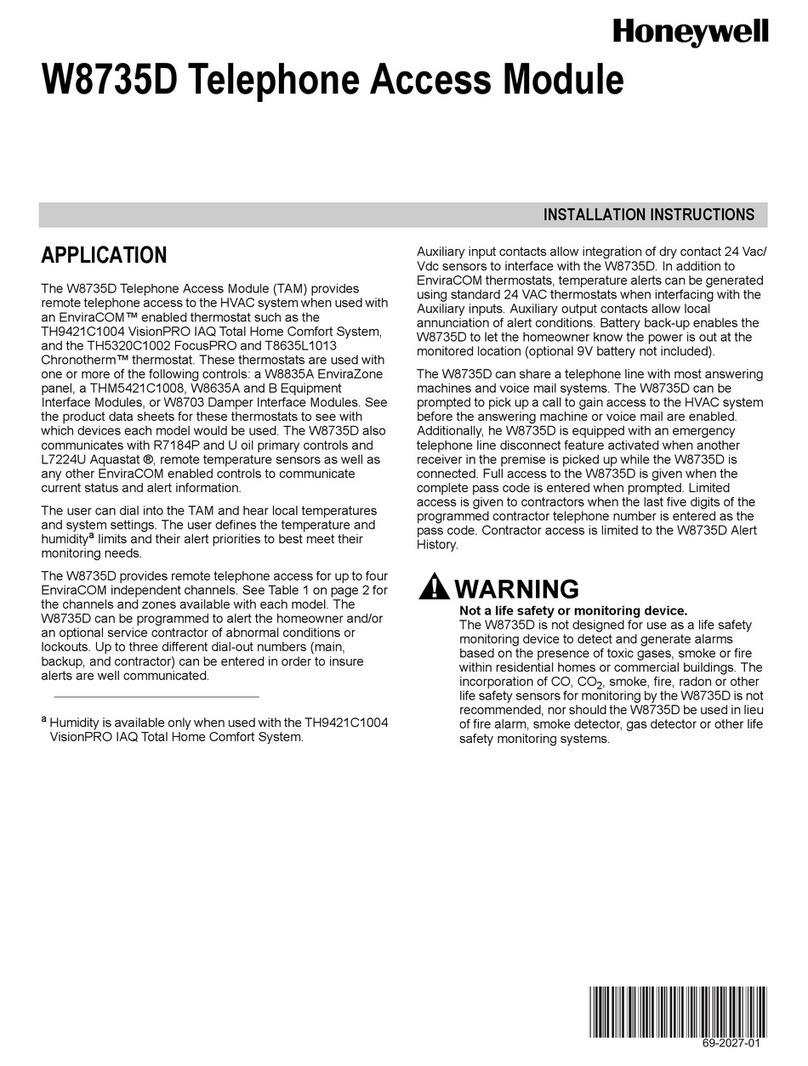
Honeywell TELEPHONE ACCESS MODULE W8735D User manual

Honeywell

Honeywell TELEPHONE ACCESS MODULE W8735D User manual

Honeywell Series A User manual

Honeywell

Honeywell Series A User manual

Honeywell W8735B User manual

Honeywell

Honeywell W8735B User manual

Honeywell W8735B User manual

Honeywell

Honeywell W8735B User manual

Honeywell CT4 Series User manual

Honeywell

Honeywell CT4 Series User manual

Popular Telephone Accessories manuals by other brands

Viking DLE-200B Technical practice

Viking

Viking DLE-200B Technical practice

Lucent Technologies SPIRIT 1224 Controller user guide

Lucent Technologies

Lucent Technologies SPIRIT 1224 Controller user guide

BT DIVERSE 5400 user guide

BT

BT DIVERSE 5400 user guide

Tadiran Telecom EMERALD ICE installation manual

Tadiran Telecom

Tadiran Telecom EMERALD ICE installation manual

Musicam FieldFone II user guide

Musicam

Musicam FieldFone II user guide

Polycom KIRK KIRK 4040 Features guide

Polycom

Polycom KIRK KIRK 4040 Features guide

TIPTEL DECT Set 50 user manual

TIPTEL

TIPTEL DECT Set 50 user manual

Panasonic KX-UDS124 installation guide

Panasonic

Panasonic KX-UDS124 installation guide

BT BT7600 Quick setup and user guide

BT

BT BT7600 Quick setup and user guide

MCheeta CT-CID803 Plus user manual

MCheeta

MCheeta CT-CID803 Plus user manual

View VP-PC installation guide

View

View VP-PC installation guide

Baldwin Boxall BT8 operating instructions

Baldwin Boxall

Baldwin Boxall BT8 operating instructions

SMC Networks SMCDPCR-AP specification

SMC Networks

SMC Networks SMCDPCR-AP specification

SkyLink SD-001 user manual

SkyLink

SkyLink SD-001 user manual

Nera ISDN user guide

Nera

Nera ISDN user guide

Intellitouch MOH-500E Specifications

Intellitouch

Intellitouch MOH-500E Specifications

Viking SQRG-12 Technical practice

Viking

Viking SQRG-12 Technical practice

Bang & Olufsen beocom 1401 user manual

Bang & Olufsen

Bang & Olufsen beocom 1401 user manual

manuals.online logo
manuals.online logoBrands
  • About & Mission
  • Contact us
  • Privacy Policy
  • Terms and Conditions

Copyright 2025 Manuals.Online. All Rights Reserved.

Telephone Access Module (TAM)
W8735D
With the Telephone Access Module (TAM) from Honeywell,
homeowners can adjust the comfort levels in their home, cabin or
vacation retreat by simply using a telephone. Your customers can arrive
home to the temperature they desire or monitor their home’s HVAC systems
when away. You can set the TAM so that they can even receive alerts if there’s
a problem with the HVAC system, or you can arrange to have the alerts sent
straight to you as part of a monitoring service. Because the TAM utilizes
Honeywell’s EnviraCOM™ communications protocol, you’ll have a wealth of
information available for both monitoring and remote troubleshooting. For both homeowners and your business,
the Honeywell Telephone Access Module provides peace of mind.
Automation and Control Solutions
In the U.S.:
Honeywell
1985 Douglas Drive North
Golden Valley, MN 55422-3992
In Canada:
Honeywell Limited
35 Dynamic Drive
Toronto, Ontario M1V 4Z9
www.honeywell.com
63-9660 PR
June 2009
© 2009 Honeywell International Inc.
W8735D Telephone Access Module
Easy Installation And Setup
The Honeywell Telephone Access Module is powered by
EnviraCOM™, a 3-wire protocol ideal for residential and light
commercial applications. EnviraCOM is virtually free of any
commissioning requirements and the TAM automatically updates
as soon as a new EnviraCOM burner control, panel or thermostat
is detected. The TAM connects to a standard telephone jack
and an easy-to-follow voice menu guides the setup.
A wide range of devices will interface with the TAM, including:
• T8635L1013
• VisionPRO™ IAQ thermostats
• W8835A EnviraZone Panel
• W8635 Equipment Interface Module (EIM)
• W8703 Damper Interface Module (DIM)
• R7184 Oil Primary
• L7224 Aquastat
• More
Options At Your — Or Your Customers’ —
Fingertips
The Telephone Access Module is perfect for homeowners who
travel often, have vacation properties or simply want the peace
of mind of remote monitoring. The TAM can monitor outdoor
temperature and humidity when the proper sensors are
available. Battery back-up informs the user of power outages.
The TAM is also equipped with helpful diagnostic features:
• Last 10 time-stamped alerts with alert codes for contractors
• Zones can be named to better access information
• Multiple telephone numbers can be entered to ensure alerts
are received
• Repeated dial-outs until alerts are acknowledged
• Alert priorities can be set to ensure critical alerts are
received immediately
Peace Of Mind
The bottom line for the Telephone Access Module is peace
of mind for the homeowner, which can lead to additional
opportunities for you. Alerts are easily set up using the voice
menu and phone keypad, and can be set up to notify the
homeowner and/or you.
Alerts:
• High/low room temperature
• High/low outdoor temperature (if sensor is available)
• Humidity (if sensor is available)
• Low-battery indication
• System lockout
• Power outage
• Password change
• More
Start offering the Honeywell Telephone Access Module today.
You’ll grow your business while providing homeowners with
a powerful service.
 
W8835A
EnviraZone
Panel
Conventional
24 VAC
Appliances
EIM
W8703 Damper
Interface Module
Telephone Access
Module (TAM)
Auxiliary Devices
(Flood Sensors,
Freeze Stats, etc.) Home
Security
Panel
1
2
Input
Output
3
4
Telephone
19
Boiler 1
W8703 Damper
Interface Module
EIM
Boiler 2
Potential System Connections
* For complete installation instructions,
see appropriate installation manuals.