2
CONTENTS
Chapter 1. USB Data Logger Hardware...............................................................................................3
1.1 Introduction.......................................................................................................................... 3
1.2 Features.................................................................................................................................3
1.3 Application............................................................................................................................ 3
1.4 USB Data Logger Model........................................................................................................ 3
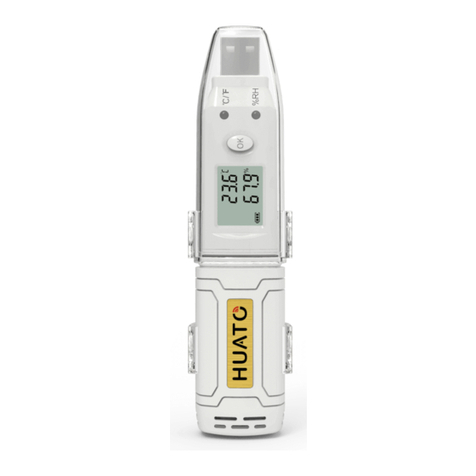
1.5 USB Temperature Data Logger Appearance (HE170/HE171/HE172)...................................4
1.6 USB Temperature Data Logger Screen (HE170/HE171/HE172)........................................... 4
1.7 USB Temperature & Humidity Data Logger Appearance (HE173/HE174)............................5
1.8 USB Temperature & Humidity Data Logger Screen (HE173/HE174)....................................5
1.9 Button....................................................................................................................................6
1.10 Install Battery...................................................................................................................... 6
1.11 Fix USB Data Logger............................................................................................................ 6
Chapter 2. Logpro Software................................................................................................................ 7
2.1 The Requirement of the Computer Hardware......................................................................7
2.2 Install Driver & Software.......................................................................................................7
2.3 Setting the logger’s properties to start a new measurement..............................................8
2.4 Properties Description.......................................................................................................... 9
2.5 Start record time description........................................................................... ................10
2.6Download the Records after a Measurement.....................................................................10
2.7Data Listing Window............................................................................................................12
2.8Exporting Logs from Logpro.................................................................................................12
2.9Delete Records in the Logger...............................................................................................13
2.10 Check the Save File in File List...........................................................................................13
Chapter 3. Attention..........................................................................................................................14
Chapter 4. FAQ.................................................................................................................................. 14
4.1 LCD Screen Dim...................................................................................................................14
4.2 Data & Time Error............................................................................................................... 14
4.3 Software "Runtime Error"...................................................................................................14
4.4 Check COM Port Number....................................................................................................14