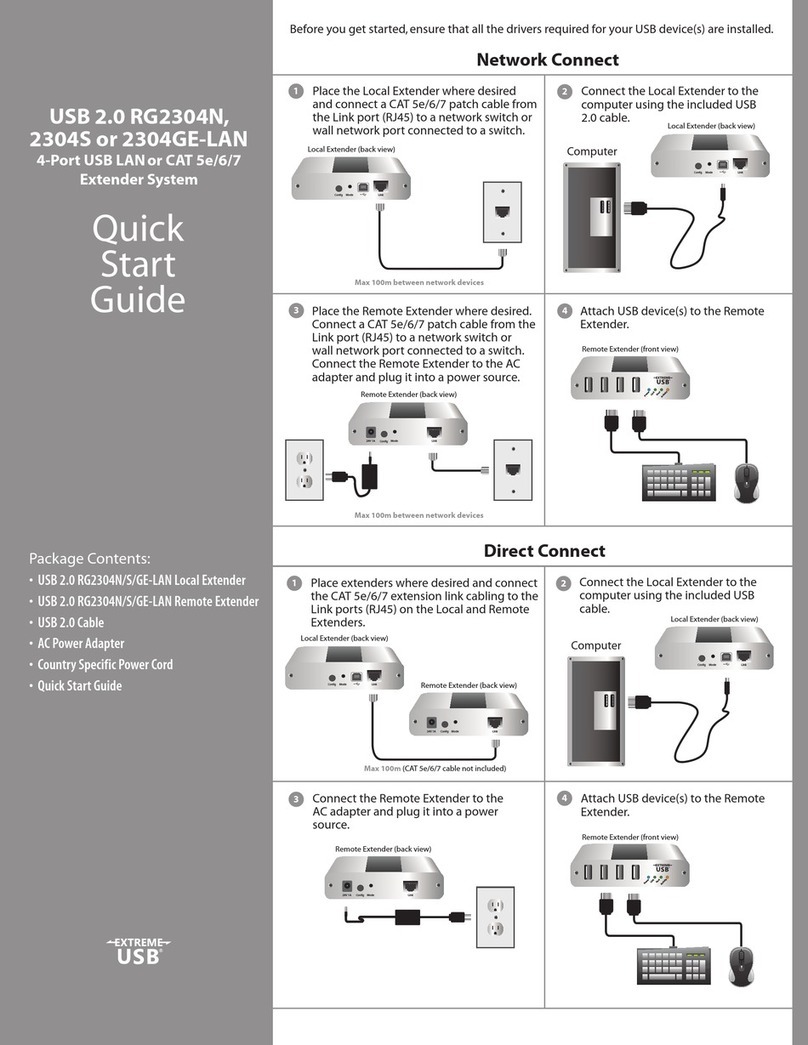
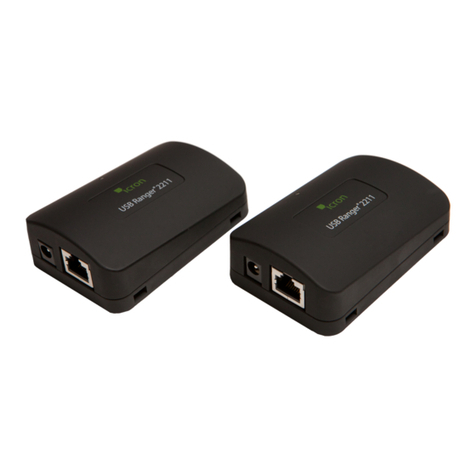
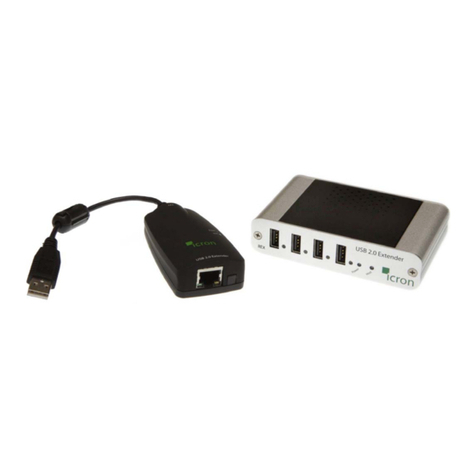
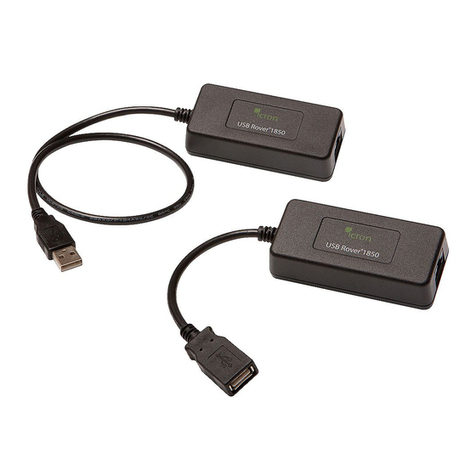
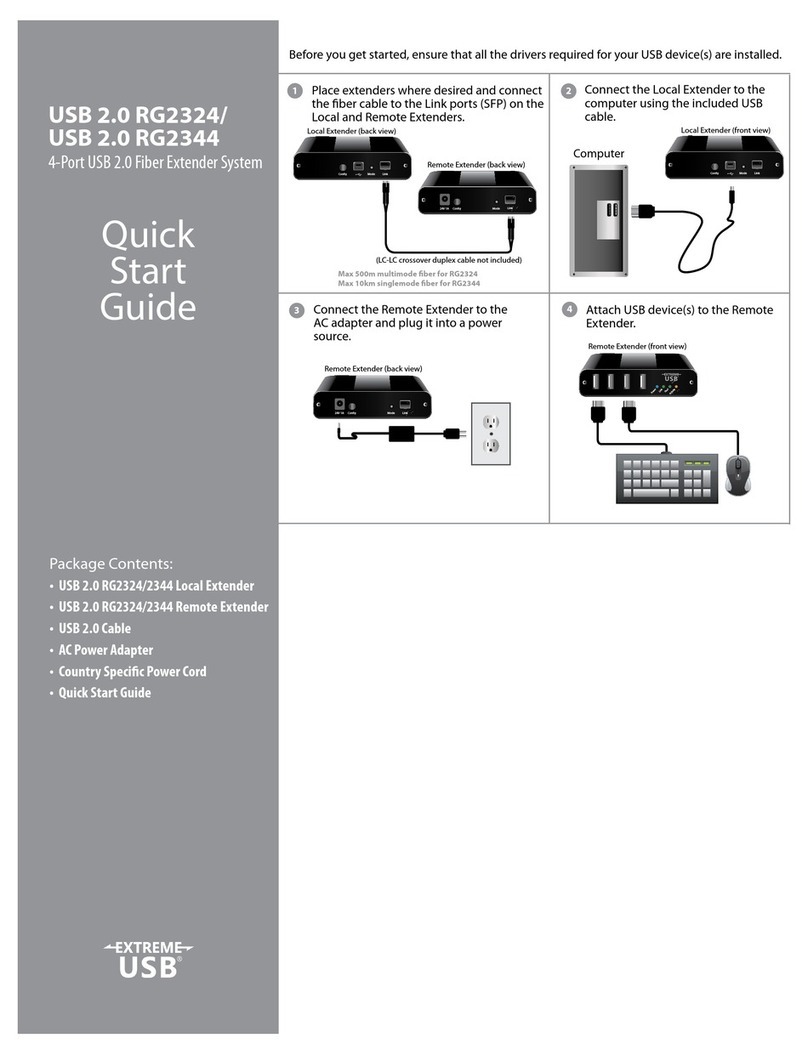
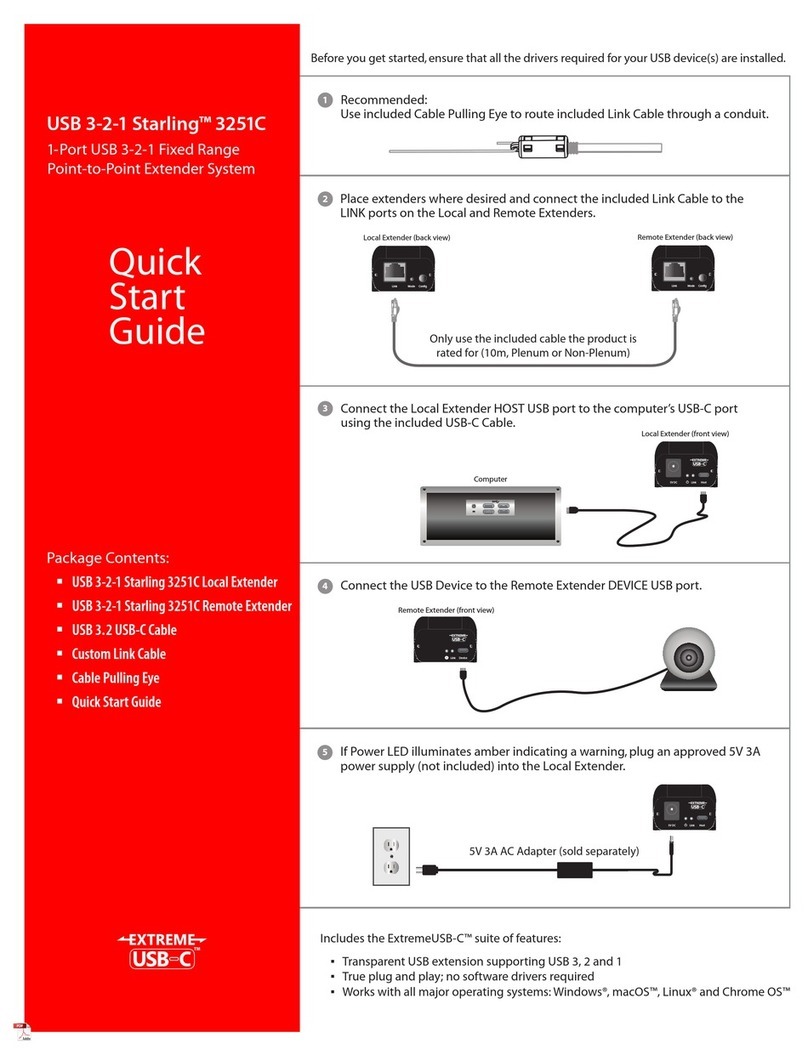
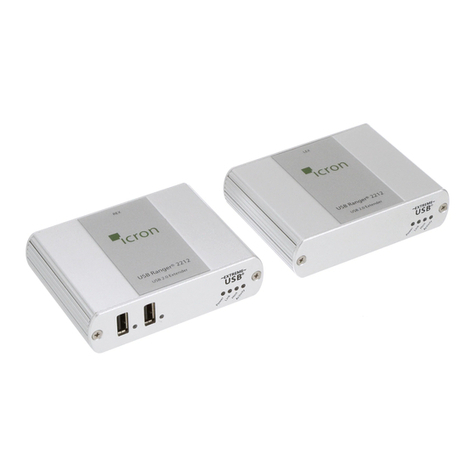
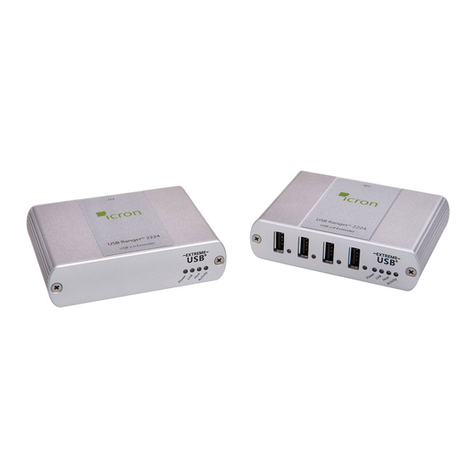
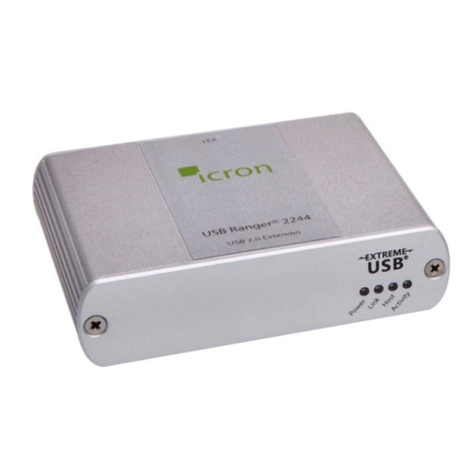
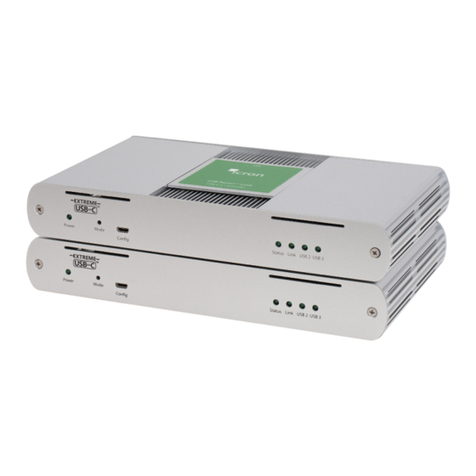
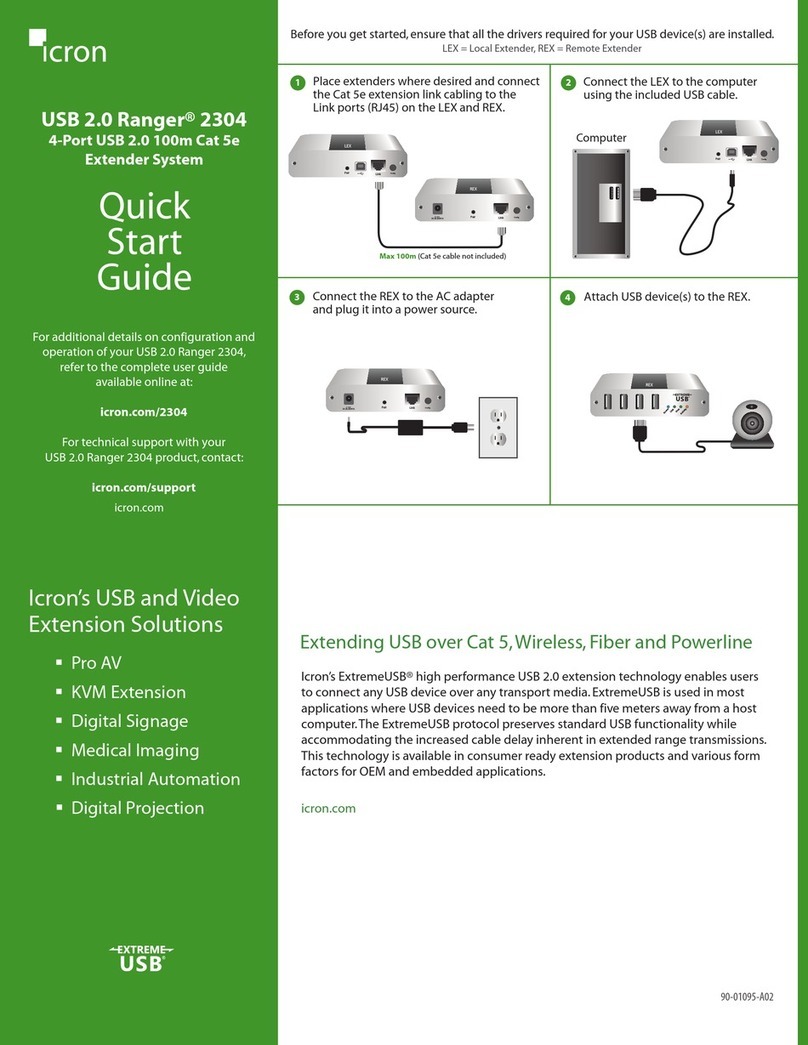
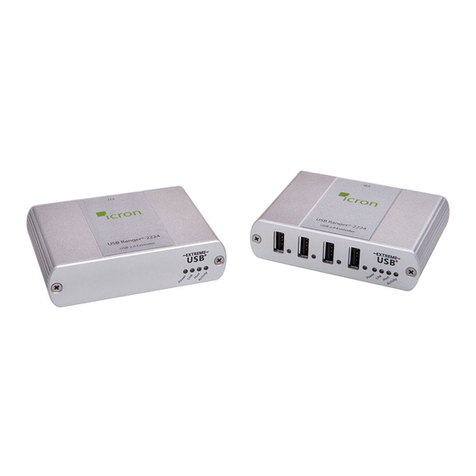
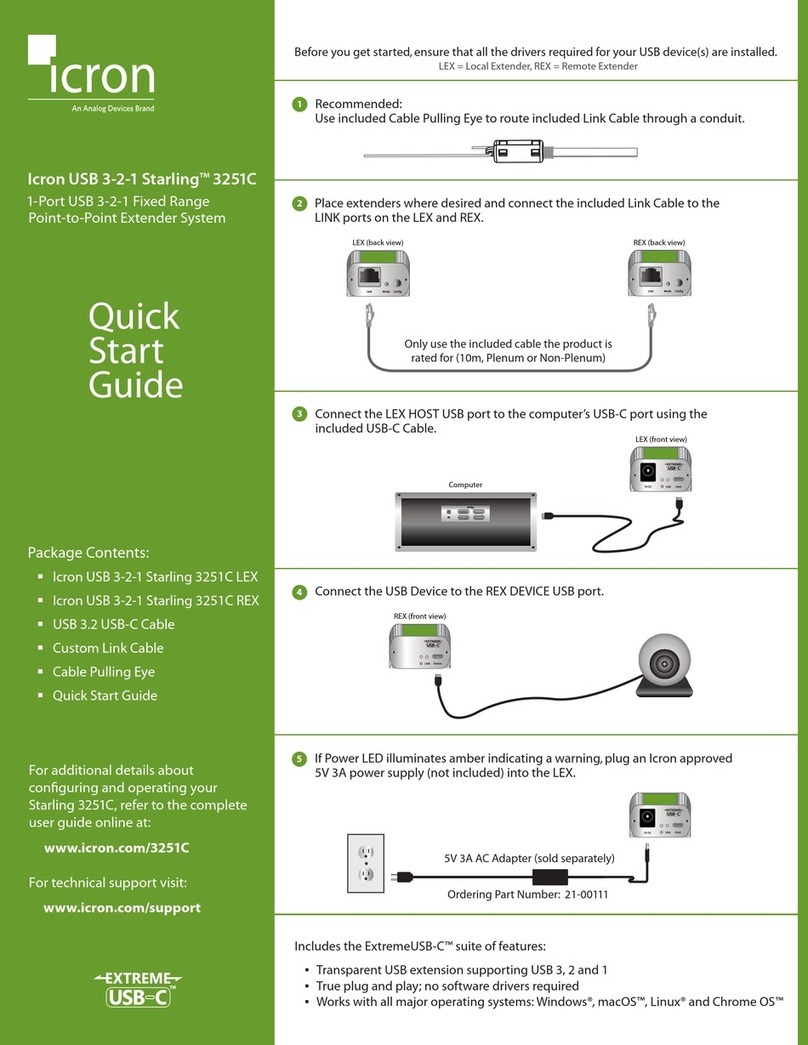
Connecting the Local Extender to the Remote Extender
To ensure proper operation, it is recommended that solid core Cat 6 STP cabling be used to connect the Local Extender
unit to the Remote Extender unit.The cabling must have a straight-through conductor configuration with no crossovers
and must be terminated with Cat 6 connectors to qualify as Cat 6.
With Surface Cabling
1. Plug one end of the Cat 5 cabling (not included) into the Link port (RJ45) on the Local Extender unit.
2. Plug the other end of the Cat 5 cabling into the Link port (RJ45) on the Remote Extender unit.
With Premise Cabling
1. Plug one end of a Cat 5 patch cord (not included) into the Link port (RJ45) on the Local Extender unit.
2. Plug the other end of the patch cord into the Cat 5 information outlet near the host computer.
3. Plug one end of the second Cat 5 patch cord (not included) into the Link port (RJ45) on the Remote
Extender unit.
4. Plug the other end of the second patch cord into the Cat 5 information outlet near the USB device.
Connecting Power to the Local Extender and Remote Extender
1. Plug the 5V, 3A power adapter into a suitable AC outlet near the Local Extender.
2. Connect the power adapter to the Local Extender.
3. Plug the 5V, 3A power adapter into a suitable AC outlet near the Remote Extender.
4. Connect the power adapter to the Remote Extender.
Use only the power adapters supplied with the product. Use of substitute adapters may cause permanent damage to
the system and will void the warranty.
Checking the Installation
1. On the Local Extender and Remote Extender units, check that the Power, Link, USB, and Video LEDs
are on. If the Link LED is off, then the cabling between the Local Extender and Remote Extender unit is
not installed properly or is defective.
2. Check to see if the USB LED is on and the Video LED is blinking or on, if they are not this indicates there
is no USB data or Video data. Check the DVI and USB connections to the host computer, and the DVI
connection to the monitor. Check to see if any USB devices are connected to the Remote Extender.
note
9