3
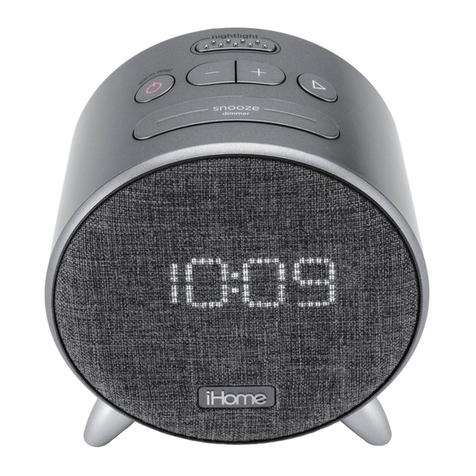
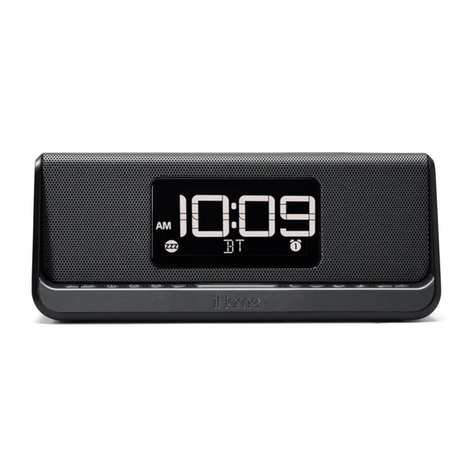
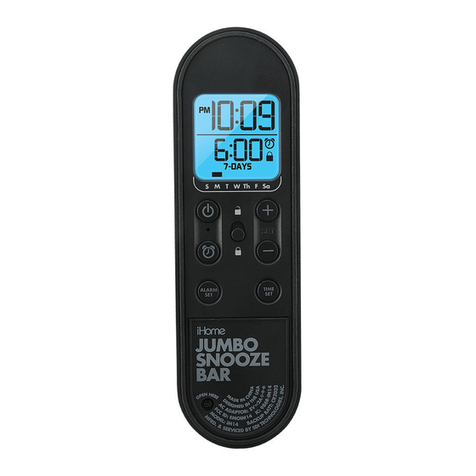
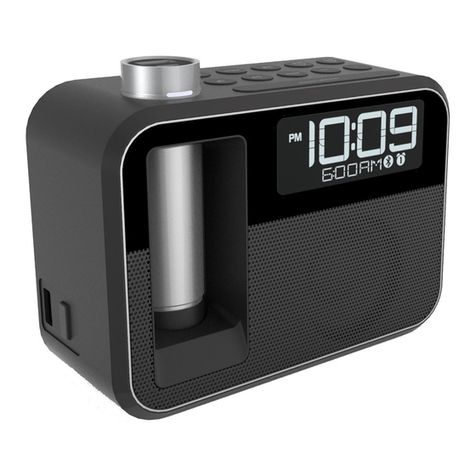
iKN95
Table of Contents
Included .........................................................................................................................................4
Meet Your iKN95.............................................................................................................................5
Display...........................................................................................................................................6
Setting Up the Unit............................................................................................................................6
Charging
Charging the K-Cell via AC Adaptor/Battery Level Meter....................................................................7
Charging the K-Cell via USB..........................................................................................................8
Charging Devices Using the K-Cell/Charging Devices Using the USB Charging Port................................9
Setting The Clock ...........................................................................................................................10
Setting and Using the Alarms ....................................................................................................... 10-11
Using the FM Radio ................................................................................................................... 12-13
Snooze Mode/Dimmer button/Sleep Mode .......................................................................................13
Bluetooth
Using Bluetooth: Pairing Your Device Using NFC .............................................................................14
Using Bluetooth: Pairing Your Device Manually................................................................................15
Pairing with a Different Device
/
Playing Audio Via Bluetooth ............................................................16
Speakerphone Operation ...........................................................................................................17
Playing Audio via Aux In .................................................................................................................18
Replacing and Installing Clock Backup Battery.....................................................................................19
Consumer Product Safety Guide........................................................................................................20
FCC Information.............................................................................................................................21
Troubleshooting..............................................................................................................................22
Warranty......................................................................................................................................23