9
1. The Stove Alarm emits alarms during normal
cooking.
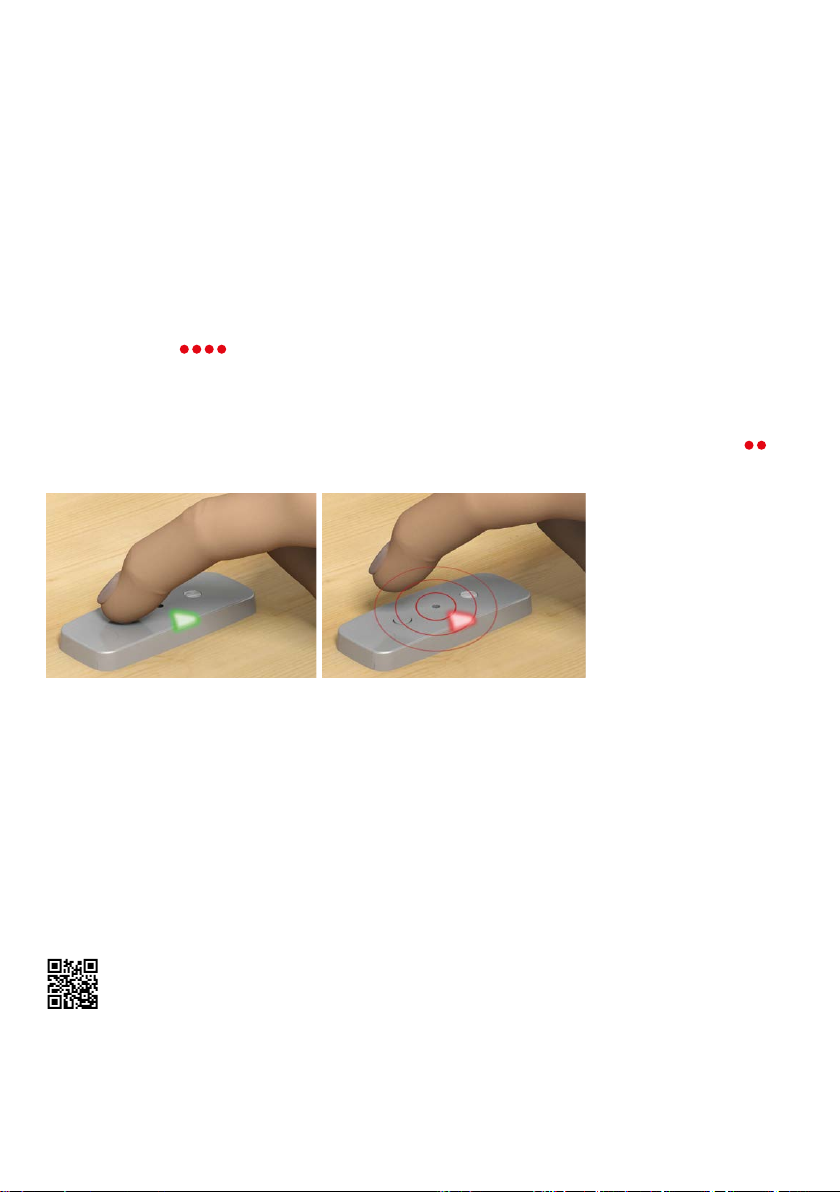
ANSWER 1: Pressing the Stove Alarm button during the
pre-alarm lowers the sensitivity slightly.
Other causes of alarms during normal cooking:
• A pot is removed from a hot burner
• A kettle/pot does not cover the burner
• Cooking without a lid
• A hot frying pan placed on the burner
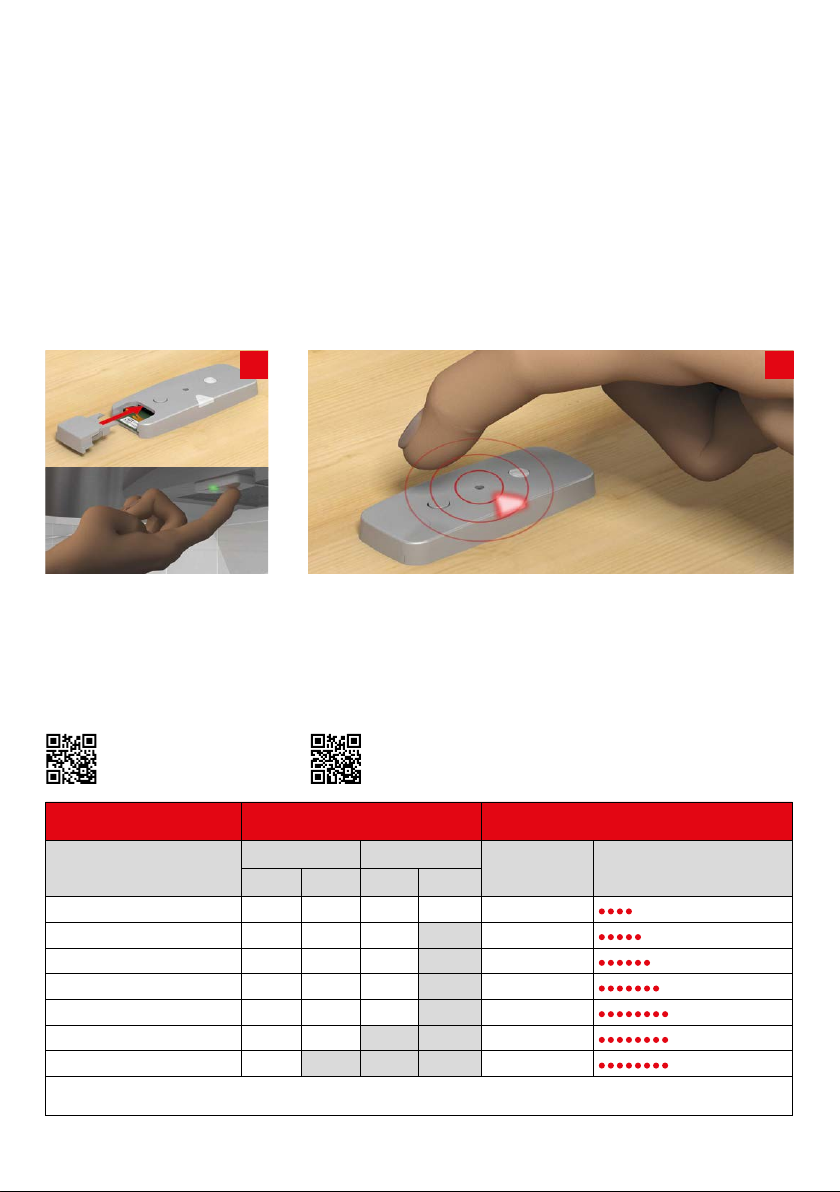
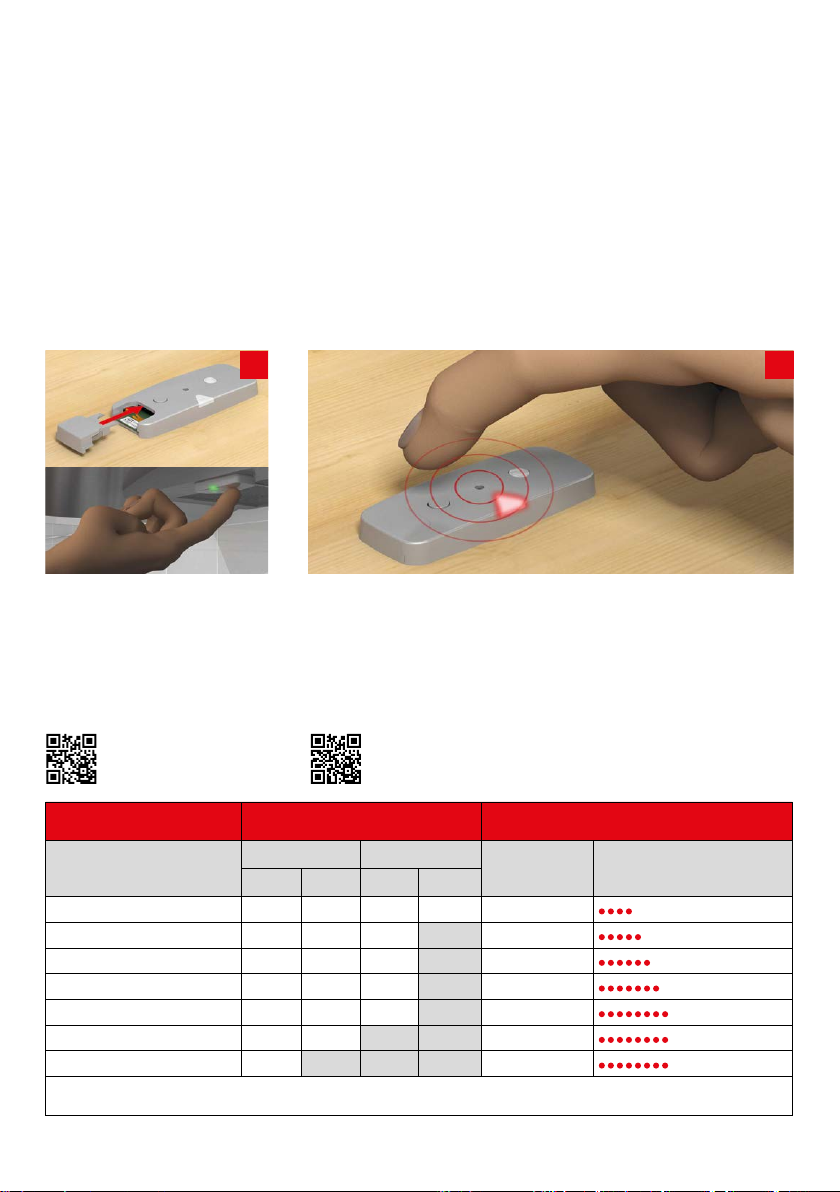
ANSWER 2: If measures to prevent unnecessary alarms
have been performed a few times and the Stove
Alarm still emits alarms in the same situation, the
sensitivity should be adjusted less sensitive manually,
for example from level 4 to level 5. See page 18.
2. During the function test, the Stove Alarm does
not emit a sound when the button is pressed.
ANSWER: Make sure that the battery has power and
is inserted properly, "plus-side" up.
3. The Stove Alarm did not give an alarm in a
dangerous situation.
ANSWER 1: It is possible that the temperature was
not high enough to be identied as a dangerous
situation. The Stove Alarm takes dierent cooking
situations into account, including high-temperature
cooking, and should not give an alarm too easily.
Therefore, it only emits an alarm when a certain
temperature (or rate of temperature rise) is detected,
but still long before a real risk situation. However, it
is important to check the Stove Alarm’s function (see
the next sections).
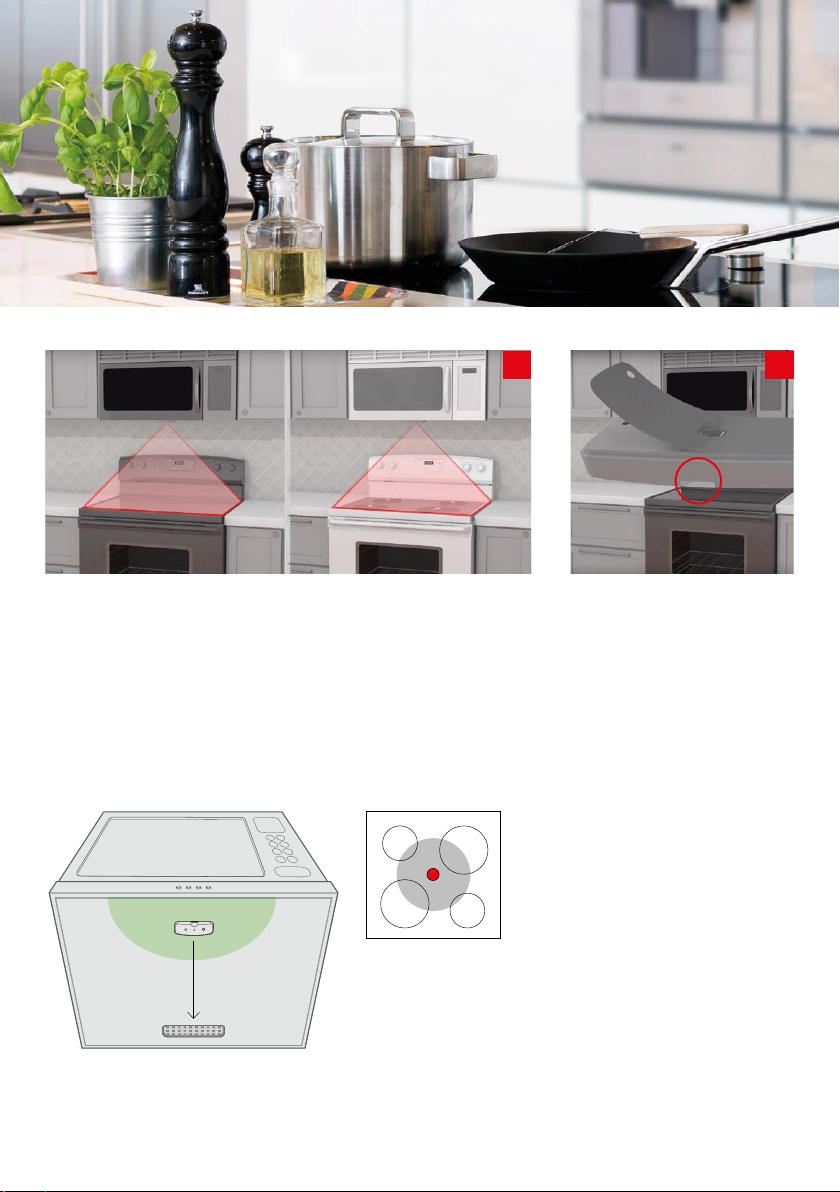
ANSWER 2: Make sure that the Stove Alarm is correctly
installed. See page 5 and after.
ANSWER 3: It is possible to change the sensitivity
of the Stove Alarm, so it reacts earlier. Increase the
sensitivity by one or two steps. See page 18.
4. I cancelled the pre-alarm by mistake, even
though the alarm was triggered by a dangerous
situation. Has the Stove Alarm become too insen-
sitive now?
ANSWER: Deactivating the pre-alarm changes the
sensitivity, but only to a small extent. This pre-alarm
can therefore be deactivated several times without
aecting the sensitivity of the high temperature
alarm.
5. The Stove Alarm gives an alarm when I make
coee with an espresso pot.
Espresso pots are often much smaller than the burn-
er, and the heat from the burner makes the Stove
Alarm think there is a dangerous situation.
Use suitable size cooking vessels.
ANSWER: Deactivate the alarm by pressing the
Stove Alarm button. The sensitivity level of the Stove
Alarm will not change, as the espresso maker trig-
gered an alarm for maximum temperature and not
self-learning.
6. What do I do if the Stove Alarm must be re-
placed with a new one?
ANSWER: Contact the retailer for a new part.
7. Where can I nd the Stove Alarm model num-
ber?
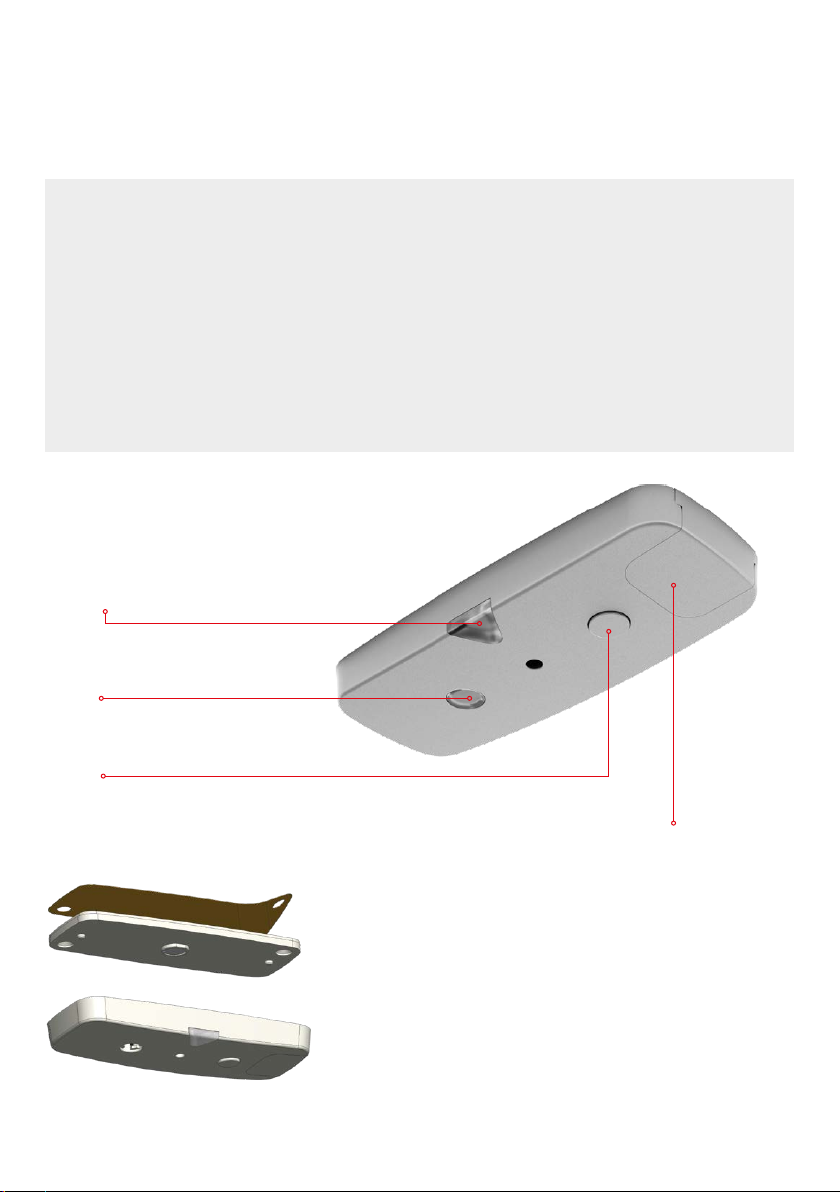
ANSWER: On the underside of the Stove Alarm there
is a sticker with the model number.
FREQUENTLY ASKED
QUESTIONS