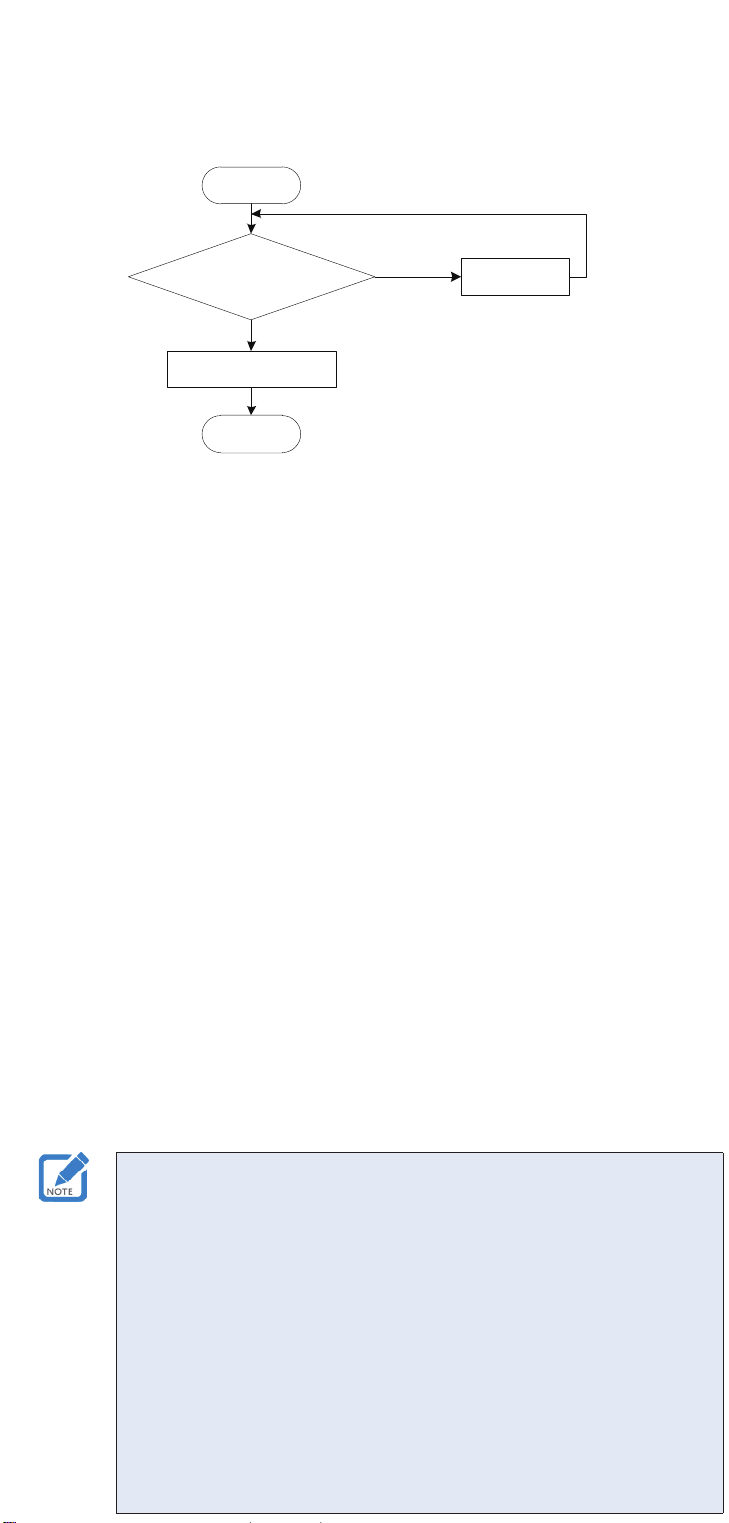
Figure 9 Flowchart for password deletion
3. After a password is deleted, elevator call using the original password fails, and new
password registration is allowed.
◆Indicator description
●After #5# is entered for password registration by a user, the indicator blinks in red
for 0.5 seconds and in green for 0.5 seconds.
●After #2# is entered for password change by a user, the indicator blinks in red for
50 ms and in red for 1 second.
●After #1# is entered for password change by an administrator, the indicator blinks
in red for 1 second and in green for 1 second.
●After a room number and four-digit password are entered for elevator call by a
user, the indicator is steady on in green.
●When the password keypad is in idle state, the password deletion function
is enabled, or an administrator enables or disables IC card functions using a
password, the indicator is steady on in red.
◆Buzzer sound
●If the buzzer sounds once, a button is pressed.
●If the buzzer sounds twice, the operation is correct, or further operation is allowed
during the procedure.
●If the buzzer sounds four times, the operation is incorrect, or further operation is
not allowed due to faults such as a password error. In this case, restart the whole
procedure.
◆A user password consists of a room number (specied during card making with
four digits) and a password. For example, if the room number is 1205 and the
password is 8543, the user password is 12058543. During password registration
and change, only the last four digits of the password are required.
◆An administrator password contains 10 digits. A maximum of two administrator
passwords can be stored. By default, both the two administrator passwords are
set to 1111111111 before delivery. Therefore, the two administrator passwords
must be changed after installation.
◆After entering a password, press # to conrm.
◆If an incorrect password is entered, press *to exit. Then, restart the whole
procedure to register or change the password.
◆If no operation is performed within a specied period, the system automatically
exits the current procedure.
5 6
◆Password change by a user
Figure 8 Flowchart for IC card system enabling and disabling by an administrator
4
Warranty Agreement
1. Inovance provides 18-month free warranty to the equipment itself from the date of
manufacturing for the failure or damage under normal use conditions.
2. Within the warranty period, maintenance will be charged for the damages caused by
the following reasons:
a. Improper use or repair/modication without prior permission
b. Fire, ood, abnormal voltage, other disasters and secondary disasters
c. Hardware damage caused by dropping or transportation after procurement
d. Improper operations
e. Damage out of the equipment (for example, external device factors)
3. The maintenance fee is charged according to the latest Maintenance Price List of
Inovance.
4. If there is any problem during the service, contact Inovance’s agent or Inovance
directly.
5. Inovance reserves the rights for explanation of this agreement.
Suzhou Inovance Technology Co., Ltd.
Address: No.16, Youxiang Road, Yuexi Town, Wuzhong District, Suzhou 215104, P.R.
China
Website: http://www.inovance.com